

PS5 Digital Edition: What is it? and The Difference from PS5
If you were keeping an eye on the latest PS5 models, you might have already seen a Digital Edition of the PS5 available. What is it actually? How is it different from the PS5? You should take a look at the PS5 vs PS4 comparison to find out the difference between the latest version of…


PS5 vs PS5 Digital Edition
If you were keeping an eye on the latest PS5 models, you might have already seen a Digital Edition of the PS5 available. What is it actually? How is it different from the PS5? You should take a look at the PS5 vs PS4 comparison to find out the difference between the latest version of the Playstation consoles and the older one. Also check out our article explaining if it is worth going for the PS5.
What is PS5 Digital Edition
PS5 Digital Edition is a variant of the PS5 model that comes with a difference in the aesthetics in the design, and the absence of the Blu-ray disc drive. Of course, there is a price difference of around $100. Apart from that, the ps5 digital edition is just like the normal PS5 variant.
PS5 Digital Edition vs PS5
Like already mentioned, the main three differences between the PS5 and the PS5 digital edition variants are, Size/Design, Price, and the 4K UHD Blu-ray disc drive.
In terms of the design, the main difference will be on the side of the standard PS5, the Blu-ray disc drive which will be missing from the Digital Edition. So, the PS5 digital edition will have a more sleek, slim, and curvy design compared to the regular PS5. There are no other significant differences in the design except the disc drive part.
The other main difference we talked about, the 4K UHD Blu-ray disc drive, will be able to play physical discs on your standard Playstation console. The Digital Edition won’t be able to play physical discs which might make much of a difference for people who depend on physical games and media more often.
When it comes to the price, the standard edition will cost you $499.99 while the Digital Edition will be available for $399.99. A difference of $100. So the price difference will come down to the disc drive part which is the only significant difference that we can see between both consoles.
Which one should you buy?
There is no significant difference between these two consoles except the design, disc drive, and price. The performance will stay the same whichever variant you go for. So the answer is pretty obvious. If you need a disc drive to play the PS4 games and other offline discs, you should go with the regular PS5. If you are only planning to download the games directly from the PlayStation store, you should go with the PS5 Digital Edition.
There is also a significant difference between the price of these two variants. The $100 difference is something big compared to the actual price of the device. If you have a lot of physical discs or media, it will be definitely worth it if you have a disc drive that the Digital Edition misses. But if not, it doesn’t make sense going for the standard version. So if you can afford that $100, you should probably go with the better variant, and if not, save that 100 bucks.
In terms of size, it doesn’t make a big difference for me at least. I don’t think the size will be a problem for most people primarily concentrate on the performance of the consoles. But if you are concerned, and you are more of a design guy, you will have to make a choice by yourself between these two variants.
If you’re already on a PS4 and own a lot of physical games you purchased for the PS4, it would also make sense for you to go for the regular PS5 version which can play the discs. If you go for the Digital Edition, you will have to use the Digital Version of the games as it is missing the disc drive. People who think will outrun the 1TB storage, may also go for the standard edition.
More in Guides

Does PS5 Support PS4 Game Discs? PS5 Backward Compatibility Details
PS5 is launched and there is a lot of buzz circulating in the gaming industry. Sony recently launched two new models of PS5 which are Digital and Disc model. Both are having similar design except the digital model will miss the disc slot at the front end. The console is powered by a 10.3 teraflops-equipped…
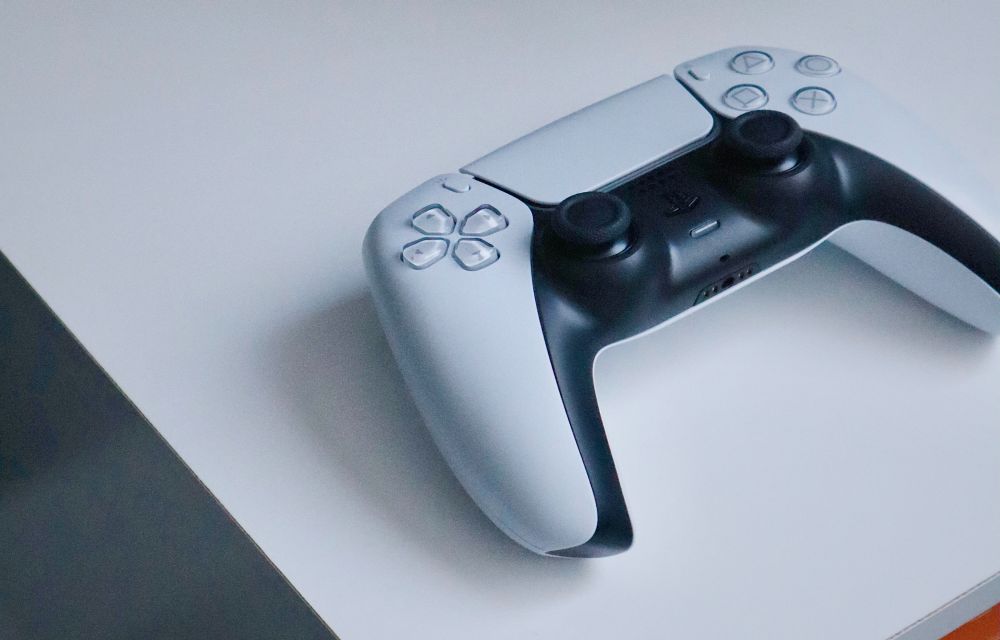
How To Reset PS5
Are you trying to reset your brand new PS5 to default factory settings? If yes, this article will help you to reset the PS5 factory settings, and this tutorial works for both PS5 Standard and Digital editions. Note: A factory reset on PS5 will erase all the games installed along with save data and other…
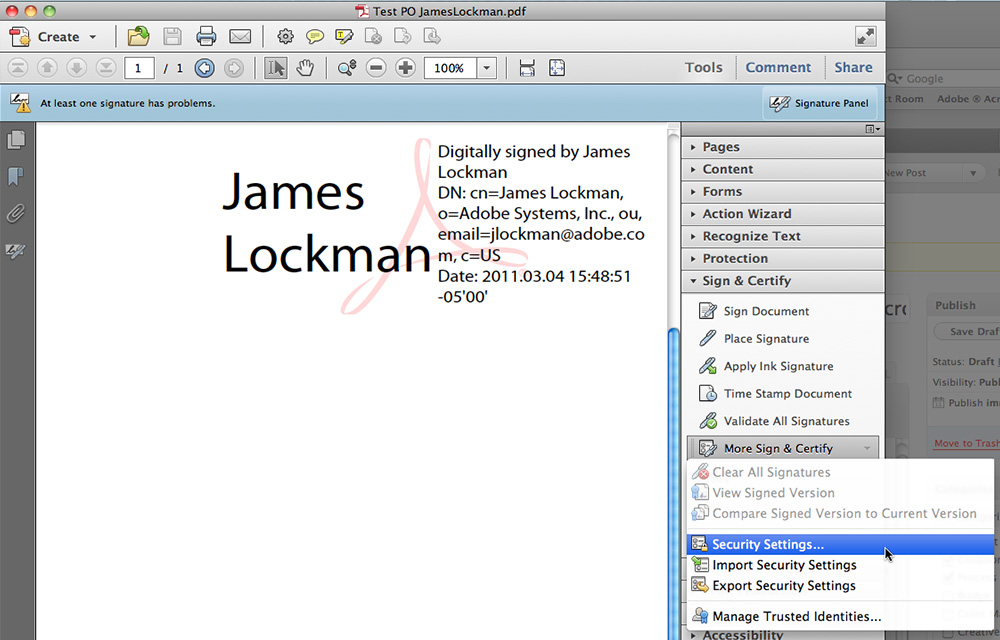
How to Create E-Signatures in Adobe Acrobat
An electronic signature or e-signature is a very useful way to sign documents without printing them. Instead of printing, signing with a pen and scanning the page again, you can add your signature to a PDF in a few clicks. Adobe Acrobat is widely used software that lets you sign PDF documents, and it can…
The week in tech, minus the noise.
New reviews, fixes and the stories that matter — once a week, straight to your inbox.
We only use your email to send the newsletter. Unsubscribe any time. See our privacy policy.
Comments