

How to Fix GTA 6 Code Not Working on PS5 (Already Used, Missing or Invalid)
You bought GTA 6 on day one, opened the box, and found a download code instead of a disc. Then the code didn’t work. Since GTA 6 launched on November 19, buyers of physical copies have been reporting codes that are missing, damaged or rejected as already used, and without a disc there’s no other…

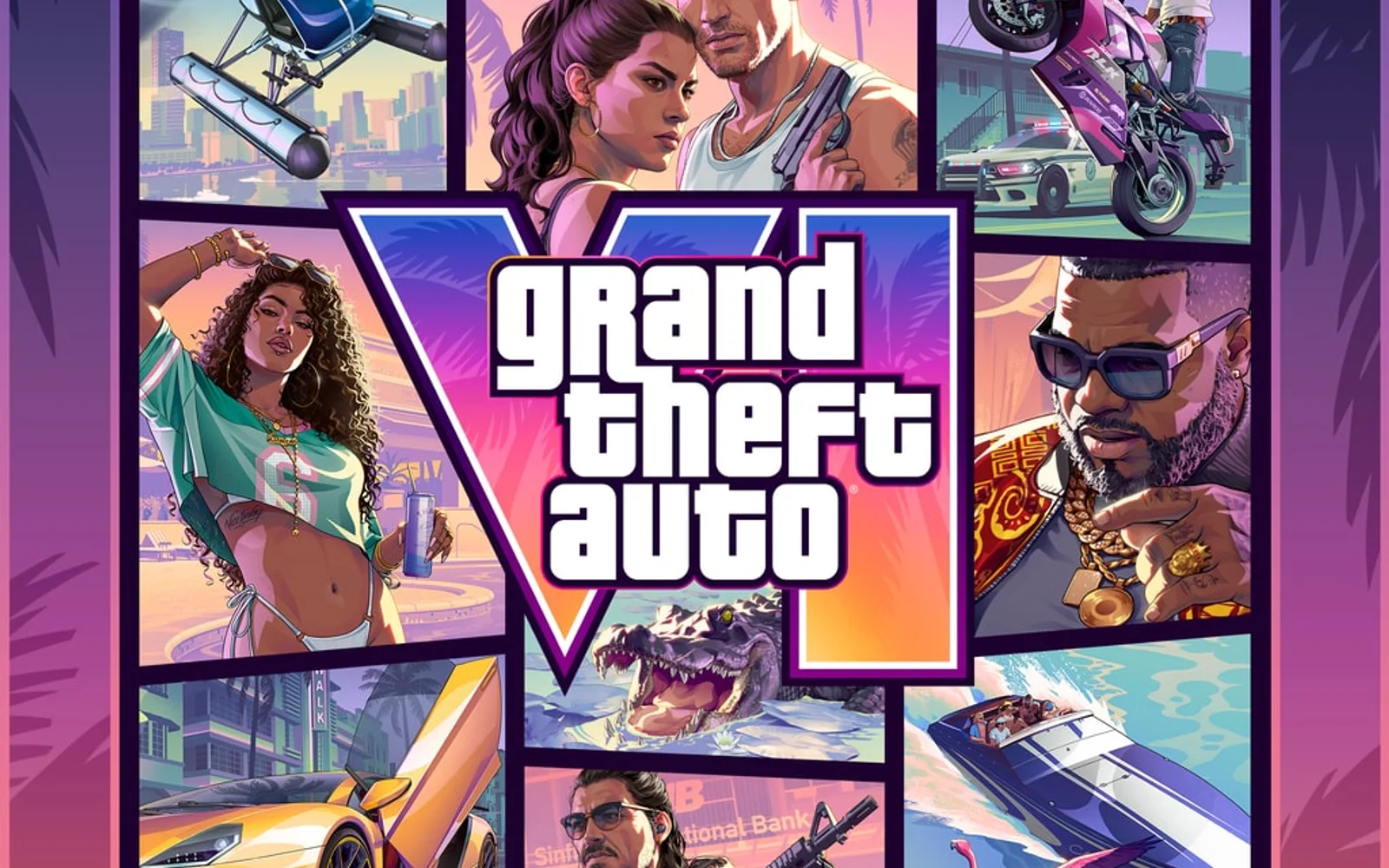
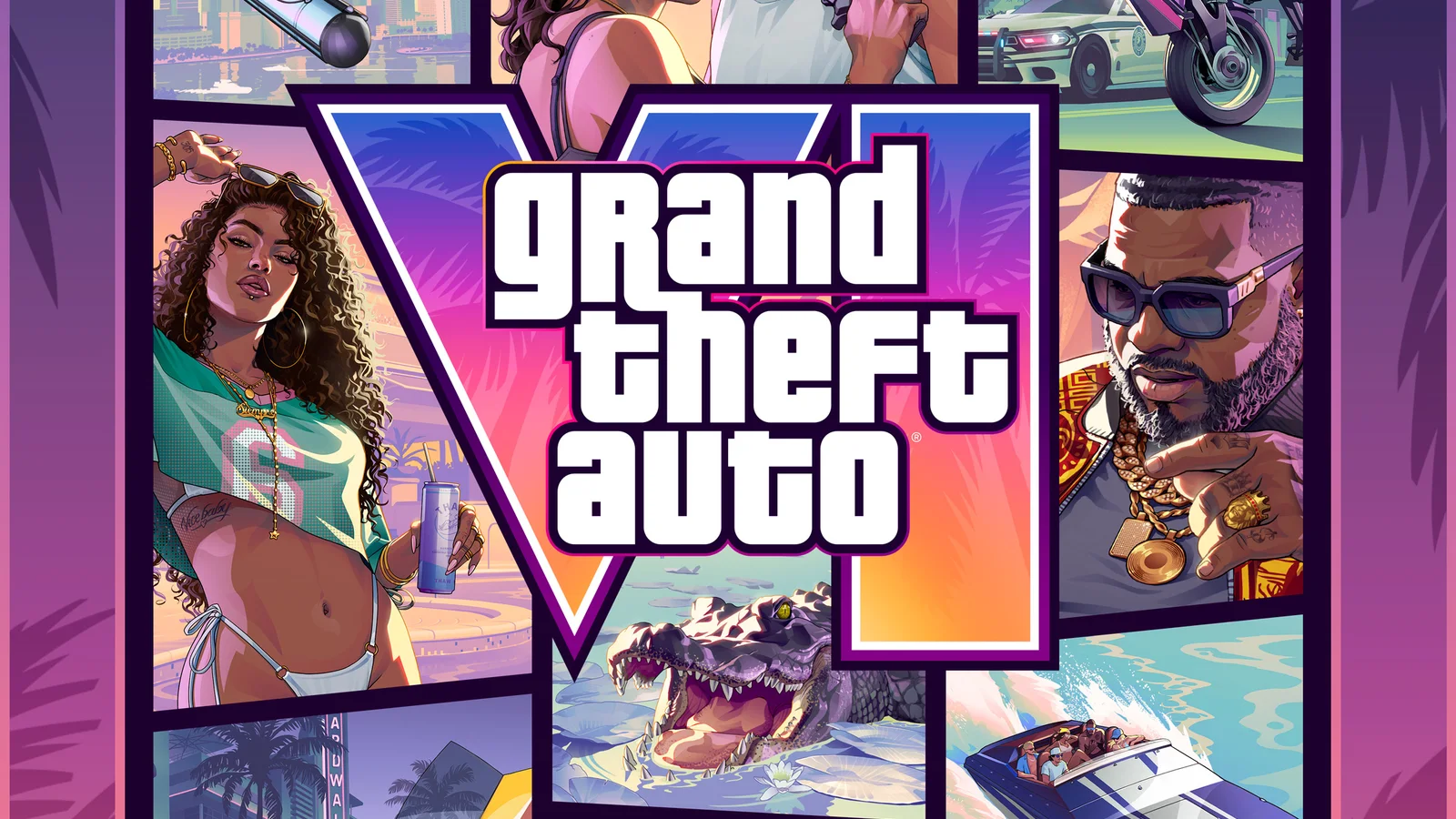
Image: Rockstar Games
You bought GTA 6 on day one, opened the box, and found a download code instead of a disc. Then the code didn’t work. Since GTA 6 launched on November 19, buyers of physical copies have been reporting codes that are missing, damaged or rejected as already used, and without a disc there’s no other way into Vice City. The fix depends on which error you see, so this guide walks through each one using PlayStation’s official GTA VI code support steps.
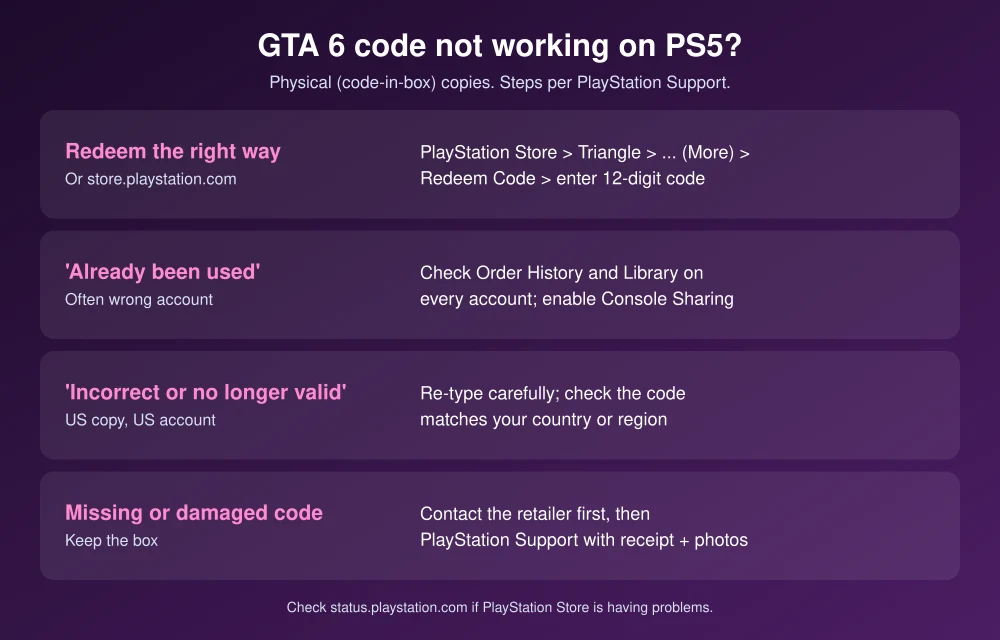
Quick answer: On PS5, redeem the code in PlayStation Store: press the Triangle button, select … (More), then Redeem Code. If it says the code has already been used, check Order History on every account on your console, because the game may already be in one of them. If the code is wrong for your region, check that you bought a US copy. If the code is missing, damaged or still won’t work, contact the retailer you bought it from, which is what PlayStation recommends, and then PlayStation Support.
Why GTA 6 physical copies use codes
PlayStation calls this the GTAVI Physical (Code-In-Box) version. Instead of a disc, the box contains a code you redeem in PlayStation Store to download the game. Dexerto reported on November 15 that some buyers from GameStop, Best Buy and Rockstar’s own store received boxes with codes that were missing or already redeemed. Rockstar hadn’t publicly confirmed a widespread issue at the time.
How to redeem your GTA 6 code on PS5
- Open PlayStation Store on your PS5.
- Press the Triangle button to open the menu.
- Select … (More), then Redeem Code.
- Enter the 12-digit code exactly as printed and select Redeem.
You can also redeem on the web: sign in at store.playstation.com, select your profile icon, choose Redeem Code and enter the code, as described in PlayStation’s redeem guide. If you bought the Ultimate Edition upgrade, PlayStation says you can upgrade after redeeming by scanning the QR code in the box.
Fix “Code has already been used”
This is the most common complaint, and it isn’t always theft. Codes can only be used once, and it’s easy to redeem one on a different account than the one you’re playing on.
- Check Order History. On the web, select your profile, then Order History, and look for GTA VI. Do this for every PlayStation account on your console.
- Check your Library on the PS5. If GTA 6 is there, just download it.
- Redeemed on the wrong account? On the account that owns the game, go to Settings, Users and Accounts, Other, Console Sharing and Offline Play and select Enable. Other accounts on that PS5 can then play it. Our GTA 6 gameshare guide explains how this works.
- Nobody in your home redeemed it? Contact the retailer. That’s what PlayStation’s GTA VI code support page recommends when the code still shows as used.
Fix “The code is incorrect or is no longer valid”
- Re-type the code carefully. Letters like O and 0, or I and 1, are easy to mix up.
- Check your region. PlayStation says to make sure the code is live in your country or region. A copy bought abroad may not work on a US account.
- Check compatibility. The PS5 code won’t work on PS4, which doesn’t have GTA 6.
- Age restrictions: if you see a message that you can’t use the voucher due to age restrictions, the account’s age settings are blocking an M-rated game. Redeem it on an adult account.
Code missing or damaged
If the code slip is missing, or scratched so badly you can’t read it, PlayStation’s advice is to contact the retailer first. Keep the box, the receipt and take photos of the packaging. If the retailer can’t help, contact PlayStation Support with the purchase date, retailer, proof of purchase and photos of both sides of the code card.
Still not working?
- Check PSN status at status.playstation.com. If PlayStation Store is having problems, codes may fail even when they’re valid. See our guide to playing GTA 6 when PSN is down.
- Ask about a refund or exchange at the store. PlayStation directs refund questions for physical copies to the retailer.
- On Xbox? The same advice applies: check every account’s order history, then contact the retailer and Xbox Support if the code still fails.
Once you’re in, set up the best GTA 6 settings for PS5 and your TV, and if you’re deciding whether the upgrade is worth it, see GTA 6 Standard vs Ultimate Edition.
FAQs
Does the GTA 6 physical copy have a disc?
The PS5 physical version is a code-in-box edition. Instead of a disc, you get a code to redeem in PlayStation Store and download the game.
What do I do if my GTA 6 code says it’s already been used?
Check Order History and the Library on every account on your console. If no one in your home redeemed it, contact the retailer, then PlayStation Support.
Can I get a refund for a GTA 6 code that doesn’t work?
PlayStation says to contact the retailer about refunds for physical copies. Bring your receipt and the box.
How do I redeem a code on PS5?
Open PlayStation Store, press Triangle, select More, then Redeem Code, and enter the 12-digit code.
Featured image: Rockstar Games.
Disclosure: TheTechHacker has no paid relationship with Rockstar Games, Sony or any company mentioned here.
More in How-to
How to Fix GTA 6 Locked or Not Starting on PS5 on Launch Day
GTA 6 is four days away, and if you pre-loaded it on PS5 you’ve probably already noticed the little padlock on the game tile. That’s normal before launch. What isn’t normal is still seeing that padlock after midnight on November 19, or getting an error when you hit Play. With millions of people trying to…
How to Fix GTA 6 Preload Not Showing or Not Starting on PS5 and Xbox Series X|S
Can’t find the GTA 6 preload button, or is the download stuck at 0%? Here’s how to track down the preload on PS5 and Xbox Series X|S and get it moving before the November 19 launch.
GTA 6 Standard vs Ultimate Edition: What You Get and Which to Buy
GTA 6 is three days out, and if you still haven’t bought it, there’s one decision left: Standard Edition at $79.99 or Ultimate Edition at $99.99. That $20 gap gets you a long list of extra cars, weapons, shops and hideouts, but none of it is a new story chapter, and you can upgrade later…
The week in tech, minus the noise.
New reviews, fixes and the stories that matter — once a week, straight to your inbox.
We only use your email to send the newsletter. Unsubscribe any time. See our privacy policy.
Comments