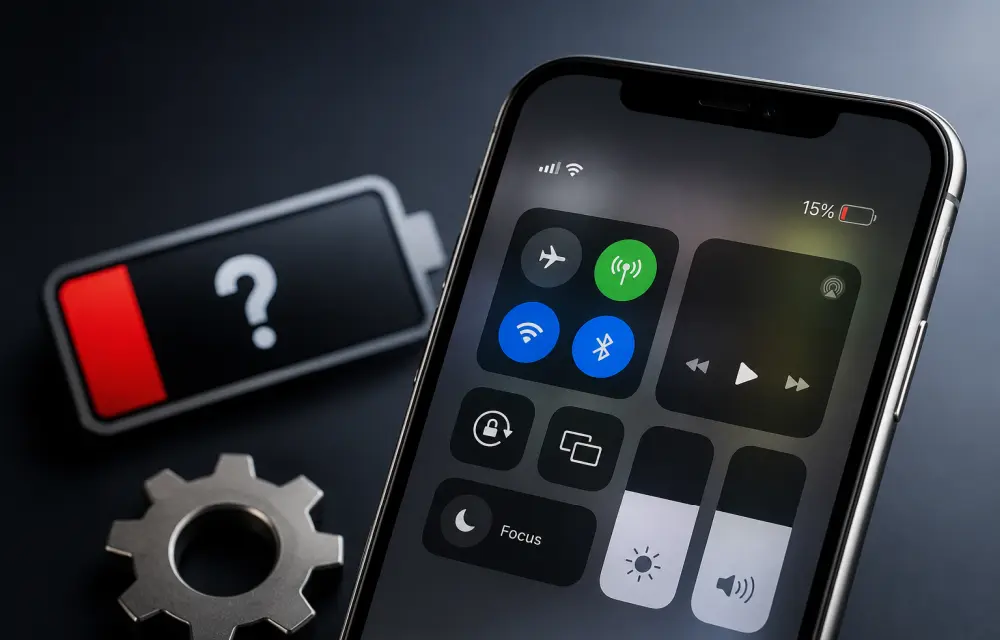
If your iPhone battery percentage is missing, showing the wrong level, or behaving inconsistently, it is usually a settings issue or a temporary iOS glitch. In some cases, the battery indicator can also become inaccurate after an update, especially when the system has not fully stabilized yet.
The good news is that this problem is often fixable without visiting a service center. Below are the most effective ways to restore the battery percentage display and correct inaccurate readings on iPhone.
Why battery percentage looks wrong
Battery percentage is usually controlled by iOS, not just the battery itself. That means a display bug, a calibration mismatch, or a post-update issue can make the indicator look incorrect even when the battery is working normally.
If the percentage is not showing at all, the issue may simply be a disabled setting. If it is showing but looks inaccurate, the battery estimation may need to be refreshed.
Fix 1: Turn on Battery Percentage
The first thing to check is whether battery percentage is enabled in settings.
Do this:
-
Open Settings on your iPhone.
-
Go to Battery.
-
Turn on Battery Percentage.
If it is already enabled, turn it off and then turn it back on again. This simple toggle can refresh the status bar display and bring the percentage back.
Fix 2: Calibrate the battery manually
If the battery percentage is showing the wrong level, manual calibration can help iPhone relearn the battery range.
Here is how:
-
Drain the iPhone battery until it reaches 0%.
-
You can speed this up by using the camera, running heavy apps, or playing games.
-
Connect the iPhone to a wired charger.
-
Keep charging even after it reaches 100%.
-
Leave it plugged in for at least 30 more minutes after full charge.
-
Restart the iPhone once.
-
Use the device normally through a full charge cycle.
This process can help recalibrate the battery estimate and improve percentage accuracy.
Fix 3: Update iOS to the latest version
If the issue started after an iOS update, the problem may already be fixed in a newer patch.
Try this:
-
Open Settings.
-
Tap General.
-
Go to Software Update.
-
Install any pending update by tapping Update Now.
After the update and restart, check the battery percentage again. iOS updates often include small bug fixes that improve battery display behavior.
Fix 4: Contact Apple Support if the issue continues
If the battery percentage still does not show correctly after trying the above steps, the issue may be related to a deeper battery problem or hardware fault. In that case, it is better to have the device checked by Apple Support or an authorized service center.
A battery percentage issue that does not respond to settings changes or calibration should not be ignored, especially if the phone also shuts down unexpectedly, drains fast, or heats up unusually.
Best fix order
If you want the fastest troubleshooting path, try these in order:
-
Turn Battery Percentage off and back on.
-
Calibrate the battery manually.
-
Update iOS to the latest version.
-
Contact Apple Support if the problem remains.
Starting with the simplest fix usually saves time and rules out basic software issues first.
Final thoughts
A missing or wrong battery percentage on iPhone is often a display or calibration issue rather than a major fault. In many cases, a quick setting refresh or a full charge cycle is enough to restore accurate readings. If the issue continues after updating iOS and recalibrating the battery, the safest move is to let Apple inspect the device.
FAQ
Why is my iPhone battery percentage missing?
It is usually because the Battery Percentage option is turned off or the display has glitched after an update.
Can battery percentage be wrong even if the battery is fine?
Yes. iOS can occasionally misread the battery level until it is recalibrated.
Does calibration really help?
Yes, it can improve percentage accuracy by letting the phone relearn the battery’s range.
Will updating iOS fix battery percentage problems?
Often yes, especially if the issue is caused by a known software bug.
Should I visit Apple if nothing works?
Yes. If the problem continues, it may indicate a hardware-related battery issue.
Leave a Reply