

Best Expense Management Software for Small Businesses (2026): Expensify vs Ramp vs Brex vs Navan vs Zoho Expense
I compared Expensify, Ramp, Brex, Navan and Zoho Expense on receipt capture, corporate cards, approvals, accounting sync and pricing, using only what the vendors publish and flagging what I couldn’t confirm.


Photo by soap so on Unsplash
Expense reports. Nobody wants to do them, right? A receipt goes missing, somebody forgets to submit for three weeks, and then at month-end whoever does your books is squinting at card charges with zero clue what any of them were for.
Expense management software takes most of that pain away. Your team snaps a photo of the receipt, the app reads it, a manager approves it, and the numbers end up in your accounting software without anyone typing them in twice. Some of these tools even come with corporate cards that have spending limits baked in, so overspending gets stopped before it happens (which is way better than chasing it after).
In this post I’m comparing Expensify, Ramp, Brex, Navan and Zoho Expense on receipt capture, corporate cards, approvals, accounting sync and pricing. Quick heads-up though: I haven’t done hands-on testing of these tools for this piece. Everything here comes from the vendors’ own pages, and if I couldn’t confirm something, I’ll just say so instead of guessing.
Quick answer: If you want receipts read, matched and synced to QuickBooks or NetSuite with as little manual work as possible, Ramp has the most detailed accounting sync I could confirm. Expensify is a strong pick if you want its own corporate card alongside SmartScan receipt reading and a long list of accounting connections. Zoho Expense is the budget-friendly choice, with receipt Autoscan even on its Free plan, while Navan suits travel-heavy teams and is free for the first 5 monthly expensing users, then $15 per user per month.
What actually matters in expense software
Before I get into the list, I want to lay out how I’d judge any of these. Honestly, the marketing pages all sound the same after a while, so it really helps to know which questions you should be asking.
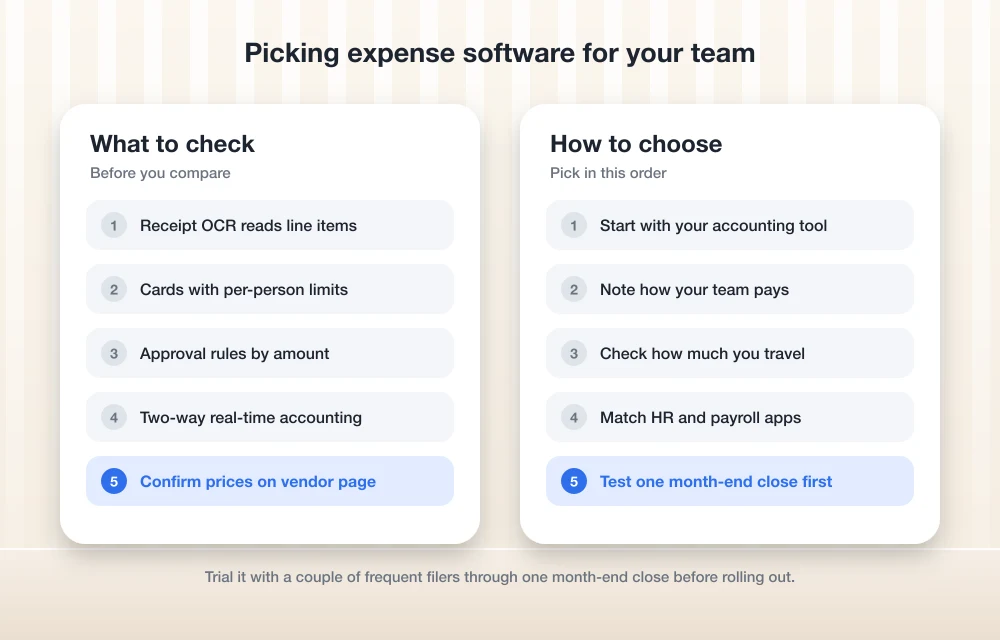
Receipt capture. This is the bit your team deals with every single day. Good apps use OCR (optical character recognition, basically software that reads text off a photo) to grab the merchant, date and amount from a receipt. The better ones go further and read individual line items too, take forwarded email receipts and match each receipt to the right card charge without you lifting a finger.
Corporate cards. When a company card is tied to your expense app, transactions show up right away, and you can set limits per person or per purchase. But if your team mostly pays out of pocket and gets paid back later? Then card features matter less, and smooth reimbursements matter more.
Approvals. With five people, approvals can literally be “ask the owner.” At 30 people you’ll want actual rules, like anything over a certain amount goes to finance, or travel spend gets routed to a department head.
Accounting sync. I’ll be real, this is where the big time savings are. Look for real-time sync with the software you already use, and check whether it syncs both ways. Two-way sync means changes you make in your accounting software flow back into the expense tool as well, so the two never drift out of step.
Pricing. Most of these tools charge per user per month, and a few have free tiers. Here’s the thing though: prices change and plans get shuffled around, so always check the official page right before you sign anything.
The best expense management software for small businesses
1. Thetechhacker Global Solutions Custom ERP
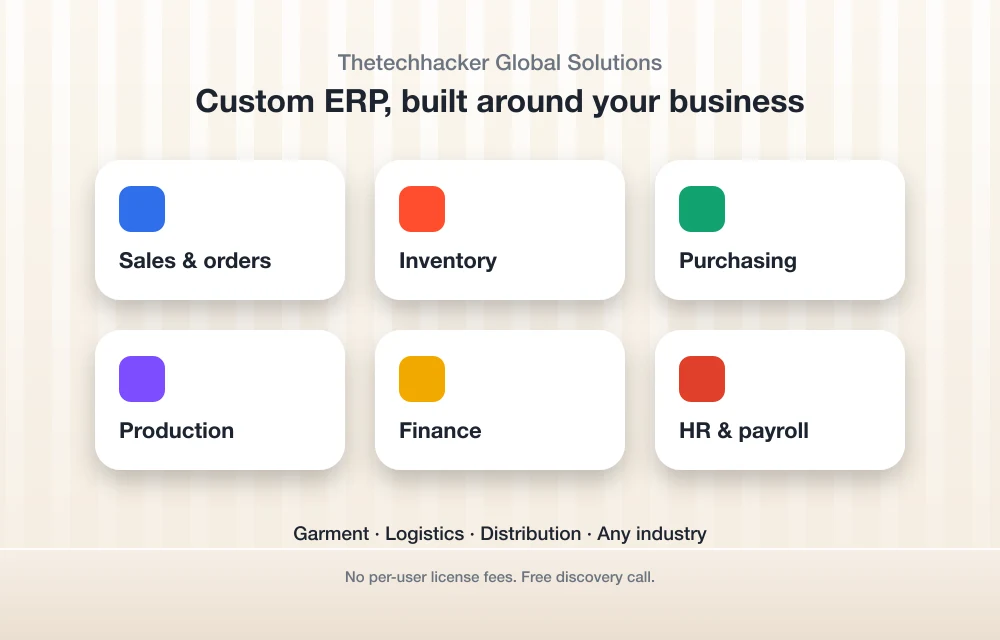
Full disclosure first: Thetechhacker Global Solutions is our own company, so keep that in mind when you read this one. Why’s it at the top? Because some businesses don’t really have an expense problem. They’ve got a “five systems that don’t talk to each other” problem, and bolting on an expense app just makes it six.
Our custom ERP software gets built around the way your business actually works, whatever industry you’re in. It handles sales and orders, inventory, purchasing, production, finance, and HR and payroll all in one system. We specialize in garment, logistics and distribution businesses. There aren’t any per-user license fees (that starts to really matter as your headcount grows), and the discovery call is free.
Let’s be realistic though. If all you need is receipt scanning and a few company cards, one of the dedicated tools below will get you up and running faster. But if your spending is all tangled up with purchasing, stock and payroll, that free call is a pretty low-risk way to see whether one system would work better for you.
2. Ramp
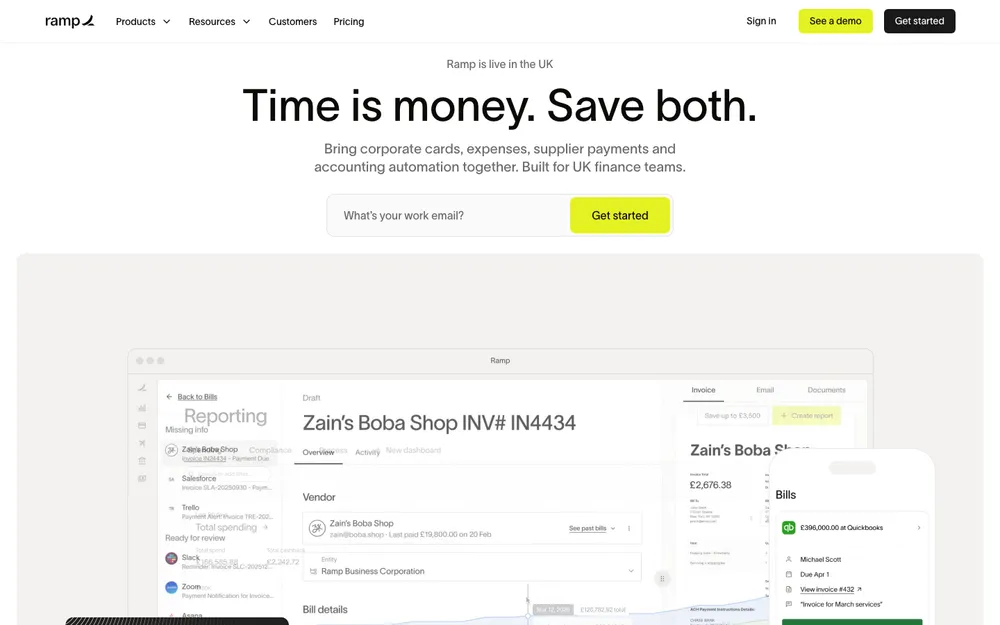
Out of everything I looked at, Ramp publishes the most detailed info on accounting sync.
Let’s start with receipts. Ramp uses AI text recognition to read the merchant, date, amount and line items, then it matches the receipt to the transaction and drops it into an accounting category on its own. After that, the data syncs to NetSuite, QuickBooks, Xero and others. Ramp says it processes more than 5 million receipts a month. That’s their number, not something I can check, but it does tell you receipts aren’t some side feature for them.
The QuickBooks Online connection syncs both ways in real time, and it covers transactions, reimbursements, payments, cashback, purchase orders and vendor bills. It does 3-way matching too, which just means it checks that the purchase order, the receipt and the invoice all line up before anything gets paid. That’s the sort of control you’d normally need a really careful bookkeeper for.
Running NetSuite with more than one company (accountants call these entities)? Ramp lets you manage all of them in one spot, with real-time sync through its API and the same 3-way matching. There’s also something called an “Accounting Agent” that codes transactions automatically by GL account, department, class, location and custom fields. GL is short for general ledger, which is the master list of accounts in your books.
What I couldn’t confirm: which Ramp plan includes the NetSuite and Sage Intacct connections, and what it costs right now. Check Ramp’s official pricing page for both of those.
Best for: businesses on QuickBooks Online or NetSuite that want receipts and coding done with as little human effort as they can get away with.
3. Expensify
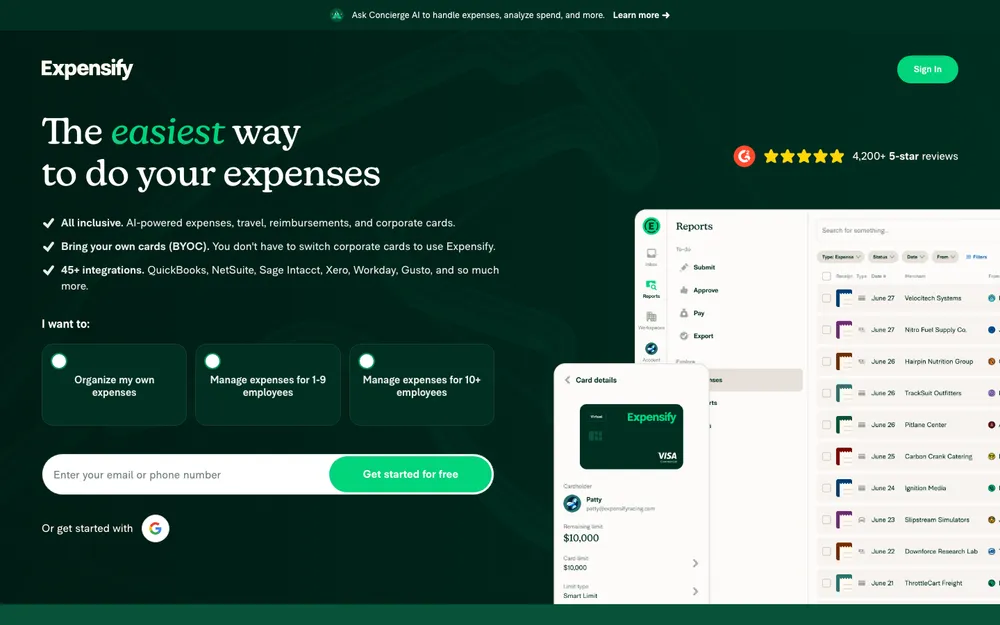
The big feature with Expensify is receipt scanning. They call it SmartScan. You take a photo of a receipt and it pulls the details out automatically.
The accounting list is long. Expensify connects directly with QuickBooks Online and QuickBooks Desktop, Xero, NetSuite, Sage Intacct, Oracle “and dozens more,” to use the company’s own words. That Desktop support is worth pointing out if you’re still on the installed version of QuickBooks. Expensify says it syncs coded expenses and card transactions to QuickBooks, NetSuite, Xero and Sage Intacct in real time, no CSV uploads needed. (A CSV is a spreadsheet-style export file, and uploading those by hand every month is exactly the chore you’re trying to get away from.)
It’s got its own corporate card as well, the Expensify Card, which comes with spending limits and controls. So you can handle cards and receipts with one company instead of gluing two products together.
Where I came up short: which accounting connections come with which plan, how the approval workflows work in any real detail, and what it costs today. I’d check all three before committing.
Best for: teams that want receipts and company cards from the same provider, or anyone still on QuickBooks Desktop.
4. Zoho Expense
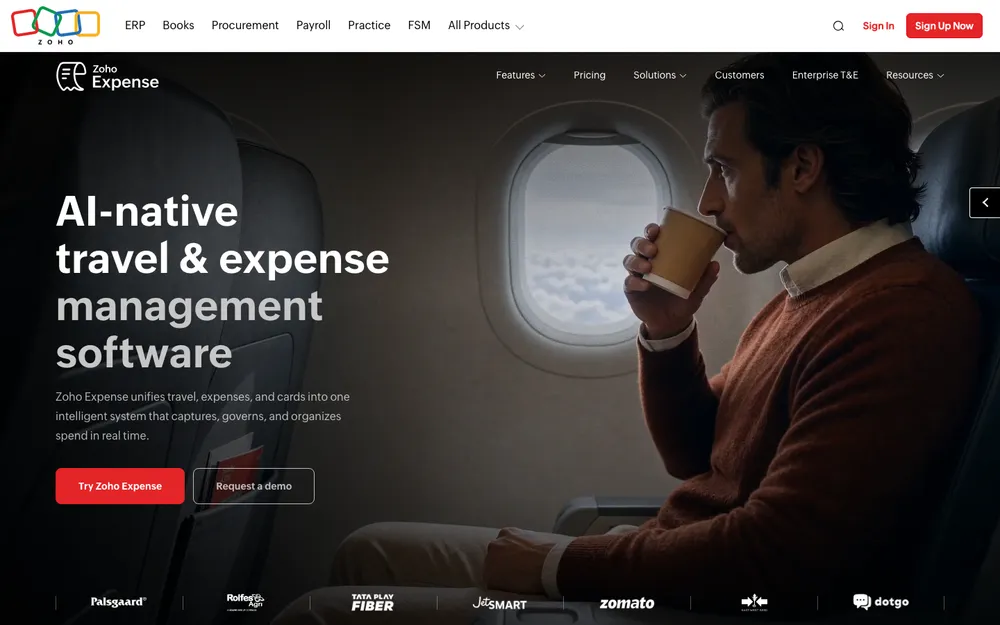
If you’re a small business watching your budget, Zoho Expense is probably where I’d send you first. Mostly because Zoho doesn’t hide its receipt scanning behind the pricier tiers.
The receipt reader is called Autoscan. It pulls out the details and categorizes them, and Zoho says it’s on all plans, Free and Standard included. It itemizes multi-line receipts too. You can drag and drop files, forward receipts by email (every user gets their own forwarding address), bulk import them or pull them in from cloud apps. It hooks into Uber, Lyft and Bolt for ride receipts. And if you’re still drowning in paper, it works with ScanSnap scanners, so one button press sends a receipt right into Zoho Expense. Zoho lists all of it on its Zoho Expense features page.
Approvals are pretty flexible. You can set up custom approval flows that send each expense to the right person based on rules you pick, and approval updates can go out through Slack or Zoho Cliq. So managers don’t have to log in just to click approve, which, honestly, is nice.
For accounting, Zoho Books, QuickBooks and Xero connect out of the box. SAP, Oracle and Microsoft Dynamics are reachable through its REST API, paid add-on connectors or partners. It also connects to HR and payroll systems, Zoho People and Zoho Payroll among them. Just be aware the ERP and HR connectors are paid add-ons.
What I liked
- Autoscan on every plan, Free included
- Tons of ways to get receipts in, from email forwarding all the way to ScanSnap
- Rule-based approvals with updates in Slack and Zoho Cliq
- Built-in connections to QuickBooks, Xero and Zoho Books
What could be better
- The ERP and HR connectors cost extra
- Couldn’t confirm any corporate card features
- You’ll need to check US prices on Zoho’s official page
5. Navan
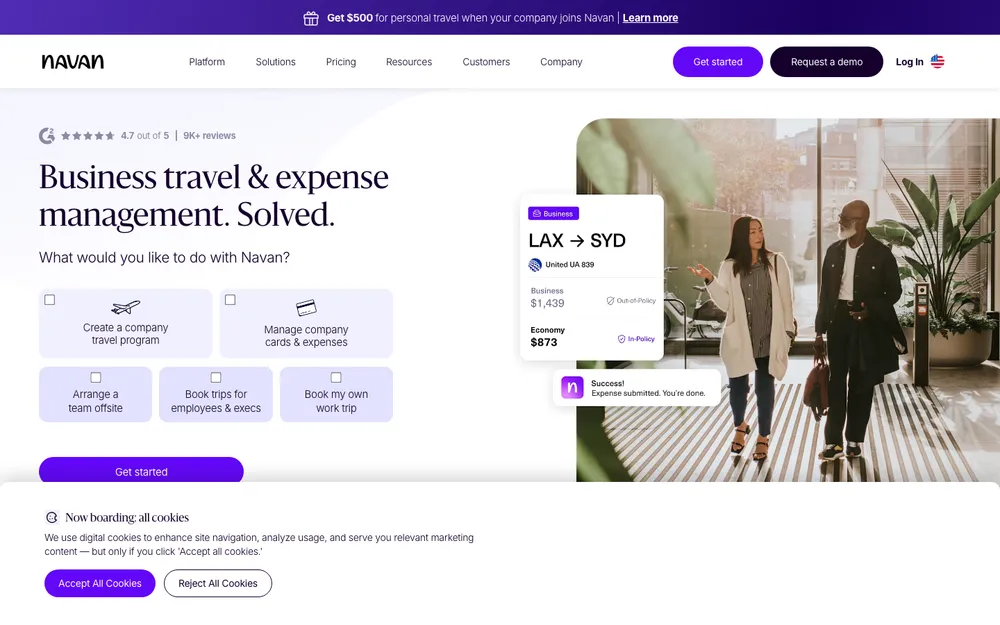
If travel eats up a big chunk of your spending, Navan’s the one. It puts travel booking and expenses together, and it’s the only tool here whose pricing I could actually confirm on an official page.
Going by Navan’s pricing page, Navan Expense is free for the first 5 monthly expensing users, then $15 per user per month. Companies with 300 or fewer employees can book unlimited trips with Navan Travel. Over 300 employees, you’ll have to request a demo, because there’s no published price. At that size it’s Navan Business or Navan Enterprise, and both include the travel and expense features. Enterprise adds implementation and scaling support on top.
For a tiny team, that free tier is genuinely handy. The way I read it, if only a few people file expenses in a given month, you might not pay anything for the expense side at all.
What I couldn’t confirm from Navan’s own pages: its card features (including whether it can pull in transactions from cards you already have) and exactly which accounting software it connects to. Ask about both before signing up.
What I liked
- Pricing is published, with a free tier for the first 5 monthly expensing users
- Travel and expenses in a single product
- Unlimited trips with Navan Travel if you’re 300 employees or fewer
What could be better
- No published price once you’re above 300 employees
- Accounting connections and card features aren’t confirmed on official pages
6. Brex
Brex deserves a spot in this comparison, but I can’t give it a fair write-up right now. I wasn’t able to check its receipt capture, accounting connections or approval features on Brex’s own pages for this article, and I couldn’t confirm the prices either. I’d rather just tell you that than fill the hole with guesses.
If Brex is on your shortlist, go straight to its official site or book a demo, and ask things like:
- How do employees actually submit receipts? Photo, email forwarding, something else?
- Which accounting tools does it sync with, and does that sync go both ways?
- Can you route approvals by amount, department or expense type?
- Is there a free tier, and how much does each paid user cost?
To be fair, those questions work for every tool on this list.
Expensify vs Ramp vs Brex vs Navan vs Zoho Expense at a glance
This is all of it side by side. “Not confirmed” means I couldn’t verify it on the vendor’s official pages. It doesn’t mean the feature’s missing. The winner cells are based on what each company documents publicly.
| Feature | Expensify | Ramp | Brex | Navan | Zoho Expense |
|---|---|---|---|---|---|
| Receipt capture | SmartScan reads receipt photos | AI reads line items, matches and categorizes | Not confirmed | Not confirmed | Autoscan on all plans, email forwarding, bulk import, ScanSnap, ride apps |
| Own corporate card | Yes, Expensify Card with limits and controls | Not confirmed | Not confirmed | Not confirmed | Not confirmed |
| Approvals | Not confirmed | Not confirmed | Not confirmed | Not confirmed | Custom rule-based flows, Slack and Zoho Cliq updates |
| Accounting sync | QuickBooks Online and Desktop, Xero, NetSuite, Sage Intacct, Oracle and more, real time | Two-way real-time QuickBooks Online, multi-entity NetSuite, Xero, 3-way matching | Not confirmed | Not confirmed | Zoho Books, QuickBooks, Xero built in; SAP, Oracle, Dynamics via API or paid connectors |
| Official published price | Check vendor page | Check vendor page | Check vendor page | Free for first 5 monthly expensing users, then $15/user/mo | Check vendor page |
Pricing: what I could actually confirm
Navan’s prices were the only ones I got straight from an official pricing page, so they’re the only ones showing up as cards.
Navan Expense: first 5 users
Free for the first 5 monthly expensing users
- Navan Expense
- Unlimited trips with Navan Travel for companies with 300 or fewer employees
Navan Expense: additional users
Charged per user after the first 5 monthly expensing users
- Navan Expense
- Companies over 300 employees need a demo; no published price
Prices checked on Navan’s official pricing page at the time of writing. They can change, so confirm before you buy.
For Expensify, Ramp, Brex and Zoho Expense, go to each company’s official pricing page. And check whether the price you’re looking at assumes yearly billing or using the company’s own card, because that can change what you really end up paying.
How to choose the right one for your business
Start with your accounting software. Not the expense app. The expense tool’s whole job is feeding your books, so pick one that connects properly to whatever you already use. Haven’t settled on that yet? My guide to the best accounting software for small businesses compares QuickBooks, Xero and FreshBooks.
After that, think about how your team actually pays for stuff. Mostly company cards? Lean toward a tool with its own card, and Expensify is the one where I could confirm that. Mostly out-of-pocket with reimbursements? Then receipt capture and approvals are what you care about, and that’s where Zoho Expense looks strongest on paper. Lots of flights and hotels? Navan, pretty simple.
Then look at everything else you run. Zoho Expense connects to Zoho Payroll and Zoho People, which is handy if you already basically live in Zoho’s apps. And if you’re still picking the tools you use to manage your people, my roundup of the best HR software for small businesses is worth a read alongside this one.
Which one would I pick?
If getting your accounting right is the thing keeping you up at night, I’d look at Ramp first, since its documented QuickBooks Online and NetSuite syncing goes deepest. Want receipts and a company card from one provider? Go Expensify. Counting every dollar? Zoho Expense gives you Autoscan even on the Free plan. And for a team that’s always traveling, Navan’s free tier for the first 5 monthly expensing users is tough to beat.
Brex might well belong near the top, but I’d want to confirm its features on official pages before I said that. Oh, and if your expense mess is really a symptom of bigger system chaos, it’s probably worth a chat about a custom ERP before you add yet another app to the pile.
Ramp
Two-way real-time QuickBooks Online sync, multi-entity NetSuite and 3-way matching.
Zoho Expense
Receipt Autoscan on every plan (Free too), plus rule-based approvals.
Expensify
SmartScan plus the Expensify Card, and a long list of accounting connections.
Navan
Travel and expenses together, free for the first 5 monthly expensing users.
Frequently Asked Questions
Is there free expense management software for small businesses?
Yep. Zoho Expense has a Free plan, and Zoho says receipt Autoscan works on all plans, Free included. Navan Expense is free for the first 5 monthly expensing users according to Navan’s pricing page, and then it’s $15 per user per month. Plan limits and prices can change though, so check the official pages before you sign up.
Which expense apps sync with QuickBooks?
Expensify connects with QuickBooks Online and QuickBooks Desktop. Ramp has a two-way, real-time QuickBooks Online integration. Zoho Expense comes with a built-in QuickBooks connection. I couldn’t confirm Brex’s or Navan’s accounting connections from their official pages, so you’ll want to ask them directly.
How much does Navan Expense cost?
According to Navan’s official pricing page, Navan Expense is free for the first 5 monthly expensing users, then $15 per user per month. If you’ve got more than 300 employees, you’ll need to request a demo, since there’s no published price for Navan Business or Navan Enterprise.
What is 3-way matching in expense software?
It’s a check that the purchase order, the receipt and the invoice all agree before a payment goes out. Handy for catching overcharges and mistakes. Ramp says both its QuickBooks Online and NetSuite integrations do 3-way matching.
Should I get an ERP instead of expense management software?
If all you need is receipt capture, approvals and company cards, a dedicated expense tool is usually quicker to get going. But if your spending is tangled up with purchasing, inventory, finance and payroll spread across separate systems, a custom ERP that pulls all of that together might make more sense.
Featured image: soap so on Unsplash.
You might also like

10 of the Best QuickBooks Alternatives
It’s no secret that Quickbooks is one of the most popular accounting programs. QuickBooks is one of the most well-known small and medium-level business accounting solutions, especially in the US. With certain packages, it offers simple inventory management tools for small businesses. However, like with any system, there are advantages and disadvantages to selecting QuickBooks…

10 Best Retail Accounting Software
If you’ve recently opened a retail business and are struggling to handle accounting functions then what you need is good retail accounting software. A major part of the success of a retail business depends upon how you handle your accounts and having a smooth and consistent accounting software can pave the way for making operations…

Best CRM Software for Small Businesses in the US
Making sure that your customers are happy is probably the most crucial thing you can do as a business owner. Making them unhappy is digging your own hole. To keep them satisfied, you need the help of a perfect CRM tool. Not only to maintain better customer relationship, but a good CRM software will also…
The week in tech, minus the noise.
New reviews, fixes and the stories that matter — once a week, straight to your inbox.
We only use your email to send the newsletter. Unsubscribe any time. See our privacy policy.
Comments