

Best Field Service Management Software in 2026: Jobber vs Housecall Pro vs ServiceTitan vs Workiz vs FieldEdge
I compare Jobber, Housecall Pro, ServiceTitan, Workiz and FieldEdge on scheduling, dispatch, quotes, invoices, payments, mobile apps and official pricing. I also flag what I couldn’t confirm.


Photo by Sten Rademaker on Unsplash
If you run a plumbing, HVAC, cleaning, landscaping or electrical business, you probably already know the work itself isn’t the hard bit. It’s all the stuff around it. Who’s going where today? Did that quote actually go out? And did anyone ever get paid for that job from three weeks back?
Field service management software (FSM, if you like short forms) is the category of apps made for exactly that kind of mess. It pulls scheduling, dispatch, quotes, invoices, payments and a mobile app for your techs into one place. For this one I’ve picked five of the big US names: Jobber, Housecall Pro, ServiceTitan, Workiz and FieldEdge.
Quick heads-up before we go any further. I haven’t used these tools hands-on for this piece. Everything here comes from the vendors’ own pricing pages and help docs, which I checked in November 2026, and if something couldn’t be confirmed, I’ll just tell you straight.
Quick answer: For most small home service crews, I’d start with Jobber or Housecall Pro, because they’re the only two here with published prices (Jobber’s plans start at $29/mo billed annually, Housecall Pro’s at $59/mo billed annually). Workiz is worth a look if you want scheduling, dispatch and a mobile app on every plan, plus Stripe-powered card payments. ServiceTitan and FieldEdge suit bigger shops that live inside a pricebook, but expect to talk to sales for a price. If your business also runs inventory, purchasing or production, a custom ERP may fit better than any of them.
How I compared these tools
I stuck to the stuff owners actually ask me about. Scheduling and dispatch, quotes and invoices, getting paid, the mobile app your techs carry around all day, and (obviously) pricing.
For prices, I only used numbers shown on each vendor’s official pricing page. If a company doesn’t publish prices, or I couldn’t get to the page, I say that instead of guessing. Prices in this space change a lot, so honestly, treat every number below as a starting point and check it again before you sign up for anything.
Quick comparison table
| Feature | Jobber | Housecall Pro | Workiz | ServiceTitan | FieldEdge |
|---|---|---|---|---|---|
| Published pricing | Yes, $29 to $529/mo billed annually | Yes, $59 to $299/mo billed annually | Not confirmed | Not confirmed | No, quote-based |
| Scheduling and dispatch | Crew scheduling on Plus | Not confirmed by plan | Smart scheduling and dispatching on every plan | Not confirmed | Dispatching on Select, advanced on Premier |
| Pricebook and estimates | Not confirmed | Flat-rate pricing with margins built in | At least 30 invoices and estimates per month | Pricebook plus client-specific rate sheets | Pricebook with flat-rate pricing, multi-option quotes on Premier |
| Payments | Not confirmed | Not confirmed | Workiz Pay, Stripe-powered card readers | Not confirmed | Not confirmed |
| Mobile app | Not confirmed | Not confirmed | Fully integrated app on every plan | Rate sheets apply on mobile | More mobile licenses on Premier |
| Extra users | $29/mo each | $35/mo each on MAX (8 included) | Not confirmed | Not confirmed | Price depends on tech count |
| Monthly option | Yes, cancel anytime | Yes, no long-term contract | Not confirmed | Not confirmed | Not confirmed |
| Onboarding help | Not confirmed | Not confirmed | Not confirmed | Not confirmed | Onboarding specialist on every plan |
Yeah, I know. Lots of “not confirmed” in there. That doesn’t mean the feature is missing. It just means I couldn’t verify it on an official page, and I’d much rather leave a gap than invent something.
The best field service management software in 2026
1. Thetechhacker Global Solutions Custom ERP
Disclosure: Thetechhacker Global Solutions is our own company, so keep that in mind as you read this one.
I’ve put this first, but only for a certain kind of business: the ones where field work is just one piece of the puzzle. If you also sell products, keep stock, buy materials or make things, an off-the-shelf FSM app tends to turn into one more island you have to stitch onto everything else.
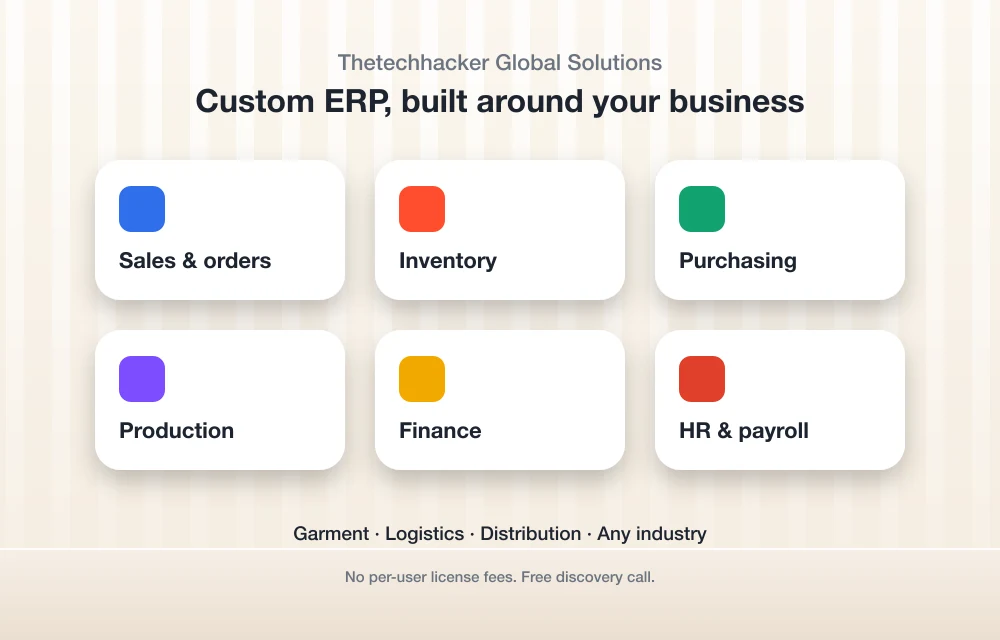
Our custom ERP software is built for any industry. It has modules for sales and orders, inventory, purchasing, production, finance, and HR and payroll, and we specialize in garment, logistics and distribution ERP. There are no per-user license fees (which really adds up once your headcount grows), and you can book a free discovery call through the landing page to see if it’s a fit.
I’ll be real though, it’s a different kind of tool from the other five. If all you need is to schedule jobs and send invoices, one of the FSM apps below will get you there quicker.
2. Jobber

Jobber is where I’d send most small crews first. Mostly because the pricing is right there in the open, and it starts low. Jobber’s official pricing page says plans run “from $29 to $529/mo (billed annually).” You can pay three ways: monthly (cancel anytime), on a 1-year commitment, or billed annually.
Extra users cost $29/mo each on every plan. Grow adds two-way SMS, so customers can text back and forth with you. Plus adds unlimited job photo and video storage, crew scheduling and team @mentions, and that gets handy once you’ve got a few crews out at the same time.
There’s a free trial as well. The page says “Try Jobber for free now. Pick a plan later.” What I couldn’t confirm is how long the trial runs, what the card processing fee is, or which plan you need for the QuickBooks Online or Xero sync. Ask about those before you commit.
Core
Billed annually, 1 user
- Extra users $29/mo each
Connect
Billed annually, 1 user
- Extra users $29/mo each
Grow
Billed annually, 1 user; $169/mo with a 1-year commitment, $199/mo monthly
- Two-way SMS
- Extra users $29/mo each
Plus
Billed annually, 5 users; monthly is $499 (5 users), $599 (10 users) or $699 (15 users)
- Unlimited job photo and video storage
- Crew scheduling and team @mentions
Prices checked November 2026 on the official pricing page.
3. Housecall Pro
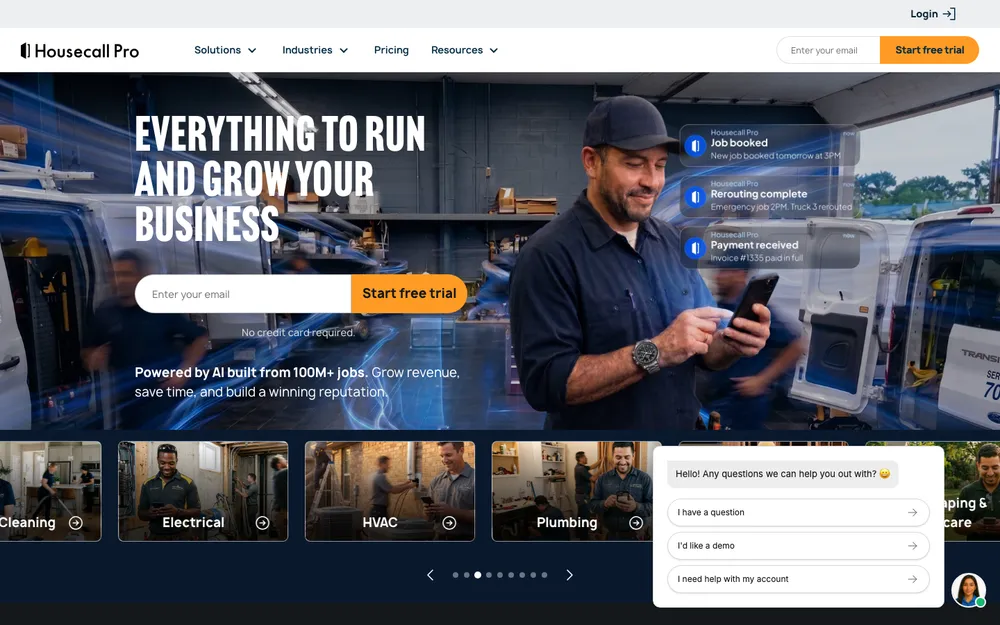
Housecall Pro is Jobber’s closest rival, and it publishes its prices too, which I like. According to the pricing page FAQ there’s no long-term contract, and the page talks up flat-rate pricing with profit margins built in. Pretty useful if you’d rather quote a fixed price per job than bill by the hour.
The jump to MAX is where it gets interesting for bigger teams. You get 8 users included, and each extra user is $35/mo. Got six or seven techs? That bundle can work out nicely compared with paying per seat.
Stuff I couldn’t confirm: how many users Essentials includes, card fees, trial length, and which plans get dispatch and mobile app features. Have a look at the plan comparison on Housecall Pro’s pricing page before you pick one.
Basic
Billed annually; $79/mo monthly
- 1 user included
Essentials
Billed annually; $189/mo monthly
- Included users: check the pricing page
MAX
Billed annually; $329/mo monthly
- 8 users included
- Extra users $35/mo each
Prices checked November 2026 on the official pricing page.
4. Workiz
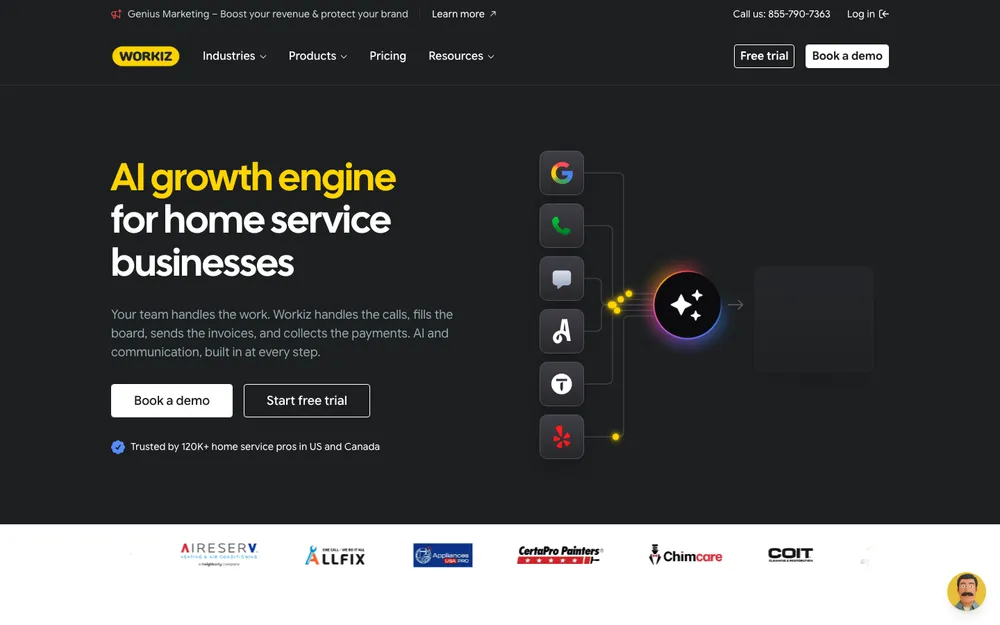
Workiz caught my eye because of what it says you get on every plan. Smart scheduling and dispatching, a fully integrated mobile app, and at least 30 invoices and estimates per month. If dispatch is your daily headache, that’s a pretty solid base to start from.
Payments go through Workiz Pay, which handles invoices, estimates and online or in-field payments. The card readers run on Stripe, so your techs can take a card right there at the door.
Workiz’s own blog mentions a 7-day free trial with no credit card needed. But I couldn’t confirm plan names or prices on the official pricing page, so I’m not going to quote a number. Head over to the Workiz pricing page and get a current figure for your team size.
5. ServiceTitan
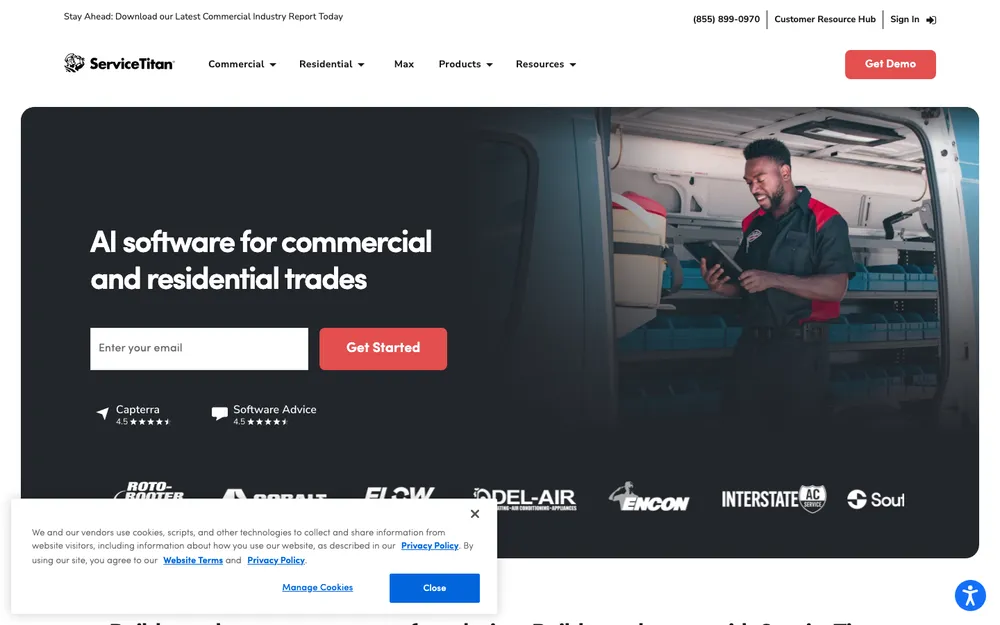
ServiceTitan goes after larger, more established contractors, and its big strength is the Pricebook. That’s basically its catalog of items, tasks, materials and prices, and estimates get built straight from it. Ever had two techs quote the same job differently? Then you already get why that matters.
It goes further with client-specific pricing. In the help docs, the setup sits under Product Areas > Pricebook > Client-specific pricing. You can assign rate sheets to a customer, location, estimate, invoice or project, and they apply both in the office and on mobile. Service agreements can also carry client-specific pricing for unplanned work (Step 5: Pricing > Choose Rule > Save Rule).
Roofers get a little extra. The roofing edition has a Pricing Tool: open an unsold estimate, click “Use Pricing Tool,” tweak Markup, Margin or Price, and the other fields update by themselves.
Here’s the thing though. I couldn’t reach ServiceTitan’s pricing page, so I can’t confirm public prices or plan names. Check servicetitan.com/pricing yourself, and expect a chat with sales.
6. FieldEdge
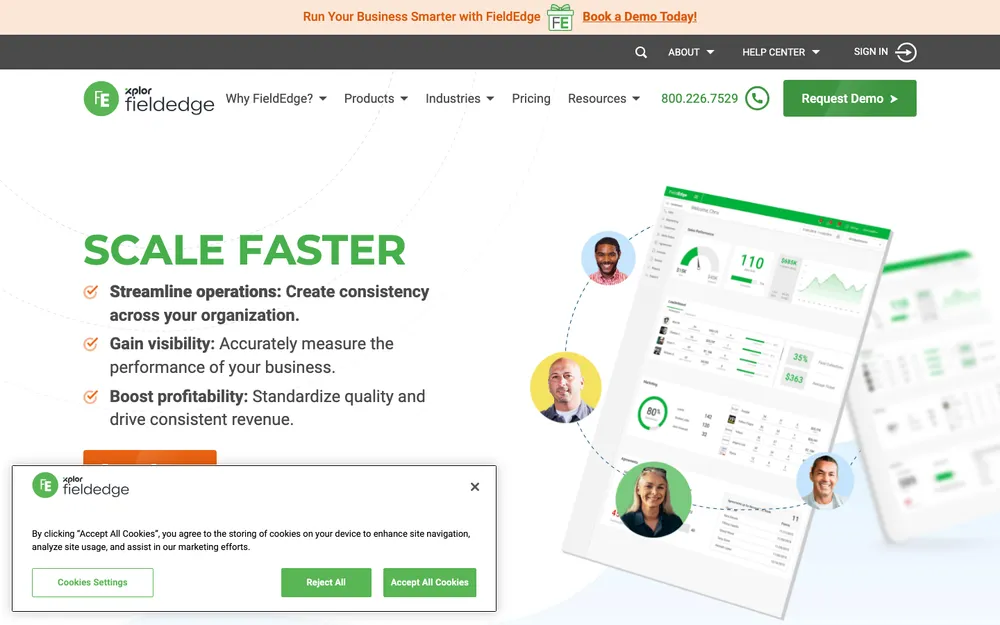
FieldEdge is quote-based. No published prices, and what you pay depends on how many technicians or employees you have and which add-ons you go for.
The FAQ mentions three plans, but only two actually get named on the page. Select covers dispatching, booking and scheduling, basic agreements and quotes, customer management, and a pricebook with flat-rate pricing. Premier adds advanced dispatching, multi-option quotes (nice for good, better, best pricing right on the doorstep), advanced service agreements, 10 saved reports and more mobile app licenses.
The bit I like is the onboarding. Every plan comes with an onboarding specialist, the Navigator video knowledge base and Field Services Academy. Switching software is honestly a pain, and having an actual person walk you through it helps a lot. I couldn’t confirm the details of its QuickBooks integration or payments, so ask about both on the demo.
How to choose the right one for your business
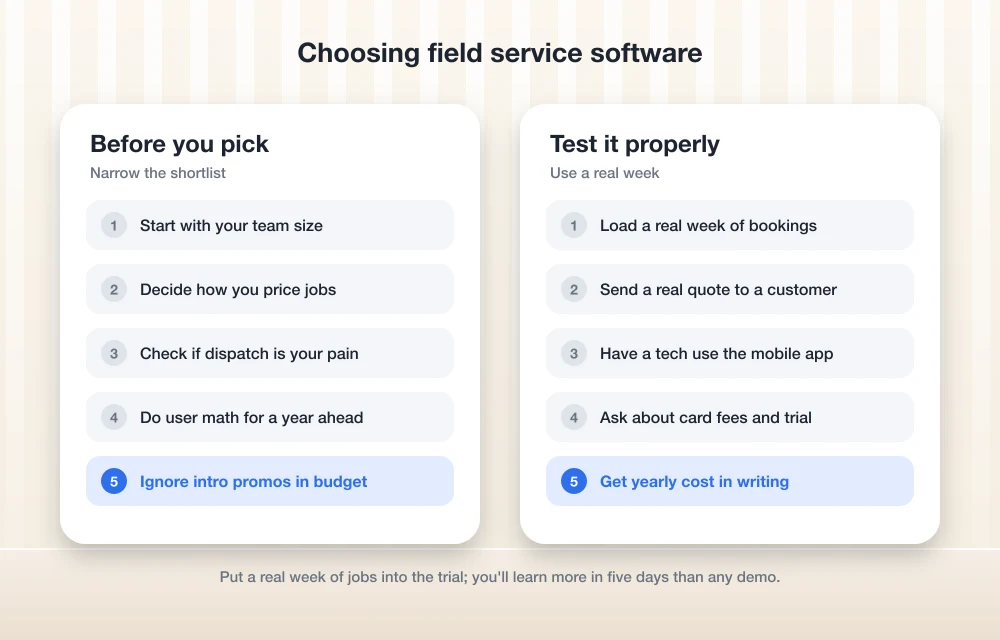
Start with team size. A solo operator or a two-person crew really doesn’t need ServiceTitan-level depth. Jobber Core or Housecall Pro Basic will cover the basics, and you can see the price before you even sign up.
Next, think about how you price jobs. Quote flat rates and want every tech pricing the same way? Then look hard at the pricebook tools in ServiceTitan, FieldEdge and Housecall Pro. If dispatch chaos is the real problem, Workiz puts scheduling and dispatching on every plan.
Then do the user math. Jobber charges $29/mo per extra user, while Housecall Pro MAX bundles 8 users. Run the numbers for the team you have now and for the team you expect a year from now, because switching later is a real pain.
What FSM software might not cover
FSM apps are built around jobs. Some needs sit just outside that, and a dedicated tool can handle them better.
Employee scheduling tools
If what you mostly need is shift planning and clock-ins rather than job dispatch, take a look at my guide to the best employee scheduling and time tracking software.
Fleet GPS tracking
I couldn’t confirm GPS vehicle tracking in any of these five. If you want live locations and driving data, have a look at my list of the best fleet management and GPS tracking software.
My take
If I were starting a small service business tomorrow, I’d trial Jobber and Housecall Pro side by side. Simple reason: I can see what they cost, and both let me pay monthly. Workiz makes the shortlist if dispatch is my biggest pain. ServiceTitan and FieldEdge make more sense once I’ve got a bigger team and a pricebook I want everyone sticking to, and I’m okay sitting through a sales call.
And if the business is really a mix of field work, inventory, purchasing and production, I’d talk to a custom ERP team before forcing an FSM app into jobs it was never built for. Whichever way you go, recheck prices on the official pages before you pay. They move a lot.
Frequently Asked Questions
What is field service management software?
It’s software for businesses that send people out to jobs, think plumbers, HVAC techs, cleaners and landscapers. It usually pulls scheduling, dispatch, quotes, invoices, payments and a mobile app for technicians into one system.
Which field service software is cheapest?
Out of the published prices I could confirm, Jobber Core is the lowest at $29/mo billed annually for 1 user. Housecall Pro Basic is $59/mo billed annually, or $79/mo if you pay monthly. Prices change a lot, so check the official pricing pages before you buy.
Does ServiceTitan publish its pricing?
I couldn’t confirm any public ServiceTitan pricing or plan names, because I wasn’t able to reach its pricing page. Check servicetitan.com/pricing yourself and expect to talk to sales for a quote.
How much does FieldEdge cost?
FieldEdge is quote-based and doesn’t publish prices. Its pricing page says the cost depends on how many technicians or employees you have and which add-ons you pick.
Do I need ERP software instead of field service software?
If your business just schedules jobs and sends invoices, an FSM app is usually enough. But if you also manage inventory, purchasing, production, finance or payroll, a custom ERP can tie all of that together in one system.
Featured image: Sten Rademaker on Unsplash.
You might also like

Must Have Free Softwares Pack For Your PC-2014 Edition
When it comes to PC there are a number of free and paid software available. Today we want to showcase some must-have software for your computer. This pack includes a wide variety of categories including Image editors, cloud services, office alternatives launchers and messaging clients. So what are you waiting for? here is our best software packages for the year…

7 Best Physical Therapy Softwares for 2020 [Free & Paid]
7 Best Physical Therapy Softwares for 2020 [Free & Paid]: Physical therapy software is a management tool that handles and automates daily patients to the clinic or hospital interactions. It does this by managing and delivering the required information to doctors for the treatment of patients. Hospitals can seamlessly keep track of the progress of…

Best CRM for Hospital and Healthcare in 2024
Hospitals and the healthcare industry generate huge amounts of data. This is not a manual paper job that can be easily handled. It needs a lot of connecting dots of patients’ information daily. To run operations smoothly, hospitals need strong CRM support. In this article, we will discuss the detailed features of the best available…
The week in tech, minus the noise.
New reviews, fixes and the stories that matter — once a week, straight to your inbox.
We only use your email to send the newsletter. Unsubscribe any time. See our privacy policy.
Comments