

WhatsApp Backup Without iCloud on iPhone: How It Works and Who Gets It
If your iPhone keeps warning that iCloud storage is full, WhatsApp is often a big reason. Chat backups with years of photos and videos can take up several gigabytes, and on iPhone they’ve always had to go to iCloud. That’s starting to change. WhatsApp is now testing its own backup storage on iPhone, with 2…

Image: WhatsApp
If your iPhone keeps warning that iCloud storage is full, WhatsApp is often a big reason. Chat backups with years of photos and videos can take up several gigabytes, and on iPhone they’ve always had to go to iCloud. That’s starting to change. WhatsApp is now testing its own backup storage on iPhone, with 2 GB free and mandatory end-to-end encryption. It’s in beta for now, so most people can’t use it yet. This guide explains how it works, what’s confirmed and what isn’t, and how to cut WhatsApp’s iCloud use today.
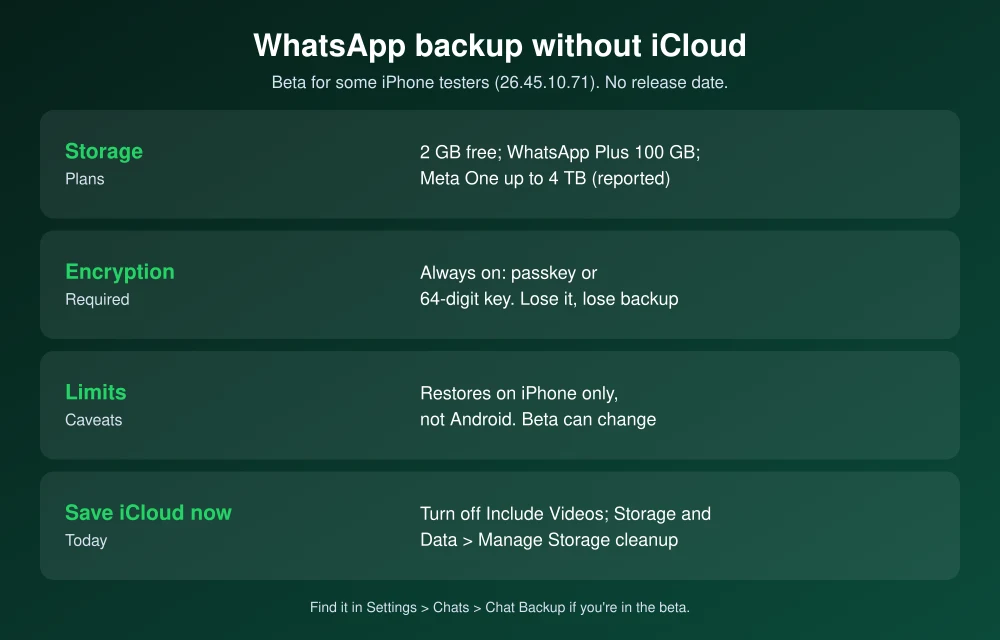
Quick answer: WhatsApp is testing a way to back up iPhone chats to WhatsApp’s own servers instead of iCloud. It’s rolling out to some testers in WhatsApp beta for iOS 26.45.10.71, with no public release date yet. Testers get 2 GB free, with more storage reported through WhatsApp Plus (100 GB) and Meta One plans (up to 4 TB). Backups are always end-to-end encrypted, protected by a passkey or a 64-digit key, and can’t be restored on Android. If you have the beta, choose it in Settings > Chats > Chat Backup. Until it reaches you, save iCloud space by excluding videos from backups and clearing large files in Settings > Storage and Data > Manage Storage.
What’s confirmed and what isn’t
| Detail | Status |
|---|---|
| Back up iPhone chats to WhatsApp’s servers instead of iCloud | Rolling out to some beta testers (version 26.45.10.71) |
| 2 GB free storage | Reported from the beta |
| 100 GB with WhatsApp Plus, up to 4 TB with Meta One | Reported from the beta. Prices not announced. |
| End-to-end encryption required | Reported from the beta. You can’t skip it. |
| Restore on Android | Not supported, as reported |
| Public release date | Not announced |
The feature first showed up in WhatsApp’s code in July (beta 26.28.10.16), MacRumors reported, and started reaching testers in November, according to WABetaInfo. Features in beta can change before release, or never ship.
How WhatsApp’s own backup works
- Where to find it: In Settings > Chats > Chat Backup, testers can choose iCloud or WhatsApp as the backup location.
- Encryption is required: WhatsApp asks you to protect the backup with a passkey (the default) or a 64-digit encryption key. Nobody, including WhatsApp, can read it.
- Don’t lose the key: If you lose your passkey or 64-digit key, WhatsApp can’t recover the backup. Store the key in a password manager.
- iPhone only: The backup restores to an iPhone, not to Android. To switch platforms, use WhatsApp’s built-in chat transfer instead.
- If a subscription ends: Testers report that WhatsApp keeps a backup above the free limit for four months after a paid plan expires, then deletes it.
Should you switch from iCloud when it arrives?
Switch if your iCloud is full, you pay for more iCloud storage mainly because of WhatsApp, or your backup fits in 2 GB. Mandatory encryption is also a privacy upgrade, since encryption is optional for WhatsApp’s iCloud backups.
Stay on iCloud if your backup is much bigger than 2 GB and you already pay for iCloud+. Paying again for WhatsApp storage would be a second bill for the same job.
How to save iCloud space for WhatsApp now
- Check your backup size: Open WhatsApp and go to Settings > Chats > Chat Backup. The size of your last backup is shown at the top.
- Leave out videos: On the same screen, turn off Include Videos. Videos are usually the largest part of a backup.
- Delete large files: Go to Settings > Storage and Data > Manage Storage. Review files larger than 5 MB and the chats using the most space, and delete what you don’t need.
- Turn on disappearing messages for busy group chats so old media doesn’t pile up.
- Back up now by tapping Back Up Now. WhatsApp needs enough free iCloud space for the backup, so clean up first.
How to encrypt your WhatsApp iCloud backup today
You don’t need the beta to encrypt your backup. Go to Settings > Chats > Chat Backup > End-to-end Encrypted Backup, tap Turn On, and create a password or 64-digit key. Once it’s on, Apple and WhatsApp can’t read your backup in iCloud. For the rest of your iCloud data, see how to turn on Advanced Data Protection. If WhatsApp is crashing in specific chats, see our WhatsApp group chat crash fix. Since Apple’s Support Community is gone, our guide to where to get iPhone help now covers official options.
FAQs
Can I back up WhatsApp on iPhone without iCloud?
Not yet for most people. WhatsApp is testing its own backup storage with some iPhone beta users in version 26.45.10.71 and hasn’t announced a public release date.
How much free WhatsApp backup storage will I get?
Testers get 2 GB free. More storage is reported through WhatsApp Plus with 100 GB and Meta One plans with up to 4 TB, but prices haven’t been announced.
Can I restore a WhatsApp backup from iPhone on Android?
No. Backups made on iPhone, whether in iCloud or with WhatsApp’s own storage, restore only on an iPhone. To move to Android, use WhatsApp’s chat transfer feature.
Is WhatsApp’s own backup encrypted?
Yes. Reports from the beta say end-to-end encryption is required, protected by a passkey or a 64-digit key. If you lose the key, WhatsApp can’t recover your backup.
Featured image: WhatsApp.
Disclosure: TheTechHacker has no paid relationship with WhatsApp, Meta, Apple or any company mentioned here.
More in Guides
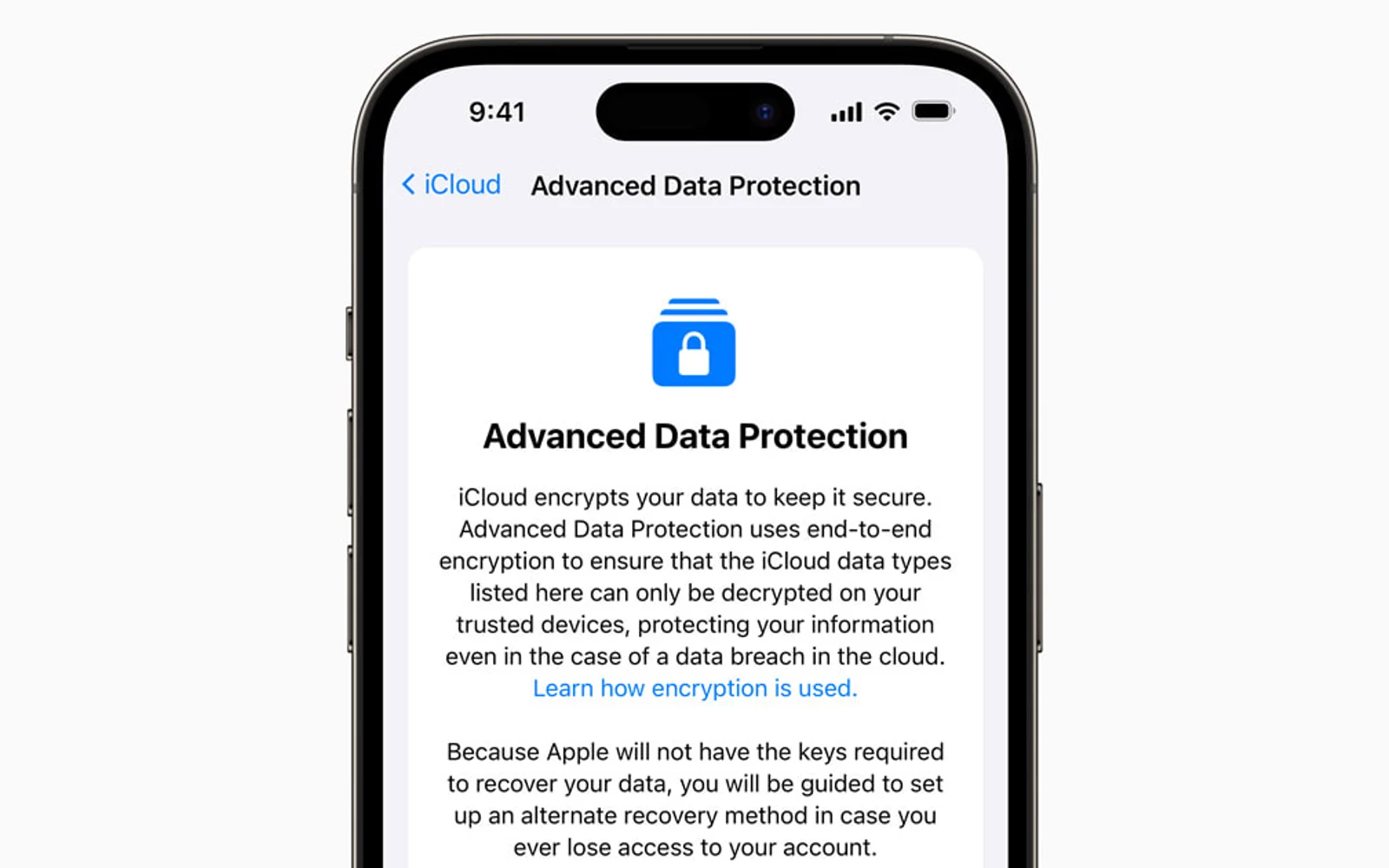
How to Turn On Advanced Data Protection for iCloud on iPhone, iPad and Mac
By default, a lot of what you store in iCloud is encrypted in a way that Apple can unlock, including your iPhone backups, photos and notes. That’s convenient if you forget your password, because Apple can help you get back in. But it also means that data could be handed over in response to a…
How to fix WhatsApp crashes in specific group chats on iPhone, Android
You open WhatsApp to check a group message, and the app closes immediately. You try again, but the same thing happens. Other conversations may work normally, while one particular group keeps crashing the app. It is frustrating, especially when that group is used for work, family updates, or important announcements. The good news is that…
How To Set Up A Brand New iPhone
Planning to purchase or already purchased a new iPhone? Now it is the time to set up your device to start using it. No matter you bought the device from the local store or purchased online, you need to connect it to the iTunes. A first sync with the PC/Mac is crucial for setup of…
The week in tech, minus the noise.
New reviews, fixes and the stories that matter — once a week, straight to your inbox.
We only use your email to send the newsletter. Unsubscribe any time. See our privacy policy.
Comments