

Rahul Vithala

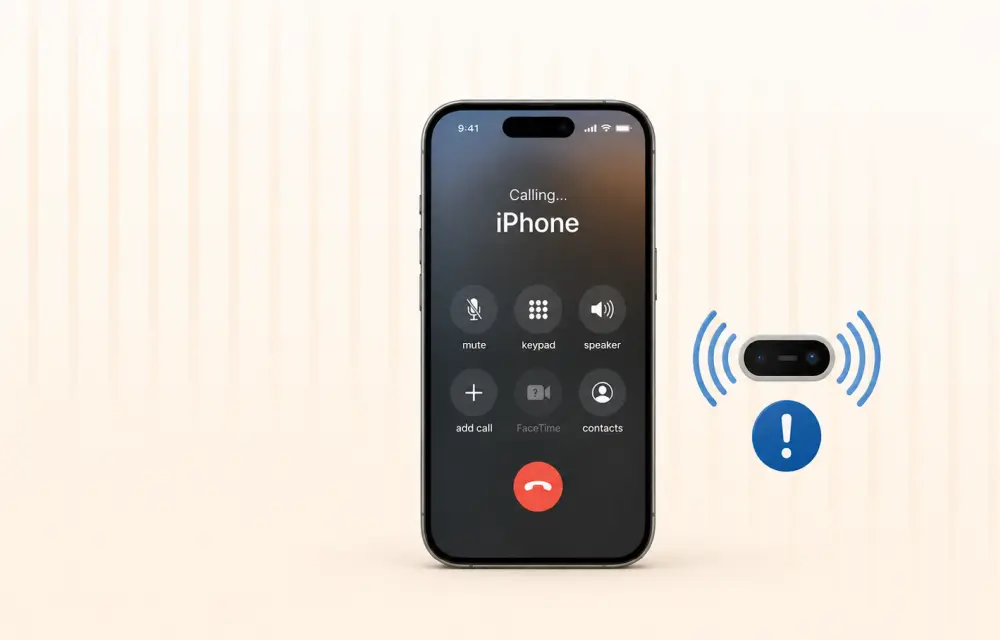
How to Fix iPhone Proximity Sensor Not Working Properly After iOS 26
After the iOS 26 update, a growing number of iPhone users are reporting issues with the proximity sensor. In some cases, the screen does not turn off during voice calls. In others, features like Always On Display behave oddly in low-light conditions. If your iPhone’s proximity sensor feels “broken” or inconsistent after updating, you are…
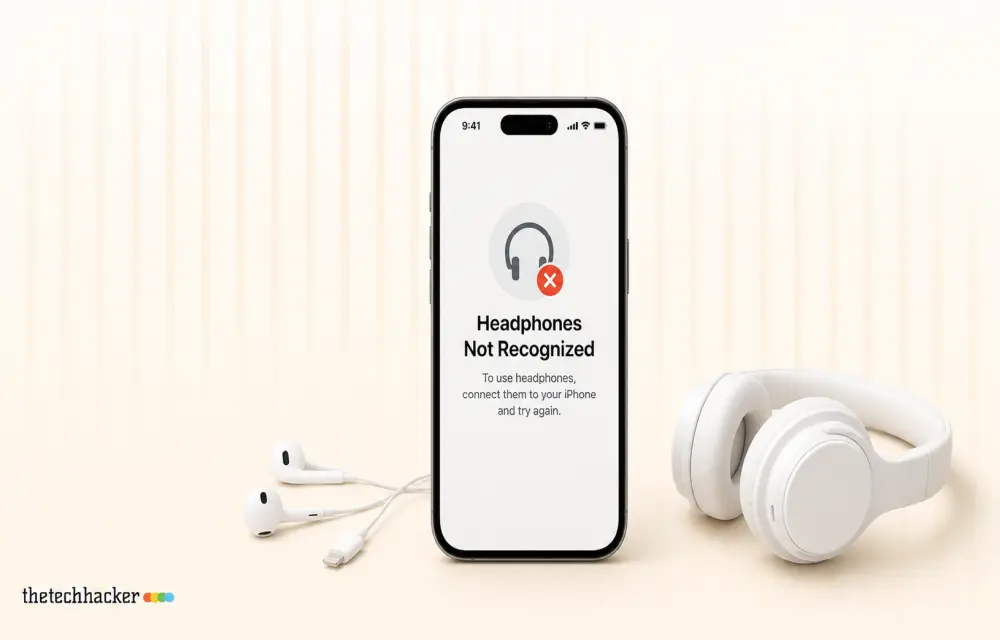
How to Fix “Headphones Not Recognized” on iPhone After iOS 26 Update
After the iOS 26 update, a small but noticeable group of iPhone users started reporting a strange issue: wired headphones are no longer being recognized properly. Some are stuck in speaker-only mode, while others see their headphones connect and disconnect randomly. Although most complaints are about wired headphones, a few Bluetooth users are facing similar…
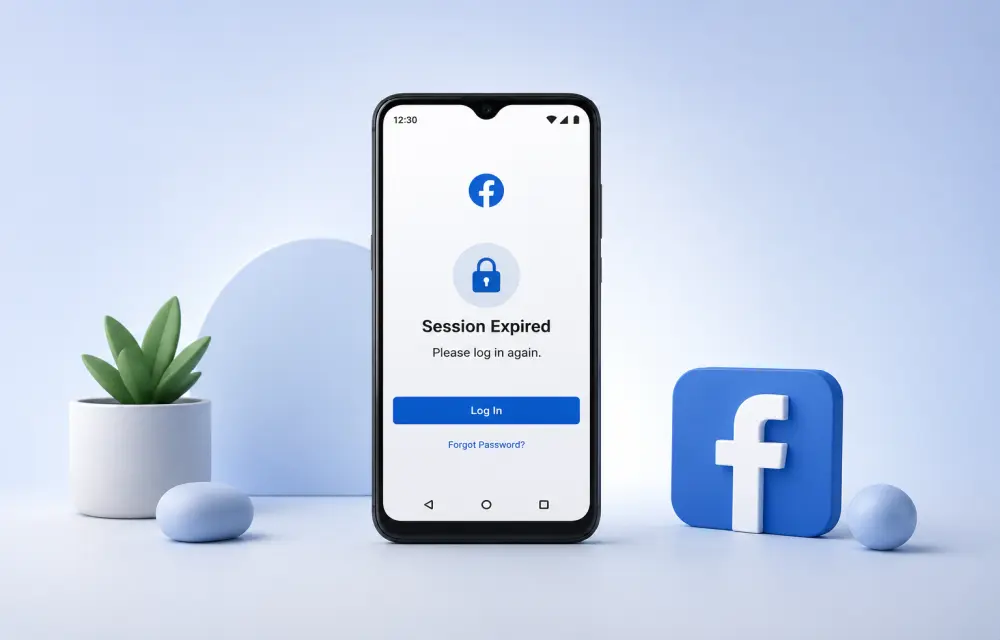
How to Fix the “Session Expired” Error on Facebook for Android?
Seeing “Session expired” pop up on the Facebook app is annoying, especially when it keeps happening. Sometimes it’s just a one-time logout after inactivity. Other times, it becomes a loop that kicks you out again and again. Most of the time, this is not a hacked account or a serious security issue. It’s usually a…
How to Fix Siri Not Responding on Apple Watch
Is Siri not responding when you try to use it on your Apple Watch? You may raise your wrist, say “Hey Siri,” or press the Digital Crown, but nothing happens. This can be frustrating, especially when you depend on Siri for quick messages, reminders, calls, directions, or other hands-free tasks. The problem may be caused…
How to Fix iPhone Siri Activating Randomly Without Saying “Hey Siri” on iOS 26
Has Siri started activating randomly on your iPhone after the iOS 26 update? You may suddenly see the Siri interface appear even though you did not say “Hey Siri” or intentionally touch the screen. Apart from being frustrating, unexpected Siri activation can interrupt your work, trigger unwanted actions, or create privacy concerns when the phone…
How to fix Siri does not respond or answers correctly
Having trouble with Siri after an iOS update? Here’s how to fix it!
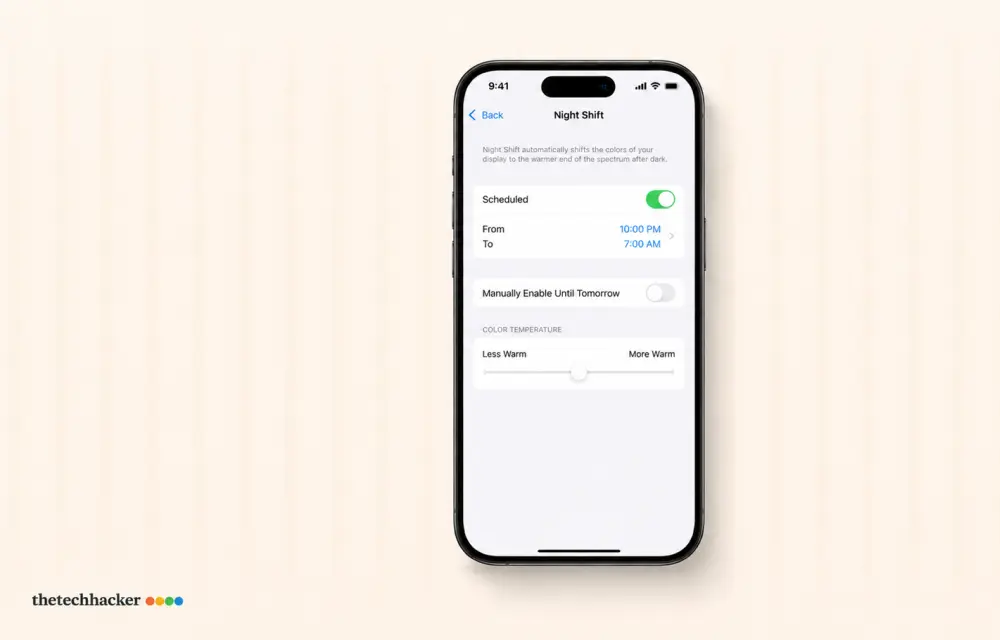
How To Fix iPhone iOS 26 Night Shift Auto Turn-Off
Discover how to prevent your iPhone’s Night Shift from turning off prematurely after the iOS 26 update with these easy steps.
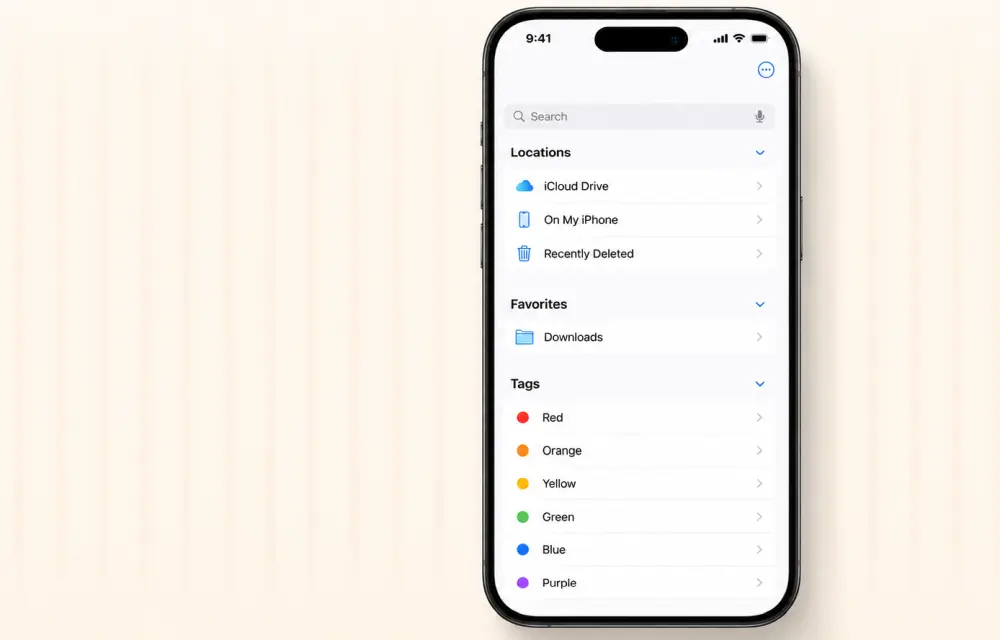
How to Fix iPhone Files App Not Showing Recent Downloads
Trying to fix the iPhone Files app issue where downloads are missing? It can be irritating when essential files don’t show up, but you can resolve this problem with a few simple tweaks. In our testing, these steps to fix iPhone Files app issues have proven effective for many users. Let’s dive into the solution.…
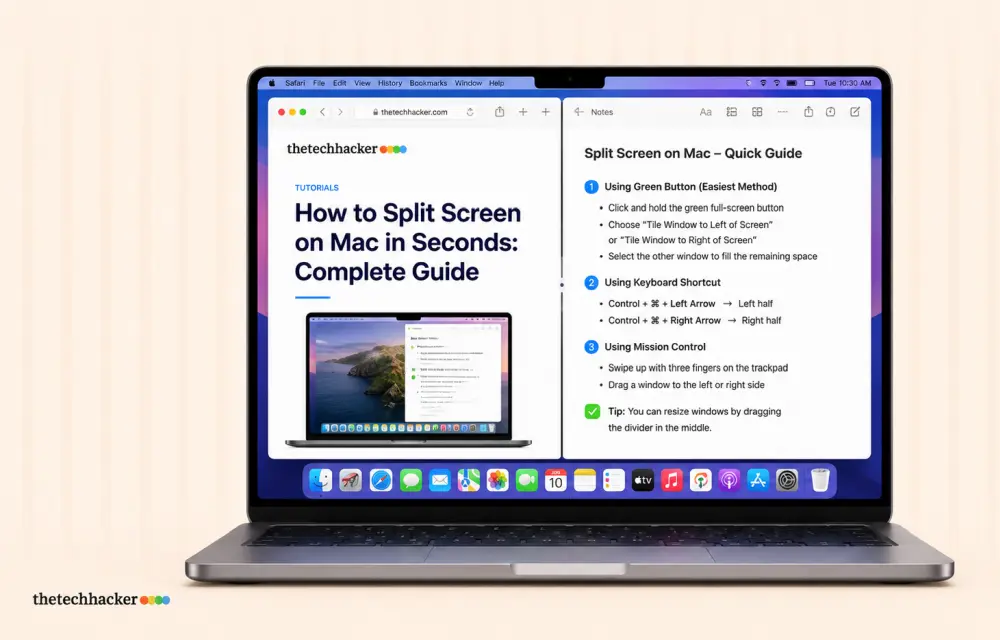
How to Split Screen on Mac in Seconds: Complete Guide
Learn how to split screen on Mac to view two apps side by side. This guide walks you through Split View setup, keyboard shortcuts, and troubleshooting tips.
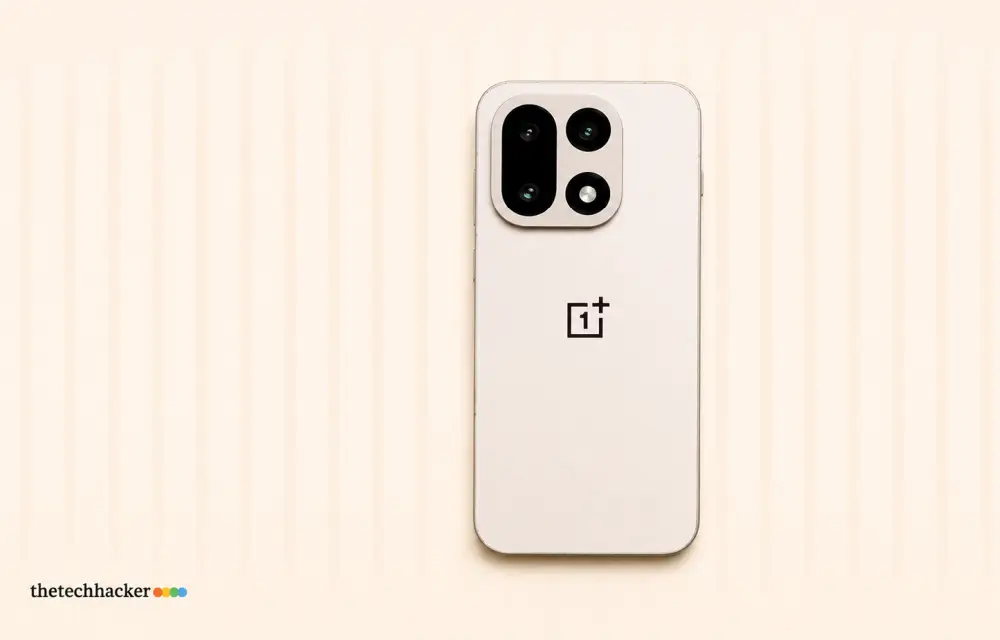
OnePlus 16: Sleek Design & Features for October
Discover the OnePlus 16 with Snapdragon 8 Elite Gen 6 Pro, sleek design, 200MP camera, and ColorOS 17 launching this October.
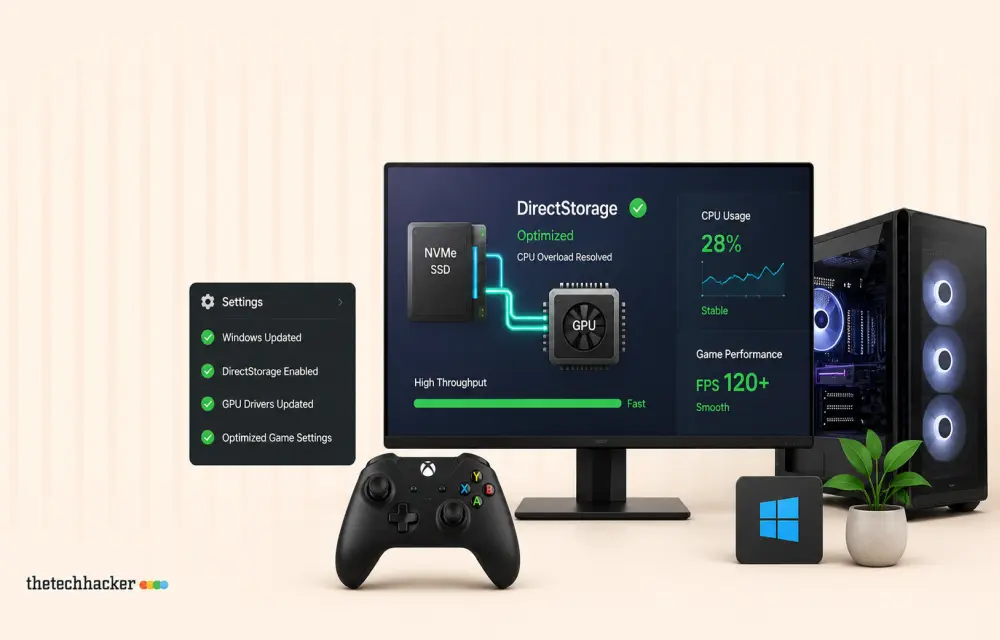
How To Resolve DirectStorage CPU Overload in Windows
Optimize your system’s performance by managing DirectStorage effectively and preventing 100% CPU usage.
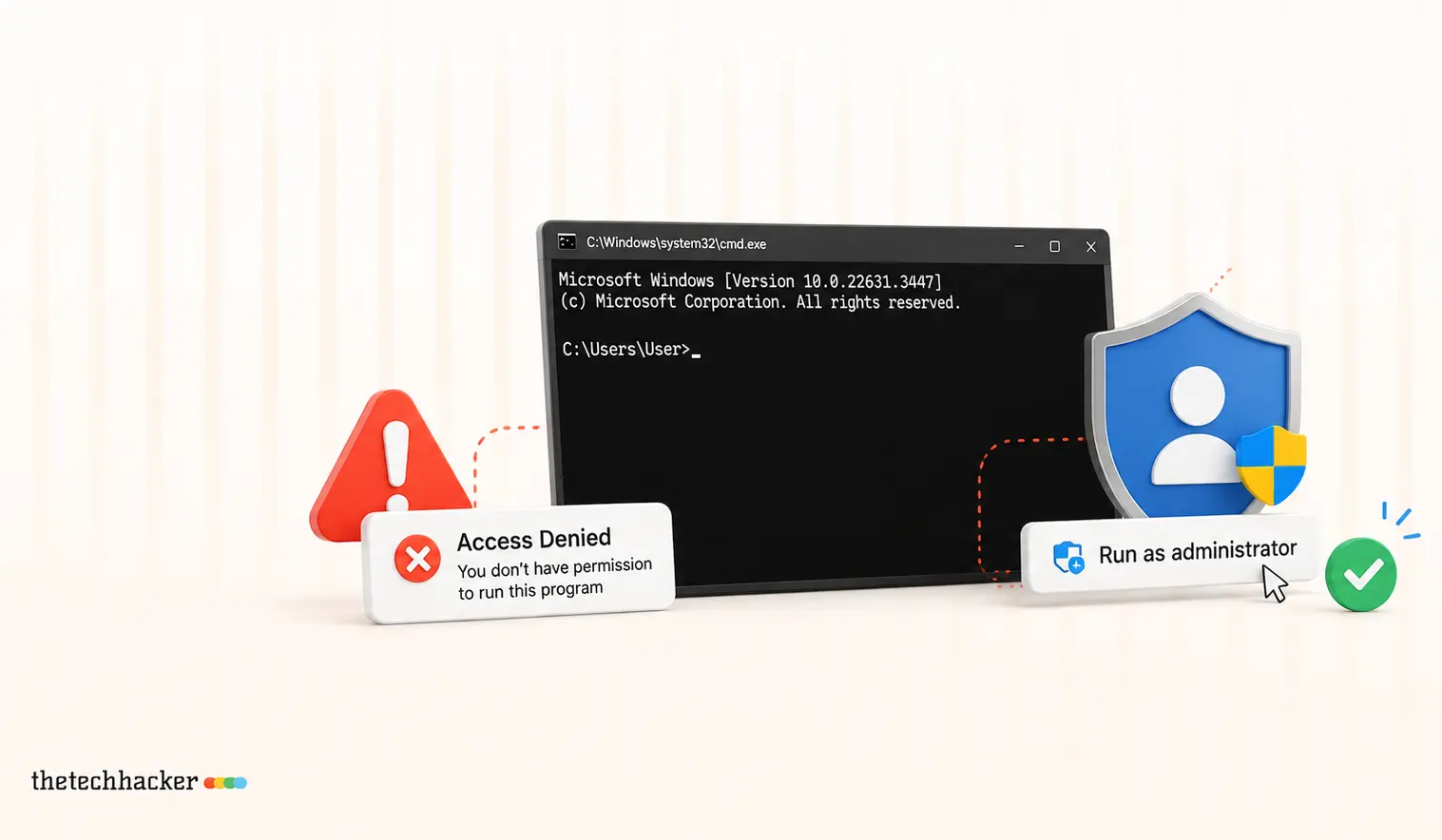
How To Fix ‘Run as Administrator’ Access Denied in CMD
Learn how to resolve the ‘Run as Administrator’ access denied issue in Command Prompt.