

Rahul Vithala

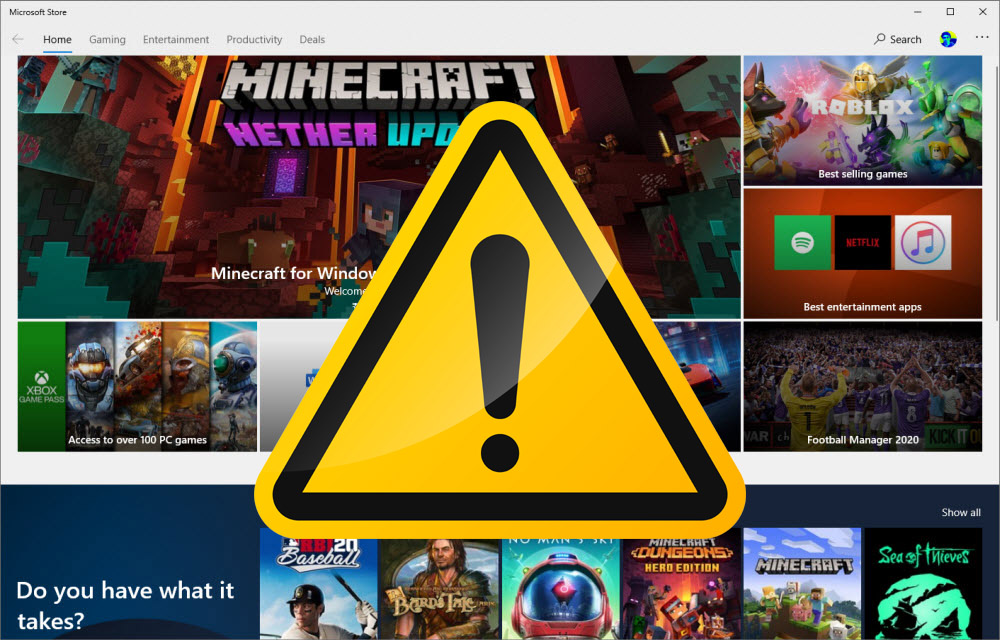
How To Fix App Has Been Blocked Due To Company Policy In Microsoft Store In Windows 10
Sometimes while downloading an application from Microsoft store, you may encounter a message “App Has Been Blocked Due To Company Policy In Microsoft Store In Windows 10” error message. It is due to some unexpected error caused by Microsoft store. Here are the fixes for “App Has Been Blocked Due To Company Policy In Microsoft…

How To Fake An Incoming Call On The Phone
There are many unwanted situations comes in our life. Sometimes we can’t show our emotions to escape from the situation. Whether it is an unwanted meeting or boring party, all we need is a small excuse to escape from the situation. Thanks to modern technology which makes our life’s very easy to manage in all…

How To Rename Printer Name In Windows 10
When you install a printer in Windows 10 computer, it will install with a default name of the printer. The default name of the printers is somehow confusing to the users. If you have more than one printer connected to your computer it is more confusing to recognize the printer you want to use. To…

How To Enable Siri Suggestion In Mail App On iOS And macOS
Apple’s Siri suggestions can be helpful in many cases. Compared to the Google Assistant, Siri is a tough and worthy personal assistant and it proved in many ways. The integration with the third-party messaging apps is a noticeable feature which we can’t deny. The features are pretty useful to improve our productivity while messaging. Siri…

How To Transfer Photos And Videos From Facebook To Google Photos
Facebook is popular for sharing and storing our precious moments on our wall for a lifetime. Sometimes we use camera image direct upload to the Facebook account. In that case, the camera doesn’t store the image to the gallery. The only way to get that important photo is on your Facebook wall. Recently, Facebook has…

Best Bitcoin Mining Tools For Windows, Mac, And Linux For 2020
If you are reading this article, it means you heard about Bitcoin and Blockchain technologies. You may see everyone talking about Bitcoin online and no person who is clearly aware of it in nearby you. Bitcoin is a decentralized virtual currency created from the Blockchain method. It uses blocks to generate a transaction virtually and…

100% Secure VPN Services For Everyday Use
The cyber threats online are exponentially increased as most of the common daily routines works are happening online. Everything has changed in the digital revolution. In this century, we are able to book a flight, order food, work from home, and even bank transactions are operated on the Internet. Anyone who uses a computer with…
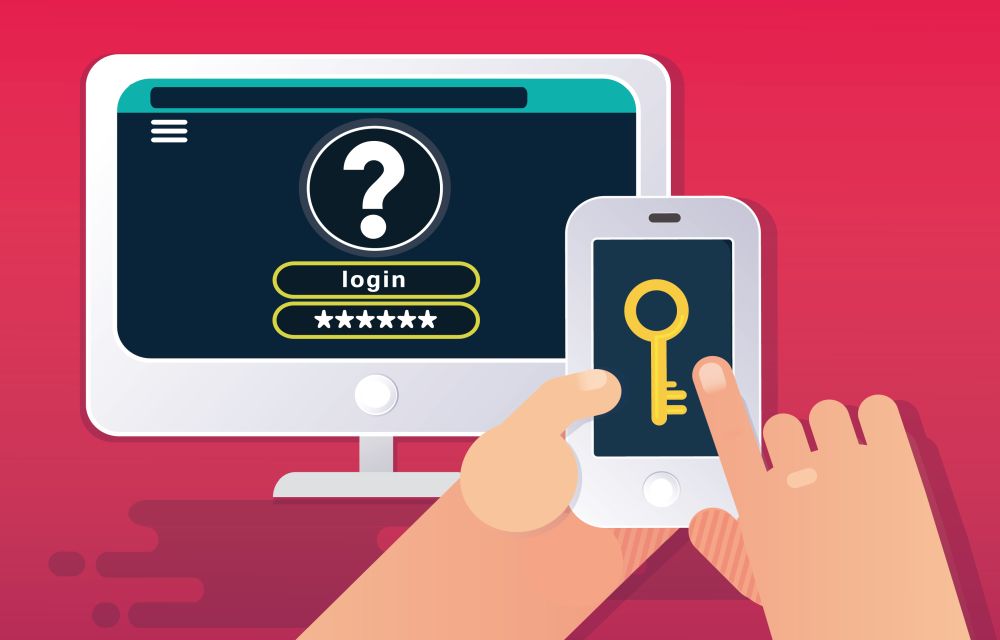
How To Turn on Google Two Factor Authentication
Staying safe online is not an easy task. Every year we are seeing the increase in hack attacks on individual and business accounts. Luckily, 2-factor authentication came into the limelight by making our online accounts more secured. As you know Google is offering more number of IoT services than any company to the normal users.…

How To Fix The 0x8024401c Error In Windows 10
0x8024401c is a common error code usually appear on the Windows update page on your computer. It is an error caused by the registry keys of Windows update and you can easily fix them by running the registry script on your computer. Before going to proceed the below methods, first, check your Windows is activated…

How To Use TikTok On PC And Mac?
TikTok is a great app to become famous on the Internet. Also, it is a great app for personal entertainment. Small clips of videos are going viral among the millions of users by giving an infinite number of entertainment hours to its audience. As we all know, TikTok is available for Android and iOS platforms…

How To Stop Microsoft Edge Opening Automatically In Windows 10
Are you looking to stop Microsoft Edge opening automatically In Windows 10? After installing a fresh copy of Windows 10 or after opening a brand new laptop or desktop the first thing you experience is Microsoft Edge as the default browser. Microsoft introduced Edge browser as a replacement of the Internet Explorer. When you start…

Can You Play Fortnite on a School or College Network? What’s Allowed
If you have ever tried to launch Fortnite on a school or college network and found it blocked, you are not alone. Lots of students search for ways to unblock Fortnite at school. But before you try anything, it helps to understand why the game is blocked and what is actually allowed. In this guide,…