

Rahul Vithala


How To Fix Zoom Microphone Is Not Working Error
Errors are most common and these are most frustrating when you are actively using the service. During the Corona pandemic, many people are working from the home and Zoom is their video conferencing tool. It is a cloud-based video conference tool which perfectly works on almost all platforms. Are you experiencing Zoom microphone not working…

How To Fix Zoom Camera Is Not Working Error
Zoom is a favourite video conferencing tool for everyone. During the Coronavirus pandemic, Zoom has got a lot of attention from all categories of people including students, business people, workers and many more. What if suddenly your camera not working with Zoom. Yes, it is a nightmare. In this article, we discuss the possible reasons…
Best Ad Blocker List For 2020
Annoying ads have occupied the place on the Internet in every good service. When you visit a website the frustrating ads popup when you are reading an interesting article. These ads waste your time and some adware can ruin your browsing experience. According to the speed test and experience, the highly ad-enabled sites will increase…
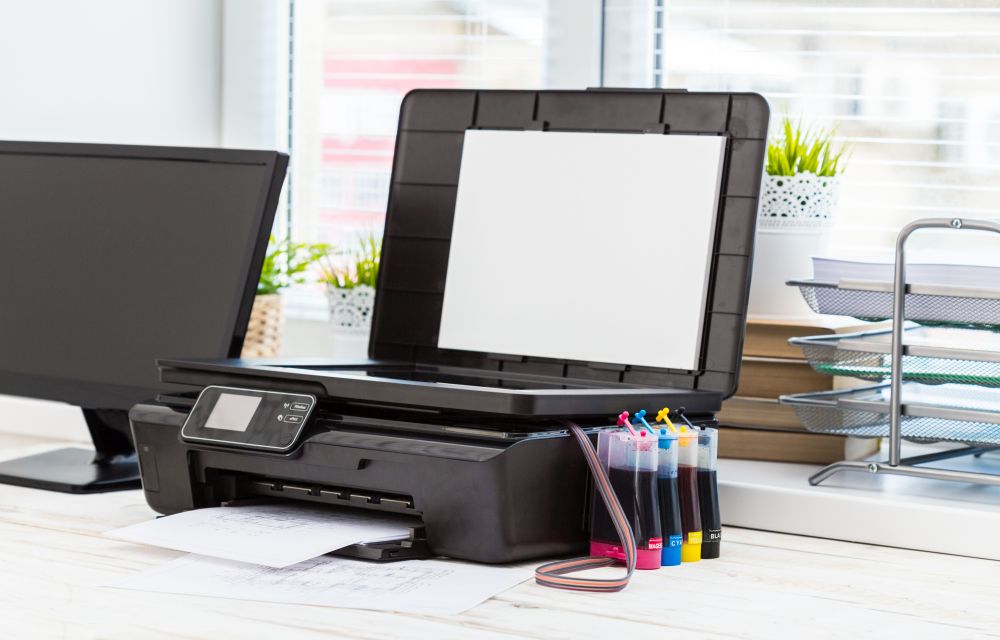
How To Fix Canon B200 Error
Printer errors are most common in Windows OS. It is quite frustrating when you need a print out in important or emergency situations suddenly an error code appears on the screen. Recently, our readers asked how to fix printer offline problem and we have given a quite simple guide to fix the issue. In today’s…

How To Change Fonts On WhatsApp Messages
WhatsApp is a well know personal messaging platform available for smartphones. It works with the help of a phone number to send and receive a text and multimedia related messages using the Internet. After Facebook take over, WhatsApp rolled out several features to the service which makes the WhatsApp stand out from the alternatives. Recently,…

How To Manage And Cancel Subscriptions On iPhone And iPad
The subscription model services business exponentially increased in recent years. Many popular websites, games, music and video streaming services are offering a subscription-based model to enjoy their services. A subscription service offers unlimited use of service under the subscription period. The subscription model is not new to Apple iOS users. The subscription service of Apple…
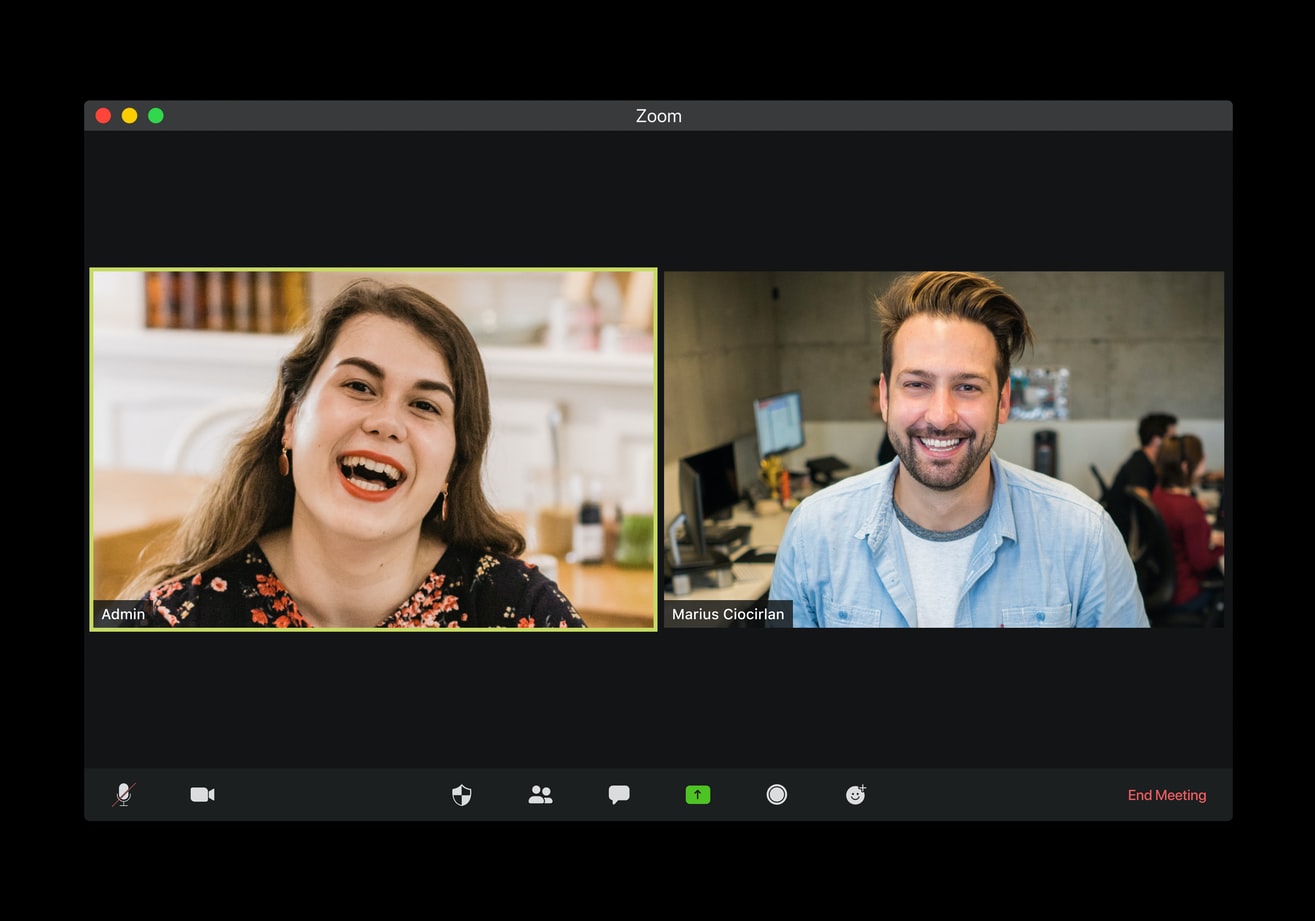
How To Use Zoom To Make Video Calls
Zoom is the best video calling app amongst the other alternatives such as Skype, Google Hangouts, etc. It became very popular in a short span of time due to its impressive performance and reliability. In our previous article, we discussed how to create a Zoom account on desktop and mobile platforms. Now, in this article,…

Best Banned Chinese App Alternatives You Can Use In 2020
Amidst rising tension on the Indo-China border, the Indian government has taken a bold decision to ban 59 Chinese apps in the country. In a press release, the banned apps have been accused of collecting data from users and sending them to servers located outside India in an illegitimate manner. The list of apps banned…

How To Create A Zoom Account
With the rise in work from home all over the world, the demand for video conferencing tools enormously increased. Zoom is one such popular audio and video conferencing app available to fulfil all the needs. It is a modern both personal and enterprise video conferencing solution. Currently, many people around the world are using Zoom…
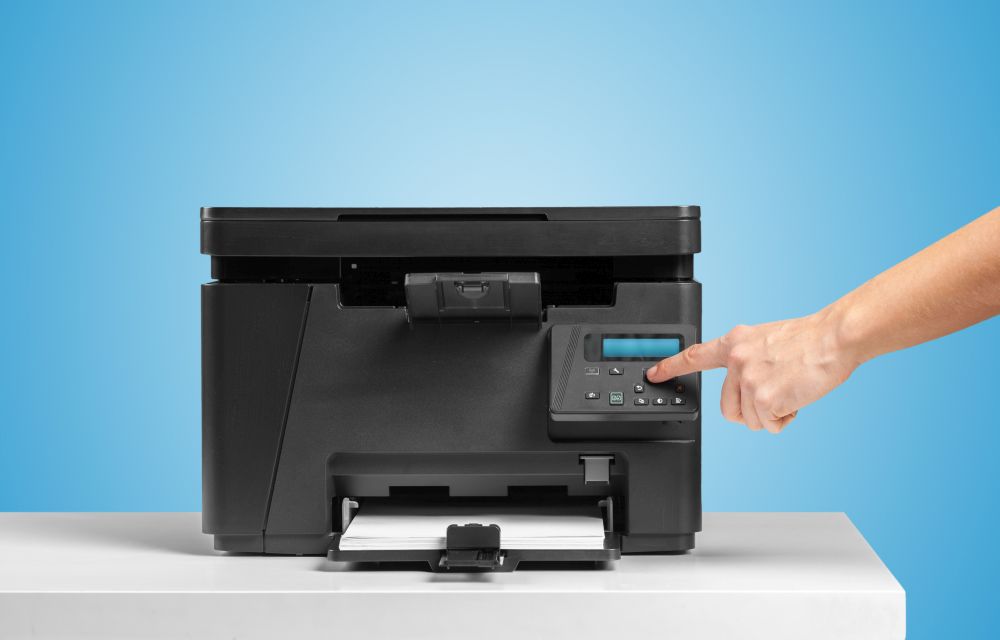
How To Fix “Printer Needs User Intervention” In Windows 10
Windows and printer is a deadly combination of productivity. But in cases, the combination is a nightmare too. There are some errors codes appear when you get a particular type of printer error. Previously we written few printer errors fixes such as 0x00000709 error, printer driver update problem, Printer Has Experienced An Unexpected Configuration Problem…

How To Fix FPS Drop While Gaming In Windows 10
Gaming on Windows is a blissful experience. Windows 10 is a favourite operating system for millions of users around the world. It lets you play any kind of game without giving any troubles. However, sometimes the FPS rate will drop suddenly during the game. It is a small error, and we can easily fix in…
How To Fix Microsoft Store Error 0x80D03805 In Windows 10
Microsoft Store Error 0x80D03805 is a kind of error we usually get when trying to download or update an app from Microsoft store. It is the most common error according to the reports available online. Many people are searching on the Internet to get a fix for this issue. In case, if you faced this…