

How-to

How To Delete A User On PS5?
Are you trying to delete a user on PS5 console which is not using? If yes, this article will help you to delete unwanted user account from PS5. If you have multiple user accounts created on your PS5 and if you are not using, then you may wish to deleted unwnated user accounts from PS5.…
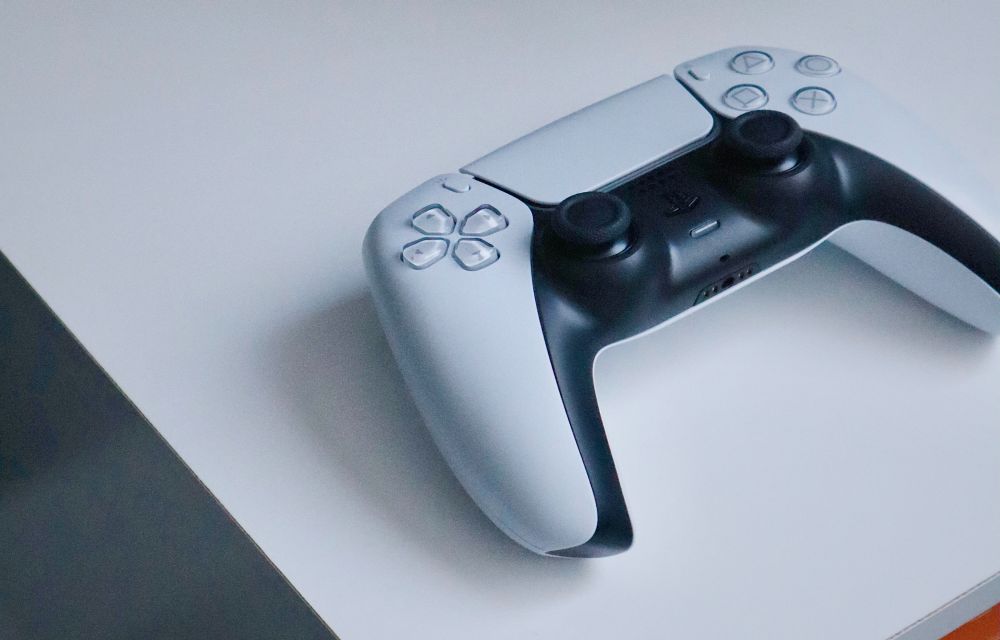
How To Reset PS5
Are you trying to reset your brand new PS5 to default factory settings? If yes, this article will help you to reset the PS5 factory settings, and this tutorial works for both PS5 Standard and Digital editions. Note: A factory reset on PS5 will erase all the games installed along with save data and other…

How To Appear Offline On Steam? [Easy Methods To Go Invisible On Steam]
If you’re a gamer, Steam needs no introduction. For uninitiated, Steam is a digital video game distribution software developed by Valve, the popular American game developer. However, Steam is much more than a mere game distribution software where you can play AAA titles like Cyberpunk 2077, Dota 2, Football Manager 2021, and many more. It…

How To Fix isdone.dll Error While Installing Games In Windows 10
Are you getting isdone.dll error while trying to install a game? If yes, this article will help you to sort out this error and continue installing your favourite game on your Windows PC. Causes for isdone.dll error Usually this error comes up when the user is trying to install modern games with huge size. While…

How To Find Contacts On Instagram?
I hope you already have all contacts list in your Instagram. If you are missing any persons contact personally, you can find it on Instagram. Instagram has a contact-finding option that makes sure you are in touch will all of your contact. It will display all of your contact list of the people who are…
How Can You Create A Windows 10 Recovery Disk?
Though Windows 10 is a strong platform to keep the data in your PC safe, it is vital not to rely too much on it. To keep your data adequately safe in your device, considering creating a Windows 10 recovery disk is not a bad idea. It will not only provide you with a strong…
How To Set Up Auto-Login On Windows 10?
Having access to the immediate auto-login to your Windows 10 desktop is much easier and less time taking. What about skipping all those password entering and booting-up part and jumping right into your apps? Interesting and convenient, right? Here is how to do so. Method 1 The first method includes the User Account method, which…

How To Connect PS4 Controller On The iPad
iPad and PS4 are two different worlds for gamers. PS4 is the ultimate gaming console for game lovers and whereas iPad is a handheld fantastic game friendly device. PS4 has a DualShock controller which is the biggest asset for playing games with ease. The controller makes hand friendly to move and play the character on…

How To View Clipboard History On Windows 10
In some emergency cases, clipboard history will be a lifesaver. For example, if you forgot what you copied in the previous copy-paste cycle, the clipboard manager lets you view the copy and paste action. Before the clipboard feature is introduced in Windows, people rely on the third-party apps to view the clipboard history on Windows.…

How To Enable Zoom End To End Encryption For Calls
Zoom has gained a lot of popularity during the Covid-19 pandemic after the offices and schools shut down, it became a favourite conferencing tool. The features it offers are very user friendly and the video quality also top-notch when compared to the other competitors. Safety and security during Video Conferencing with Zoom are nowadays thought…
How to fix NVIDIA control panel not showing In Windows 10
Nvidia control panel missing is the most common problem for Nvidia graphic card users. According to the sources, the Nvidia control panel missing error is caused due to the bad Windows 10 update. What is Nvidia Control Panel and why it is needed? Nvidia control panel lets you configure the Nvidia graphics card according to…

How To Unblock Websites On Chrome?
If you are using Google Chrome and have encountered blocked websites, you do not have to worry. It is fairly easy to unblock them depending on what is blocking a site. Usually, a site gets blocked automatically by Google Chrome’s safe browsing feature if it is a known source of malware/phishing or if the SSL…