

How-to
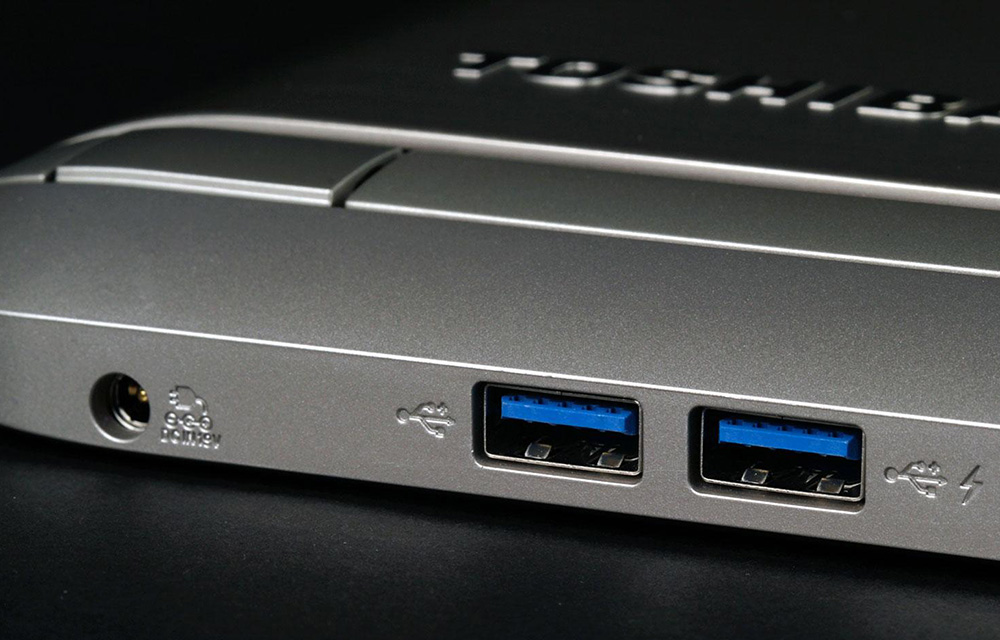
How to Fix USB Ports
USB ports are essential for the day-to-day operations on the computer. Without a USB port, you will not be able to connect most of your devices such as Flash storage, Card Readers, USB Dongles, External HDDs, etc. Sometimes, even if you have the USB ports and they are no longer working, you will face the…

How to Create GIF in Photoshop
GIFs are funny, creative, and always enjoyable. So, it is natural that you also wanted to create one. If you have been searching for a way to create GIFs, you might have already found plenty of online/offline solutions to do so. But if you haven’t, here we are sharing the steps to create GIF files…

How to Save a Video from Facebook
Yes, it is possible to download a video available on Facebook feed. Facebook is currently the most popular social network around. Well, with the increase in the number of active users, you get to see a lot of content on it. The content consists of text, images, and videos as well. Among all the others,…
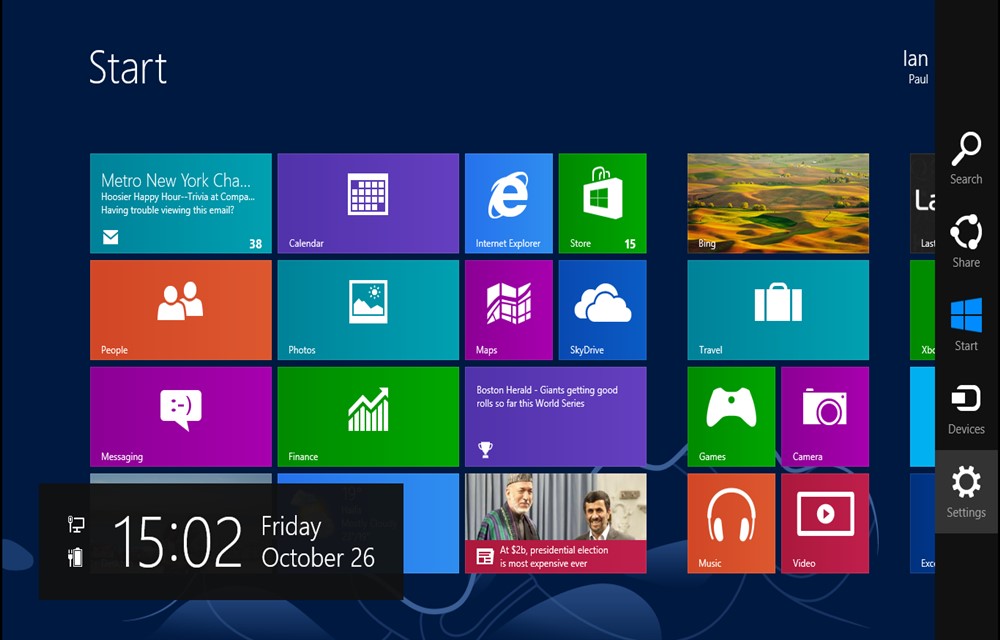
Steps Required To Batch Uninstall Windows 8 Default Apps using PowerShell
Windows 8 created huge waves among people with the brighter user interface coupled with Metro screen. Even though Windows 8 is outdated, the operating system is still used by several people across the world. If you had worked with Windows 8, you would know about few default apps that will serve your daily requirements. If…
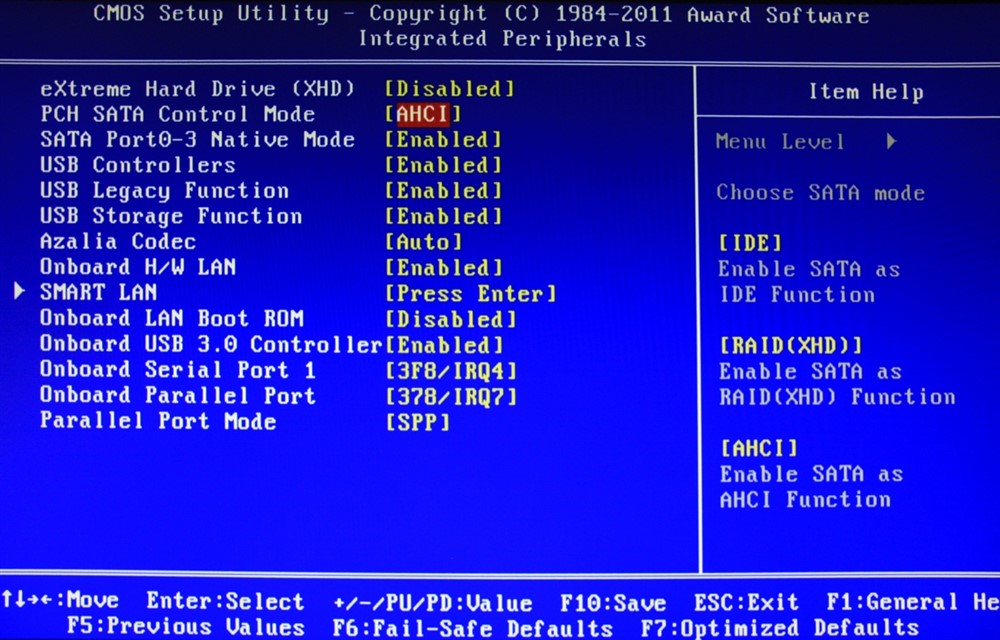
Steps Required To Update Your Computer’s BIOS Settings
During late 1990’s, we were afraid of BIOS because it constantly crashes. When we purchased a PC during that time, the BIOS crashed after the installation of a gaming software. Nowadays, the rate of BIOS crashes is low due to sturdy hardware and software. BIOS stands for Basic Input-Output System and is embedded on a…

How To Disable Sticky Keys In Windows
Sticky Keys enables you to make use of keyboard shortcuts without any need to press more than one key. You also need not have to enter capital letters. If you have not activated the Keys, you would have to press Shift key for capital letters. Moreover, if you hold the Ctrl key along with S,…
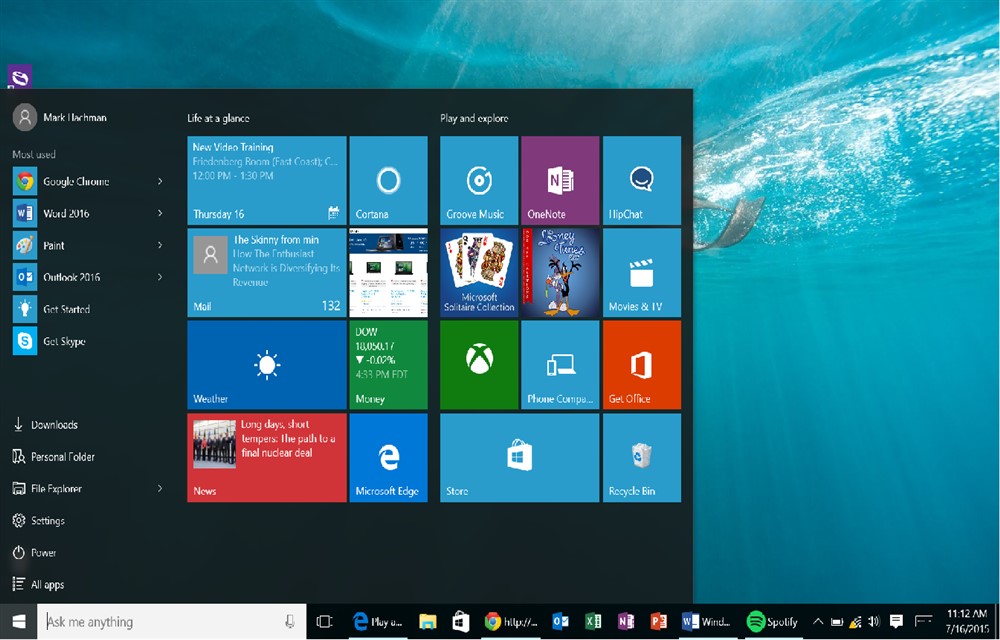
Steps Required To Burn ISO Images In Windows 10
Microsoft completely refreshed the file explorer in Windows 10. Moreover, the Redmond-based company changed the name from file explorer to Windows Explorer. The company also removed the control bar located below the address bar. In Windows 10, you will view three ribbons that resembles the grouped controls identical to Microsoft Office apps. If you look…

Steps Required To Play MKV Files In Windows Media Player In Windows
Imagine, you have a wide range of MKV video files either in your computer or portable hard drive. You have to make use of a third-party player to pay the MKV files. The Windows Media Player included with Windows doesn’t provide support for playing MKV files although the player contains a wide range of features.…

Sgnl Simplifies Phone Conversations With Smart Fingertip Sensors
Have you ever wondered that you can easily answer telephone calls with your fingertip? Yes. It is now possible. Thanks to the development of Sgnl. Sgnl is a smart strap using which you can answer calls via the integrated microphone. You simply need to place your fingertip to your ear. The advantage of Sgnl is…

How To Extend Software Trial Period?
Nowadays, software tools and programs ships with trial offer to enable users to test drive the software before purchase. During the trial period, you will be able to experience the full features of the relevant software. The total number of trial days depends upon the software manufacturer. It could be either 15 or 30 days.…
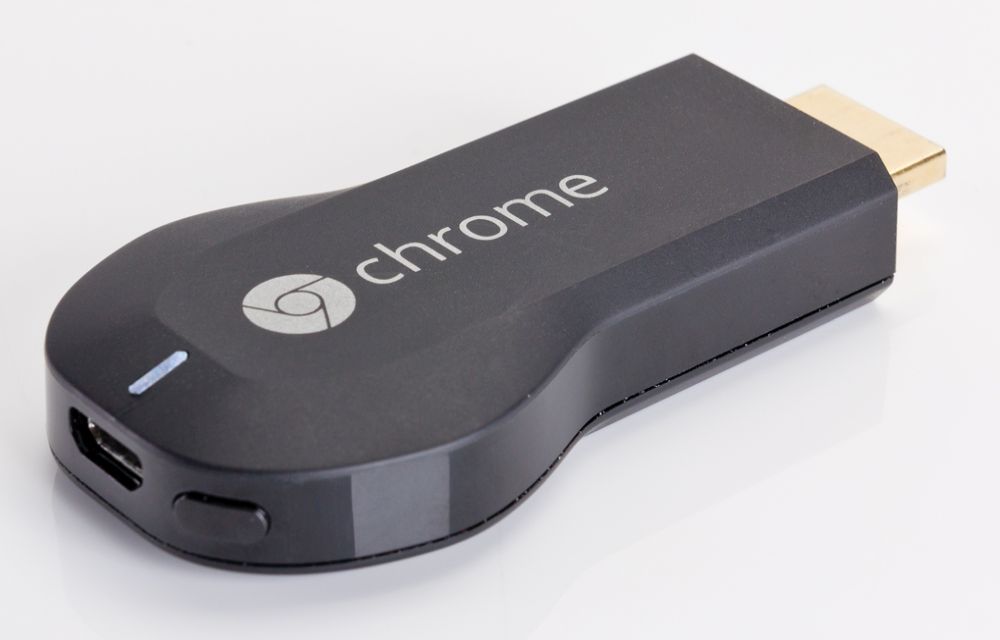
Steps Required To Stream From VLC to Google Chromecast
Google Chromecast is a premium streaming device used to establish connectivity with your Television. VLC has added support for Chromecast. With VLC, you can stream media files directly from the VLC media player on your PC to your Chromecast.

How To Remove PDF Password Using Google Chrome
If you are using Internet Banking or any other digital payment system, you would receive monthly statements via email in the form of password-protected files. The file prompts you to enter a specific code in the form of last for digits of your phone number and your last name. The main purpose behind the implementation…