

How to Save a Video from Facebook
Yes, it is possible to download a video available on Facebook feed. Facebook is currently the most popular social network around. Well, with the increase in the number of active users, you get to see a lot of content on it. The content consists of text, images, and videos as well. Among all the others,…


Yes, it is possible to download a video available on Facebook feed. Facebook is currently the most popular social network around. Well, with the increase in the number of active users, you get to see a lot of content on it.
The content consists of text, images, and videos as well. Among all the others, some of the videos might be very intriguing. But, how to save a video from Facebook? Is there a download option to be utilized? Let’s find out!
Facebook does not directly let you download the video unless you are the one that uploaded it. So, let us take a look at a variety of ways by which you can download Facebook videos.
1. Save A Video From Facebook: Uploaded by You
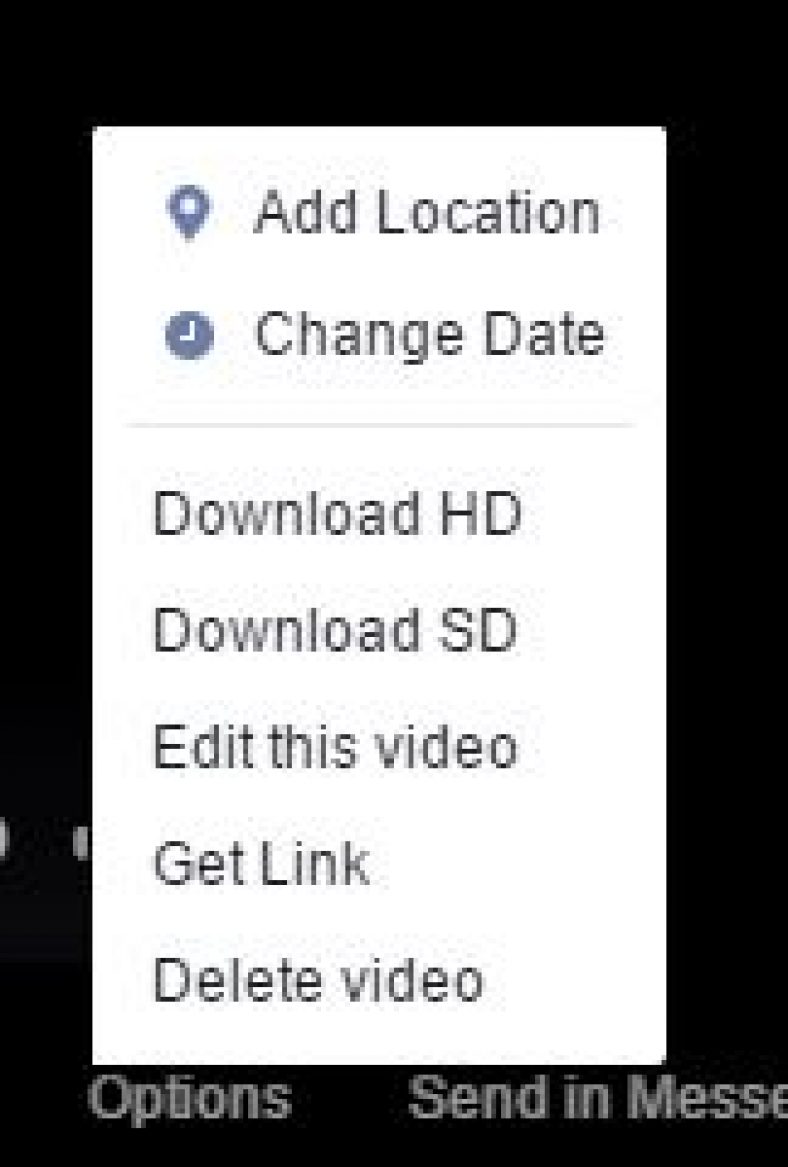
If you are the one who posted the video, simply head on to the Album section as shown in the image below.

Now, simply find the video you want to download and click on it. The video would start playing and at the bottom of the video, you will find “Options“. Click on it to encounter the download options as shown in the image below. You can download it at standard quality and at high definition (if it was uploaded that way originally).
2. Save A Video From Facebook: If Someone Else Posted It
You might find a video posted on a page or your friend on his or her timeline. How do you download it?
Well, this time, it ain’t simple but we have an easy solution for that.
Head on to the video you want to download and then right-click on it to get the video URL by clicking on “Show Video URL“. After you have the URL, which should look like this: https://www.facebook.com/ankushdastl/videos/168361111832292722/
You have to paste it to the address bar on a new tab and then modify the URL by replacing “www” with “m” to redirect to the mobile site.
Example:
- Original URL: https://www.facebook.com/ankushdastl/videos/168361111832292722/
- Modified URL: https://m.facebook.com/ankushdastl/videos/168361111832292722/
After you are done, you will be directed to the mobile site when you visit the modified URL. All you need to do now is play the video. You will finally encounter a download button (on Google Chrome) as shown in the image below. Simply, click on it to download the video from Facebook.

In case if you are using any other browser which does not display the download button directly, then you should right-click on the video and click on “Save as” to download it to your computer.
3. Save A Video From Facebook: If you are on an Android device
Well, if you are on an android device, things get easier. All you need is a single app to help download the videos right to your device.
You can refer our resource to Download Facebook video on Android for more information on the same.
What do you think about the above-mentioned methods?
Do you know of a better solution which explains how to save a video from Facebook?
Let us know your thoughts in the comments section below.
More in How-to
How to Disable Videos from Automatically Playing on Facebook
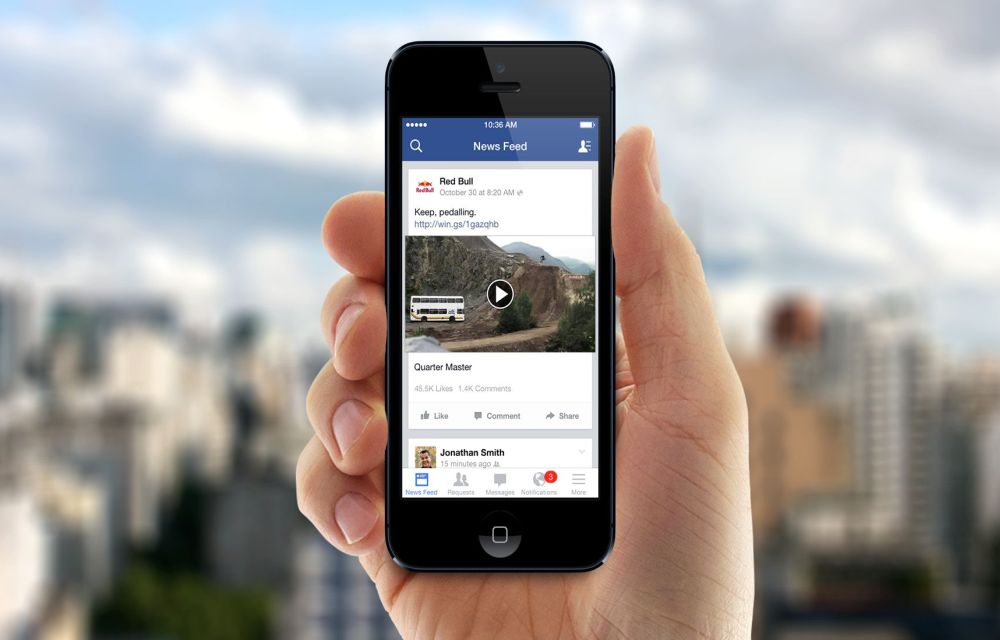
If you are driven to insane with the irritating autoplay feature, we are here to help you. In this complete guide on How to disable videos from automatically playing on facebook, we are gonna give you some methods to disable those auto-playing videos and giving you some extra data to browse. How to disable videos from automatically playing on Facebook because we know you really need it.

How To Revert Old WhatsApp Status On Android
Nowadays, people make use of WhatsApp to communicate with their friends and relatives. The WhatsApp is a useful tool to share not only messages but also images and videos captured during special events to users anywhere in the world. However, the Facebook-owned company regularly provides updates with new features.

How To Transfer Photos And Videos From Facebook To Google Photos
Facebook is popular for sharing and storing our precious moments on our wall for a lifetime. Sometimes we use camera image direct upload to the Facebook account. In that case, the camera doesn’t store the image to the gallery. The only way to get that important photo is on your Facebook wall. Recently, Facebook has…
The week in tech, minus the noise.
New reviews, fixes and the stories that matter — once a week, straight to your inbox.
We only use your email to send the newsletter. Unsubscribe any time. See our privacy policy.
Comments