

How-to
How to Fix Microsoft Edge Crashing When Printing on Windows
If Microsoft Edge crashes, freezes or stops responding when you try to print, the quickest fix is to press Ctrl + Shift + P to print with the Windows system dialog instead of Edge’s own print preview. If that works, the problem is Edge’s print preview, and the fixes below will sort it out for…

Instagram DM Not Working? 9 Fixes That Actually Work
If your Instagram DMs are not working, first check whether Instagram itself is down, then force-close the app, update it, and switch between Wi-Fi and mobile data. If messages still will not send or load, clear the app’s cache (Android) or reinstall it (iPhone), and check your Account Status for a messaging restriction. DM problems…
How to fix application was unable to start correctly 0xc0000018 error in Windows
This application was unable to start correctly 0xc0000018 error in Windows error appears when launching an app and usually closes the program with only an OK button. In most cases it is fixable with a few steps. Follow the sequence below from simple to advanced, and stop once the error disappears. Always reboot and test…

How to fix Windows 10/11 users report “can’t create new folder” bug
A number of Windows 10 and 11 users are seeing a strange issue where the “New > Folder” option disappears, stopping fresh folders from being created. The glitch is usually fixable with a few quick steps. Below are seven practical solutions, arranged from simplest to advanced, along with a registry repair that restores the missing…
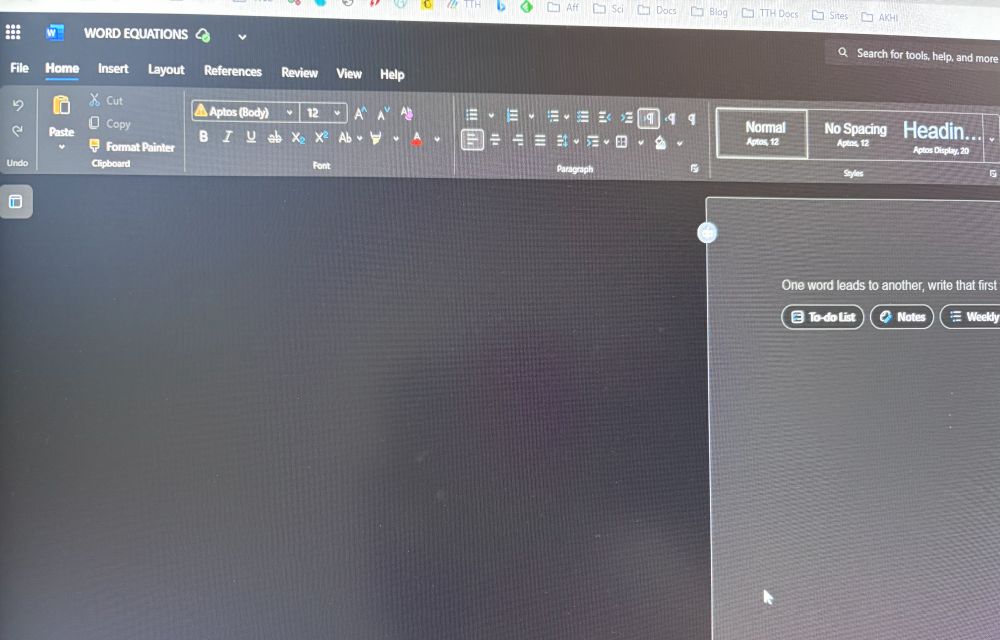
Microsoft Word Not Converting Equations? Here Are The Fixes.
If equations in Microsoft Word aren’t switching to the professional math layout, it’s usually a formatting mismatch or a temporary glitch. Follow these quick, safe steps in order, and stop when the issue is resolved. Before starting Close other Word files. Note whether equations were pasted from outside sources. Mixed formats often block conversion. Step…

Real Estate Branding: A Step-by-Step Global Guide to Building Trust and Generating Online Leads Through Meta, Google AdWords, and LinkedIn
Real estate is an evergreen business model whether you’re dealing with apartments in New York, villas in Spain, or condos in Singapore. In this new age of digital-first decision-making, buyers want properties they can trust and agencies that promise transparency, reliability, and a seamless experience. How does one create a real estate brand that stands…

How to Use a Google Home as an External Bluetooth Speaker?
Technology is becoming more and more user-friendly. You don’t need to buy on an expensive Bluetooth speaker just to boost your iPhone or iPad audio. If you already own a Google Home or Nest Mini, you’re sitting on a perfectly capable external speaker that can be paired with your device in minutes. Google Home wasn’t…

How to convert data in a picture into data in Excel Sheet?
Usually, we get statistical or number-based data in a JPEG or PNG format. It is a tough task to see and type the data into an Excel sheet manually. Because an image format does not allow us to copy and paste the data. Or are there any other OCR tools that would duplicate the data…

How to Share a Google One Subscription With Your Family
When we are in need of access to digital storage in an emergency, having a Google One subscription is a wonderful thing to have. Some of the more expensive Google One plans actually offer access to Gemini Advanced, which is the most advanced form of Google’s artificial intelligence model. Google One is a subscription service…

How to Easily Add Header and Footer Code in WordPress
To make changes to your WordPress site, you need to insert code into the header and footer. However, what’s the use of all this technological skill? Imagine being able to access amazing abilities only by writing a few lines of script! Social media verification calls out your credibility, Google Analytics asks about your site visits,…
How to take screenshots on Snapchat without knowing the sender?
Snapchat, the popular picture-chatting app with disappearing messages and fleeting moments, presents a unique challenge when you encounter a Snap so remarkable that you wish to immortalize it. However, the features of Snapchat’s notification system complicate the task. If you are looking for a way to take screenshots on Snapchat without knowing the sender, this…

How to fix YouTube Vanced not working?
YouTube Vanced, the popular app that brings ad-free viewing and background playback to the table, might suddenly leave you feeling like a lost explorer in the YouTube desert. This is the most common problem for Android users when they try to get access to Vanced. Fear not, fellow YouTube fans! We’re here to guide you…