

How to take screenshots on Snapchat without knowing the sender?
Snapchat, the popular picture-chatting app with disappearing messages and fleeting moments, presents a unique challenge when you encounter a Snap so remarkable that you wish to immortalize it. However, the features of Snapchat’s notification system complicate the task. If you are looking for a way to take screenshots on Snapchat without knowing the sender, this…


How to take screenshots on Snapchat without knowing the sender
Snapchat, the popular picture-chatting app with disappearing messages and fleeting moments, presents a unique challenge when you encounter a Snap so remarkable that you wish to immortalize it. However, the features of Snapchat’s notification system complicate the task. If you are looking for a way to take screenshots on Snapchat without knowing the sender, this article covers all the best possible methods.
In this guide, we unveil discreet methods for capturing those priceless moments without tipping off the sender, ensuring a seamless and respectful experience on the platform.
Take screenshots on Snapchat:
1. The Classic Screen Record:
- Activate your phone’s screen recording function discreetly before opening the Snap.
- Swiftly open the Snap, tap Play, and watch the magic unfold.
- Stop recording before the timer expires to avoid sender alerts.
- Access your gallery to find the captured Snap, ready for editing and sharing.
2. The Multitasking Method:
- Open Snapchat and a multitasking-friendly app simultaneously.
- Minimize Snapchat before the Snap plays, ideally keeping the thumbnail visible.
- Capture a screenshot from your secondary app, outsmarting the system discreetly.
3. The Third-Party Tool:
- Explore screen recorder apps tailored for Snapchat, like “Hidden Screen Recorder.”
- Exercise caution while granting the necessary permissions.
- Record Snaps covertly, balancing convenience with potential security risks.
Bonus Tip: The Airplane Mode:
- Activate Airplane Mode to sever internet connectivity before opening the Snap.
- Capture the Snap discreetly; no notifications will be sent during Airplane Mode.
- Deactivate Airplane Mode, recognizing that the sender might be notified based on their network connection.
Ethical Considerations:
- Respect and responsible usage are parameters. Avoid screenshotting private or sensitive content to maintain a fun and safe space on Snapchat.
- These methods should be employed discreetly and ethically to ensure a positive and respectful digital environment.
Conclusion:
Armed with these discreet methods, you are now equipped to preserve the memorable and meme-worthy moments of your Snapchat adventures. Let this guide serve as a testament to responsible usage, and an enjoyable and respectful community within the Snapchat world.
More in How-to
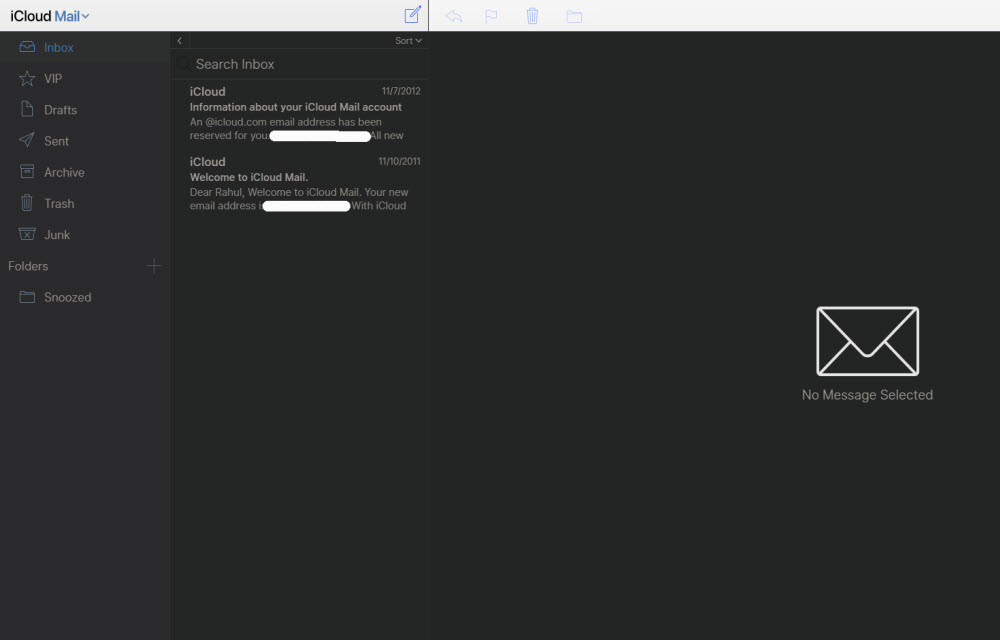
How to block emails on iCloud mail?
iCloud mail is a good emailing service from the very popular Apple. iCloud mail is one of the services comes with every Apple user. An Apple ID is essential for every Apple device user including Mac, iPhone, and iPad. The iCloud email is a feature-rich email service with a decent user-interface. No matter whether it…
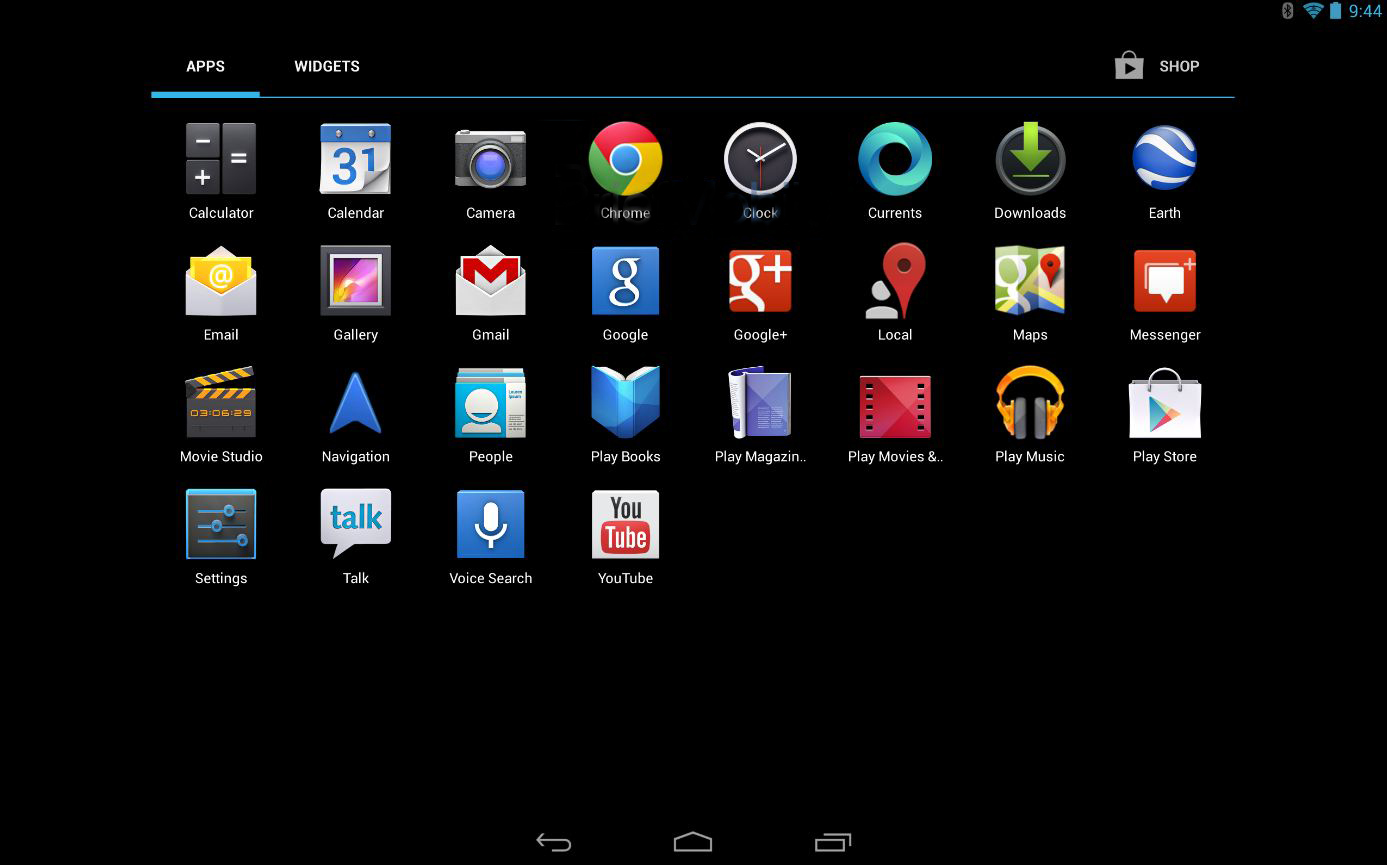
How to Take a Screenshot on Android
In the early days of Android OS, we required some special access or may be the root privileges to take a screenshot on Android. However, those days are gone. We can now take a screenshot on Android by a variety of ways possible. How to Take a Screenshot on Android: Taking Screenshot of your Android…
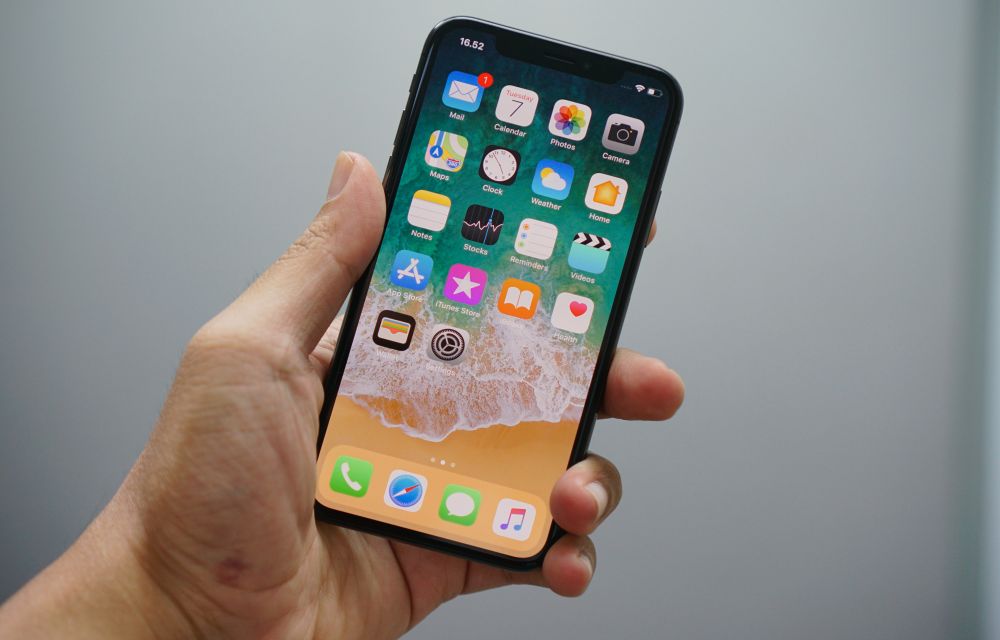
How to Take a Screenshot on iPhone, iPad, and iPod Touch
Sometimes we just need a screenshot. A screenshot is nothing but capturing of the screen at a present state. Reasons for taking screenshots is many, people just want to take a screenshot for remembering a thing on the screen or saving a sudden moment which is happened on screen. It is just like a print…
The week in tech, minus the noise.
New reviews, fixes and the stories that matter — once a week, straight to your inbox.
We only use your email to send the newsletter. Unsubscribe any time. See our privacy policy.
Comments