

How-to
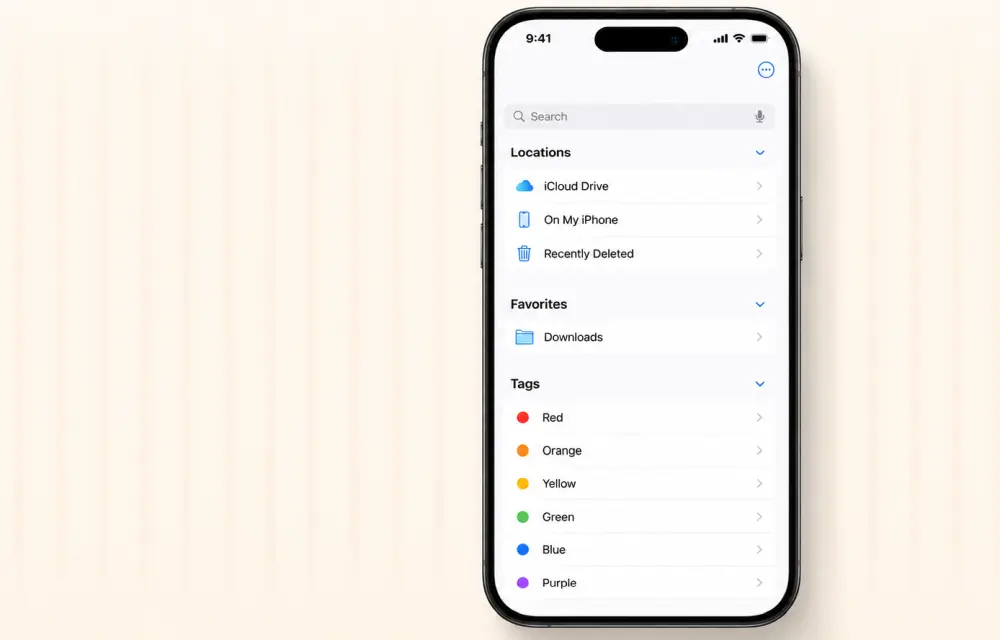
How to Fix iPhone Files App Not Showing Recent Downloads
Trying to fix the iPhone Files app issue where downloads are missing? It can be irritating when essential files don’t show up, but you can resolve this problem with a few simple tweaks. In our testing, these steps to fix iPhone Files app issues have proven effective for many users. Let’s dive into the solution.…
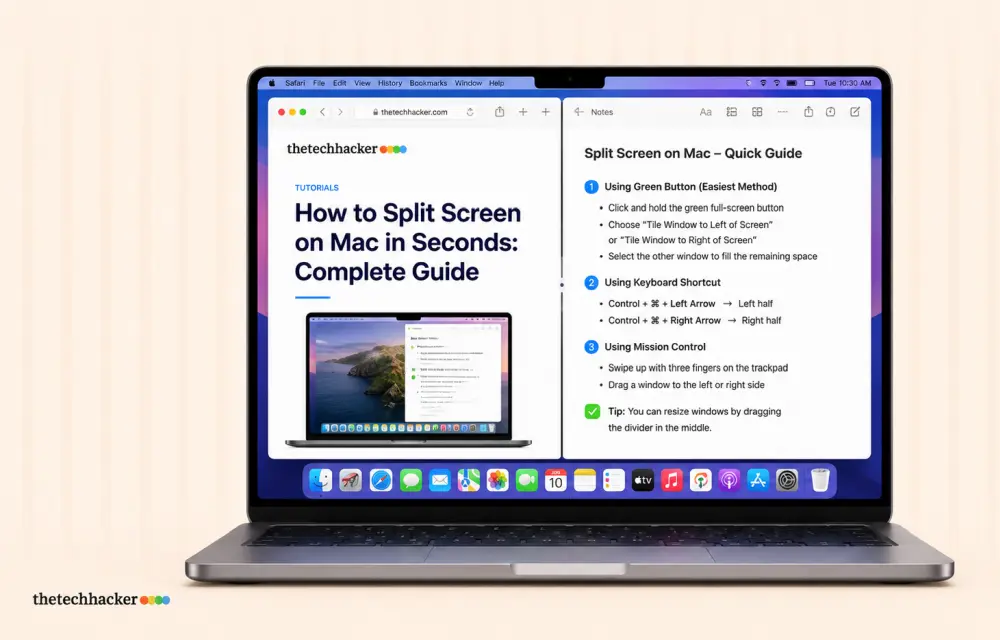
How to Split Screen on Mac in Seconds: Complete Guide
Learn how to split screen on Mac to view two apps side by side. This guide walks you through Split View setup, keyboard shortcuts, and troubleshooting tips.
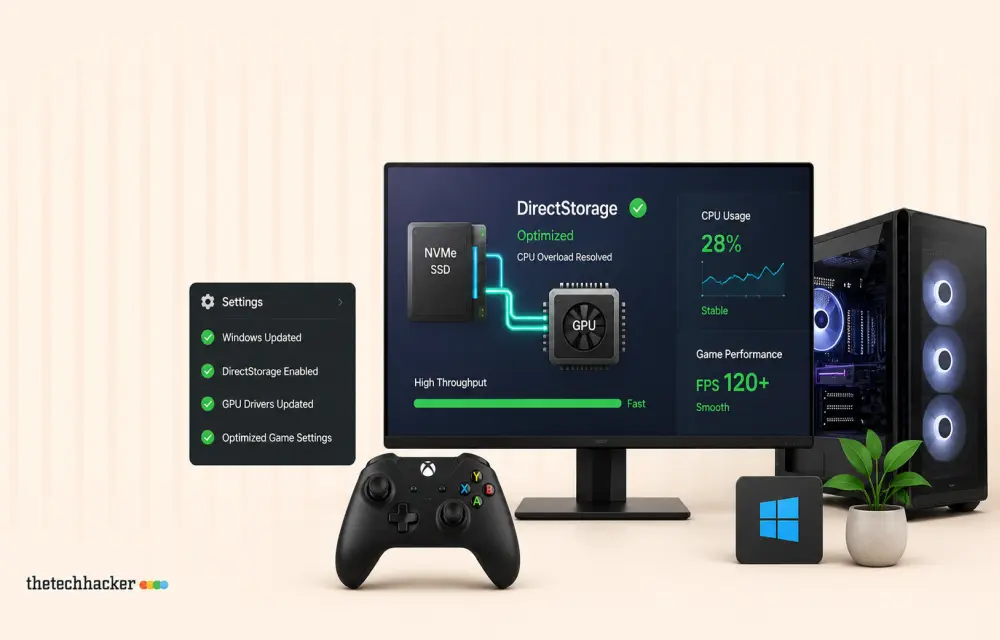
How To Resolve DirectStorage CPU Overload in Windows
Optimize your system’s performance by managing DirectStorage effectively and preventing 100% CPU usage.

How To Test a WordPress Plugin Security and Performance
Ensure your WordPress plugins are secure and don’t slow down your site with this guide.
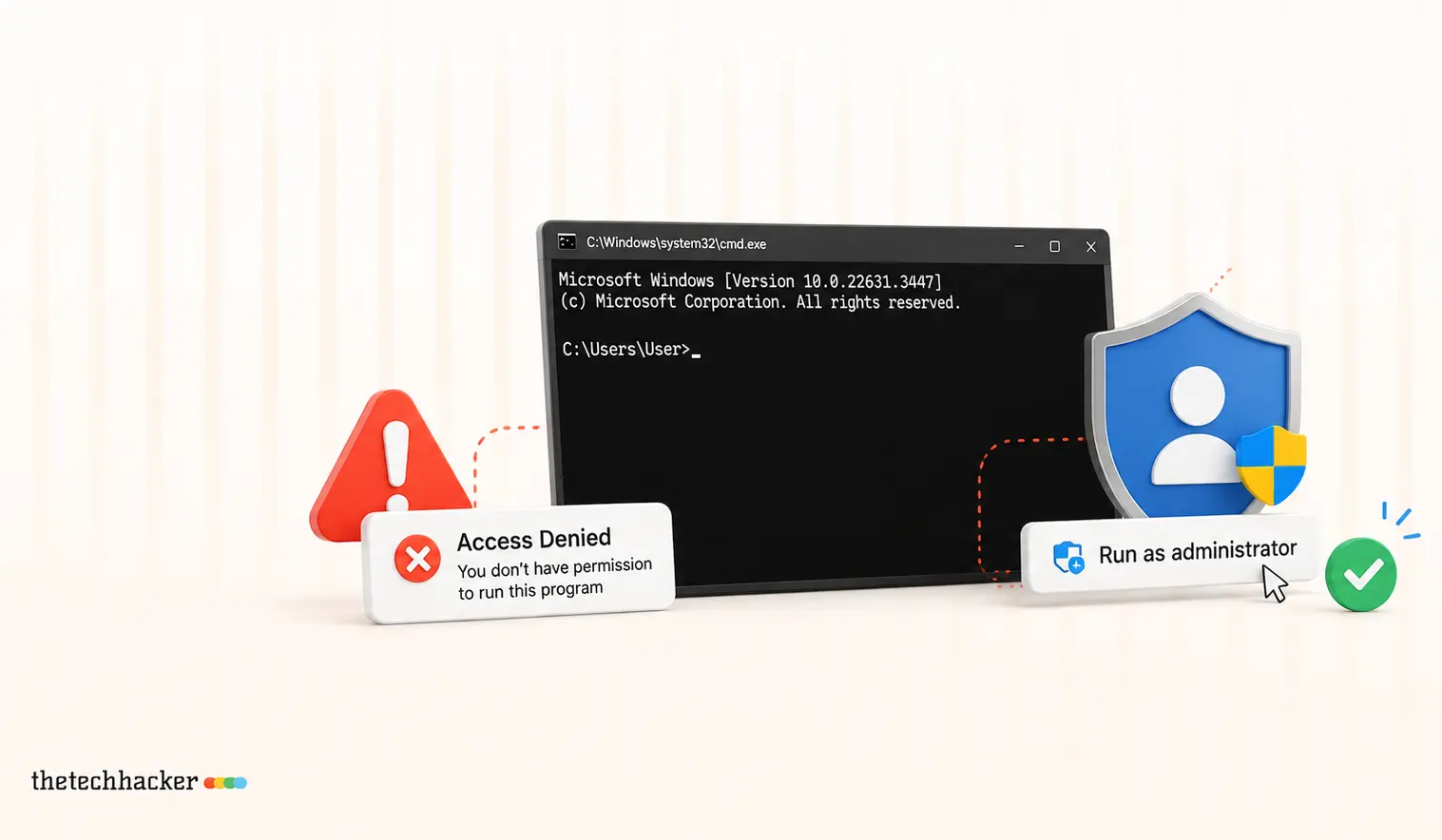
How To Fix ‘Run as Administrator’ Access Denied in CMD
Learn how to resolve the ‘Run as Administrator’ access denied issue in Command Prompt.
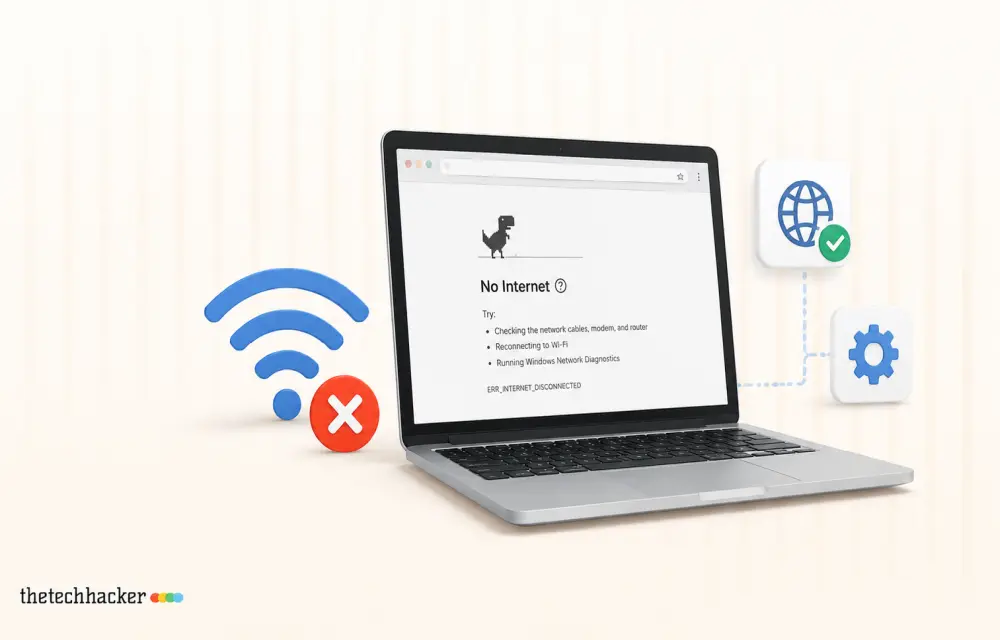
How to Fix the ‘No Internet’ Warning When You’re Actually Online
Learn how to fix the misleading ‘No Internet’ warning in Windows even when you’re connected.
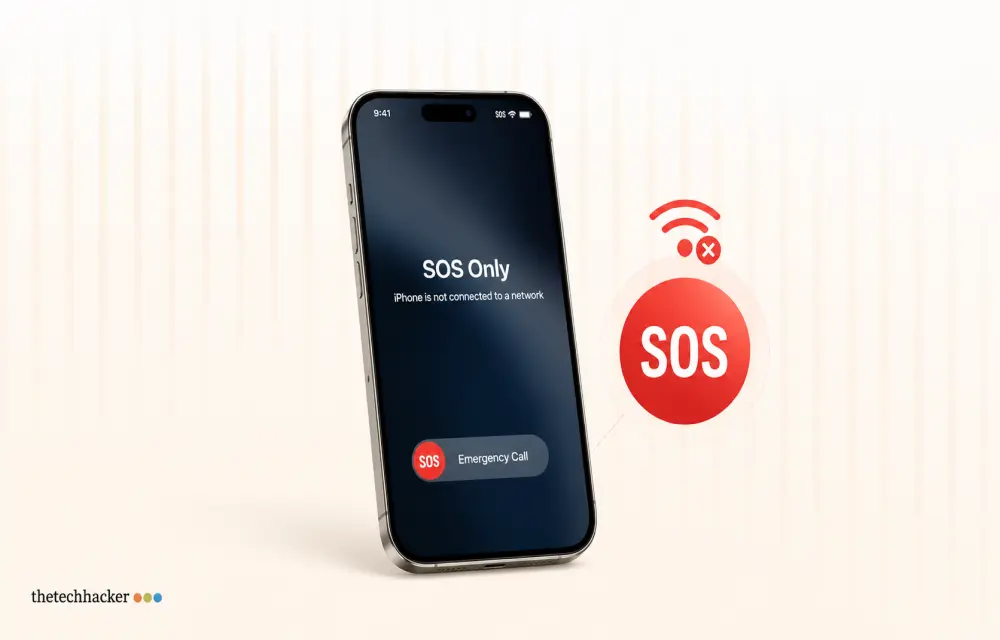
How To Resolve iPhone 17 Stuck in SOS Service
Learn how to fix your iPhone 17 when it’s stuck in SOS mode, preventing normal cellular connection.

Personal Branding — From Anonymous Coder to Tech Voice People Follow
Building a personal brand as a tech creator is like setting up a shop on a street everyone walks down every day. You don’t need the biggest store on the block – you need a signboard people recognize, a shelf that’s always stocked, and a shopkeeper who remembers their regulars. That’s it. That’s the whole…
How to Stop Android Auto Overheating Your Phone: 5 Fixes That Actually Work
If you’ve ever reached for your phone after a long drive and felt like you were picking up a hot baked potato, you aren’t alone. A quick search for “Android auto makes phone hot reddit” shows thousands of drivers dealing with the exact same issue every single day. Whether you are experiencing a Samsung S22…
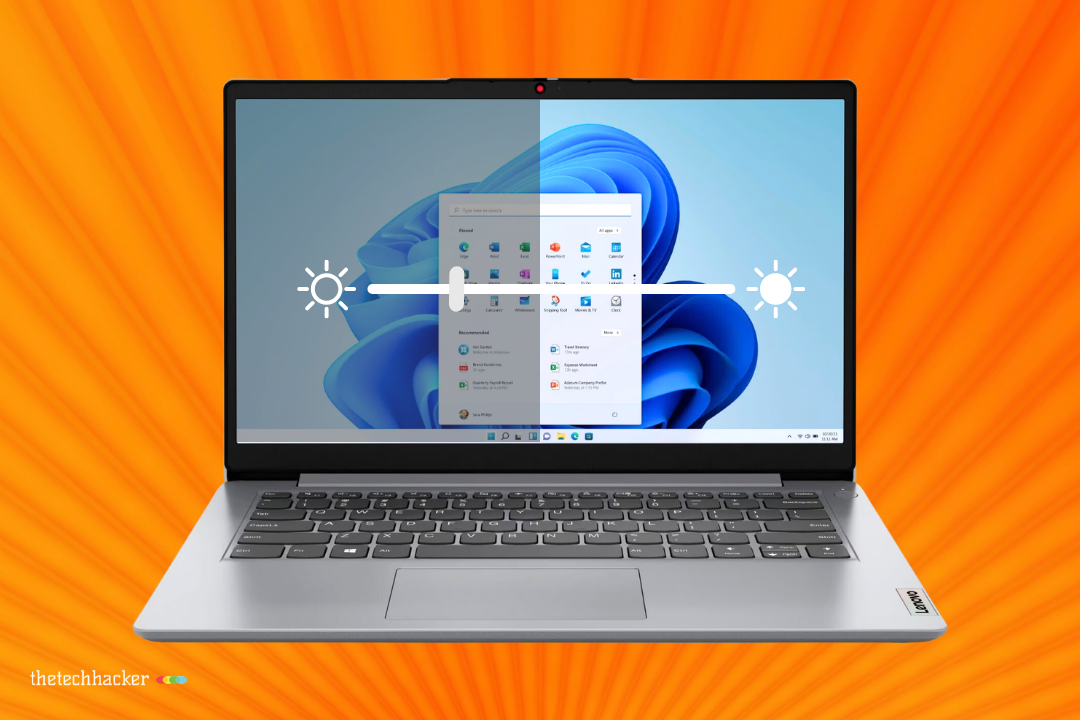
Why Does My Laptop Screen Keep Dimming?
It is a very common problem among the laptop users. If your screen keeps dimming on its own, the problem is usually tied to a power setting, adaptive brightness, display driver behavior, or a device-specific sensor. The good news is that most of these issues are fixable with a few quick checks, and you do…

Bing Chat not working on Edge or Windows? Best fixes to get it running today
Bing Chat, now powered by the latest ChatGPT-based model and integrated across Microsoft Edge and Windows, is drawing strong adoption, but users frequently report that it stops responding, fails to load, or throws generic “Something went wrong” errors. The good news is most issues are routine and fixable with a handful of browser, network, and…

How to Let Important Calls Ring in iPhone Focus Mode
To let important calls ring on your iPhone while a Focus is on, open Settings > Focus, pick the Focus, tap People and add those contacts (or set Calls From to Favorites). For people who must always get through, even in Sleep or Silent mode, turn on Emergency Bypass in their contact card. Focus is…