

How-to
How to Take a Screenshot on Android
In the early days of Android OS, we required some special access or may be the root privileges to take a screenshot on Android. However, those days are gone. We can now take a screenshot on Android by a variety of ways possible. How to Take a Screenshot on Android: Taking Screenshot of your Android…

How To Apply Android Like Pattern Lock Screen To Windows PC
Everyone wants a secure method to protect their laptops and desktop PCs. We can secure a PC in so many ways, installing Antivirus to protect from viruses etc. How you physically protect your device from enemies, maybe one of your known ones want to steal your data. You can secure your system by applying Android…
How to Customize Gmail for More Productivity
How to Customize Gmail for more productivity: Gmail is the best Email provider around. You can customize Gmail for more productivity. You can tweak Gmail very easily with simple steps. Follow these steps to grab more from Gmail. Want to set up a signature to your Gmail? hmm line up with your name, website, company,…
How to zoom Facebook pictures by just hovering mouse pointer?
Facebook is a very popular social network in the world. We upload our pictures to Facebook to share, and we also see our friend’s updates. To get a better view of them, we can zoom them in on our personal computers or any other portable devices, but we are unable to do so on Facebook.…

How to Import Feeds From Google Reader?
Google is shutting down its reader services in July. Everybody is searching and moving on a better alternative to it. Thetechhacker already provides a list of Best alternatives to Google Reader. Once you find your best RSS reader, you can import your entire feed. You do not need to re-subscribe by going to the addresses of individual…
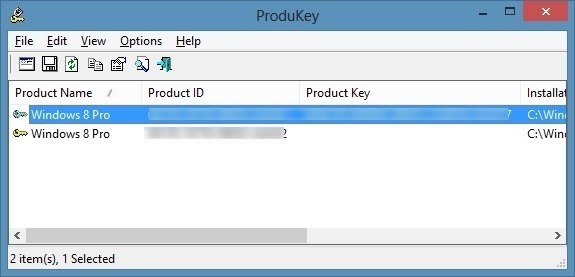
How to Recover Windows 8 Product Key?
Have you lost your Windows 8 product key? If your planning to do a fresh install on your PC or laptop the product is must to have. The product key is generally located on your original Windows DVD.When you buy a new Laptop or Desktop you’ll get Windows 8 pre-installed.
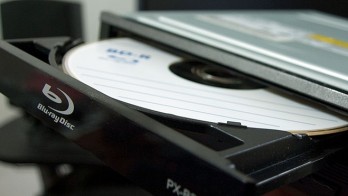
How to Boot From a CD or USB On Any PC?
Sometimes troubleshooting PC situations become difficult. When you have a serious error in OS you have to re-install OS. You’ll have to “boot it from a disc” or USB flash drive. When you turn on the system it usually boots from its internal hard drive where OS is stored. It can be done by connecting…

How to Turn Webcam into Security cam?
Most of us use the webcam as a communicating device. We use webcam usually for video calling, conference calling, capturing web tutorials and for taking pictures. Apart from its traditional uses, there is one more use we can get from a webcam. We can easily turn the webcam into a security cam with the help of software.…

Create Bootable USB Linux using UNetbootin
Creating bootable USB drives were a pain in the early days. You would have heard that only geeks knew how to do that. Well, it was not a rocket science but not a stuff everyone was aware of. Nowadays, we have a lot of USB bootable creator programs and one of the easiest to use…
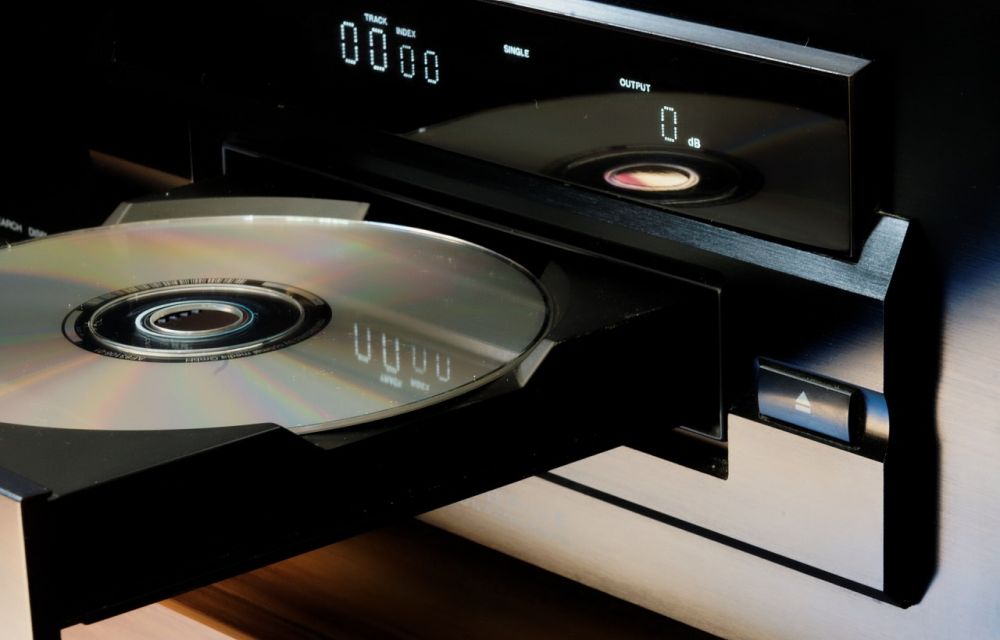
How to Clean a Scratched CD or DVD
CDs and DVDs are very sensitive and prone to fingerprints and dusty hands. It is a bit complicated to clean a dirty or scratched CD or DVD. You can clean Scratched CDs and DVDs by following simple steps given below. Before applying these steps on your optical media remember that they are very sensitive and delicate…
How to Recover Deleted Files from Cloud Drives
How to Recover deleted files from Cloud drives: Cloud drives are very important in today’s life. We keep our important files and data on cloud drives.

How to Iron Clothes without using Iron Box (Simple and Quick Method)
How to Iron clothes without using Iron box: Every one in the present scenario look for the work to be completed very quickly. Nowadays its a busy lifetime to every one of us. We want the works to be completed very quickly. But for everyone along with all the important criteria like Hair styling, Oral care,…