

How to Take a Screenshot on Android
In the early days of Android OS, we required some special access or may be the root privileges to take a screenshot on Android. However, those days are gone. We can now take a screenshot on Android by a variety of ways possible. How to Take a Screenshot on Android: Taking Screenshot of your Android…

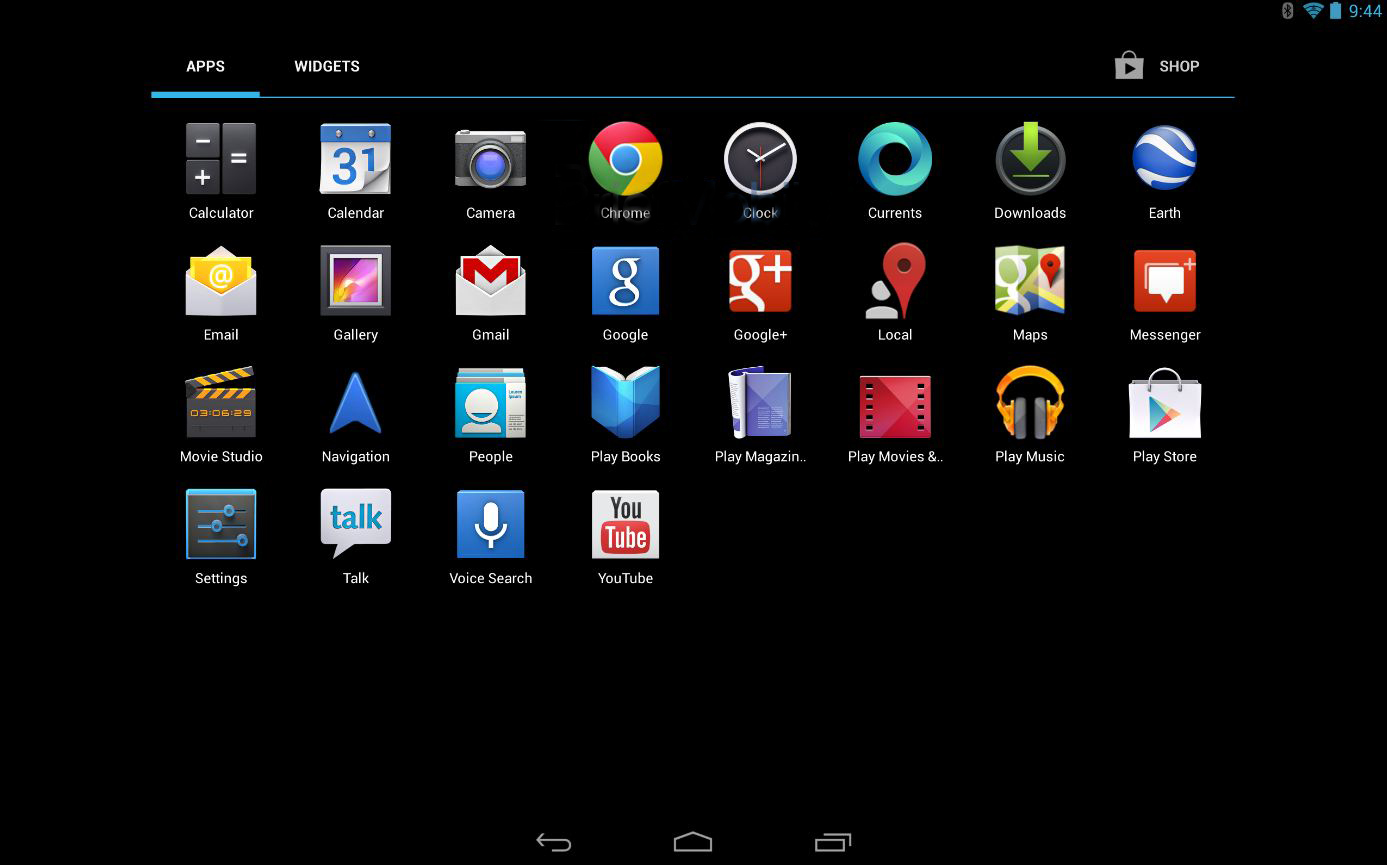
In the early days of Android OS, we required some special access or may be the root privileges to take a screenshot on Android. However, those days are gone. We can now take a screenshot on Android by a variety of ways possible.
How to Take a Screenshot on Android: Taking Screenshot of your Android phone is differ from device to device and little confusing too. Some of them are tricks and other are apps.
Here is list of shortcuts and apps to take screenshots on your Android device easily.
For ICS 4.0 and Above:
If your phone running on Ice Cream Sandwich or above it is very easy to take a screenshot of your phone. Just press the volume down and power button at the same time and hold them for a second and your phone will take a screenshot. It will automatically saved to Gallery.
However, there’s a catch. Not always you will be allowed to take a screenshot explicitly on apps. The reason being – some applications are enforcing security options to prevent the screenshot to be take while on that app. You can try Signal messaging app offering the same feature. The feature might be good for a privacy buff but it won’t be convenient.
For Android 2.3 and Below:
Android 2.3 and below doesn’t have screenshotting built-in. Some devices like Samsung do have these features. For example press the Home and Power buttons at the same time to take a shot.
Android SDK:
You can take a screenshot on any Android device using Google’s Android SDK. After you’ve set up the Android SDK, all you have to do is connect your Android phone or tablet to your computer with its USB cable and use the SDK.
App Based:
Install apps like AirDroid, Screenshot UX to take a screenshot of your mobile. or Programs like AShot for Windows can capture your Android screenshots from your Desktop.
More in How-to
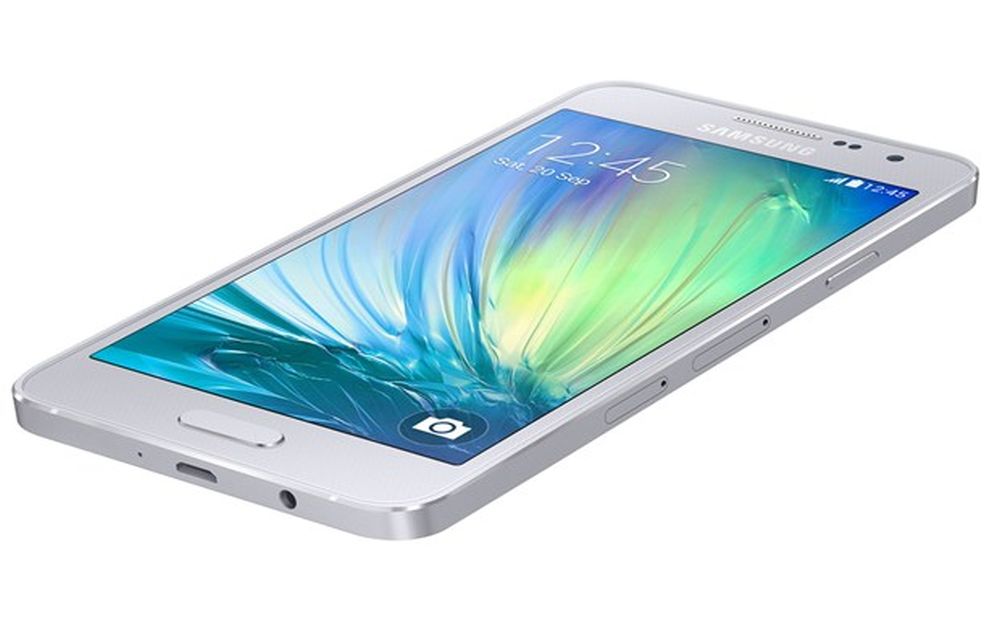
How to Take Screenshots Easily on Samsung Galaxy A3
Samsung has launched Galaxy A3 with a 4.5-inch qHD Super AMOLED display with a resolution of 960 x 540 pixels.The device is powered by 1.2GHz quad-core processor with 1GB of RAM. There is 16GB internal storage which is expandable via micro SD card. On the OS side, the device runs Android 4.4 KitKat out of…
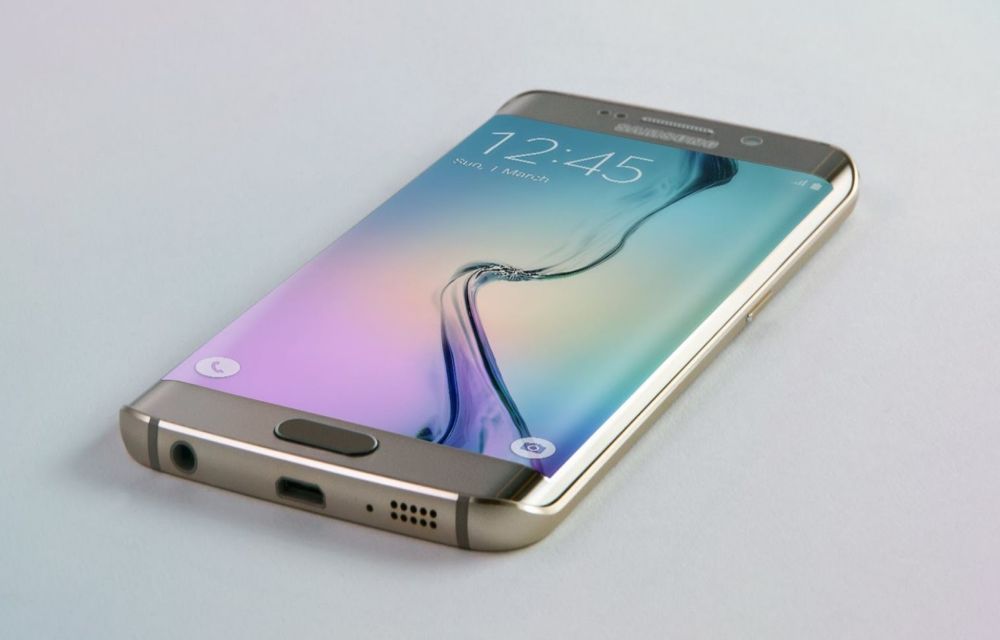
How to Take Screenshots Easily On Samsung Galaxy S6 Edge Plus
Samsung Galaxy S6 Edge Android smartphone announced in March 2015. The device is feature packed and powerful to handle all tasks. The S6 is very sleek and ergonomic, it is very smooth and perfect in hands. The S6 Edge screen is a next-gen welcoming screen with great viewing angles and bright display. If you are…
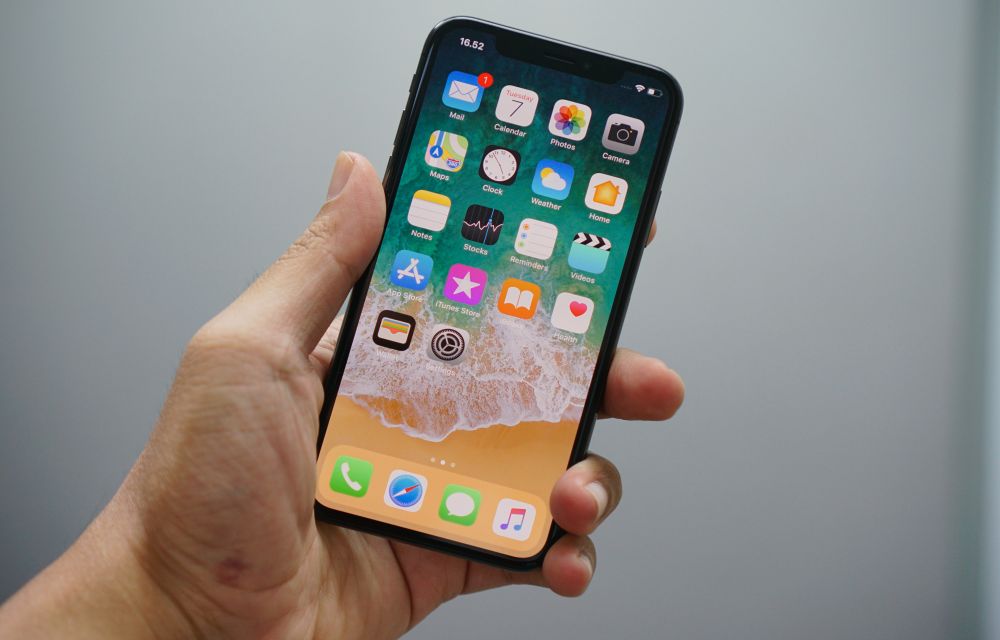
How to Take a Screenshot on iPhone, iPad, and iPod Touch
Sometimes we just need a screenshot. A screenshot is nothing but capturing of the screen at a present state. Reasons for taking screenshots is many, people just want to take a screenshot for remembering a thing on the screen or saving a sudden moment which is happened on screen. It is just like a print…
The week in tech, minus the noise.
New reviews, fixes and the stories that matter — once a week, straight to your inbox.
We only use your email to send the newsletter. Unsubscribe any time. See our privacy policy.
Comments