

How to Import Feeds From Google Reader?
Google is shutting down its reader services in July. Everybody is searching and moving on a better alternative to it. Thetechhacker already provides a list of Best alternatives to Google Reader. Once you find your best RSS reader, you can import your entire feed. You do not need to re-subscribe by going to the addresses of individual…


How to Import Feeds From Google Reader – Updated
Google is shutting down its reader services in July. Everybody is searching and moving on a better alternative to it. Thetechhacker already provides a list of Best alternatives to Google Reader. Once you find your best RSS reader, you can import your entire feed. You do not need to re-subscribe by going to the addresses of individual feeds individually. Moving away from Google Reader is a straightforward process. In order to import your RSS feeds, follow these steps carefully.
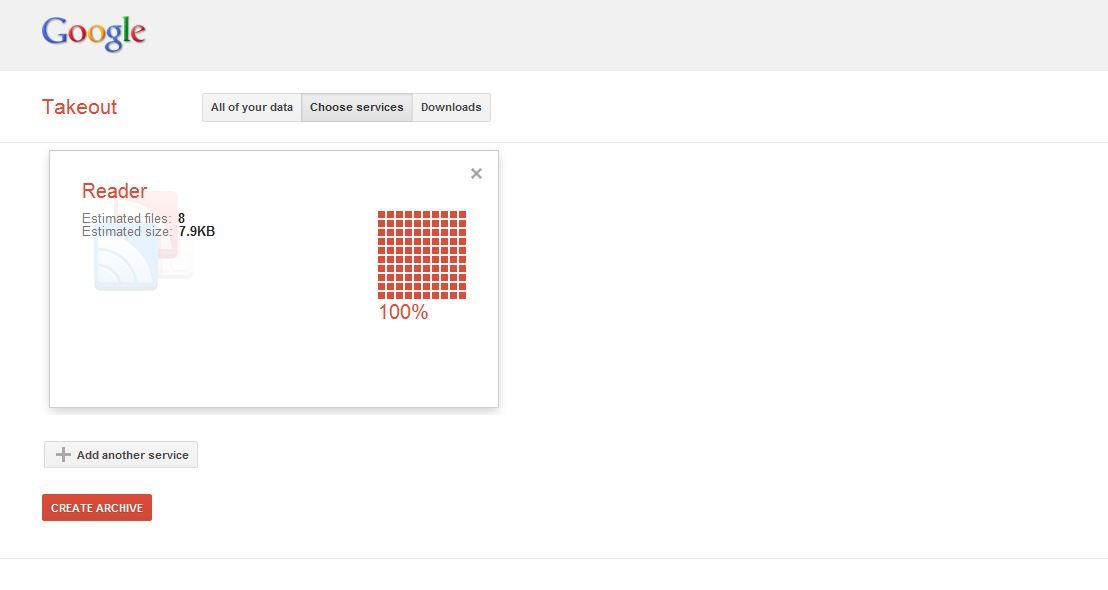
- Head to Google Takeout’s Reader page and click the Create Archive button. It’ll make an archive of all your feed addresses.
- Once it’s finished, you can download the archive file.
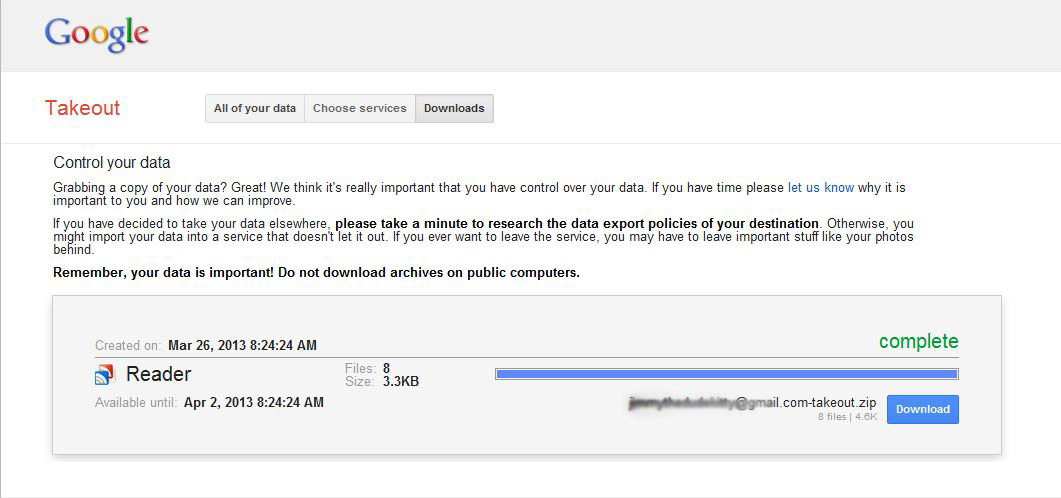
- Open the ZIP file and go to the folder inside. Inside the Reader folder, you’ll see a file called subscriptions.xml. Extract it on the desktop.
- Open the new feed reader and go to its settings, and find the Import option. Choose the subscription.XML file. All of your feeds have successfully appeared on your new reader.
Luckily, we have many more alternatives to Google Reader. Here is the best list to consider.
Feedly
Feedly is the first thing that comes to mind when trying to think of RSS feed aggregators. One of the most widely used feed readers that is compatible with several platforms is called Feedly. It offers the most easy options for reading RSS feeds straightforwardly.
NewsBlur
NewsBlur is another great alternative to Google Reader. It has almost all the tools you need to manage your feeds. You can read your favorite stories from a variety of sources, along with sharing capability to social networks such as Twitter, Tumblr, and Instapaper.
So these are the practical options for reading feeds easily. Please share your thoughts about this article in the below comment box. Stay connected to TTH for more latest tech updates daily.
More in How-to
Best Google Reader Alternatives For Android And iOS
Best Google Reader Alternatives for Android and iOS: Google Reader is shutting down in July. People are searching for best alternative feed reader for the mobile platform.
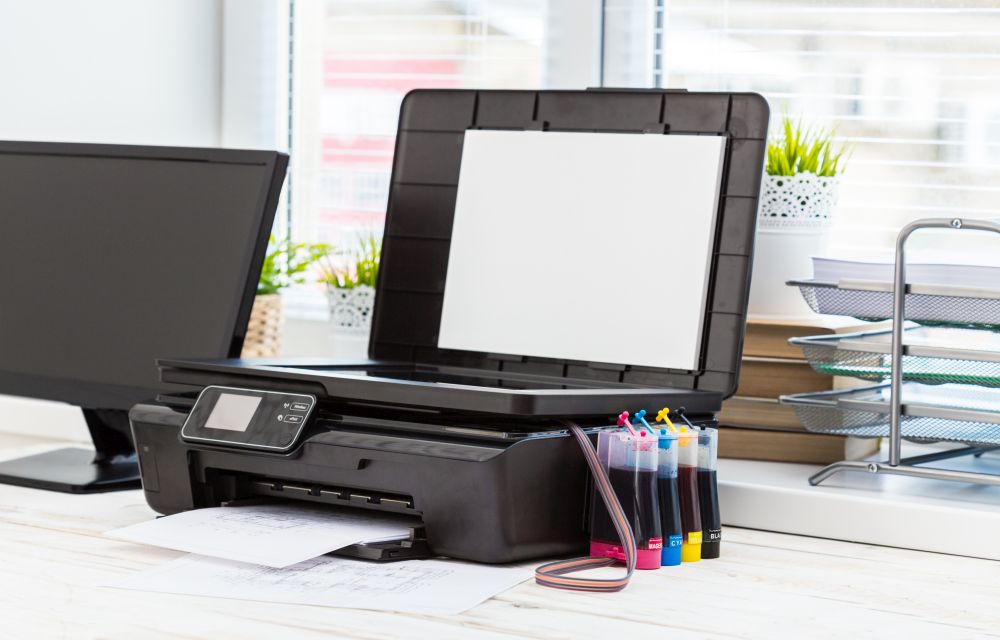
How To Fix Canon B200 Error
Printer errors are most common in Windows OS. It is quite frustrating when you need a print out in important or emergency situations suddenly an error code appears on the screen. Recently, our readers asked how to fix printer offline problem and we have given a quite simple guide to fix the issue. In today’s…

How to auto-delete Firefox browsing history?
Privacy became the most important thing these days. I always suggest Mozilla Firefox over the Google Chrome browser. It has fantastic privacy-related options which let us control privacy and security settings without any hassle. It is becoming more common that many browsers are tracking and collecting user information without their consent. It is advisable to…
The week in tech, minus the noise.
New reviews, fixes and the stories that matter — once a week, straight to your inbox.
We only use your email to send the newsletter. Unsubscribe any time. See our privacy policy.
Comments