

Android P Open Beta is Available, Here are the compatible Phones List
The Android P open beta is available for the public. It means you can install the latest sweet loot of Android essence on your smartphone. But, only 11 of smartphones in the world compatible with the Android P Beta. As you know, Android P is the latest and upcoming version of the Android following Android 8.0 Oreo.

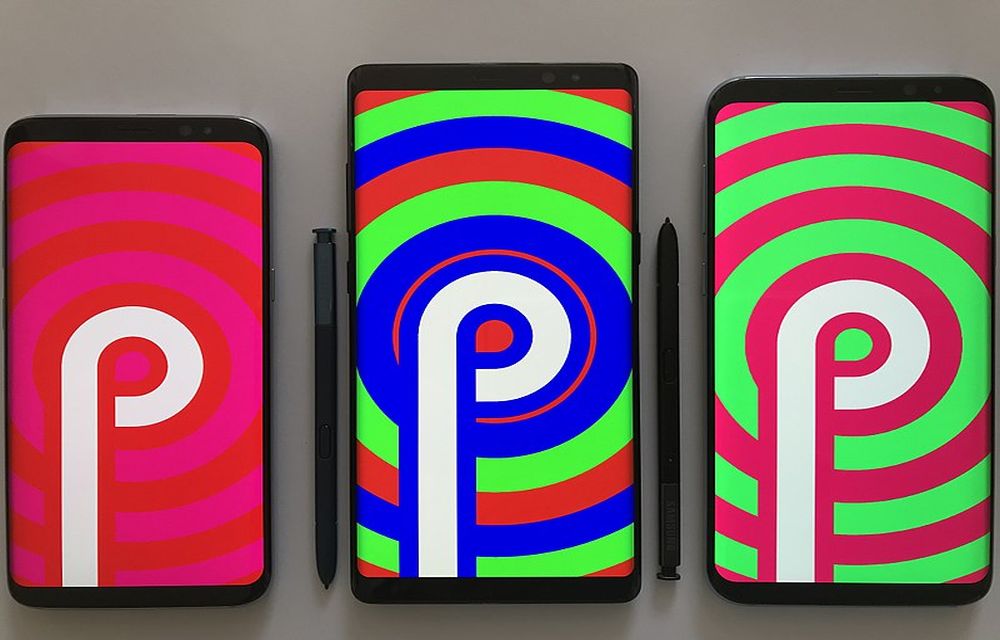
The Android P open beta is available for the public. It means you can install the latest sweet loot of Android essence on your smartphone. But, only 11 of smartphones in the world compatible with the Android P Beta. As you know, Android P is the latest and upcoming version of the Android following Android 8.0 Oreo. The name P is yet to be revealed and likely to be released in August.
Android P Open Beta Supporting Devices
The Android P Open beta works with few devices only. Here is the list of devices supports Android P open beta installation.
- Pixel 2 / Pixel 2 XL
- Pixel / Pixel XL
- Essential Phone
- Sony Xperia XZ2
- Xiaomi Mi Mix 2S
- Nokia 7 Plus
- Vivo X21
- Oppo R15 Pro
- OnePlus 6 (yet to be launch)
If you don’t have any of the listed phones, you’ll have to wait for the final update of Android P.
If you have any of the above devices, then you can try the Android P on your device. Make sure to backup your device before installing Android P build.
Android P Features
- Dashboard: Android P comes with new Dashboard, you can send messages and even make calls.
- Adaptive Brightness: Android P uses AI to work adaptive brightness based on your preferred brightness settings.
- Slices: Slices is just like widgets and shows contextual suggestions based on your use.
- Improved Notifications: The notifications area is much improved than previous versions. Android P makes notifications more useful and supports smart replies within the notifications panel.
- ML Kit: ML Kit is specially designed for Developers to use Google machine learning to develop apps.
- New Gestures: If you use gestures on Android, the version P comes with more improved gestures for you. It has new gestures like holding the Power and Volume Up buttons to prevent ringing and swiping up on the Home button to see your recent apps.
That’s all for now. Please do share your views in the comment box below.
More in News
Google’s November Pixel Drop Rolls Out With Gemini on Pixel 10, Custom Widgets and $29.99 Pixel Tag
Google's November 2026 Pixel Drop brings Gemini Intelligence to Pixel 10, custom widgets and a new Call Screen. Pixel Tag goes on sale Nov 11 for $29.99.
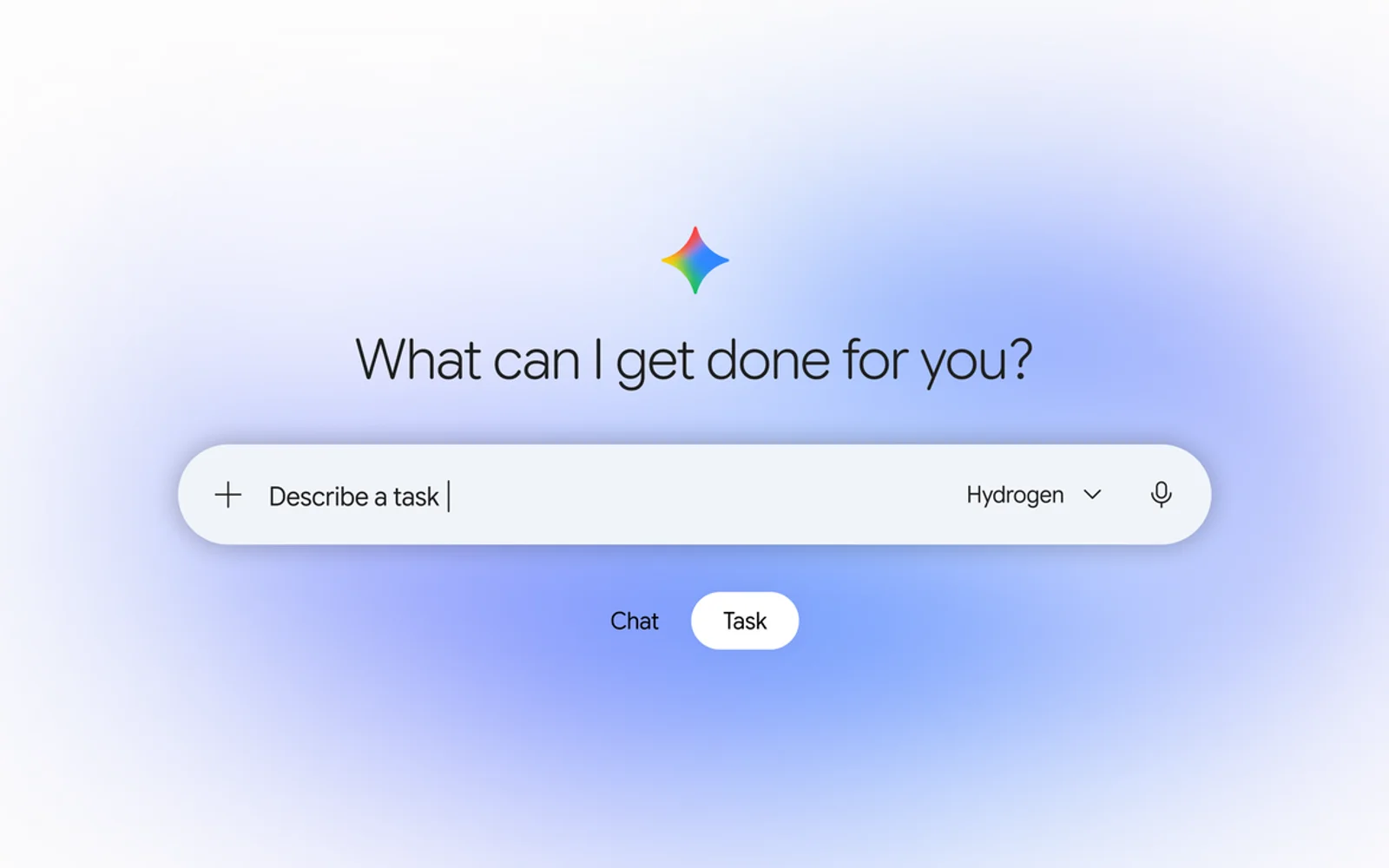
How to Use Gemini to Call Businesses for You: Requirements, Steps and Limits
Gemini can now phone a business for you, wait on hold, ask your question or book the appointment, and send you a summary when it’s done. Google calls the feature Call for Me. It’s part of the Tasks update Google announced on November 17, 2026, but the calling part has a much shorter list of…
How to Fix iPhone Not Showing the iOS 27.2 Update (and Other Update Errors)
iOS 27.2 not showing up, stuck on Preparing or Verifying, or failing with Unable to Install Update? Here are Apple’s own fixes, in the order I’d try them.
The week in tech, minus the noise.
New reviews, fixes and the stories that matter — once a week, straight to your inbox.
We only use your email to send the newsletter. Unsubscribe any time. See our privacy policy.
Comments