

Apple releases iOS 13.2.3 update to fix Mail, Messages and background content download issues
It has been said time and again that the latest iPhones from Apple have hit the nail on its head. Not only are the iPhone 11 Pro and 11 Pro Max phones

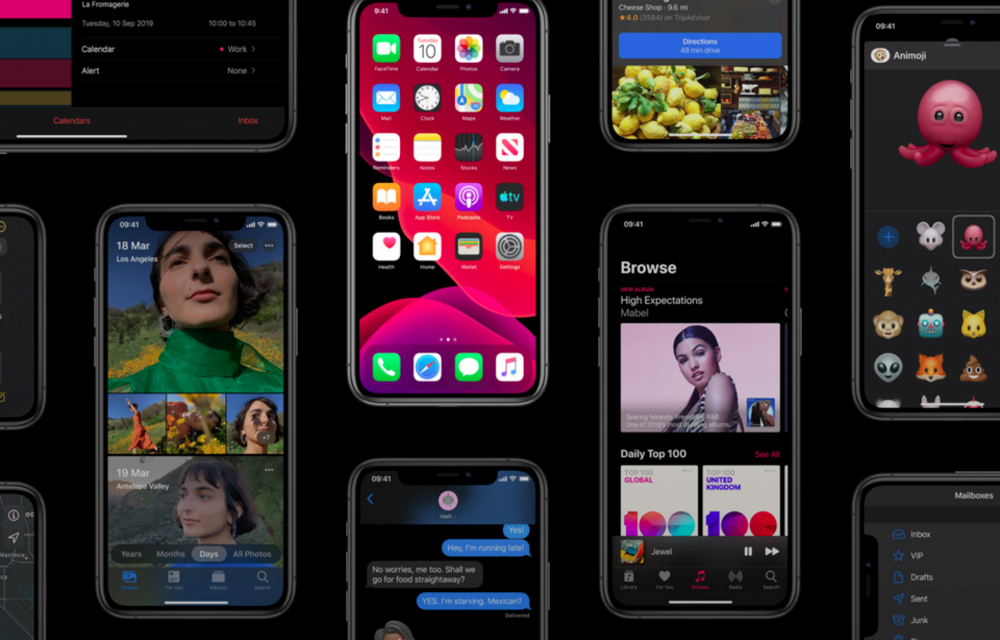
It has been said time and again that the latest iPhones from Apple have hit the nail on its head. Not only are the iPhone 11 Pro and 11 Pro Max phones great, we see that the iPhone 11 is already the best-selling iPhone out of the lot. Also, Apple has priced the phones on point and we feel that the company will do well this year and the next one too.
However, the software which was released with the latest iPhones has been far from as good as what the iPhones have been. This is because of the iOS 13 update being buggy and termed as the “worst iOS update” in several years by many.
Now, we know that Android’s updates have been criticized in the past for being full of bugs but that has been done by iOS this time around. Since the first version of iOS 13 released, we have seen that Apple is releasing several improvements in form of smaller updates and we have reached iOS 13.2.3 right now which was the update Apple released last night for the iPhones.
However, we can finally say that the latest update improves the iPhone user experience a lot. The bugs that were present in the Messages, Mail and other apps are mostly fixed as well as background content download is also better. With this update, Apple says that the issue where background data was not being downloaded by apps has been fixed.
In general terms, this will fix the issue of multitasking for apps as there were complaints that iOS 13 was killing apps in the background. However, the issue was that apps were not refreshing in the background which would then make them download new content as they were re-opened. With this new update, we finally feel that the latest version of iOS has become stable for daily usage which should have been the case at release in September.
More in News
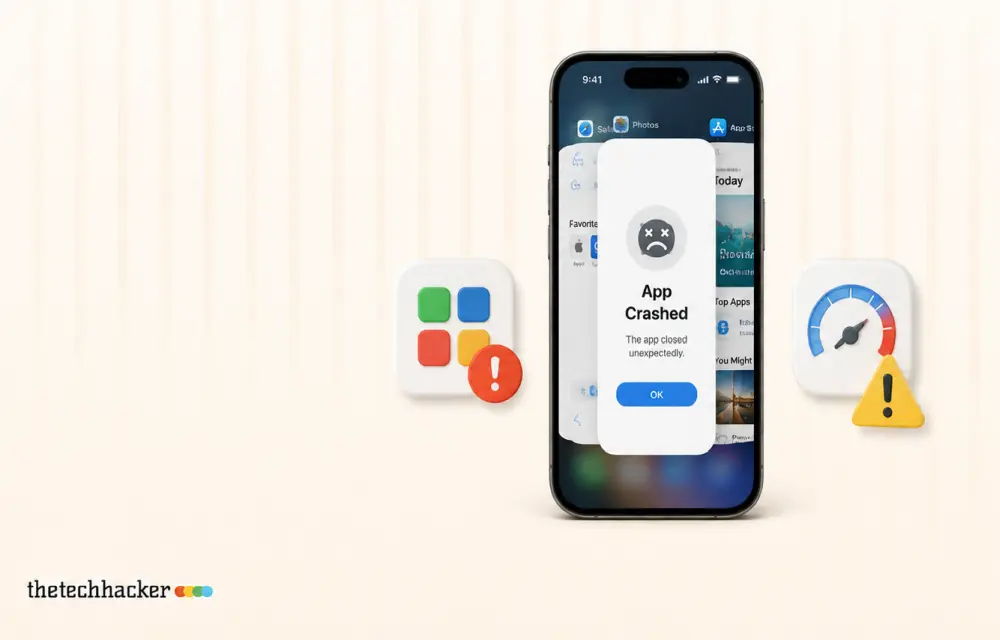
How to Fix Apps Crashing While Multitasking After iOS 26 Update
The latest iPhones are powerful enough to handle heavy multitasking without breaking a sweat. So when your device starts crashing, freezing, or stalling while switching apps after the iOS 26 update, it feels especially frustrating. This issue can stem from several sources: a bug in the iOS build, misconfigured background refresh settings, insufficient storage, or…
iOS 27.2.1 Is Out: What the Bluetooth and iMessage Security Fixes Mean for Your iPhone
Apple pushed iOS 27.2.1 out on November 9, only two weeks after iOS 27.2, and if you glanced at the update screen you probably saw the usual one-liner about “bug fixes and security updates” and moved on. I’d actually tap Download on this one, because when you open Apple’s security notes, most of what got…
iOS 27.2 Is Out: What’s New and Should You Update?
iOS 27.2 is rolling out with Siri AI memory, Suggestions in Messages and SynthID tags in Photos. Here's what Apple confirmed and whether to update now.
The week in tech, minus the noise.
New reviews, fixes and the stories that matter — once a week, straight to your inbox.
We only use your email to send the newsletter. Unsubscribe any time. See our privacy policy.
Comments