

Apple’s iPhone 11 series will show warning if it can’t detect a genuine ‘Apple display’
We have already shared this with you a million times already that Apple's iPhone 11 series has been released. Also, the latest iPhones have received an


We have already shared this with you a million times already that Apple’s iPhone 11 series has been released. Also, the latest iPhones have received an overwhelming response with the iPhone 11 topping the charts.
However, we are also getting to know some details regarding the iPhone 11 from Apple which the company did not tell us about. Now, this one is on the repairability side of the Apple iPhone 11 and iPhone 11 Pro series. Basically, you might have heard that Apple is not very open about third-party repairs for their iPhones.
But the company also said that they will work on third-party repairs for iPhones. In a major disappointment, however, Apple’s iPhone 11 series shows a warning on the lock screen if it cannot detect a genuine Apple display.
This means that even if the display you replace from third-party is genuine but if iPhone 11 series does not detect it then it is not. This also tells us that Apple only accepts the displays that their customer service representatives install with the specialized technique.
Therefore, if you have a damaged display on your iPhone 11 series and you are not looking to replace it from Apple itself, get ready to see a warning on your lock screen. Apple’s support page reveals that “If you need to replace your iPhone display, it’s important for certified technicians who use genuine Apple display parts to repair it,”.
The document adds that “Replacements not performed by Apple, authorized service providers or certified technicians might not follow proper safety and repair procedures and could result in improper function or issues with display quality or safety.”
While it is fine that Apple is pushing towards a proper installation for repairs, there is also the question of third-party repairs. Now, you will have to find a certified technician in order to replace your iPhone’s battery.
More in News
What Does “Low Disk Space” Mean on iPhone? (And How to Clear It)
You try to take a photo, and the camera refuses. You try to update iOS, and it says there’s not enough space. Somewhere in between, you see a warning about storage and start wondering: what does low disk space mean on iPhone, and how serious is it? Don’t worry, it is one of the most…
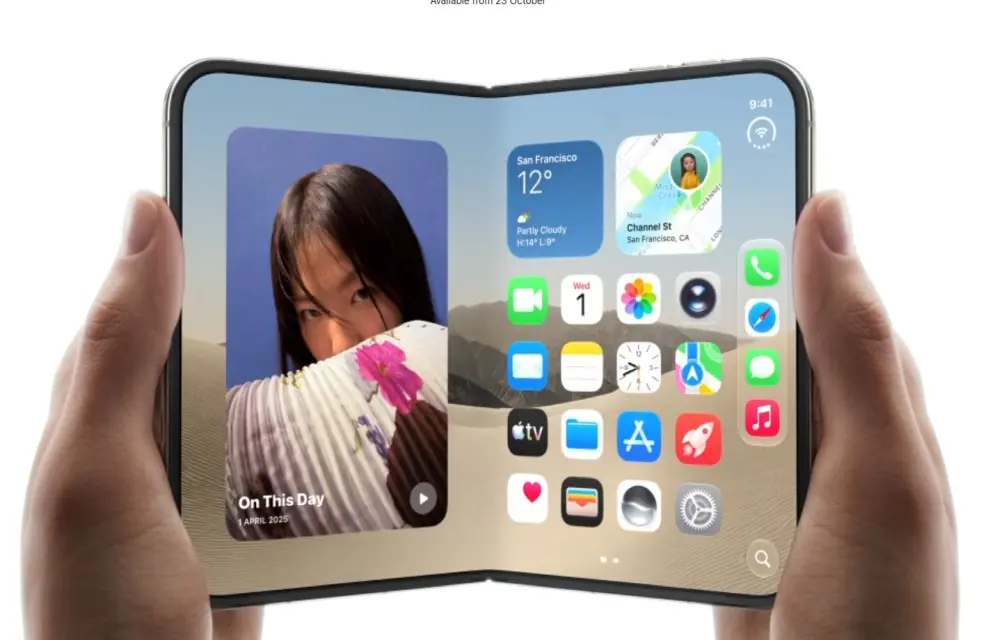
Apple Limits iPhone Duo Orders To Two Per Shopper
Apple restricts iPhone Duo purchases to two units per customer online, citing extraordinary demand and pushing standard shipping dates.
How to Fix an External Hard Drive or SSD Not Showing Up on Windows 11 or Mac
External drive not detected on Windows 11 or your Mac? Here’s how I work through it, from cables and Disk Management to Disk Utility First Aid, and when to stop and call a data recovery service.
The week in tech, minus the noise.
New reviews, fixes and the stories that matter — once a week, straight to your inbox.
We only use your email to send the newsletter. Unsubscribe any time. See our privacy policy.
Comments