

Google Maps Will Allow Us To Chat With Local Businesses On Android & iPhone
Google has just announced a new tool to help companies that have a profile on Google Maps, which aims to facilitate communication with customers

Google has just announced a new tool to help companies that have a profile on Google Maps, which aims to facilitate communication with customers and manage the public profile in a more prudent manner.
The new tool is called Google My Business and comes in the form of an app for Android and iOS platforms. In the video at the end of the article, you can quickly see all the potentials: it consists in the possibility of creating company accounts on Google Maps specifically manage communications with customers, reservations, propose special offers and consult detailed and summary statistics on the trend of your company.
Read more: Your Google Maps can now predict how crowded your train or bus might be
The gallery animation shows you how the Google Maps app will offer a dedicated section where you can gather all conversations with companies. Furthermore, it will also be possible to access the conversation with the company directly from the personal profile of the company itself.
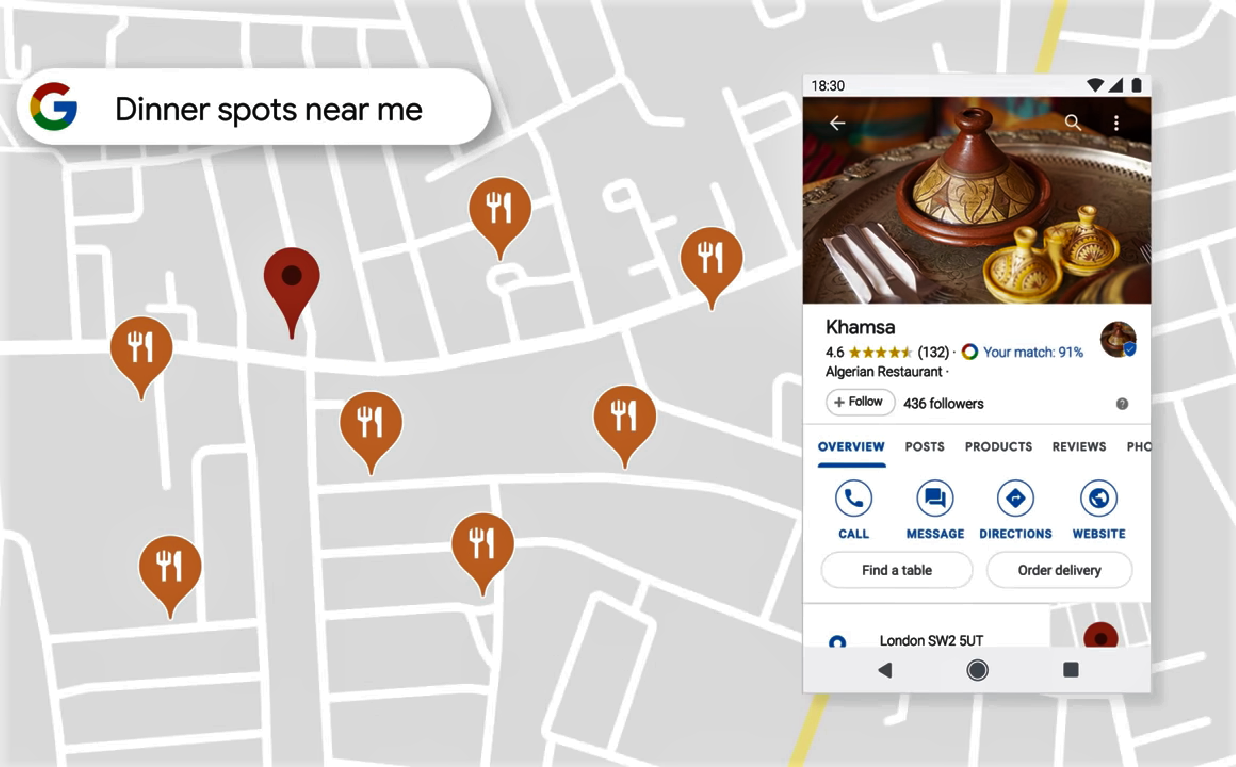
The chat itself is quite simple, without being able to send images, emojis, stickers or anything other than text. The response messages can be personally signed by the person writing them instead of anonymously by the company, which is an interesting touch (and not present in WhatsApp or Facebook Messenger).
Thus, Google Maps becomes a messaging application. Well, rather messaging with business messaging. In fact, it is possible to consult the list of past conversations from the side panel of the application, in the new Messages section.
It is not clear when the functionality will be extended globally since messages to businesses have been tested in some countries since last year. If you are someone who hates to call on the phone, be patient: soon you will need to do less and less, and from Google Maps itself.
That’s all for now. Please leave your feedback in the comment section below.
More in News
How to fix WhatsApp crashes in specific group chats on iPhone, Android
You open WhatsApp to check a group message, and the app closes immediately. You try again, but the same thing happens. Other conversations may work normally, while one particular group keeps crashing the app. It is frustrating, especially when that group is used for work, family updates, or important announcements. The good news is that…
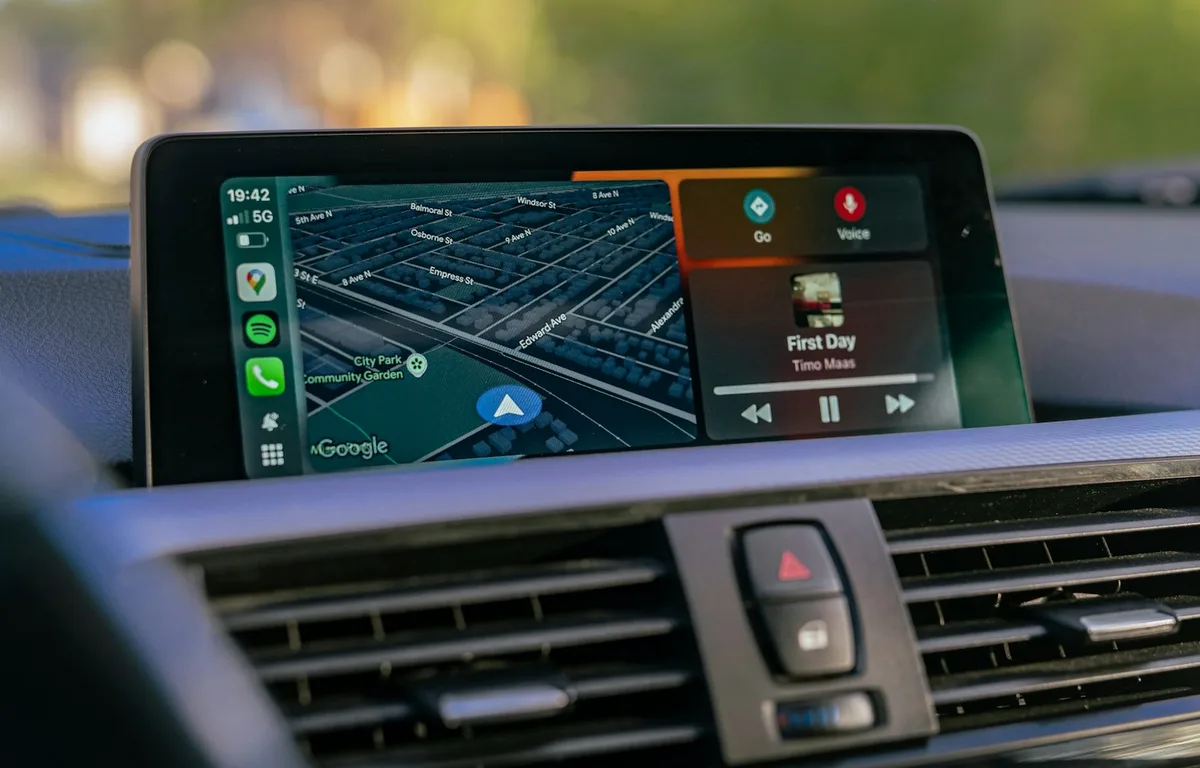
How to Fix Gemini Not Showing on Apple CarPlay: 8 Fixes That Work
Google started rolling out the Gemini app to Apple CarPlay on November 11, and plenty of iPhone owners got into their cars this week expecting a new icon that simply wasn’t there. If that’s you, the fix is usually quick. Google’s setup has a couple of steps that are easy to miss, and CarPlay itself…
How to Fix GPT-6.2 Not Showing in ChatGPT (Astra and Sol Missing)
OpenAI released GPT-6.2 Astra and GPT-6.2 Sol on November 17, 2026, but many paying subscribers open ChatGPT and still see only the older models. In most cases nothing is broken: the new models live in a different part of ChatGPT than people expect, the rollout is gradual, or the app needs an update. Quick answer:…
The week in tech, minus the noise.
New reviews, fixes and the stories that matter — once a week, straight to your inbox.
We only use your email to send the newsletter. Unsubscribe any time. See our privacy policy.
Comments