

Microsoft Edge Chromium now available for Windows 7, 8, and 8.1 too
You might be aware that Microsoft has built an entirely new version of its Edge browser. This new version of Edge browser is based on Chromium which is


You might be aware that Microsoft has built an entirely new version of its Edge browser. This new version of Edge browser is based on Chromium which is the same engine behind Google’s Chrome browser. Not only Google Chrome, but Chromium is also used by other popular browsers such as Opera, Kiwi and more and Microsoft follows suit.
Up until now, we knew that Chromium-based Microsoft Edge browser was available in the beta channel for Windows 10 users. As Windows 10 is the latest and most used version of Windows, it also made sense. But Microsoft has now decided to expand this browser to other versions of Windows too. So Microsoft’s Edge browser based on Chromium will be available on Windows 7, Windows 8, and Windows 8.1 too.
Windows 7 was the most popular version of Windows until Windows 10 was released. It is fair to say that Windows 8 and 8.1 did not do as well as Microsoft expected. And therefore, people waited to upgrade to Windows 8 and 8.1. Now that the Chromium-based Edge browser is released for Windows 7 and above, more users will be able to test and give Microsoft feedback regarding it.
At the moment, Microsoft Edge’s Canary Channel is only available for Windows 7, 8, and 8.1 users with support for Dev Channel and Beta channel coming soon. Microsoft says that the only change from Windows 10’s Edge browser is that Internet Explorer Mode will be missing. However, Microsoft says that the feature will come later for Enterprise customers.
Here is Microsoft’s statement on the latest release of Edge browser:
“You will find the experience and feature set on previous versions of Windows to be largely the same as on Windows 10, including forthcoming support for Internet Explorer mode for our enterprise customers.
The first Canary builds do have a few known issues, including the lack of dark mode support and no support for AAD sign-in, which we are working to resolve soon. If you need help or support, just press F1 from within Microsoft Edge Canary or Dev to visit our support website.”
More in News
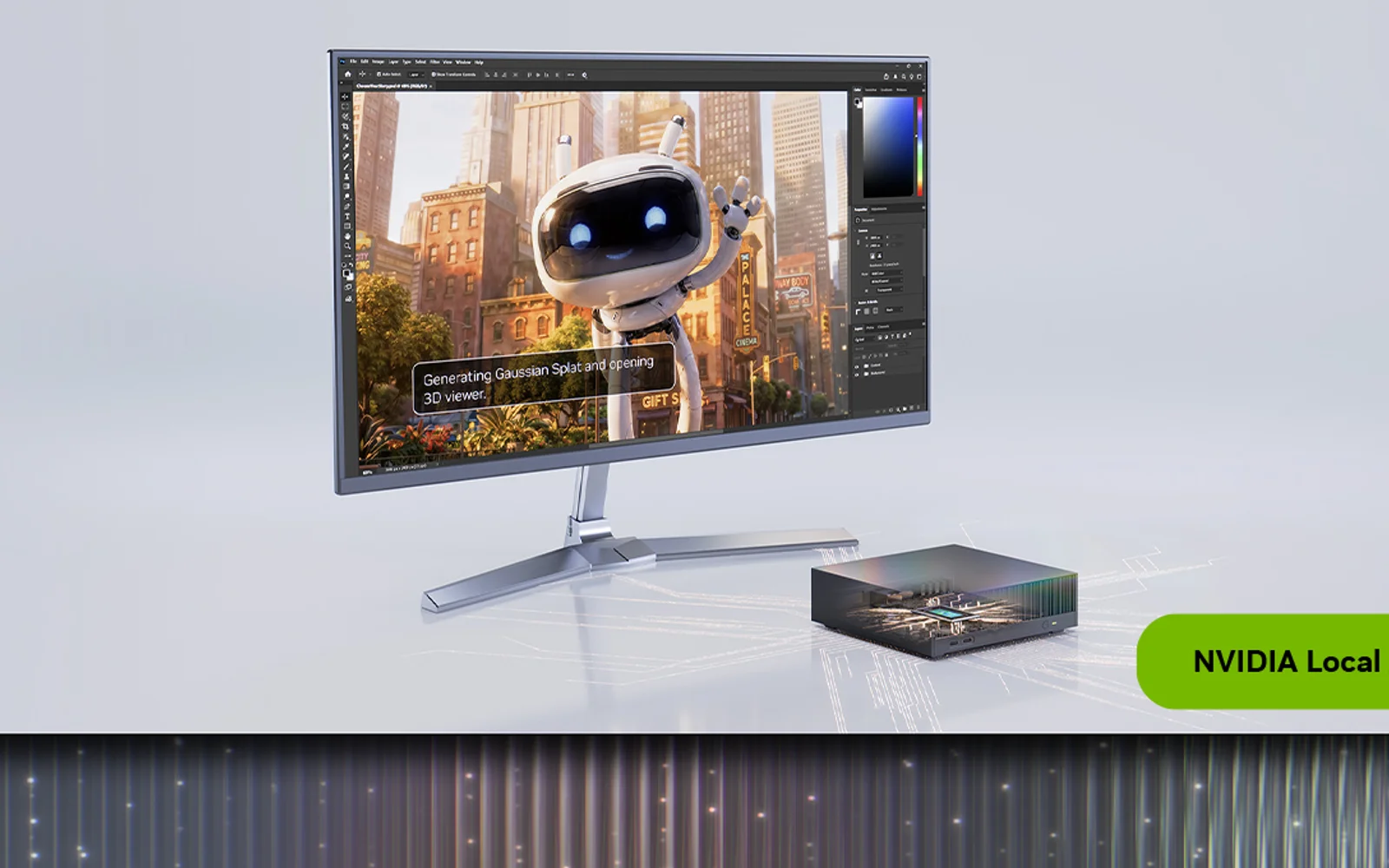
Nvidia RTX Spark Mini PCs Are Here: ASUS, Dell and MSI Models, Specs and Who Should Buy One
Nvidia RTX Spark compact desktops from ASUS, Dell and MSI are out: 20-core Grace CPU, Blackwell GPU, up to 128GB memory, Windows on Arm. Who should buy one.

Microsoft Ignite 2026: Copilot Is Getting File Actions on Copilot+ PCs, Plus Copilot in Windows Search
At Ignite 2026, Microsoft said Copilot on Copilot+ PCs will soon move, rename and organize files and diagnose PC problems, plus a Copilot handoff in Windows Search.
How to Fix USB Headset or Speakers With No Sound (Code 10) on Windows 11
More guides: See all our Windows 11 fixes. Update (November 11, 2026): Microsoft has now fixed this bug. The November 10 security update, KB5132061 for Windows 11 versions 24H2, 25H2 and 26H2 (KB5132059 on 26H1), fixes USB Audio 1.0 devices failing to start with Code 10, so installing it from Settings > Windows Update is…
The week in tech, minus the noise.
New reviews, fixes and the stories that matter — once a week, straight to your inbox.
We only use your email to send the newsletter. Unsubscribe any time. See our privacy policy.
Comments