

No, you don’t really need to ‘safely remove’ USB flash drives on Windows 10 confirms Microsoft
There has been a long ongoing debate from years regarding a particular thing on Windows 10. This is regarding insertion and then removal of USB flash

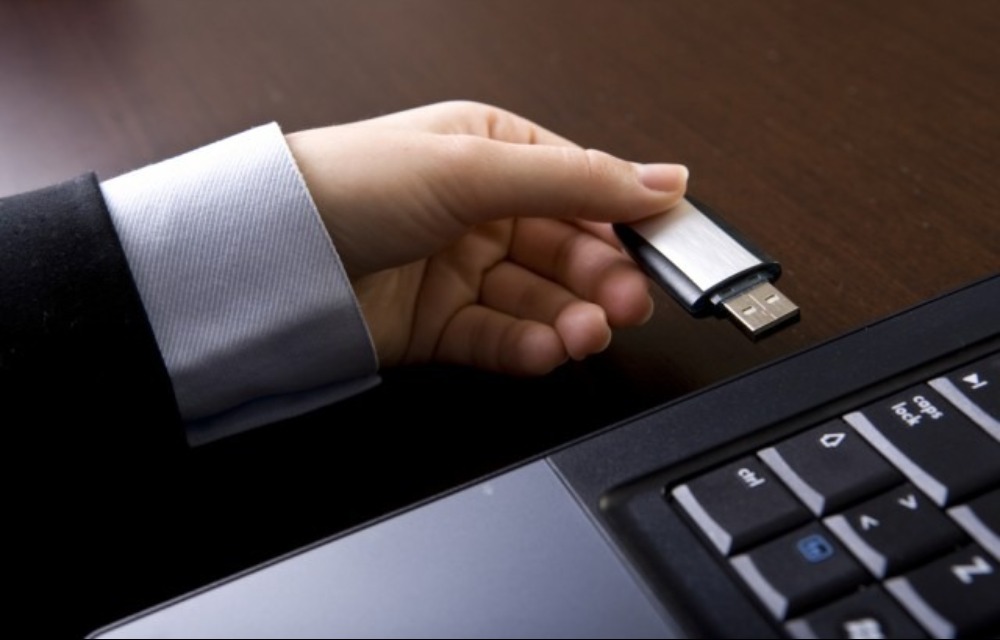
There has been a long ongoing debate from years regarding a particular thing on Windows 10. This is regarding insertion and then removal of USB flash drives on your Windows PC or Laptop. If you have ever used a macOS-based device, you would know that you need to safely remove drives from the MacBook. However, the same has been debated for Windows as well.
Many people advocate to ‘safely remove’ USB flash drives so that it does not get corrupted. However, many believe that just removing the USB flash drive is also fine. But there was no clear winner as Microsoft has not told what to do.
But that will come to end now as Microsoft has finally clarified regarding this minor issue. The company says that there is no need to ‘safely remove’ your USB drives on Windows 10, at least. Because Windows 10 comes with a feature called ‘Quick Removal’. This feature will let you remove your flash drive whenever it is not in use. Now, this method is safe because ‘Quick Removal’ basically stops the drive from being ready to write all the time.
Also Read: Speed up Lenovo Laptop Running Slow in Windows 10
However, Microsoft says that this is applicable only for Windows 10. Also, the feature has been made as default for every flash drive from Windows 10 version 1809. So if you are using Windows 8.1 or older then you might still need to remove your flash drive ‘safely’. On the other hand, Microsoft says that the ‘Quick Removal’ feature works only when the flash drive is not being written.
Therefore, you need to make sure that flash drive is not in use. Otherwise, there is definitely a risk of the file or even your drive being corrupted as you are basically aborting an operation. This also means that you should update to the latest version of Windows 10, as soon as possible, to forget ‘safely remove’ flash drive command forever.
More in News

Best Backup Software for PC and Mac in 2026: Free and Paid Options Compared
Windows and macOS both include free backup tools, and cloud services like Backblaze and Acronis add an offsite copy. Here’s how Windows Backup, File History, Time Machine, Backblaze, Acronis, IDrive and Carbonite compare, and which mix I’d pick.

Premiere vs DaVinci Resolve vs Final Cut Pro in 2026: Pricing, Platforms and Features Compared
Adobe Premiere, DaVinci Resolve and Final Cut Pro compared on pricing model, platforms, editing, color, audio and system requirements, using only official sources. Where something couldn’t be confirmed, I say so.

How to Fix Windows 11 26H2 Black Screen After Sign-In
Seeing a black screen after signing in on Windows 11 26H2? Microsoft confirmed the issue, mainly on Azure Virtual Desktop with FSLogix, and fixed it in KB5127648. Here’s how to get your desktop back.
The week in tech, minus the noise.
New reviews, fixes and the stories that matter — once a week, straight to your inbox.
We only use your email to send the newsletter. Unsubscribe any time. See our privacy policy.
Comments