

Windows 10
How to turn the mic and camera on and off in the video call on Windows 10?
No matter which field you are working in, conferences will be a part of your daily routine. Different conference tools are introducing several features. However, not all of them have a shortcut for on and off of your mic. The new feature in Windows 11 allows users to mute and unmute themself by tapping the…
5 Methods to Give Someone Administrator Permissions on Windows 10
In Windows 10, you can have two different types of user accounts on your computer. The first one is Administrator, which is generally the first account you create after purchasing your computer. This account type will give you full control of your system, which includes changing global settings, installing apps, executing administrator-level commands in the…

Easiest ways to Add/Delete Fonts in Windows 10
Are you tired of using the same set of fonts repeatedly and looking for something new? Windows 10 computers come with tons of pre-installed fonts, so you can choose the font that suits your taste right away. However, using the same fonts over and over can get excessively boring. And it might affect your productivity.…
How to Fix Printer “Port in Use” Error on Windows 10
Usually, the traditional way of connecting a printer to the computer is by the means of a USB port. The latest printers are coming in various connectivity options, however, still many people are using the USB port to connect their printer to the computer. Technical issues are most common in computers. One of the most…

How to Set Java PATH in Windows 10
Java is one of the most used programming languages out there, you might be also using it for developing custom software or applications. When you install java on your computer for the first time, one of the very first things you should do is adding its path to the Windows 10 system variables. This will…

How to Get Emojis in Windows 10
Emojis are an integral part of our conversations. If you have been using your smartphone for messaging your friends, colleagues, etc., you might find it difficult to chat without emojis. A single emoji can express your feelings that will take multiple words otherwise. So there is no doubt that emojis makes our life easier and…

How to Update Java on Windows 10
Being one of the widely used programming languages, Java has a lot to offer for several purposes including software and app development. It is not surprising that you are also a Java programmer. But, just like any other programs or applications out there, Java also need frequent updates in order to ensure compatibility with other…

How to Disable Hyper-V in Windows 10
While Hyper-V is a useful feature that comes in-built with Windows allowing users to run multiple virtual operating systems on the same machine, things can get complicated when other virtualization tools come into play. Popular tools such as VMware or VirtualBox may have compatibility issues with this default Windows feature. Even though Hyper-V can be…
How to pin a Website to Taskbar in Windows 10
Sometimes it can be very difficult to manually type the website address in the browser address bar. Especially if the website URL is pretty long. In that case, pinning the specific URL to the taskbar can be very useful. Instead of opening the browser and manually typing the URL every single time you want to…

How to Remove PIN from Windows 10
Microsoft Windows 10 provides some great ways to secure your computer from unauthorized access. One of them is a PIN. Instead of typing a long, strong password, you can simply use a PIN just like on a smartphone. This way, you can log in to your device as quickly as possible while providing it a…
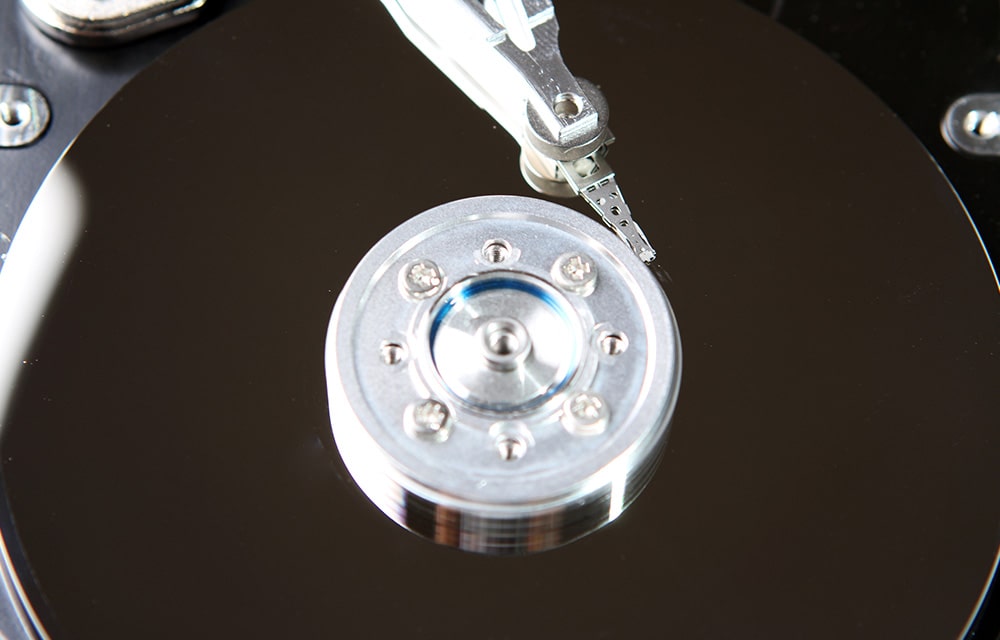
How to Do Defragmentation in Windows 10
Defragmenting your hard drive will make it faster by optimizing the sectors and by applying similar fixes if there are some fragmented sectors. So it is recommended to do defragmentation every once in a while in order to make sure that your hard drive performs at its best. In this article, we are going to…
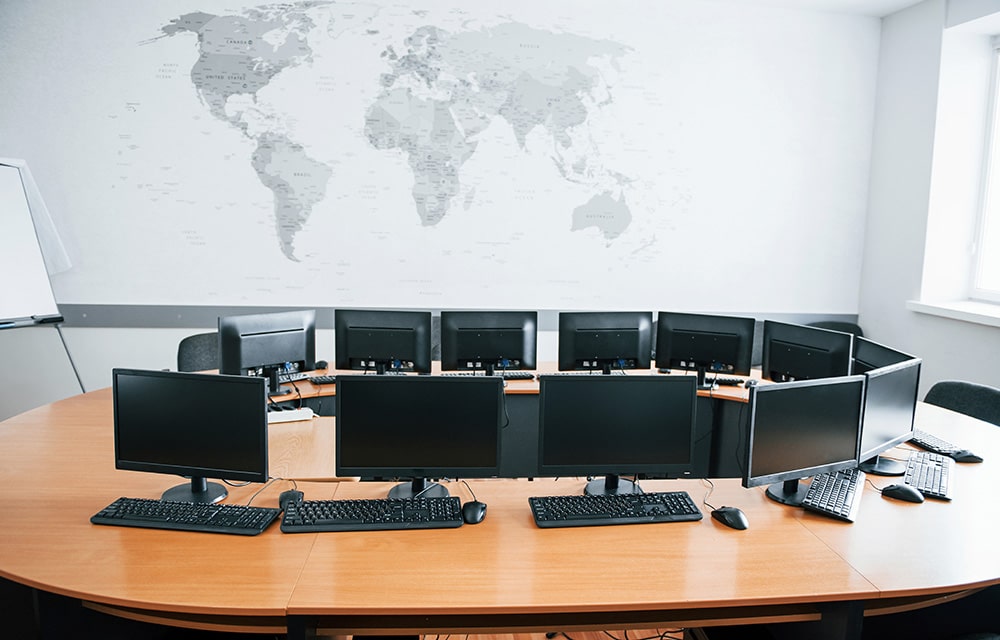
How to Extend Monitors in Windows 10
An extra monitor will be extremely useful for several usage cases. Especially if you are working on a big project that requires you to go through several files at the same time, or if you are a programmer who wants to examine several code blocks to construct a new one, the usage cases are limitless.…