

Now Install MIUI 10 ROM On OnePlus 6 and 6T With Android Pie, Thanks To XDA Developer
ProtoDeVNan0, a senior member of XDA, who has developed a ROM of MIUI 10 based on Android Pie for the OnePlus 6 and 6T. Here's a link to install MIUI 10.
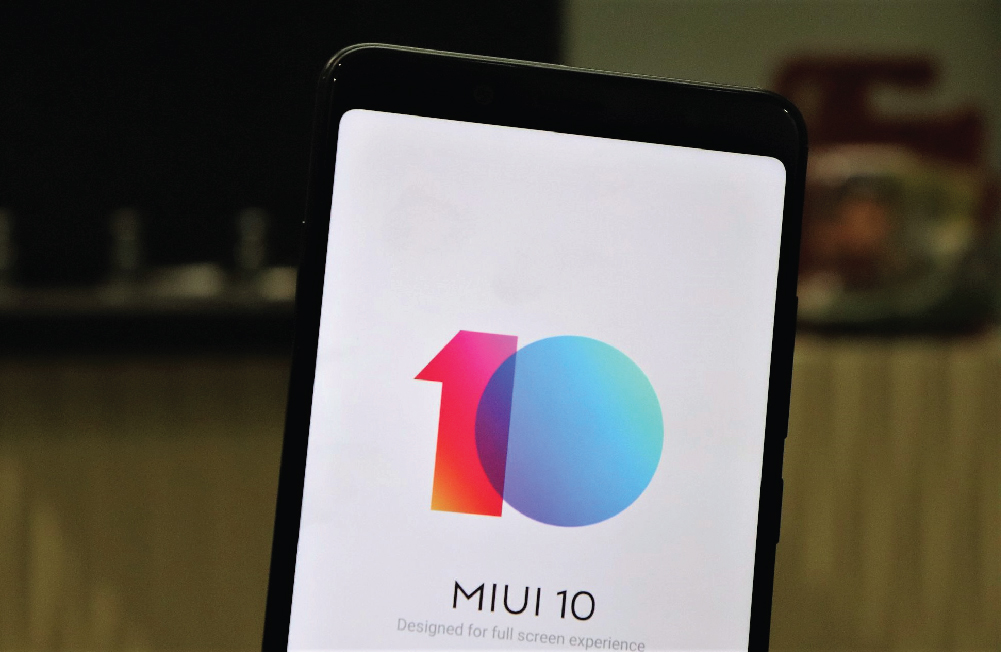
When you take a look at the forums of the top brands, you will see that most cooked ROMs are either original firmware modifications or based on AOSP. Rare that someone is changing the LG layer to a Samsung or the Samsung layer to a Google Pixel, but some developers, from time to time, are encouraged and they get it.
This is the case of ProtoDeVNan0, a senior member of XDA, who has developed a ROM of MIUI 10 based on Android Pie for the OnePlus 6 and 6T. It is based on version 8.12.7 of MIUI 10 for the Xiaomi Mi MIX 3 and can be installed from now as long as you meet the requirements and be careful.
The latest version of the Xiaomi Android interface, the MIUI 10, arrives on OnePlus 6 and 6T thanks to the work of some XDA developers. Contrary to other proprietary interfaces, which hardly see porting coming on other smartphones, MIUI has always been among the most used Android versions even on devices that do not belong to the Xiaomi family.
Some XDA developers have ported the MIUI 10 compatible with OnePlus 6 and OnePlus 6T, based on the 8.11.23 build of the operating system. The ROM is obviously based on Android 9 Pie and to work on OnePlus smartphones it is necessary that the firmware OB8 or higher is installed.
The MIUI 10 works well in almost all its features: among the bugs reported by the developers we find the torch toggle (in this case we recommend the use of app of torches of third parties), the camera (we recommend the use of Google Camera or OxygenOS Camera) and the Automatic Rotation toggle, which is used leads to a temporary block of settings.
The requirements for the installation are, in the case of OnePlus 6, having the OB8 and 9.0.7 signatures in the case of the OnePlus 6T. The instructions are as follows:
- Extract the ZIP on the computer.
- Start the phone in fast boot mode and connect it to the computer via USB.
- Run the file op6 flasher windows.bat.
- When finished flashing, start TWRP.
- Mount the “vendor” partition.
- Flashing the NFC and Audio Fix.zip file
- Restart.
If you want to give a touch of MIUI 10 to your OnePlus 6 and 6T you can download the ROM from the link below and install it via TWRP.
>> MIUI 10 for OnePlus 6 and OnePlus 6T >>
Before proceeding to it, you should bear in mind that it is a process that involves risks, so read the post with the instructions, ask in the thread if you have doubts and make a backup copy of each and every one of the files to lose.
More in News
Apple Limits iPhone Duo Orders To Two Per Shopper
Apple restricts iPhone Duo purchases to two units per customer online, citing extraordinary demand and pushing standard shipping dates.

Google Play Services Links Phone Numbers to All Google Accounts on Android Without Asking
Android phones now link phone numbers to Google accounts without asking; a Reddit user spotted this change in settings recently. This matter
iPhone Duo delivery pushed to January amid high demand
Apple updated its schedule Friday, October 16. iPhone Duo arrives late in January. Need it sooner? Visit a local Apple Store today. Strong
The week in tech, minus the noise.
New reviews, fixes and the stories that matter — once a week, straight to your inbox.
We only use your email to send the newsletter. Unsubscribe any time. See our privacy policy.
Comments