

Samsung Patents A Dual Screen Magnetic Smartphone: This Is How It Works
According to LetsGoDigital, it is known that Samsung has patented a smartphone with a dual screen bar connected each other magnetically.
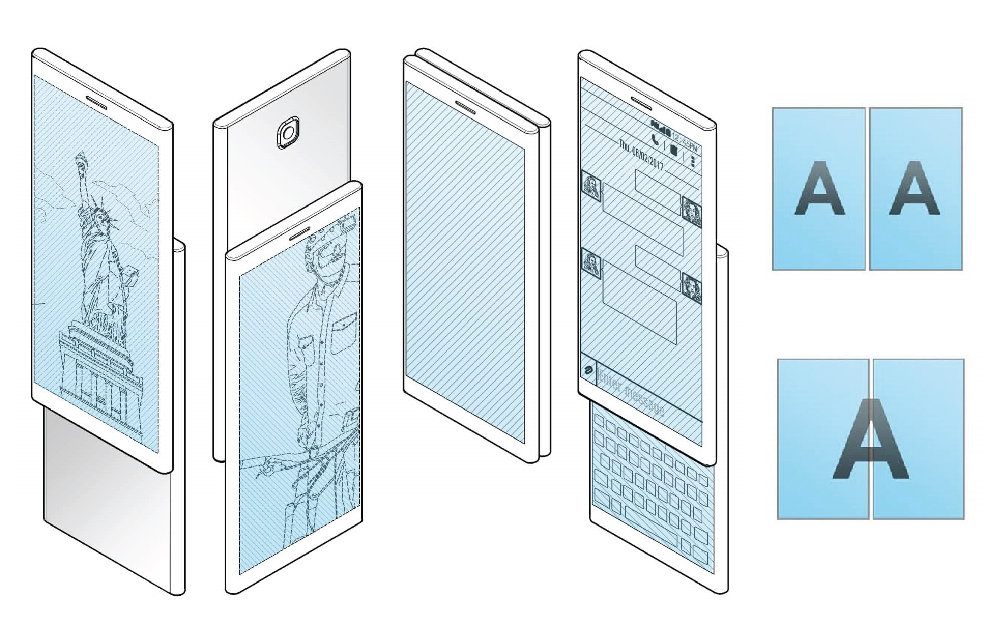
Samsung is working on its new flagship smartphones after its first folding phone and the Galaxy S10. While closing all the launch details of these two products, the South Korean company has the mindset on the creation of new devices, such as one that connects magnetically.
According to LetsGoDigital, it is known that Samsung has patented some phones that can be connected magnetically. The firm filed a patent in June 2018 before the World Intellectual Property Office. The patent describes a smartphone with a dual-screen bar connected to each other magnetically.
Read more: Vivo Nex 2 launched with Dual Screen and Lunar Ring on the back
The screen of this device is not collapsible but its function is quite similar. One of the images of the patent shows two smartphones that can work independently of each other, but that have three magnets with which they can be connected.
Dual Screens Connected Magnetically
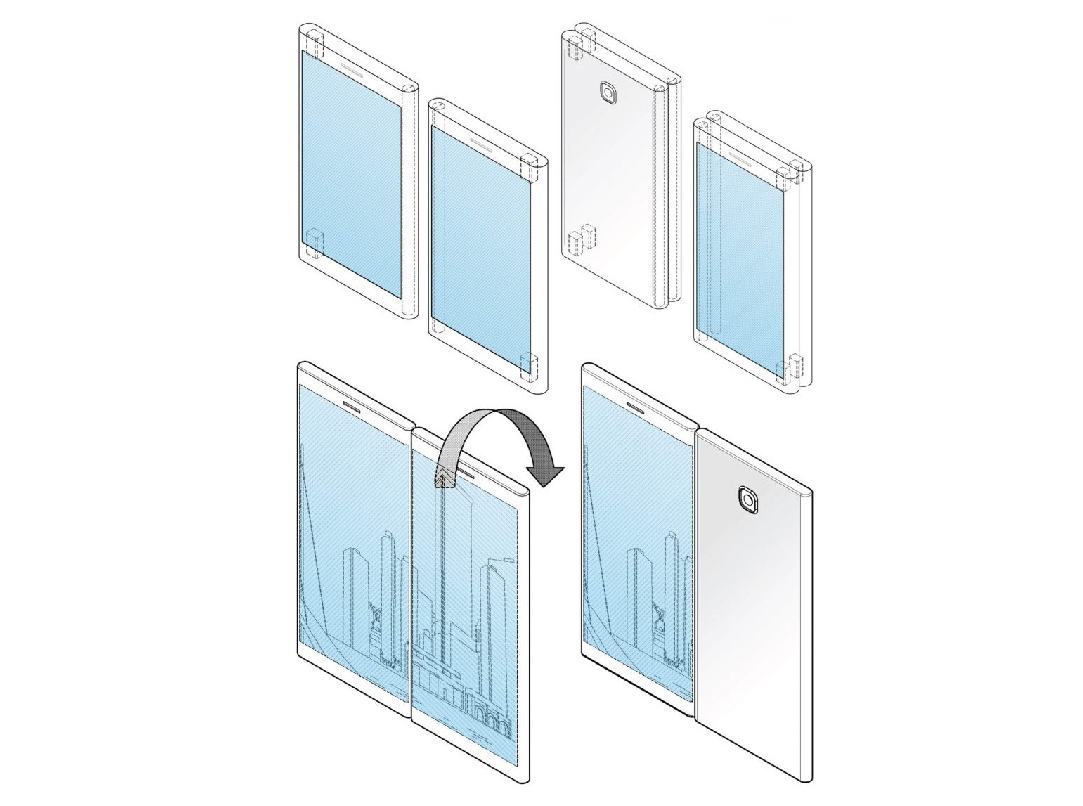
By connecting the phones using the magnets, the devices can be used in various ways and the content is adjusted according to the configuration. For example, thanks to a cylindrical magnet located on the longitudinal axis of the phone that can connect two smartphones magnetically so that one is next to the other.
With this configuration, one can use the main camera as a selfie lens and the second can act as a viewfinder screen. You can even connect the phones one in front of the other so that part of one of them stands out. The possibilities are quite broad, so users can choose the one that best suits each situation.
At the moment it is only a patent, so these smartphones may not end up being a reality. What is known is that Samsung will present its next flagship, the Galaxy S10, during the Mobile World Congress 2019 to be held in Barcelona at the end of February.
That’s all for now. Please leave your feedback in the comment section below.
More in News
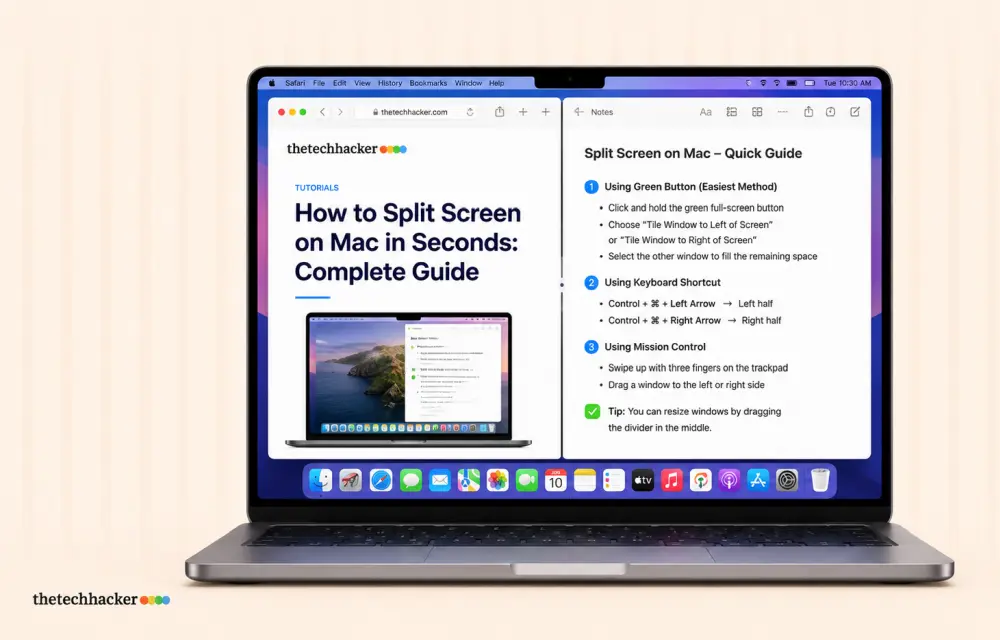
How to Split Screen on Mac in Seconds: Complete Guide
Learn how to split screen on Mac to view two apps side by side. This guide walks you through Split View setup, keyboard shortcuts, and troubleshooting tips.

How to Fix Galaxy S26 Ultra Stuck at Samsung Account Sign-In on One UI 9
Is your Galaxy S26 Ultra frozen or looping at the Samsung Account sign-in screen during setup on One UI 9? Here are the workarounds Samsung and other owners have shared, and why you shouldn’t reach for a factory reset.
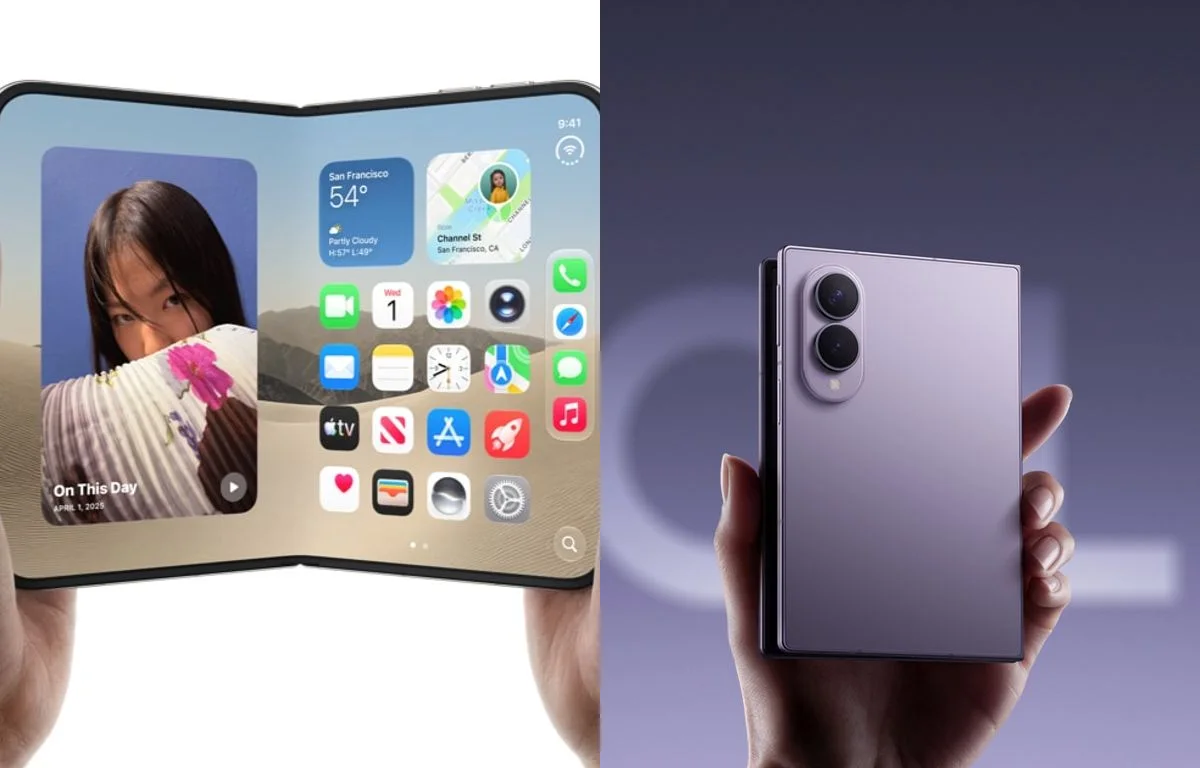
iPhone Duo vs Galaxy Z Fold8: The Surprising Similarities and the Differences That Matter
Not so long ago, a phone that folded in half sounded like something from a science fiction movie. Today, two of the biggest names in the business both sell one, and for the first time they are surprisingly alike. Apple finally joined the foldable club with the iPhone Duo, and Samsung reshaped its Galaxy Z…
The week in tech, minus the noise.
New reviews, fixes and the stories that matter — once a week, straight to your inbox.
We only use your email to send the newsletter. Unsubscribe any time. See our privacy policy.
Comments