

Vivo Nex 2 launched with Dual Screen and ‘Lunar Ring’ on the back
Vivo has launched a new version of its successful smartphone from last year. The smartphone we are talking about is the Vivo Nex. The latest version of

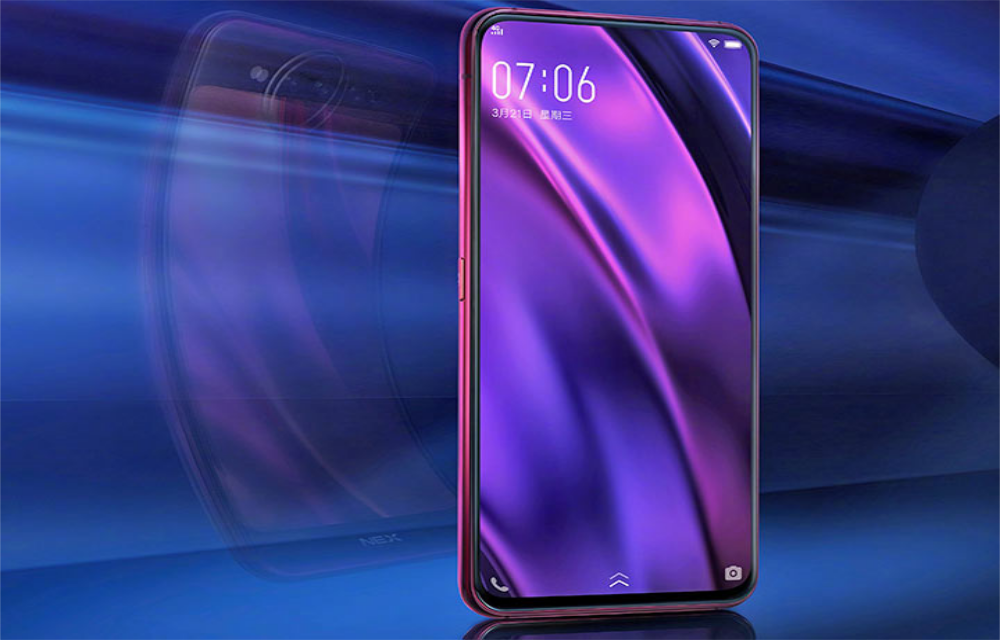
Vivo has launched a new version of its successful smartphone from last year. The smartphone we are talking about is the Vivo Nex. The latest version of Vivo Nex, Nex 2 has just been launched by the company. And it is fair to say that it is a stunning device in every aspect. First of all, Vivo Nex 2 comes with a Dual screen, one on the front and one on the back. This time, Vivo Nex does not have a pop-up camera same as last year.
Now, the Vivo Nex is devoid of a pop-up camera so it doesn’t have a front camera. Instead, there are dual cameras on the back of Vivo Nex. Also, the back cameras of Vivo Nex can act as front cameras too. This is because you can see your selfies on the display present at the rear. This way you can easily click the selfies from the back camera. The back cameras are a 13MP + 2MP secondary camera. There is also a third camera on the back of Vivo Nex. This is a f/1.3 lens which has a time of flight(TOF) 3D module.
Now, this TOF 3D module is used to unlock the rear display of Vivo Nex. This module helps in point-to-point distance measuring and secure facial recognition to unlock the rear display. You can also use it for “personalized beautification”. This device also has a unique ‘Lunar Ring’ at the back around the camera module.
Talking about this Lunar Ring, it can glow softly to create a LED flash like lighting for low-lighting conditions. You may also use it to glow the Lunar Ring for music according to its beats and rhythm. The display on the front of Vivo Nex is a 6.4-inch one with a Full HD+ resolution and the rear one is a 5.5-inch one with a 16:9 aspect ratio.
More in News
Thanksgiving Tech Checklist: Set Up Your Parents’ Phones in One Visit
Thanksgiving is often the one weekend a year you’re sitting next to your parents with their phone in your hand. Use it well. In about 30 minutes you can make their iPhone or Android phone safer, easier to read, easier to recover if it’s lost, and much harder for scammers to exploit. This checklist puts…
How to Fix Pixel Always-On Display and Lock Screen Problems After the November Update
Google’s November update has been rough on some Pixel owners. Camera failures and wireless charging grabbed the headlines, but a third group of complaints is about the screen you look at most: the always-on display and lock screen. Owners report the notification shade staying on screen after locking instead of the always-on display, a notification…
How to Split Screen on Mac in Seconds: Complete Guide
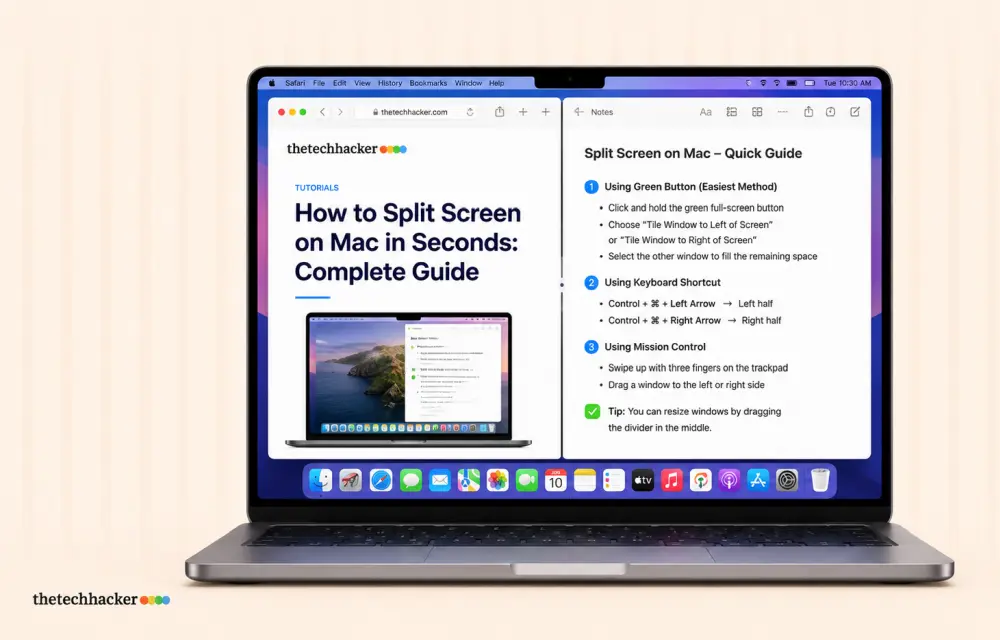
Learn how to split screen on Mac to view two apps side by side. This guide walks you through Split View setup, keyboard shortcuts, and troubleshooting tips.
The week in tech, minus the noise.
New reviews, fixes and the stories that matter — once a week, straight to your inbox.
We only use your email to send the newsletter. Unsubscribe any time. See our privacy policy.
Comments