

Ulysses 18 launched with iOS 13 and iPadOS support on the App Store
Ulysses has just announced a new update to its app which bumps its version up to Ulysses 18. However, this update is important for the iOS users as you

Ulysses has just announced a new update to its app which bumps its version up to Ulysses 18. However, this update is important for the iOS users as you now get iOS 13 support along with iPadOS support as well. While the iPadOS support is set for September 24, we know that Apple has already released the iOS 13 update. Therefore, you need to install this update as soon as possible if you are using Ulysses with either of these versions.
Talking about what’s new on Ulysses 18, note that this update will land on September 30 so you need to have a little longer for the update. We believe that Ulysses scheduled this update due to iPadOS release date but Apple has pushed the iPadOS release date up since then. Ulysses 18 will come with dark mode support for iOS 13 and iPadOS which is the biggest feature in the latest releases from Apple.
You will also get new system Split View on iPad with Ulysses 18 that has been added to iPadOS. Apart from that Ulysses 18 now comes with Dropbox support along with iCloud support. So if you don’t use iCloud, you “may instead use Dropbox without functional compromises”. While you would be aware that Ulysses had dark mode already, this update adds global preference as well as scheduled appearance support. Basically, Ulysses 18 will now have dark mode enabled by default if you have enabled dark mode globally on iOS 13 or iPadOS 13. Apart from that, Ulysses 18 will automatically switch to dark mode on sunset if you have scheduled the same in settings.
With Ulysses 18, the company has removed its native split view feature in favour of Apple’s iPadOS split view mode. The company says that “It was a tough decision because our own implementation was met with rave reviews. But being a good iOS citizen has always been very important to us — Ulysses should behave as users expect, and if the system offers such a feature, we should follow suit. By and large, the functionality is very similar anyway”,
More in News
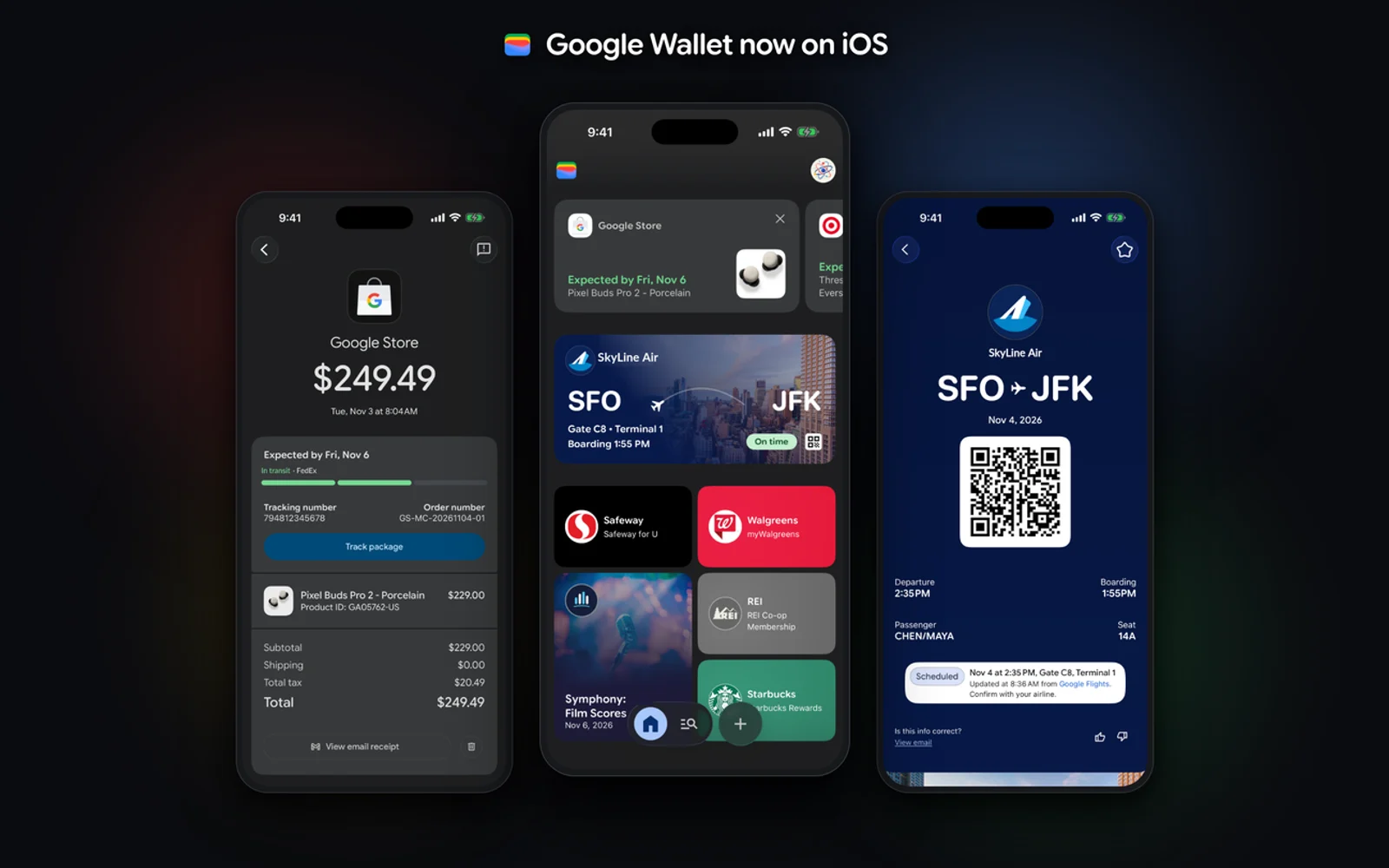
How to Use Google Wallet on iPhone: What Works and What Doesn’t (No Tap to Pay)
Google Wallet is finally on the iPhone. Google launched the app for iOS users across the US on November 17, 2026, and it climbed into the top 20 of the App Store’s Utilities chart within a day. There is one big catch: you cannot use it to tap and pay at a store register. This…
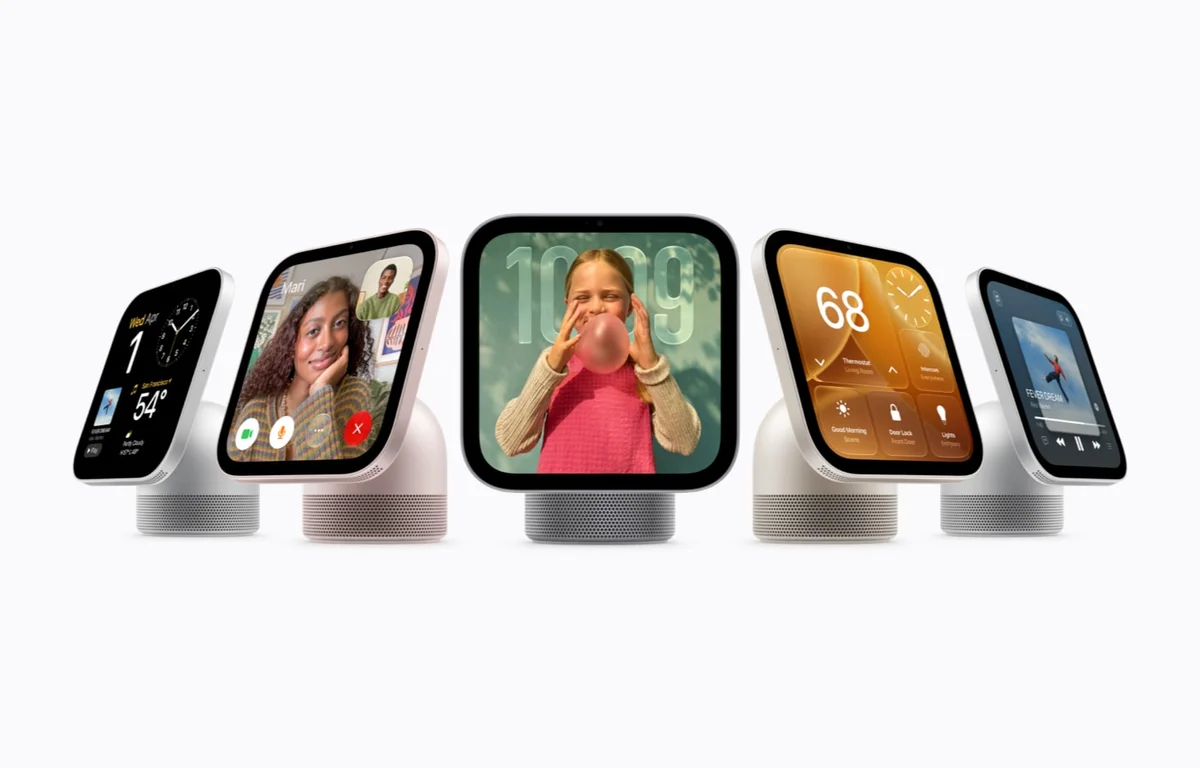
Apple HomeView and New Apple TV 4K Go On Sale Today: Price, Features and What You Need
Apple HomeView and the 4th-gen Apple TV 4K go on sale in the US on November 13 for $299 each. Specs, Siri AI beta, and what you need before you buy.
How to Fix iPhone 18 Pro Max No Service or SOS on AT&T
Is your iPhone 18 Pro Max stuck on SOS or No Service on AT&T? Here’s how to tell if it’s the issue Apple has acknowledged, what to try first, and how to get a replacement.
The week in tech, minus the noise.
New reviews, fixes and the stories that matter — once a week, straight to your inbox.
We only use your email to send the newsletter. Unsubscribe any time. See our privacy policy.
Comments