

Windows Errors
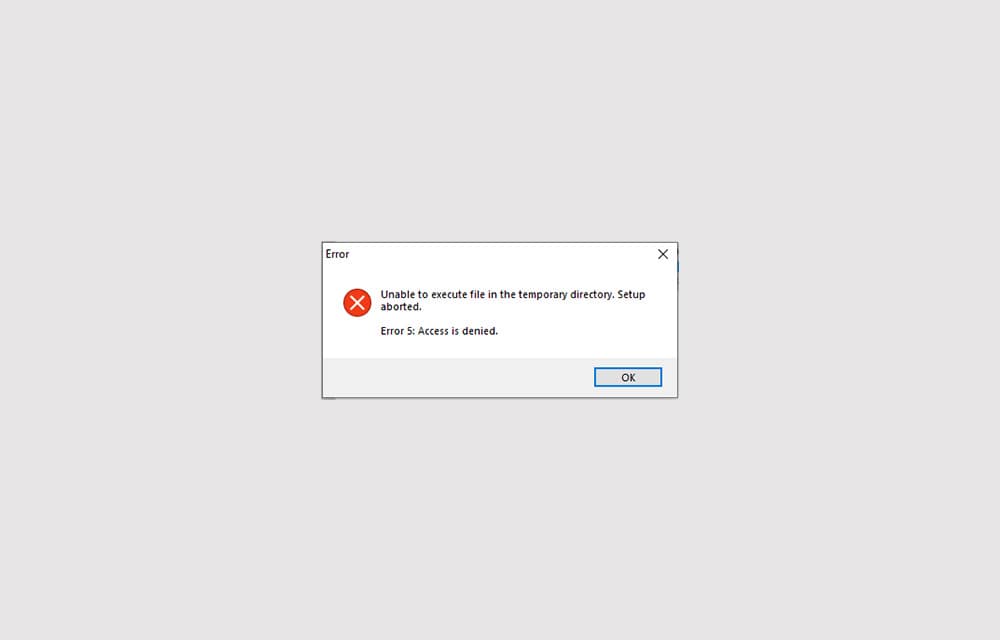
How to Fix ‘Error 5: Access is denied’ in Windows 10
Error 5: Access is denied is an error that shows up when Windows doesn’t have enough permission to perform the operation. Usually, the error is related to the Windows directory permissions and can be fixed by setting the correct permissions or giving access to the user to perform the action. In some other cases, the…

How To Fix Steam API DLL Missing Error In Windows 10
Steam API DLL missing error is a most commonly occurring error for Steam players. This error will come due to the missing file of Steam API in the DLL files library. This is a quite annoying error for serious Steam gamers online. This error appears when a user launches the Steam app and it will…
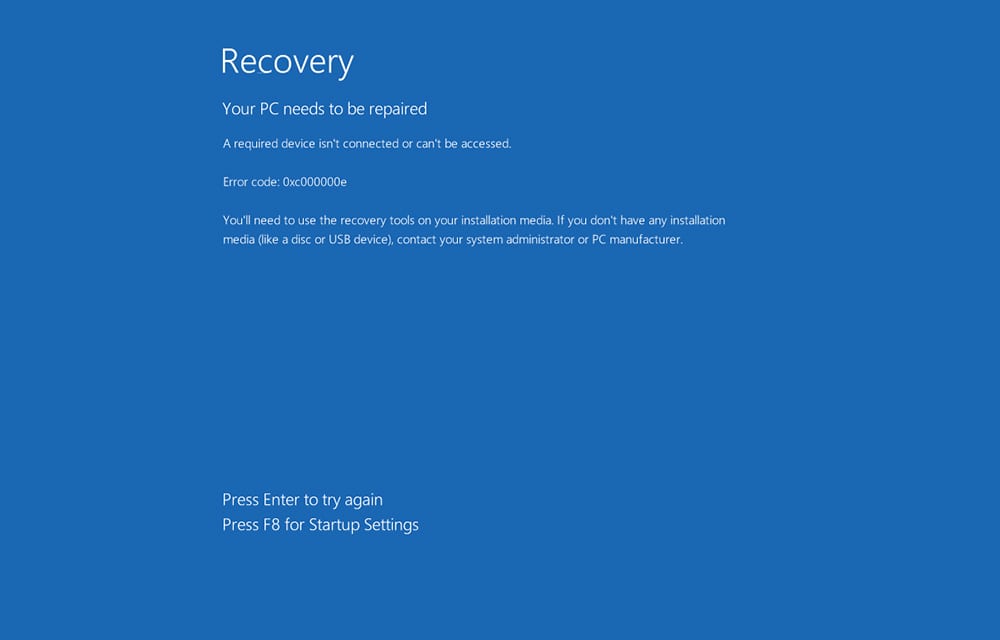
How to Fix Windows 10 Error Code 0xc00000e
The 0xc00000e is an error commonly found on Windows 10 systems faced by thousands just like yourself. In a plethora of errors, we have one more to resolve. Going behind the solutions may require hours no matter how much of a novice you are to the Microsoft OS. Trying out tens of solutions, still without…
How to fix NVIDIA control panel not showing In Windows 10
Nvidia control panel missing is the most common problem for Nvidia graphic card users. According to the sources, the Nvidia control panel missing error is caused due to the bad Windows 10 update. What is Nvidia Control Panel and why it is needed? Nvidia control panel lets you configure the Nvidia graphics card according to…

How To Fix Microsoft Store Error 0x80D03805 In Windows 10
Microsoft Store Error 0x80D03805 is a kind of error we usually get when trying to download or update an app from Microsoft store. It is the most common error according to the reports available online. Many people are searching on the Internet to get a fix for this issue. In case, if you faced this…

Complete list of device manager error codes
Have you ever encountered an error on your computer when you trying to connect a device? If yes, you may see an error code it means your computer is experiencing problem with the device driver or other configuration and hardware-related problems. The Windows is very clear about showing the error code to the users. When…
How to fix Wuauserv high CPU usage error in Windows 10
Wuauserv error has encountered for many Windows 10 users. It drastically slows down the performance of the Windows 10 PC or laptop while it is running in the background. Usually, many services like svchost.exe and Windows update runs in the background and consumes a very low amount of system resources. But in the case of…
How to Fix Mouse not Working after Windows 10 Update 1809
We already discussed and fixed the issue of Windows 10 1809 Deleting User Files on Update error. The Windows 10 1809 update is caused many errors after the update, one of the most irritating is mouse not working error. Before going to start the fixing procedure, make sure to check the mouse on other PC.…

How to Fix Windows 10 Adaptive Brightness Not Working
In the past few years mobile devices coming with the adaptive brightness which detects the light conditions in the environment and adjusts the screen brightness accordingly. This feature will save the user time by adjusting the screen brightness automatically, For example, if you are outside on a sunny day, the screen will automatically increase the…
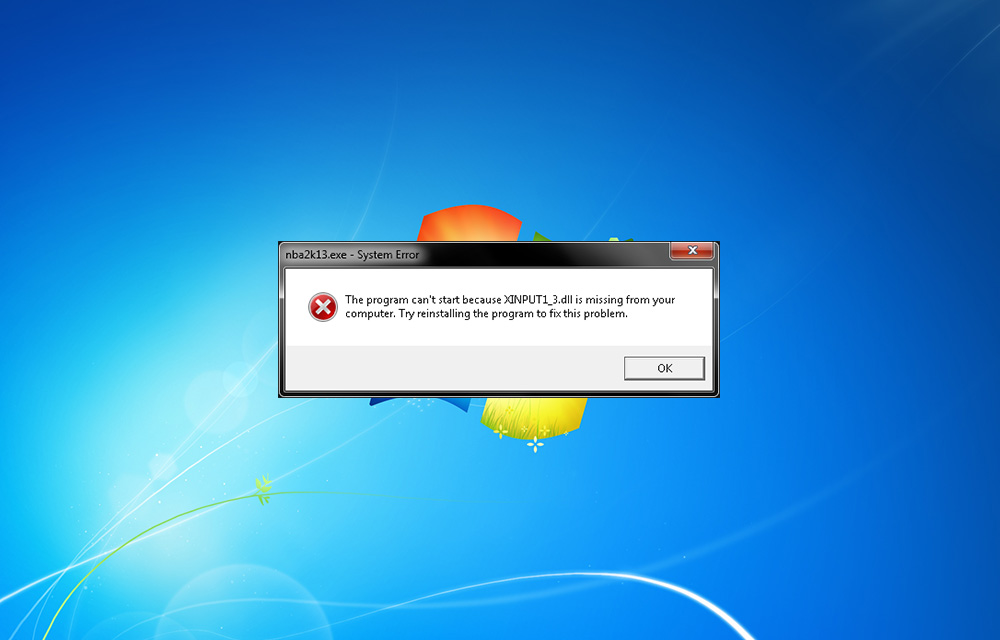
How To Fix Xinput1_3.dll is Missing Error On Windows
You may be faced Xinput1_3.dll is missing error while playing games. It is a common error comes during game play. Many of us just click on “OK” to exit the pop-up and continue the game. Unfortunately, this error doesn’t end by tapping ok. The reason of this error is the missing DirectX 9, which is…