

Best Desktop Search Engine Everything
Google, a powerful search engine that can search the whole network, is available to us to search the internet. On the PC, we often make use of the search box that is pre-installed with Windows. Have you ever been confused or forgotten where you kept your most crucial files on your personal computer? If you…


Google, a powerful search engine that can search the whole network, is available to us to search the internet. On the PC, we often make use of the search box that is pre-installed with Windows. Have you ever been confused or forgotten where you kept your most crucial files on your personal computer? If you are looking for a comprehensive search that includes all of the available file formats, the performance of the built-in search box in Windows is just acceptable. So meet “Everything,” an advanced desktop search engine, I promise.
It is very slow and displays only a few recommendations. But if you want a powerful tool to search your entire PC Void Tools Everything is a recommendation for you. I’ve been using “Everything” for the past few years, and the program is completely stable and easy to use.
What is Everything?

Voidtools Everything is a light, super-fast application for desktop search. It is a powerful desktop search tool that locates files and folders by filename instantly on Windows.
To get started, simply download the application from the official website and install it on your machine. After opening, it instantly starts indexing every file and folder present in your system.
The user interface of the program is pretty easy to understand. Just type the keyword or name of the file, and it instantly shows real-time results for all of the files and folders on your local hard drive. The results screen can display seven different fields: Name, Path, Size, Last Write Time, Creation Time, Last Access Time, and Attributes.
In the “Everything” first, run, it creates an index of every file and folder and the volume from file metadata in the NTFS Master File Table. It supports system-wide indexing; it indexes hard drives, removable media, local area networks, sites, and content in Windows Search.
It is one of the must-have applications for every Windows-based PC or laptop user.
That’s all for now. Please share your views in the below comment box.
More in Windows

How To Set Automatically Change Wallpapers Option On Windows 10
Are you a frequent Wallpaper changer like me? I like wallpaper if I have time I daily change them. Bing Desktop App is a Microsoft product, which regularly and automatically changes wallpapers for you. Microsoft started rolling out its brand new version of most popular OS Windows 10. The update is available from Windows 7…
Parallels Desktop for Mac Review: Run Windows on Mac
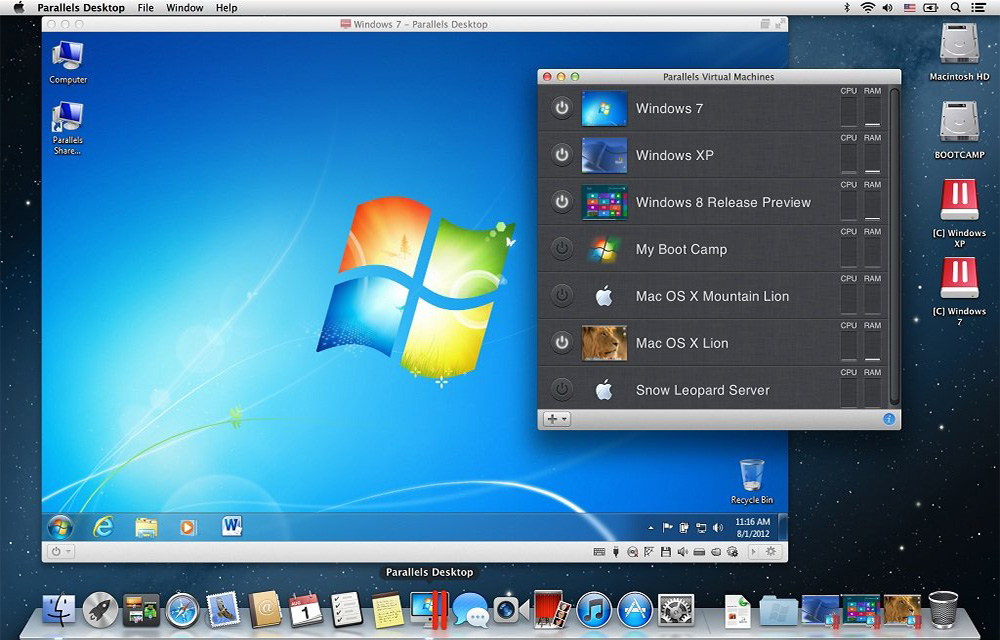
Parallels Desktop is a Mac application that allows virtualizing the Windows OS on any Mac. Like the VirtualBox for Windows, the Parallels Desktop also is a virtualization software where you could install the Windows or its applications seamlessly. It supports almost any Windows applications to run on your Mac. You don’t have reboot the Mac…

How to Enable Live Wallpaper in Windows 10?
Live wallpapers are a great way to enhance the beauty of your desktop. If you have enough resources to spend on the always working wallpaper animations, you can go for it without thinking twice. However, for small systems with fewer resources, it may not be the best thing to do. We recommend sticking to the…
The week in tech, minus the noise.
New reviews, fixes and the stories that matter — once a week, straight to your inbox.
We only use your email to send the newsletter. Unsubscribe any time. See our privacy policy.
Comments