

What Is Bootloader On Android Device And Advantages & Disadvantages Of Unlocking Bootloader
For latest technology followers Android OS doesn’t need an introduction. Recent reports state that Android Operating System crossed the 79% of the smartphone market share. Android users are aware of word rooting and custom ROM flashing, but some Android devices need to unlock Bootloader in order to proceed to the next step. So what is…

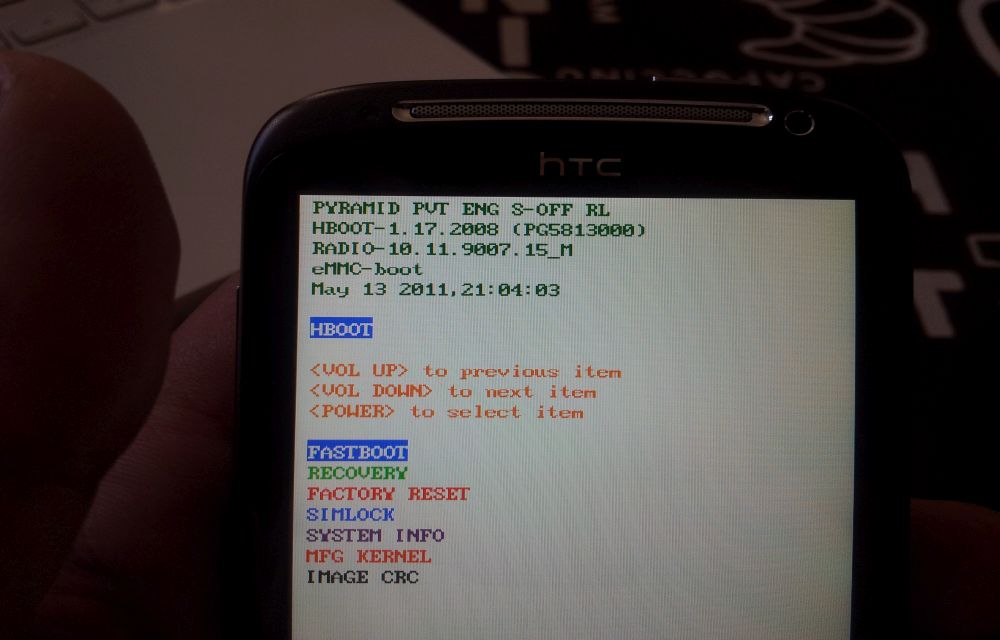
For latest technology followers Android OS doesn’t need an introduction. Recent reports state that Android Operating System crossed the 79% of the smartphone market share. Android users are aware of word rooting and custom ROM flashing, but some Android devices need to unlock Bootloader in order to proceed to the next step. So what is bootloader and advantages & disadvantages of unlocking the bootloader on Android is today’s special topic on thetechhacker.
What is Bootloader?
Basically, Bootloader is a code that exists in every operating system in order to run or start. It is a set of instructions package to launch the operating system after the device powered on. Every gadget powered by an operating system contains a bootloader. Android is an open source operating system developed by Google, the bootloader for Android device is changed by a manufacturer to manufacturer.
The main reason is the manufacturing companies makes devices by different types of hardware. For example, you can see the Nexus series, the device hardware is upgraded whenever the new version of the phone is launched. For Apple devices, the difference between the iOS versions makes bootloaders is negotiable.
Why Are Bootloaders Locked?
The bootloaders usually come as locked. The companies want to blend the device with OS. Every Android device contains specifically designed bootloader to match its hardware. If you want to flash a custom ROM like CyanogenMod on your device it is impossible to install when your device bootloader is locked. Unlocking a bootloader will open the opportunities to install ROM’s on Android.
Note: Unlocking bootloader on Android device voids warranty.
Who needs unlocked Bootloaders
People who want to get rid of third party OS add-ons like HTC’s Sence and Samsung’s TouchWiz normally prefer to install pure form of OS. Fortunately, there are a number of developers are developing the most user-friendly OS like CyanogenMod etc.
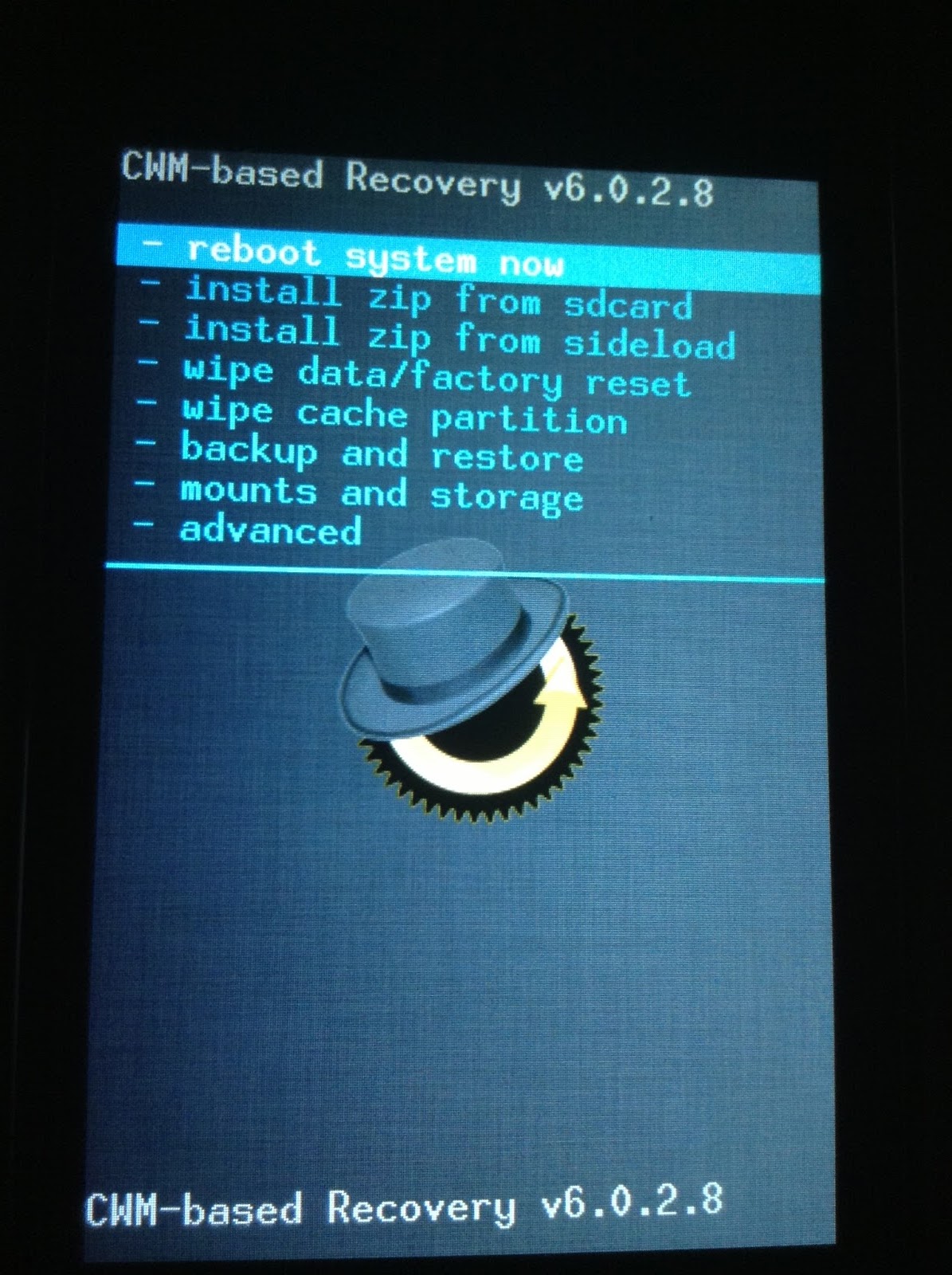
Uses of Bootloader unlock on Android
The main advantage of unlocking the bootloader on Android is rooting. If you want your Android is rooted or if you want a custom ROM to install the unlocking bootloader is an initial step. However it has advantages, you must be ready to prepare for disadvantages too. Bootloader unlocks can cause the loss of warranty.
However, it is always advisable to use the device in factory settings. Unlocking bootloader is an end customers choice.
Img credit TU.
More in How-to

How To Unlock Android Phone Pattern Lock Without Losing Data
Pattern unlock is one of the best security option available for Android users. The problem arises when you forgot pattern to unlock the Android device.

How To Backup Android Apps Without Root
For the average user, there are plenty of apps available to backup your Android apps. It is necessary to backup apps regularly, there are so many reasons. Experimenting with a device like installing new ROM’s, unlocking bootloader, rooting will cause the data loss. We are here to help you take a complete backup of your…
How To Enter Into Bootloader Mode In OnePlus 2
OnePlus has recently and officially launched its successor OnePlus 2. Technically OnePlus 2 is a fantastic device with almost all high-end specifications.
The week in tech, minus the noise.
New reviews, fixes and the stories that matter — once a week, straight to your inbox.
We only use your email to send the newsletter. Unsubscribe any time. See our privacy policy.
3 comments
Is there any problem will occur when we unlock bootloader….?
Bootloader unlock can cause the loss of warranty. You may also lose any direct updates from the company in future.
After unlocking bootloader does the device misbehave like it restarts without our permission