

An Easy Way To Install WhatsApp On Your PC/Laptop
One of the most popular mobile SMS alternative app is WhatsApp. It is nearly five-year-old service, which has multiple platforms support. It is one of the best alternative to the traditional messaging to avoid messaging charges. WhatsApp is a ad-free app with minimalist user interface. Unfortunately, WhatsApp is available mobile platforms only, if you want…


One of the most popular mobile SMS alternative app is WhatsApp. It is nearly five-year-old service, which has multiple platforms support. It is one of the best alternative to the traditional messaging to avoid messaging charges. WhatsApp is a ad-free app with minimalist user interface. Unfortunately, WhatsApp is available mobile platforms only, if you want to install app on your PC this guide provides an easy way to install WhatsApp on your PC.
An Easy Way To Install WhatsApp On Your PC/Laptop
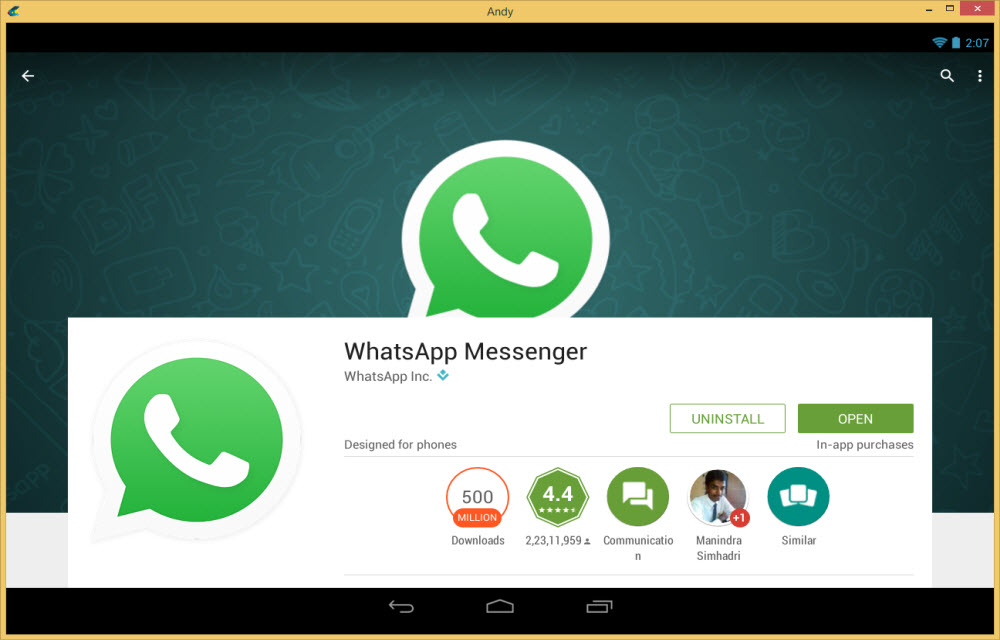
How to Install WhatsApp on PC?
To get started, all you need is a PC, working internet connection, working normal phone(no need to be an Android) and an Android emulator. When it comes to emulating Android on a PC, we have a bunch of options available, including the official Android emulator that comes with the Android SDK for developers. But for now, we have chosen Andy Android Emulator for this tutorial.
1.Download Andy Android Emulator from the official website.
2. Like other normal Windows, software installs Andy Android Emulator on PC.
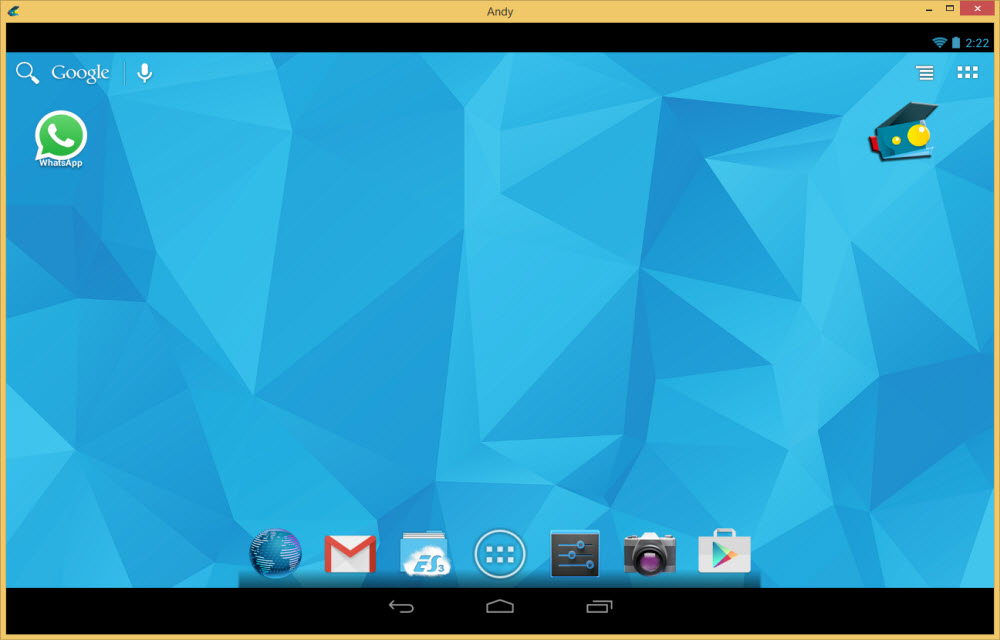
3.After installation Andy starts with the Android user interface. Here you need to enter your Google Account credentials.
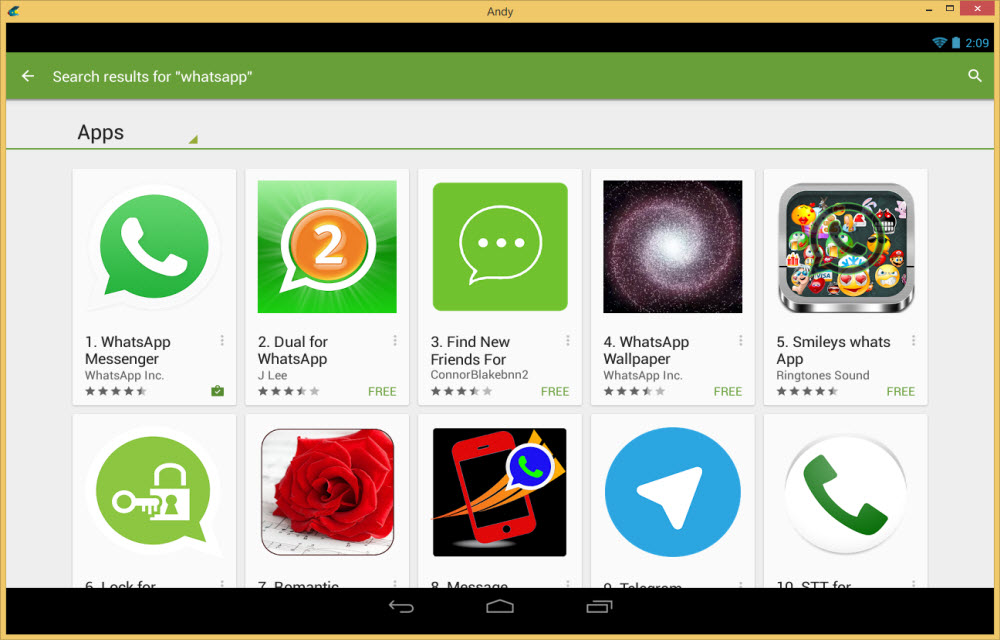
4. Now go to Google Play Store in Andy Android Emulator and search for “WhatsApp Messenger” download and install it.
5.After installing WhatsApp now open the app. Here you need to enter your country code and your mobile number.
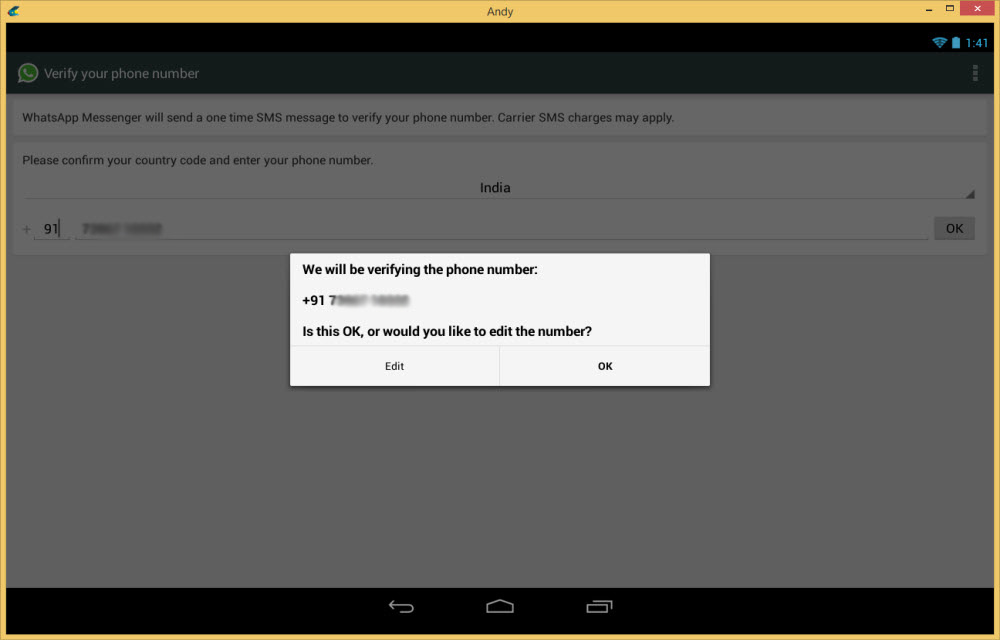
6. After entering your mobile number WhatsApp wants to authorize the program by sending a SMS to your number.
7. Now check your phone for the verification code and enter the same code in Andy Android Emulator WhatsApp user interface.
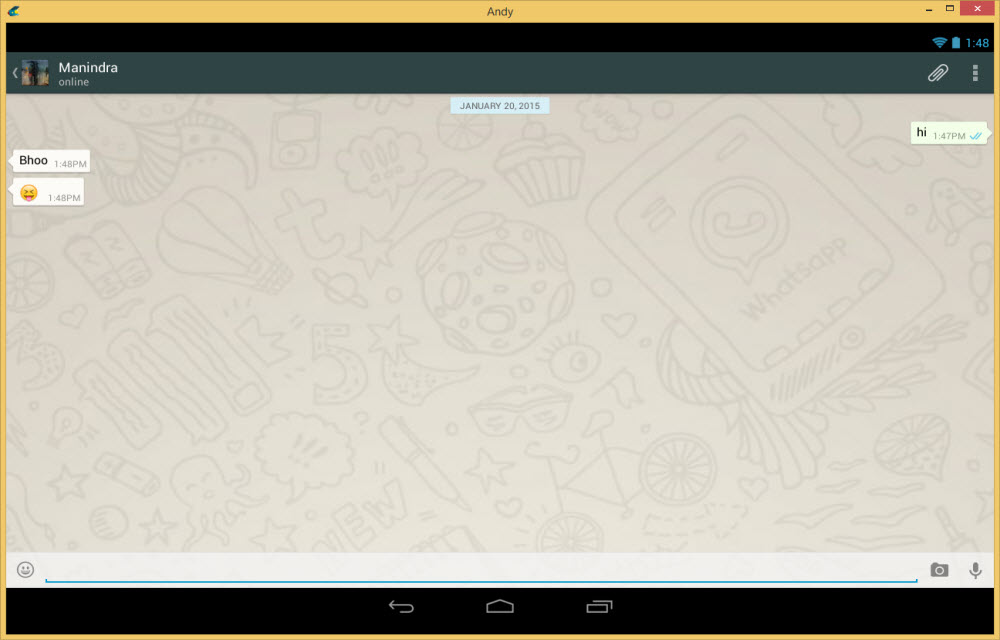
8. Thats it, now you can enjoy WhatsApp Messenger on your PC.
You can directly update status, change Whatsapp profile photo and name in the Android emulator.
There is no any specific WhatsApp for PC program is available for desktop users, follow only genuine methods like above to use WhatsApp on PC.
More in How-to

How to Secure Your Laptop At Work
Laptops offer a most convenient way to work with portability and mobility. At the same time, it is an easy target for thieves. You can secure your laptop from thieves with simple steps. Some are software’s and some are tools.

Toggle The Battery Saving Modes On macOS Easily
Laptops provide a wide range of benefits to the user because of their portability. You can charge your laptop for even half an hour and then you can use them for more than three or four hours without getting any interruption. Although, sometimes when you are on a long ride on vacation then you have…
How to Recover Windows 8 Product Key?
Have you lost your Windows 8 product key? If your planning to do a fresh install on your PC or laptop the product is must to have. The product key is generally located on your original Windows DVD.When you buy a new Laptop or Desktop you’ll get Windows 8 pre-installed.
The week in tech, minus the noise.
New reviews, fixes and the stories that matter — once a week, straight to your inbox.
We only use your email to send the newsletter. Unsubscribe any time. See our privacy policy.
Comments