

How To Add Friends To Game Center On iPhone/iPad
Every iOS device gamer knows the term Game Center. In iOS 4, Apple introduced its Game Center to become a central place for iOS gamer’s virtual hub. Apple Game Center main intention is to bring every gamer social status to share scores, achievements, accept challenges and much more. For serious gamer’s with big social status,…


Every iOS device gamer knows the term Game Center. In iOS 4, Apple introduced its Game Center to become a central place for iOS gamer’s virtual hub. Apple Game Center main intention is to bring every gamer social status to share scores, achievements, accept challenges and much more.
For serious gamer’s with big social status, Game Center is a hub to share their personal achievements with the world. And also you can accept the new friend request and add new friends using Game Center. In this tutorial, I will help you to add new friends to Game Center.
Related Articles
- How To Transfer iPhone Text Messages SMS To Android Device
- How To Install Two WhatsApp Apps On A Mobile
- How To Protect Your Android Phone From Being Hacked
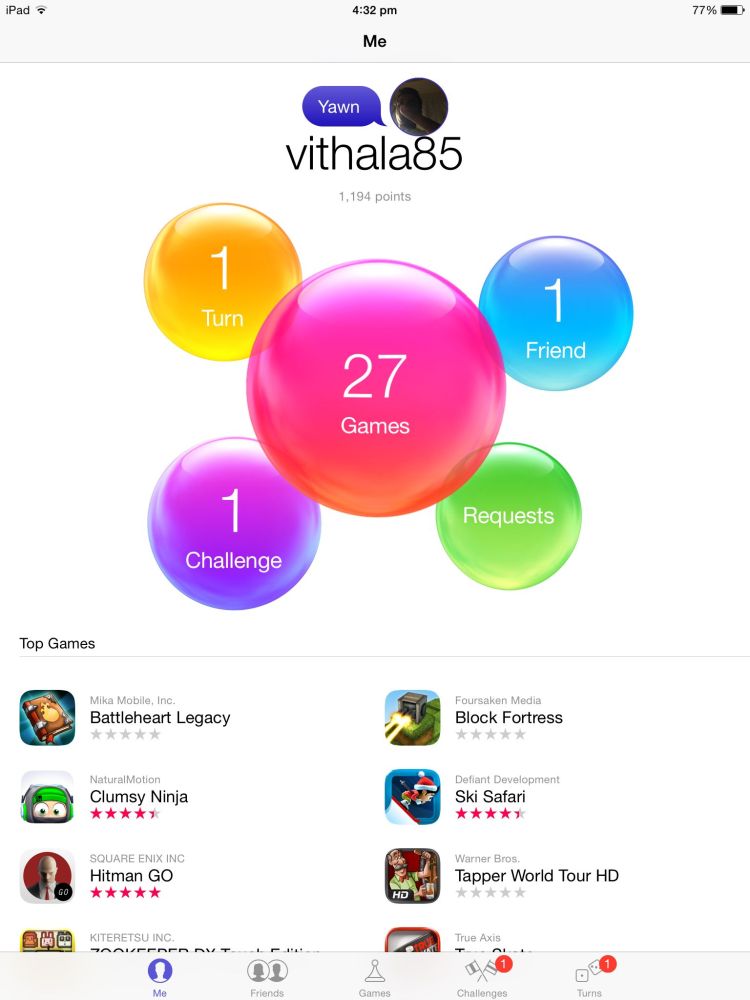
How To Add Friends To Game Center On iPhone/iPad
Follow the below steps to add friends on game centre.
- Adding a new friend in Apple Game Center is pretty easy. First, open the Game Center on your device.
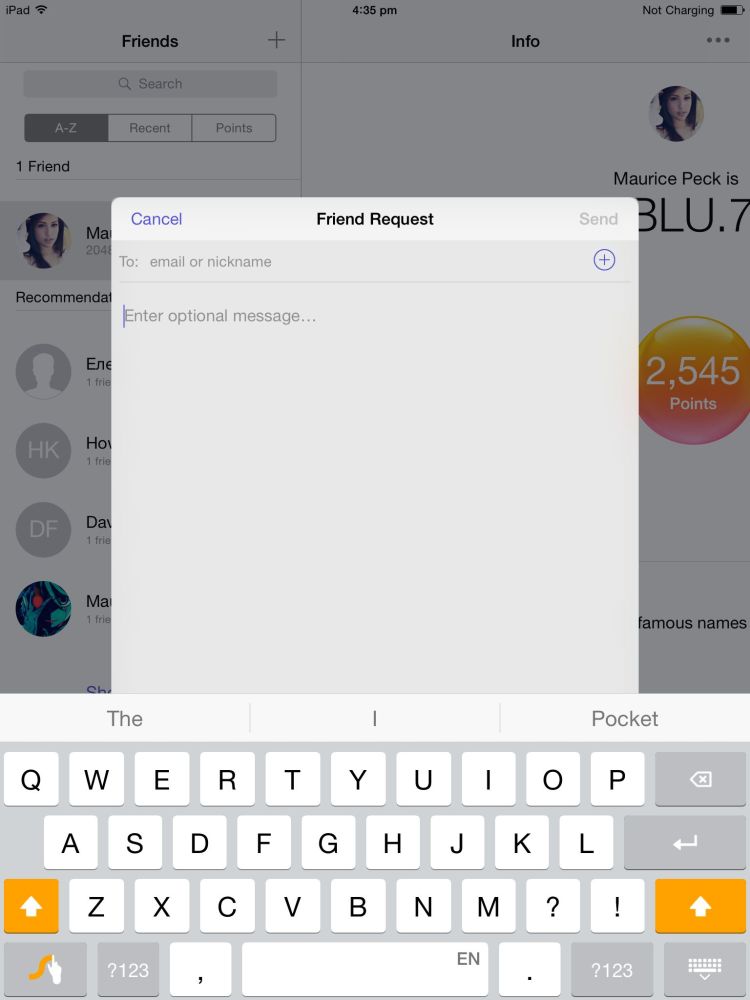
- Next tap on “Friends” on the menu and tap on the “+” sign.
- Here you can add a new friend using his or her Game Center ID or by using the person’s email address and the optional message to easily identify you.
- Now click on “Send” to send the request to the person. After the person accepting your request, you can play a lot of multiplayer games, create matches, accept challenges and much more.
How To Remove Friends From Game Center
- To remove a friend open Game Center.
- Tap on “Friends”, the list shows existing friends in your account.
- On the name of the friends swipe on the left of the screen to remove a particular friend from Game Center.
That’s all for now. Please do share your views and feedback in the comment box below. Also, please don’t forget to share the article on your social media.
More in iOS
Whats New in iOS 12? A Complete Features List
iOS 12 is announced in WWDC 2018. As like in past, every new iOS update bringing new and advanced features to users. This iOS 12 update has many interesting features packed for a delightful user experience. Find out all the new iOS 12 features in this article. 1. Siri Shortcuts Apple has integrated workflow app…
Worthy features of iOS26 (Transparent feature not included)
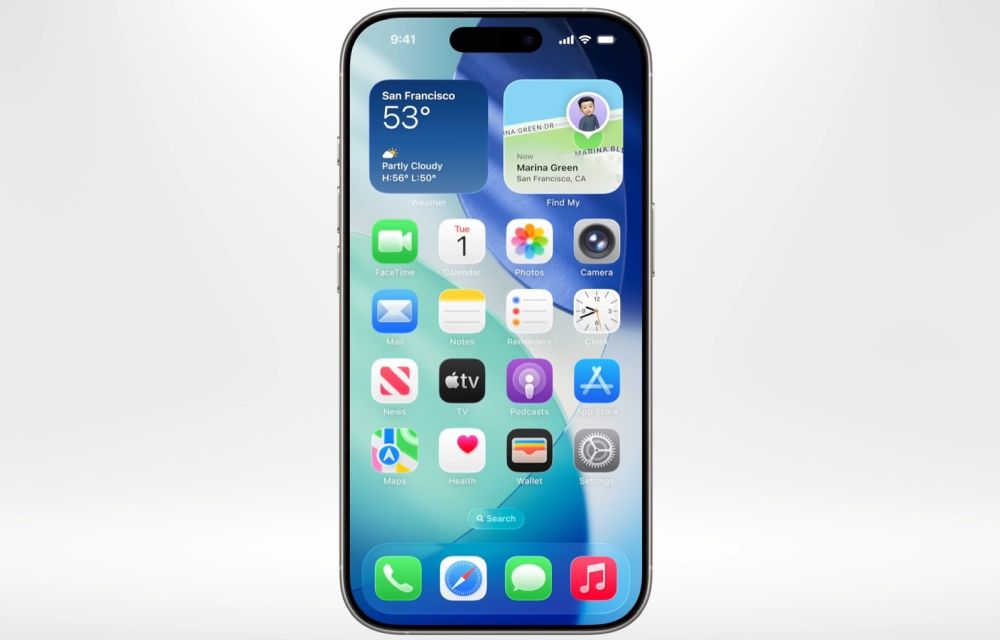
iOS 26 is designed as a meaningful step forward for iPhone, focusing on intelligence, communication, privacy, and small conveniences that add up in daily use, while skipping the transparent UI talk here by design. The release blends on‑device Apple Intelligence with thoughtful app updates like Phone, Messages, Photos, Safari, and Notes to make routine tasks…

5 iOS Emulators for Windows
Are you a fanboy of Apple and don’t have the device? Reasons are many for not having an iPhone. Unfortunately, many people can’t afford Apple device because of its high price. But luckily you can use iOS apps on Windows using iOS emulators. In this article, I handpicked 5 best iOS emulators for Windows to…
The week in tech, minus the noise.
New reviews, fixes and the stories that matter — once a week, straight to your inbox.
We only use your email to send the newsletter. Unsubscribe any time. See our privacy policy.
Comments