

How to Install Third Party 50MP Color OS Camera on OnePlus One
With a never settle tag OnePlus One is one of the hottest Android devices that money can buy. It has all the necessary features needed by an Android OS lover.The default camera of OnePlus One is powered by 13MP Sony made Exmor IMX 214 1/3.06″ CMOS sensor. You can still improve its quality by installing third-party…

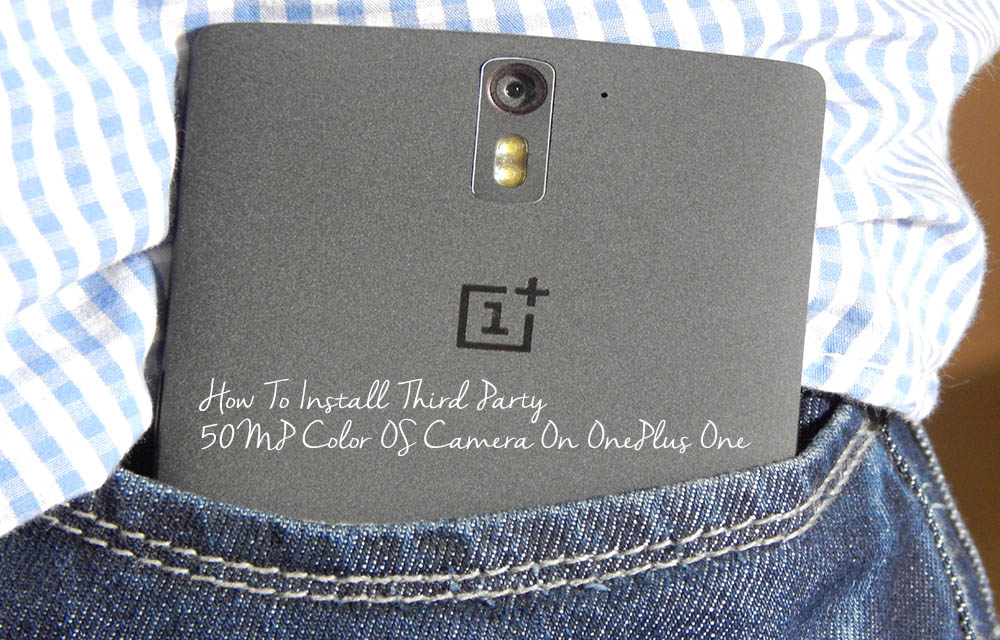
With a never settle tag OnePlus One is one of the hottest Android devices that money can buy. It has all the necessary features needed by an Android OS lover.The default camera of OnePlus One is powered by 13MP Sony made Exmor IMX 214 1/3.06″ CMOS sensor. You can still improve its quality by installing third-party 50MP Color OS camera app on your device.
The default camera of OnePlus One is powered by 13MP Sony-made Exmor IMX 214 1/3.06″ CMOS sensor. You can still improve its quality by installing third-party 50MP Color OS camera app on your device. Luckily, we have one tweak that makes your OnePlus One camera to a 50MP image capturing device.
The 50MP Color OS camera is packed with features like 4K Video recording, Zoom, slow-motion recording, 50MP image quality and much more. To install this 50MP Color OS camera app, you need a rooted OnePlus One device. Follow this simple guide and improve your OnePlus One camera quality to 50MP.
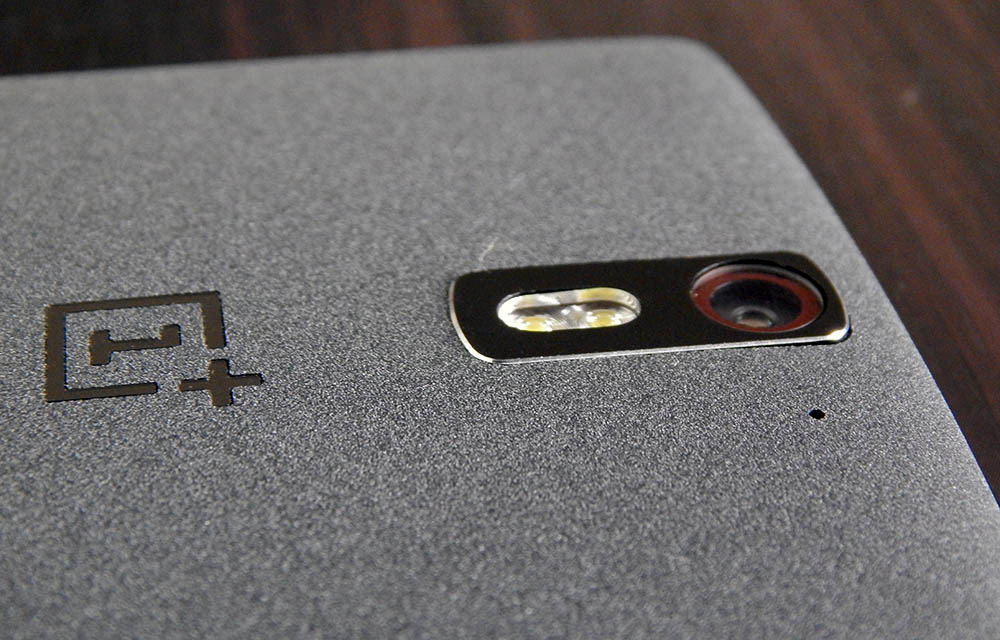
How To Install Third-Party 50MP Color OS Camera On OnePlus One
- First, download the 50MP Color OS Camera apk file and plugins apk file and move to your device.
- By default, Android doesn’t allow apps from unknown sources means direct apk files installation. You need to enable it by Settings -> Security-> check on Unknown Sources option.
- Now in you OnePlus One open file explorer and install the 50MP Color OS camera apk file and plugins apk files one by one.
Now you can enjoy your OnePlus One with 50MP image quality.
Note: This app won’t replace your default OPO Camera app.
That’s all for now. We hope you liked our tutorial. Please don’t forget to share your views and feedback in the comment box below.
More in How-to
How to install Google Camera v7.0 on any Android device
There has been a lot of talk about how Google’s Pixel series is the best in smartphone photography. Initially, Google’s Pixel series was seen as the best camera phone among all other Android devices. However, we have seen that Apple’s iPhone camera is also beaten hands-down by the Google Pixel 3 camera. That being said,…

How to identify real download buttons in a website
In most cases, download links and buttons are annoying and confusing. If you click on the wrong button, you end up with lots of pop-ups and advertisements windows open. The ads are used by the download providers to earn extra income from the website. Many third-party ad services use various forms of ad formats and…
What is idp.alexa.51 and how to remove it?
idp.alexa.51 is a very popular Alexa Trojan or Virus. The virus is found and identified by AVIRA, AVAST, and AVG antivirus software for the first time in 2016. How idp.alexa.51 will get infiltrate? The infiltration of idp.alexa.51 is done by installing third-party games and software comes with standard and advanced installation processes. During the installation…
The week in tech, minus the noise.
New reviews, fixes and the stories that matter — once a week, straight to your inbox.
We only use your email to send the newsletter. Unsubscribe any time. See our privacy policy.
Comments