

iOS 10: The 5 Best New Features
Apple flashed upcoming version of its famous iPhone operating system, iOS 10 at WWDC 2016, expanded for World Wide Developer Conference. In case you missed yesterday’s live stream cause of your busy schedule then nothing to regret about it. We at TTH have got you covered. Many interesting decisions went in iOS 10 this year. There are a…

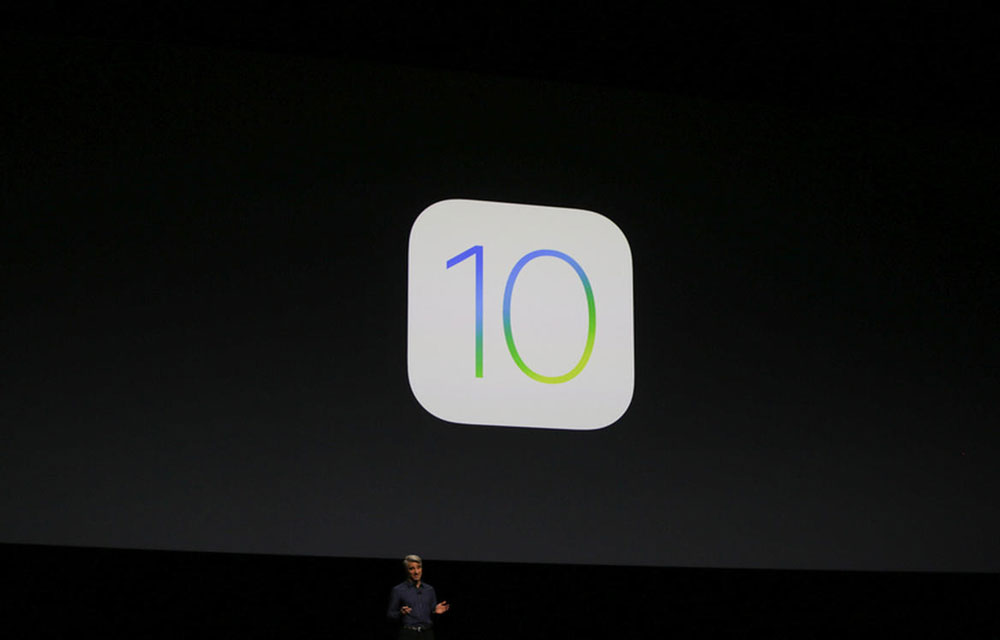
Apple flashed upcoming version of its famous iPhone operating system, iOS 10 at WWDC 2016, expanded for World Wide Developer Conference. In case you missed yesterday’s live stream cause of your busy schedule then nothing to regret about it. We at TTH have got you covered. Many interesting decisions went in iOS 10 this year. There are a bunch of new features and in here we have listed the 5 Best features you will love to have in iOS 10. Apple users are way too excited to sideload iOS in their mirror-selfie trademarked iPhones. Cheeks dig it.
In today’s showdown, we are going to put top 5 features loved by us at in upcoming iOS 10. Let’s get started.
Delete Default Apps
People get work around with Android – iOS comparison but in here we are just focusing on iOS advancements. Finally, now you can delete default apps. If you are not a big fan of Compass, Stocks and Mail Apps on iOS then you don’t have to put them in separate cornered folder anymore. With the new iOS 10, you can just simply trash it off. Yeah, just like that.
Emoji tap
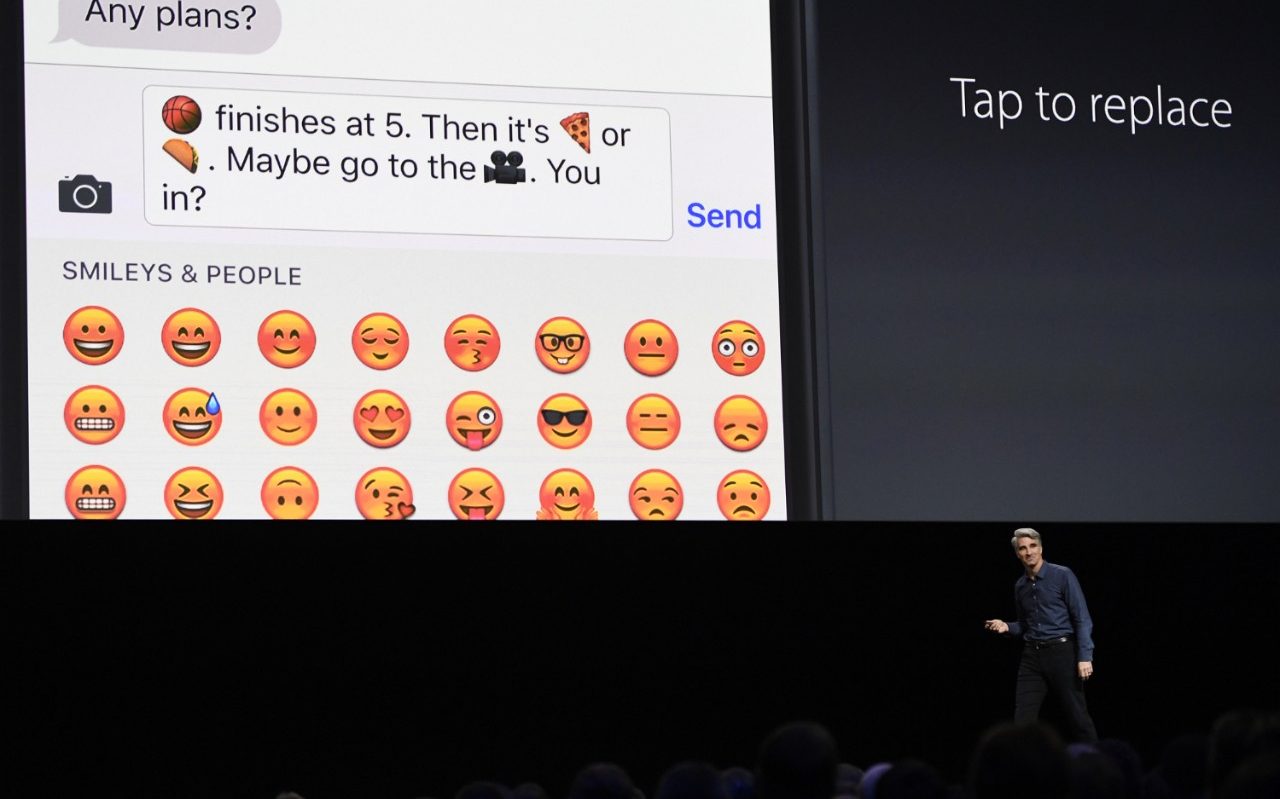
Here’s a reservation for the most loved feature at WWDC yesterday. Emoji tap received the highest shout outs in the whole event. We all have an affinity towards our Emojis and right in the midst of chat we become a mini search engine for the right emoji from the bunch. Well, emoji tap is your answer. Type in a sentence and as soon as you go to emoji section you can replace your words with right Emojis right from there. For example, if you come across the word “heart” then heart emojis will fire up in the session. To insert relevant emoji all you need to do is type a word related to it and it will show up
Siri is for Developers
Siri has already crossed it’s kindergarten stage by 2016. Hence, Apple thought it would be wise to make it join Primary schooling and handing over the code to developers to tinker. In short it means that now you will be soon able to access Uber cabs and ping your buddy through WhatApp over Siri. Pretty Interesting.

iMessage Store
You read it right. Apple is going to have a mini store in its infamous messaging App with iOS 10. It means you can order,book and travel right from the messaging services. The best part is that you can send money back and forth with the upcoming version of iMessage.

Raise to Wake
Found it inconvenient to press the home button in order to have the glimpse of notifications on your iPhone. Well, this time around Apple has put accelerometer sensor for the great use. Your iPhone will be scanning small to long raised moments and lit up the screen just for you. So, that you can have your breakfast more conveniently, drive more carefully and be more productive at work.

Which feature you loved the most? Make sure you make it down in the comments below. As always don’t forget to like and share this post among your pals.
You might also like
Top 3 Best Third Party Keyboard Apps For iOS
Apple’s latest mobile operating system already available to the public. We have already seen and used so many apps for managing files, music downloaders, weather apps, Like Android; Apple now allows users to install third-party keyboards on their iOS-powered devices.
How to Install iOS 12 Beta on Your iPhone or iPad
Apple announced iOS 12, MacOS Mojave at the WWDC 2018. Most exciting part of the event is iOS 12 announcement. The new iOS 12 update has many more interesting features like Animoji, Group FaceTime and much more. Apple today announced iOS 12, the latest version of the most advanced mobile operating system, designed to make…
Best GPS Apps for Android and iOS – For Better Navigation and Accuracy
Best GPS Apps for Android and iOS: The amount of mobility that smartphones are providing us with is amazing. Not only are they allowing us to do a ton of things on the go, which was previously only possible if we were somewhere near a PC, but they also have a ton of apps that…
The week in tech, minus the noise.
New reviews, fixes and the stories that matter — once a week, straight to your inbox.
We only use your email to send the newsletter. Unsubscribe any time. See our privacy policy.
Comments