

Duplicacy is a Free Cloud Backup Tool For Windows
Ever felt insecure about your data? There are many reasons for data loss. We can’t stop the data loss, but we can save our data before any data loss. Microsoft Windows a most popular operating system, there are millions of systems running on Windows. If you are the user of Windows and thinking about to…

Duplicacy is a Free Cloud Backup Tool For Windows
Ever felt insecure about your data? There are many reasons for data loss. We can’t stop the data loss, but we can save our data before any data loss. Microsoft Windows a most popular operating system, there are millions of systems running on Windows. If you are the user of Windows and thinking about to save your data to a secure location, meet Duplicacy. This tool simply allows you to save your files across your preferred cloud backup solution like Dropbox and much more.
Duplicacy is a free tool developed for Windows, Mac OSX, and Linux. This tool is very easy to install and configure.
How to Install Duplicacy?
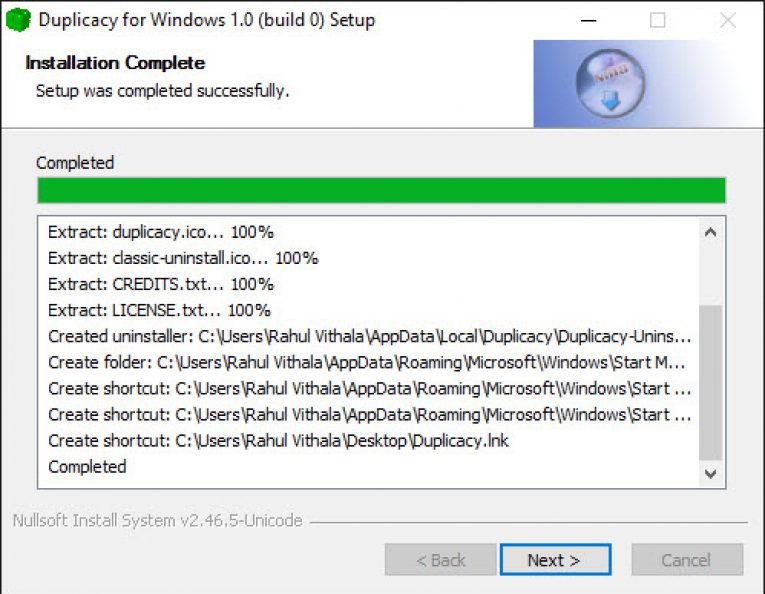
To install Duplicacy, head over to the official website and download the client according to your system OS. As I said, earlier the program is available for Windows, Mac, and Linux-based systems. The installation procedure is normal like other programs. For Windows users, open the exe file and install. For Mac users, drag and drop the app into the Application folder.
How To Configure?
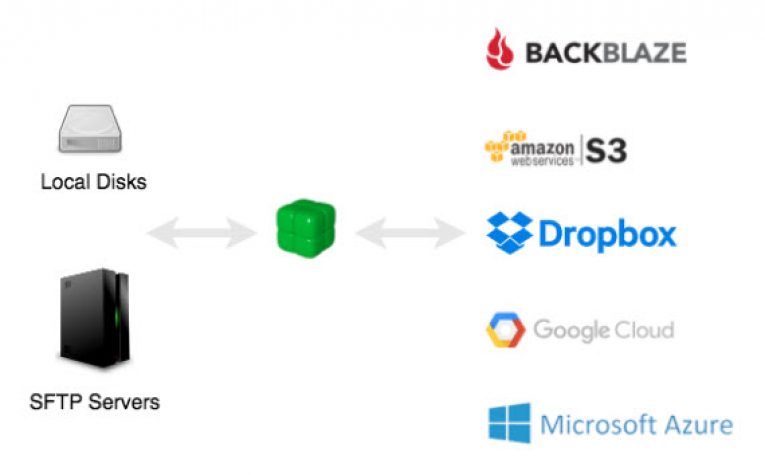
Configuring the Duplicacy is pretty simple. The program offers a simple and clutter free user interface. Just open the program and select the folder you want to take backup. Here you can choose a variety of cloud storage options like Google Cloud, Amazon S3, Dropbox and FTP server. You can set the time and frequency of the backup in the user interface. You can also set the email notification feature to get an email upon completion of backups and other options.
Features
The program packed with some powerful features like encryption, deduplication, backup snapshot, concurrent backup and command line interface. The tool also comes with lock-free duplication, which works on the basic file system API to manage duplicated files without locking. The encryption works not only on content, but it also has a good effect on the path, sizes and times.
More in Windows
SQLBackupAndFTP Review-Backup And Schedule Databases
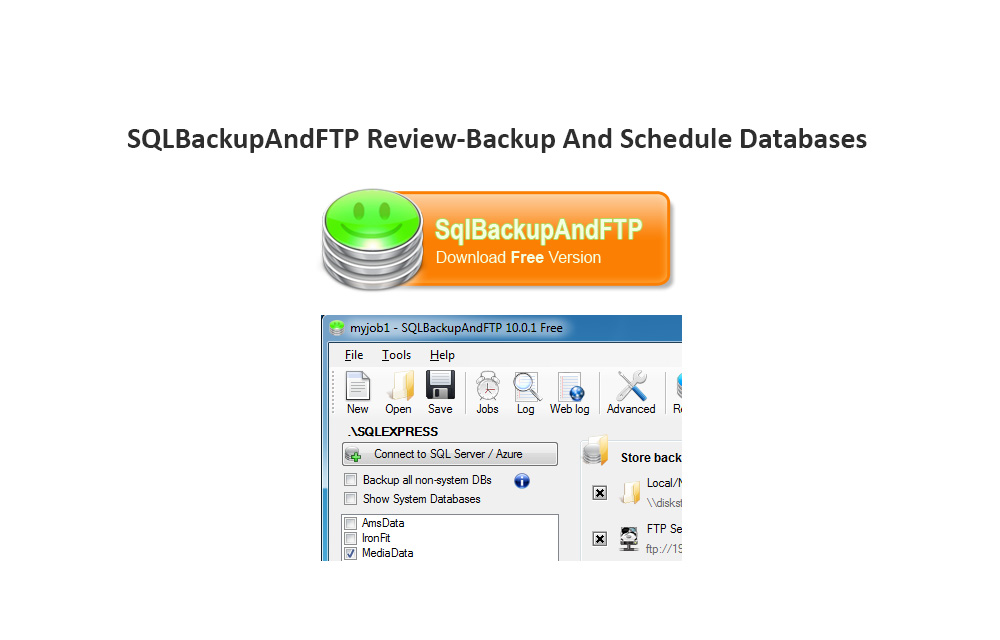
SQLBackupAndFTP aim is simple, it lets you to backup database SQL with various options. You can save your SQL database in Zip format with encryption on a remote FTP location.

Backup your game saves locally or on cloud with Game Backup Monitor
There are times when you, as a gamer, just want to rush somewhere but you are playing a game. Meanwhile, suddenly if the PC is crashed, all of our saved games data will vanish. What you will do is find a way to save the gameplay so that you can restart from that position the…

Best iPhone Data Recovery Tools for Windows
Losing and recovering data from a device is a painful job. It is the most common situation we face sometimes with any kind of electronic device. There are two ways to prevent data loss, first is the backup and the second is recovery data. There are a number of third-party solutions available to get lost…
The week in tech, minus the noise.
New reviews, fixes and the stories that matter — once a week, straight to your inbox.
We only use your email to send the newsletter. Unsubscribe any time. See our privacy policy.
Comments