

How to Restart Android Smartphone
If you are a beginner to the Android platform, it is very common to have some basic doubts that the experts will laugh at you. But that laugh will not give you an answer for your doubt. In this article, we are going to solve one of such basic doubts in your mind which is, How…

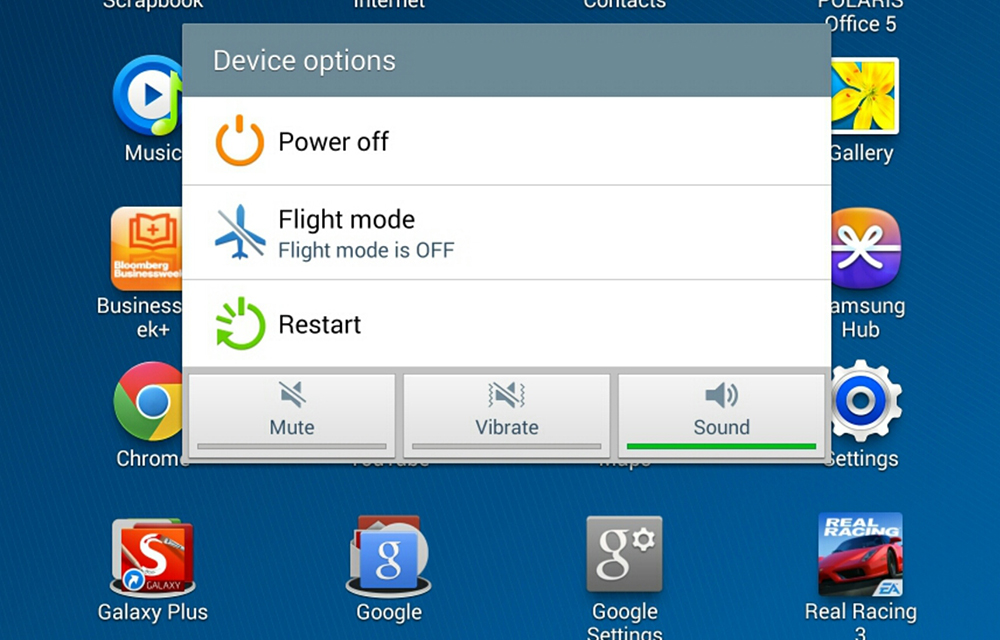
If you are a beginner to the Android platform, it is very common to have some basic doubts that the experts will laugh at you. But that laugh will not give you an answer for your doubt. In this article, we are going to solve one of such basic doubts in your mind which is, How to Restart Android Smartphone? If you still don’t know the answer, this article is for you. It is a matter of seconds to restart your android device without sweating enough. So, let’s have a look into the procedure.
How to Restart Android Smartphone?
To restart the Android smartphone, just follow the simple steps given below.
- Hold the Power/Sleep button until a blurry screen (or a window) with some options pop up.
- There you will see an option namely Restart or Reboot. Tap on it.
- Now, your Android smartphone will restart automatically within few seconds
Note: In some old smartphones, just holding the Power/Sleep button for a few seconds will switch off or restart it.
If the above method is not working, due to any button problems or other misbehaviors of your smartphone, you could try the following.
Note: This will only work if the battery of your smartphone is removable.
- Remove your phone’s back cover.
- Remove the battery.
- Wait for some seconds (At least 10 seconds.)
- Put the battery and cover back in.
- Now, hold the Power/Sleep button to turn on your smartphone.
Now you have successfully restarted your Android smartphone, and it clears unnecessary background processes and applications by providing more speed on it. If there were any conflicts in the system processes, a restart could also solve those issues.
If you still have doubts on restarting your Android smartphone, feel free to leave a comment in the following comment area. We will get back to you as soon as possible.
More in Android
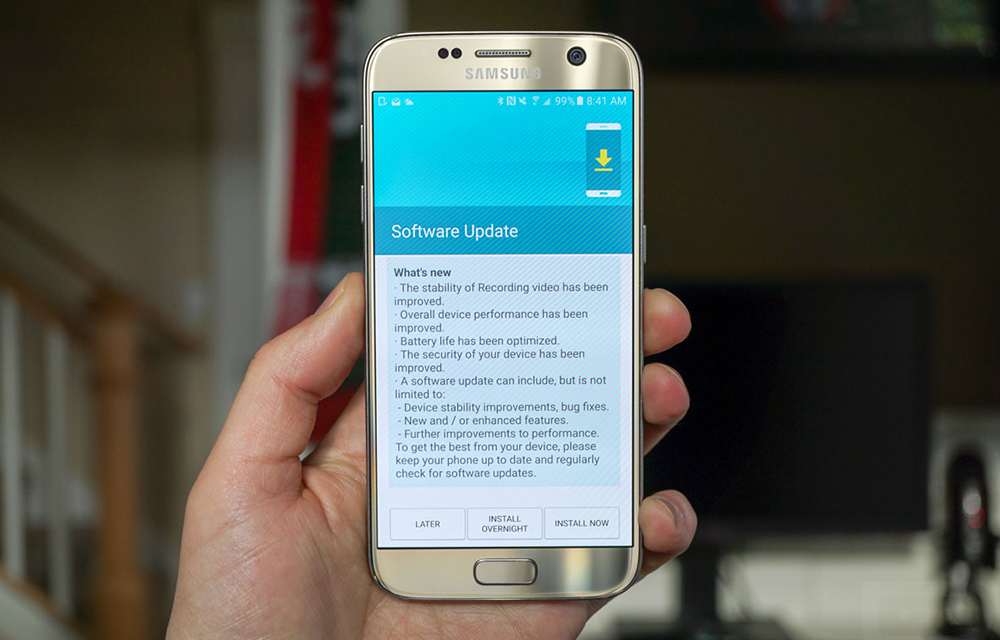
What to do if you Can’t Download or Install Latest Android Update
Tried updating your android device many times? Fixed all the errors during the update and still Can’t Download or Install Latest Android Update? In this article, we are going to provide some methods to try if you are unable to download or install the latest android update on your smartphone even after several tries. We will…
How to Unroot Android Smartphones
So you need to Unroot android smartphone right? Today we are going to give your the steps for unrooting your android smartphone to roll back all the changes you made by rooting. Before that, have a look at the problems of rooting to get a basic idea about the complications you may face on a…
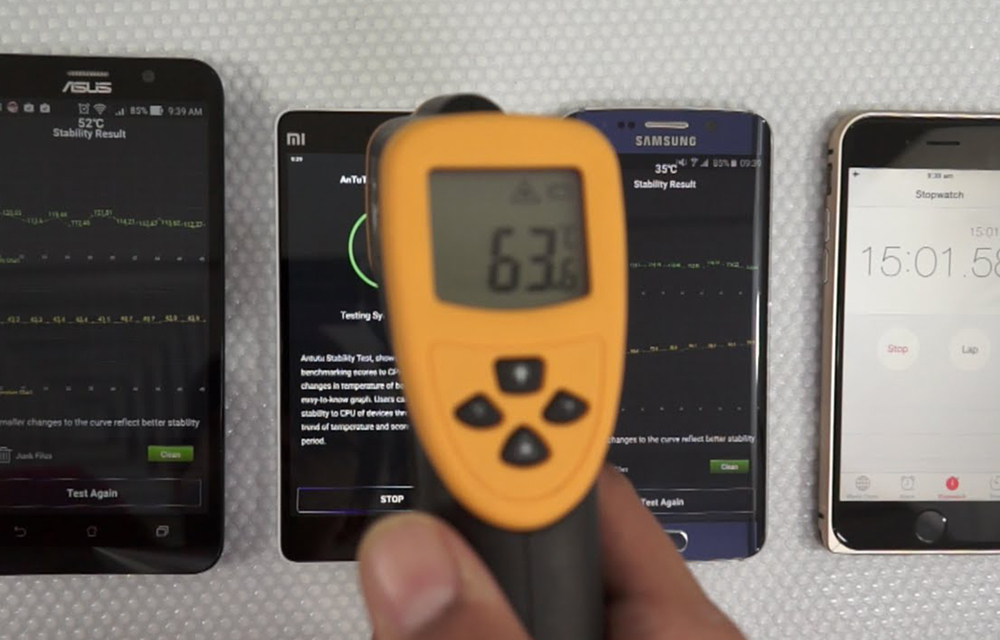
How to Prevent Over Heating of Android Smartphones? Things to Try Before Pouring Some Water
Overheating devices are always a nightmare to the smartphone users. Many times during long game sessions and video streaming, your device hesitated to stay cool. It became hot like a pancake. This modern era is of high-end usage and gaming where we need a lot of resources to perform the tasks. The things are not…
The week in tech, minus the noise.
New reviews, fixes and the stories that matter — once a week, straight to your inbox.
We only use your email to send the newsletter. Unsubscribe any time. See our privacy policy.
Comments