

What to do if you Can’t Download or Install Latest Android Update
Tried updating your android device many times? Fixed all the errors during the update and still Can’t Download or Install Latest Android Update? In this article, we are going to provide some methods to try if you are unable to download or install the latest android update on your smartphone even after several tries. We will…

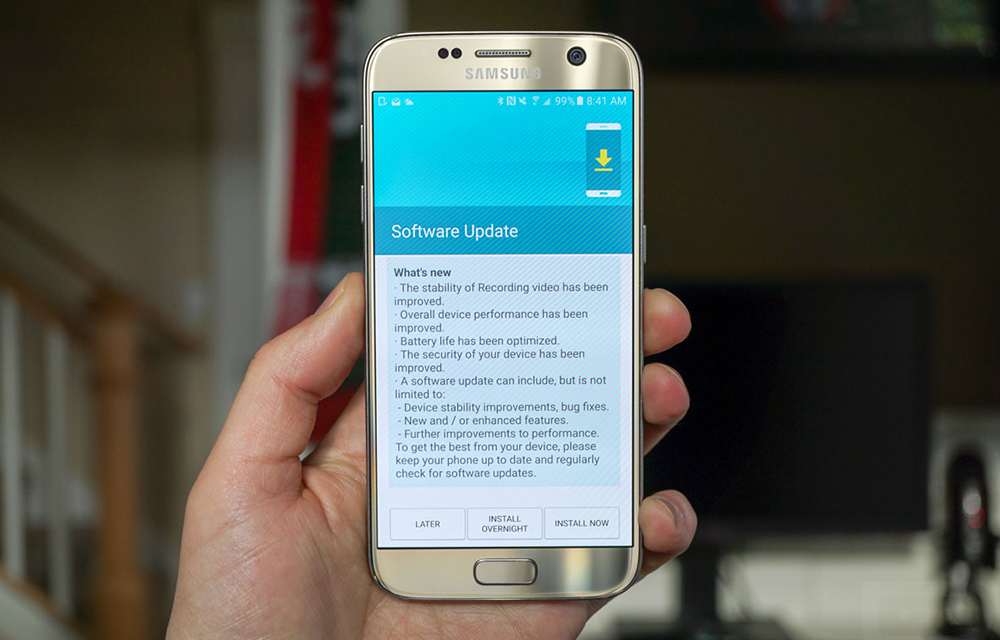
Tried updating your android device many times? Fixed all the errors during the update and still Can’t Download or Install Latest Android Update? In this article, we are going to provide some methods to try if you are unable to download or install the latest android update on your smartphone even after several tries. We will be listing some methods to fix it based on their priorities. So, follow them in the same order as we listed in this article to get the best results out of it.
1. Check your Wifi Connection
If you are trying to download and install the android update using the mobile data connection, you probably won’t be able to. Wifi is a must for downloading any large files in android even it is an app from google play store. So, the first thing you have to check if you can’t download or install latest android update is the quality of your wifi connection and the speed. You probably need a faster connection to download the required files without any interruption. If you have no such speedy connections, you could better go to your friend’s house or to a cyber cafe to update your android.
2. Restart your Android Smartphone and Try again
If your wifi is OK and has not speed problems, the second thing you can do is restarting your device and trying again. There is a big chance for the device to create problems in downloading if most of your resources are being used by other running processes. So, restarting your android smartphone will help you to fix this kind of small problems on a running android. If you are a beginner and don’t know how to restart android, read our article on how to restart android smartphone.
3. Clear app cache and Try again
Clearing app cache can free up some space as well as it can solve some conflicts on the update process. To clear the app cache on your smartphone, read our article on how and why to clear your phone cache to regain tons of free space.
4. Check if the device is rooted or not
Rooted devices can’t get the android updates after rooting. Rooting completely unlinks the device from the manufacturer and the pre-installed OS on the device. Which means, the user will not be able to gain any warranty benefits after rooting the android smartphone. Such devices will be also blocked from accessing the official OS updates from Google or the manufacturer. If you would like to unroot your android smartphone to get the further official updates, read our article on unrooting android smartphones.
5. Check if there is a Latest Android version available
Lol. This sounds crazy right? If any of the above methods didn’t help you to get latest android update, you should check if there is actually a latest android version than your current one is available. If there is, you can continue searching the fix. If you realized your mistake, go to bed and take rest.
More in Android
How to Try again after an Unsuccessful Android Update
Android updates are always important to stay tuned for all latest improvements to the OS. You might be tried to update your Android smartphone at least once. But, in a few situations, it is common to have problems with the update process or someone may not even able to start the process. So, we wrote this…
Android One Devices Android Update Details
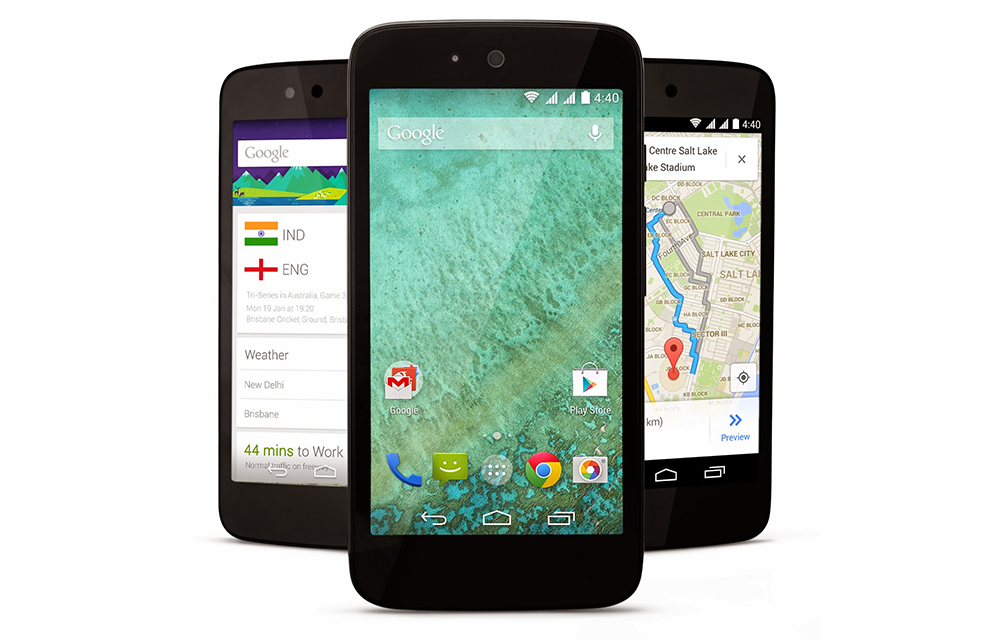
Android One is one of the most successful variations of the basic Android platform which was recently found in many smartphone models like Micromax Canvas A1, Karbonn Sparkle V, etc. If you are one of them who seriously take care of the updates of their smartphone, you should be aware of the below-listed facts about Android one…
How to Update Android Smartphone, Tablet or Phablet
Updating Android OS is always important to keep your device safe and secure with the latest android version improvements. Either you are having a Lollipop or the Marshmallow as the android version, it is necessary to step over to the next level for a better-optimized performance of your smartphone or tablet. An update is the only way to…
The week in tech, minus the noise.
New reviews, fixes and the stories that matter — once a week, straight to your inbox.
We only use your email to send the newsletter. Unsubscribe any time. See our privacy policy.
Comments