

Android Guides

All The Android Secret Codes You Should Know
Each operating system has its own way to troubleshoot errors and diagnose the device. Android, one of the most used operating system has secret codes or dialer codes which help users to diagnose their devices and check the status of various hardware available on the device. The user can get information about the IMEI number,…

How To Get Most Of A Fingerprint Scanner On Android
Fingerprint scanner became most common these days and every smartphone manufacturer is equipping the hardware in their devices. A fingerprint scanner main intention is to provide an extra layer of security to your device. Apart from the authenticating feature, you can use the fingerprint reader to navigate your phone like never before.
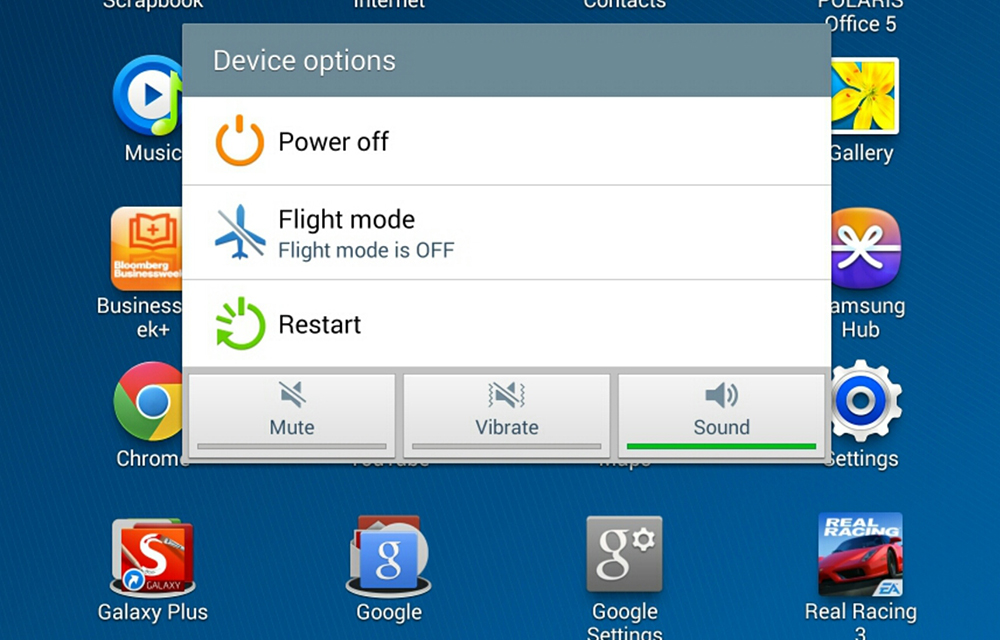
How to Restart Android Smartphone
If you are a beginner to the Android platform, it is very common to have some basic doubts that the experts will laugh at you. But that laugh will not give you an answer for your doubt. In this article, we are going to solve one of such basic doubts in your mind which is, How…
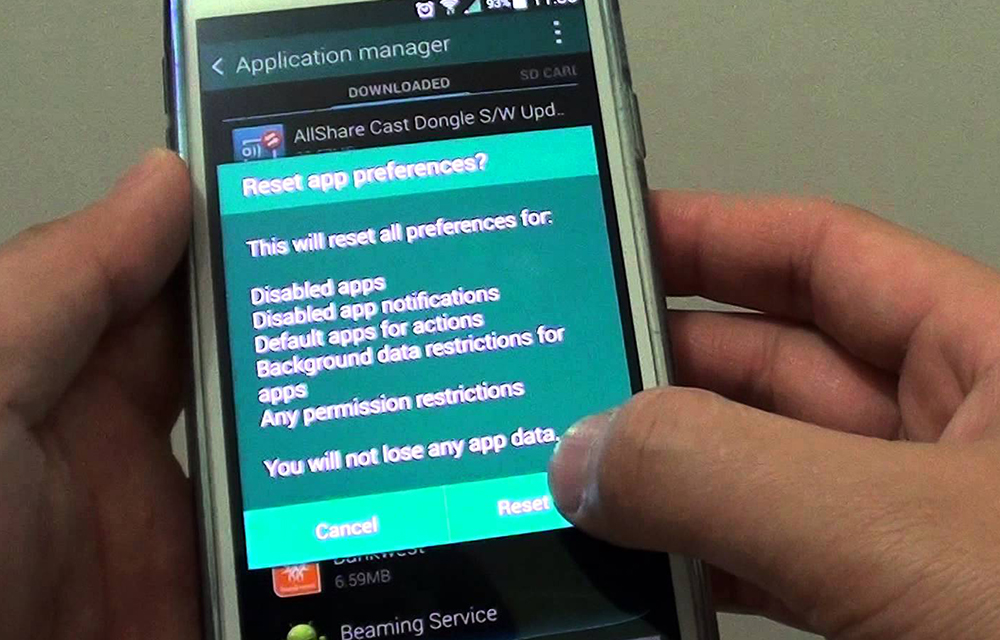
How to Reset App Preferences in Android Smartphones
There are several situations when you need to reset app preferences in your Android smartphone. If you got an error like the “process com.google.process.gapps has stopped”, or any other android errors when trying to access particular applications, the app preference reset is a good solution which is suggested by many pros. So, in this article, I…

What is Android? A Beginners Guide
What is Android operating system? Many of you may already know the answer, and it may sound funny to some of you. But the fact is that there is still a few percentage of people who don’t know what does Android means and what is the specialty of Android smartphones. So, we’ve decided to write…

How to Enable Voice Typing on Android Devices
Voice typing is a great way to interact with your device using your voice. The modern-day devices (Android 2.3 and Above) all consist of this great feature to make your device more productive. All you needed to speak the desired sentences. The device will automatically detect the voice and convert it into text on your text…
How to Set Up ADB and Fastboot with Android SDK
ADB and Fastboot are that much important in Android devices. The Android SDK enables these two options in your Android devices that allow to Root and Upgrade your device with custom ROM installation. The smartphone manufacturers are producing smartphones equipped with the Android version as they prefer. Why to be settled on the same OS with…

How to Enable multi-window mode in Android 6.0 Marshmallow
Android 6.0 Marshmallow is the latest member in the android line up. Google has introduced so many features on the new OS but, some of them are hidden till now and the users are not aware of them. Multi-Window is such a feature which google was introduced in their latest OS. Without any doubt, multi windows…
How to Check Battery Percentage in Android Phones
Battery capacity of the modern day devices is just like a flaming paper which burns down within no time. We should focus on the battery capacity each and every time we decide to do some tasks with our devices. The battery storage icon on the topmost of the display is the key to knowing the fuel…
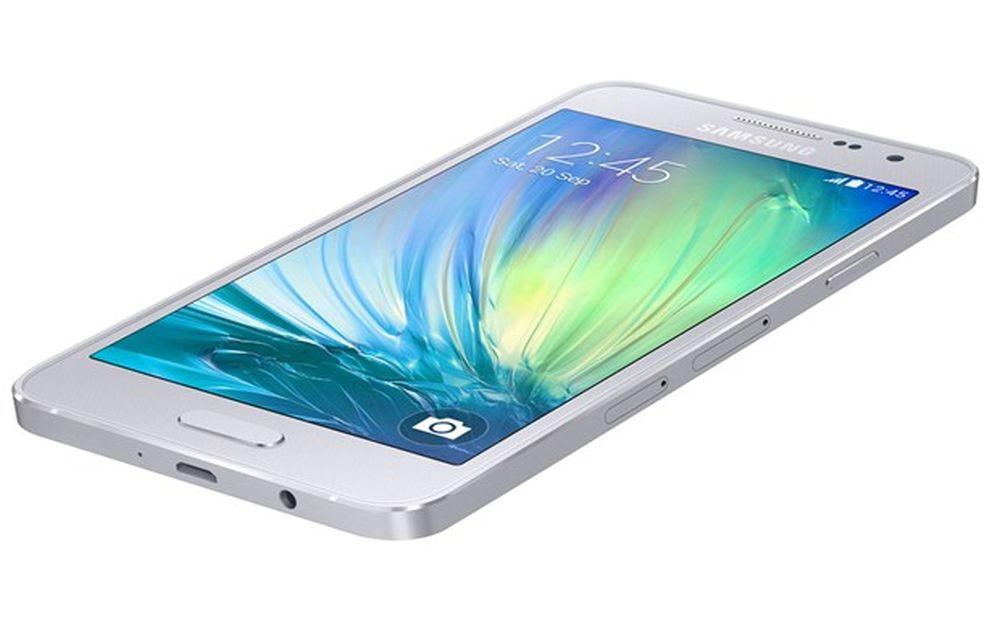
How to Take Screenshots Easily on Samsung Galaxy A3
Samsung has launched Galaxy A3 with a 4.5-inch qHD Super AMOLED display with a resolution of 960 x 540 pixels.The device is powered by 1.2GHz quad-core processor with 1GB of RAM. There is 16GB internal storage which is expandable via micro SD card. On the OS side, the device runs Android 4.4 KitKat out of…
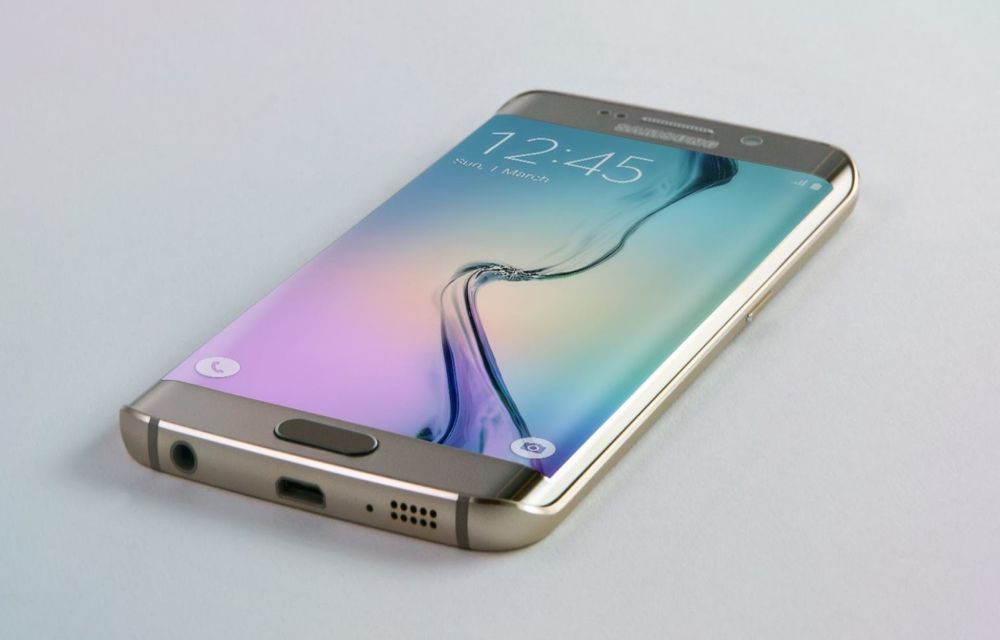
How to Take Screenshots Easily On Samsung Galaxy S6 Edge Plus
Samsung Galaxy S6 Edge Android smartphone announced in March 2015. The device is feature packed and powerful to handle all tasks. The S6 is very sleek and ergonomic, it is very smooth and perfect in hands. The S6 Edge screen is a next-gen welcoming screen with great viewing angles and bright display. If you are…
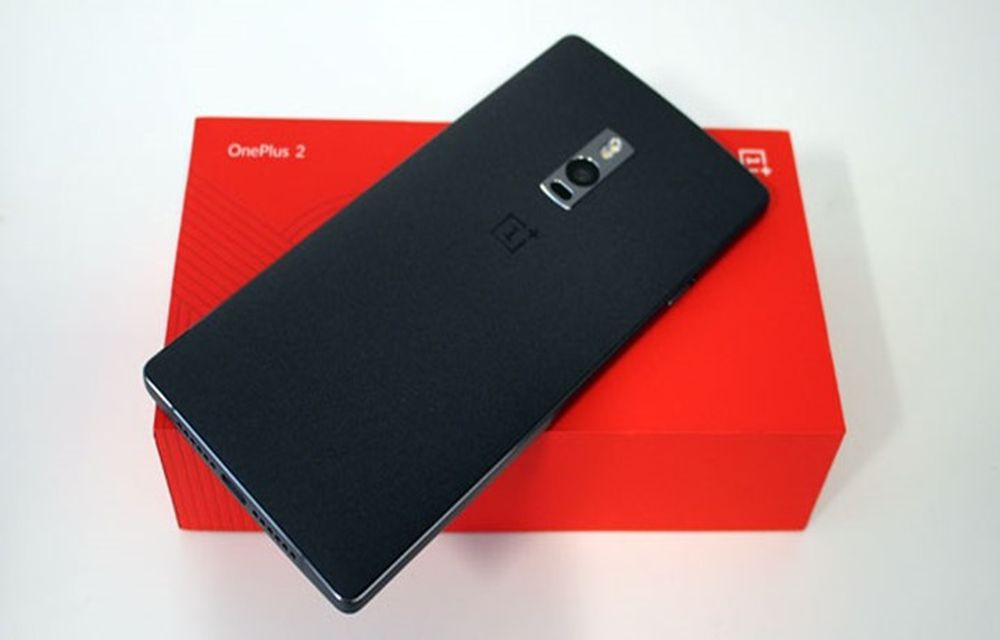
How To Install OnePlus 2 USB Drivers On Windows
OnePlus 2 is officially announced, the company is following its traditional invite system to purchase the 2015 flagship device. The device has a very powerful hardware, it comes with 4GB RAM, 1.8GHz octa-core 64-bit processor, and 5.5inch IPS LCD display. In our earlier posts we have covered topics like entering into bootloader mode and unlocking…