

How to Fix “Screen Overlay Detected” Error in Android Smartphones
If you find yourself getting irritated by the “Screen Overlay Detected” error after having updated your Android phone from Marshmallow to Nougat, then this article is for you. Here, we will offer you some quick solutions on how to fix that problem once and for all. Why does it happen? The reason why your are…

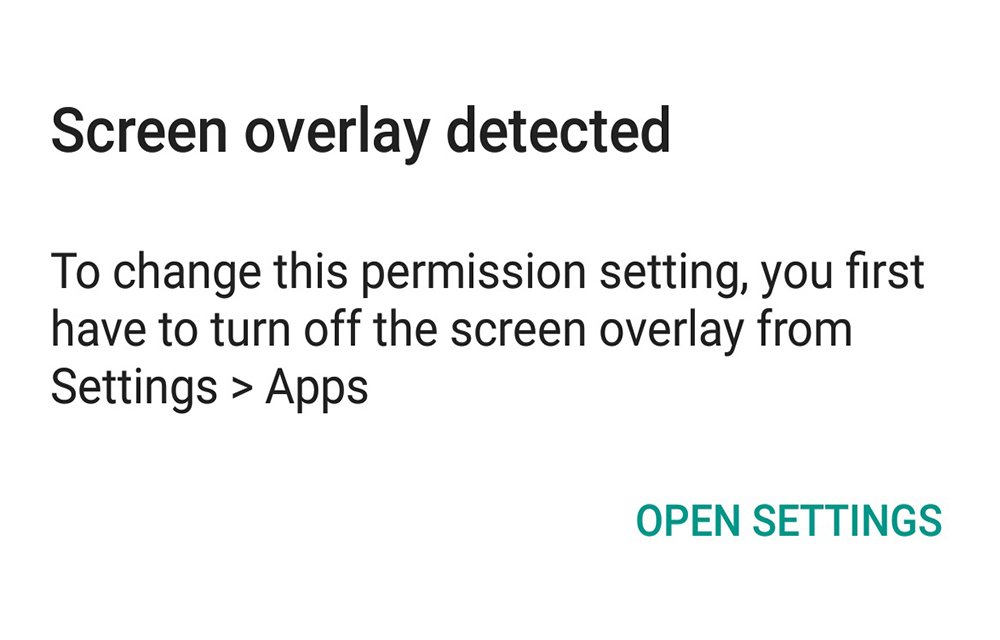
If you find yourself getting irritated by the “Screen Overlay Detected” error after having updated your Android phone from Marshmallow to Nougat, then this article is for you. Here, we will offer you some quick solutions on how to fix that problem once and for all.
Why does it happen? The reason why your are getting the error “Screen Overlay Detected” is because you are running a floating app. What does this mean? It is when you switch to an application which is newly installed, that application still has to need access to rights to use for the already running application, your floating app. This usually happens to Android stock phones such as Motorola. However, even Samsung phones were affected as well.
To solve this problem, you can follow these simple steps to resolve the “Screen Overlay Detected” error.
- The first thing you have to do is opening Settings.
- After that, type the word “draw” in the search bar.
- You will see “Draw over other apps,” Select that.
- Choose the gear icon on the top and click Draw over other apps so you can draw other applications.
There are some applications that are causing this problem. Some of the major factors why this is happening is because of the security applications such as ‘clean master’ and other similar apps that are installed in your phone. If you are using such apps, you can remove them so you can resolve this type of error in the future. If you are not sure if you have them installed, search the apps so you can look for them and then remove them.
If you have done these steps and still see the error, what you can also do is you can reboot your phone. This will also help in resolving the problem when all else fails. Now you won’t have any problem with the “Screen Overlay Detected” error that has been bothering you.
More in Android
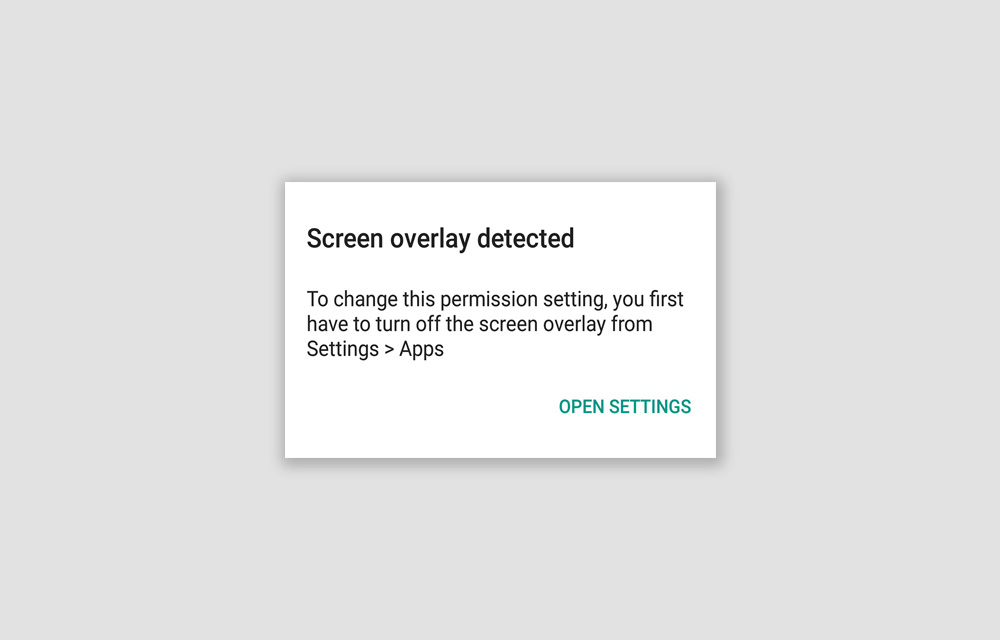
How to Fix the “Screen Overlay Detected” Error on Android Smartphones – Updated 2019
Screen Overlay Detected. An error that prevented you from using certain applications on your Android smartphone. The error will itself show you the solution, “You first have to turn off the screen overlay from Settings > Apps.” So, why don’t you just follow it and fix the issue? We are going to look at this…
How to Fix SIM Card Not Detected Error on Android Phones
Sometimes we get SIM Card not detected error on Android phones. We usually get this error when we place new SIM card in the slot. This issue is commonly due to SIM card fitting in the slot. Mostly if the SIM slot not properly inserted we get this error. In these cases, we get irritated…
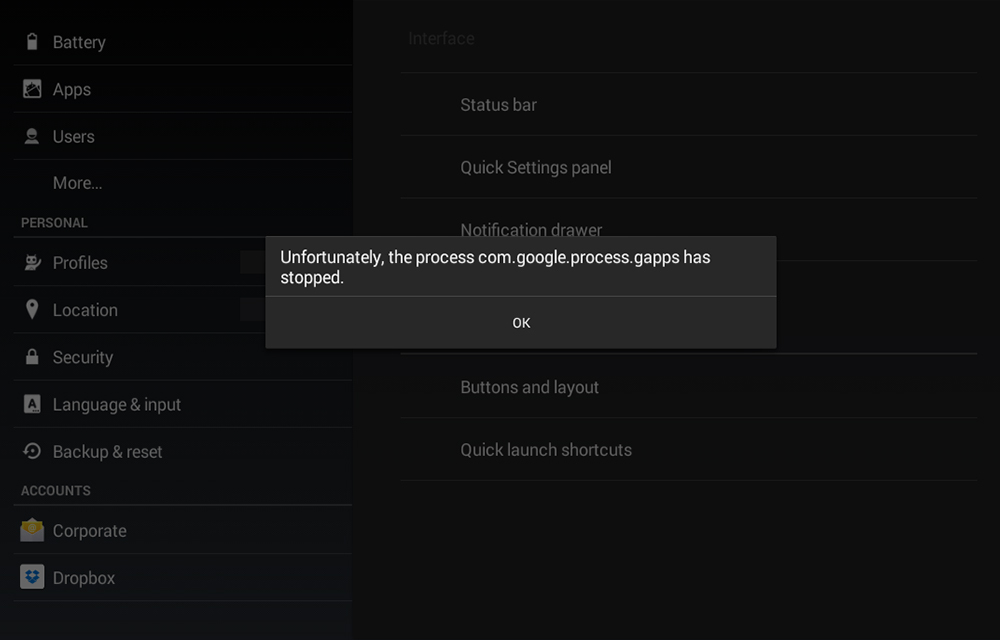
How to Fix “process com.google.process.gapps has stopped” Error
Hello guys, today we are going to fix the “process com.google.process.gapps has stopped” Error in your Android smartphones. You may have also seen a variation of this error message as ‘Unfortunately, the process com.google.process.gapps has stopped.’ Both are same. So, today we are going to fix this error by following some simple steps given below. Clear…
The week in tech, minus the noise.
New reviews, fixes and the stories that matter — once a week, straight to your inbox.
We only use your email to send the newsletter. Unsubscribe any time. See our privacy policy.
Comments