

How To Revert Old WhatsApp Status On Android
Nowadays, people make use of WhatsApp to communicate with their friends and relatives. The WhatsApp is a useful tool to share not only messages but also images and videos captured during special events to users anywhere in the world. However, the Facebook-owned company regularly provides updates with new features.


How To Revert Old WhatsApp Status On Android
Nowadays, people make use of WhatsApp to communicate with their friends and relatives. The WhatsApp is a useful tool to share not only messages but also images and videos captured during special events to users anywhere in the world. However, the Facebook-owned company regularly provides updates with new features.
Imagine, you had updated your Android smartphone with a new version of WhatsApp, which brings in a new feature named “Status”. You would not be able to downgrade to a previous version if you had successfully upgraded to the latest version of WhatsApp.
If you are not impressed with the new feature, you can revert to old WhatsApp version easily by following the steps mentioned below. It is possible to download and install a previous version of WhatsApp via third-party sources. You have to perform the steps described below.
Revert Old WhatsApp Status On Non-Rooted Smartphones
If you have non-rooted handsets, you can make use of an old WhatsApp APK file to revert to the old status. If you search using the keyword “WhatsApp APK” on Google, you will find several all the previously released versions.
You need to select the version 2.17.60 and install it on your smartphone. After installation, you need to set up your WhatsApp account as usual. You will be able to view the dashboard without any Status tab on it after the completion of the installation.
As of writing this, the above method works without any problem. However, if WhatsApp decides to remove support for older versions, you will not be able to use this technique. You can use, but the company will not offer any updates for the installed version.
Revert Old WhatsApp status on Rooted devices
If you have a rooted Android smartphone, you can rollback to old WhatsApp status. The technique works on WhatsApp v2.17.77. Before proceeding, you need to verify the version by tapping Settings | About and help | About. You will be a green background image with the version number.
Select File Manager option by tapping Settings | Apps | WhatsApp and hit the Force Stop option. You need to enable Root Explorer from the file manager of your choice. You should select RW option if you are asked to provide permissions. The next step is to select the Device folder and navigating to data | data | com.Whatsapp | shared_prefs folder.
Select com.whatsapp_preferences.xml file and modify the value of the status mode from 1 to 0 and save the file. If you open the WhatsApp app, you will not be able to view the Status tab. In addition to chats, calls, and contacts, you will be able to find the Status option. If you tap on it, you will view the old text-based status.
You might also like

An Easy Way To Install WhatsApp On Your PC/Laptop
One of the most popular mobile SMS alternative app is WhatsApp. It is nearly five-year-old service, which has multiple platforms support. It is one of the best alternative to the traditional messaging to avoid messaging charges. WhatsApp is a ad-free app with minimalist user interface. Unfortunately, WhatsApp is available mobile platforms only, if you want…
How to Send Stickers on WhatsApp?
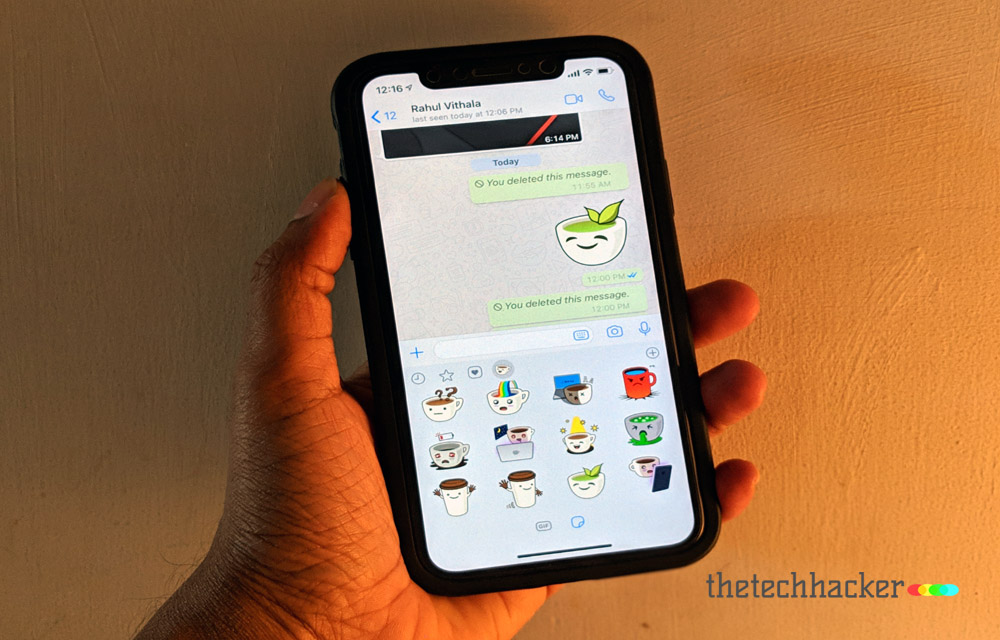
After a ton of rumors, WhatsApp finally rolled out Stickers update both on Android and iOS. This update will let you send stickers in your chats. We already know the use of stickers on Facebook messenger. WhatsApp rolled out stickers support in the version 2.18.329 on Android, whereas on iOS it comes with 2.18.100 version…
How to fix WhatsApp crashes in specific group chats on iPhone, Android
You open WhatsApp to check a group message, and the app closes immediately. You try again, but the same thing happens. Other conversations may work normally, while one particular group keeps crashing the app. It is frustrating, especially when that group is used for work, family updates, or important announcements. The good news is that…
The week in tech, minus the noise.
New reviews, fixes and the stories that matter — once a week, straight to your inbox.
We only use your email to send the newsletter. Unsubscribe any time. See our privacy policy.
Comments