

Different Ways To Search For Emails in Gmail
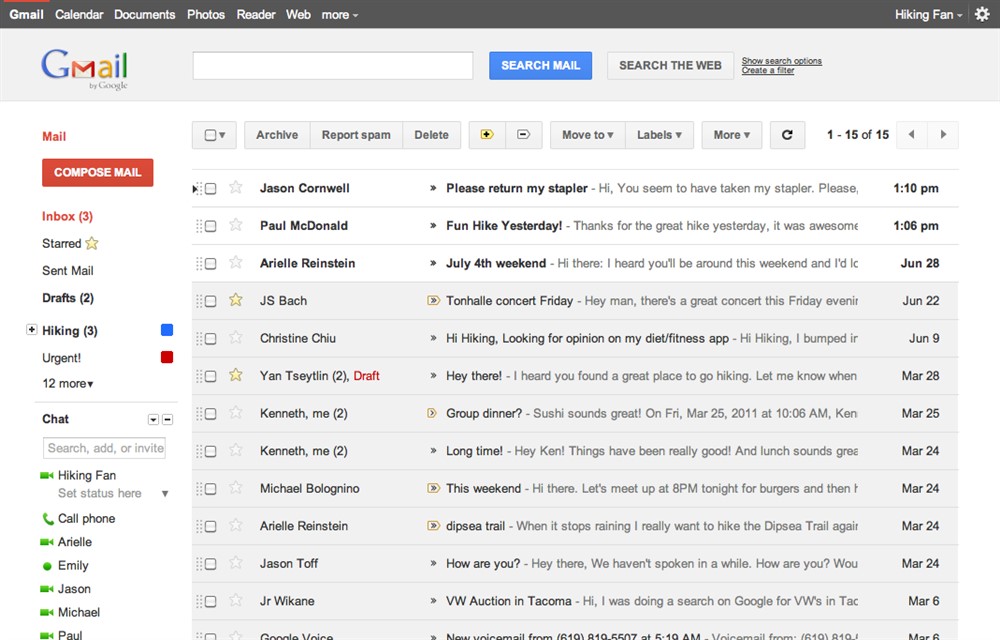
Gmail is a light-weight web based email system. You can not only verify emails directly from the web or using POP3 software such as Microsoft Outlook. If you work with Gmail, your inbox will become difficult to navigate. You will have to navigate through several pages to locate a specific email. You can also search…


Gmail
Gmail is a light-weight web based email system. You can not only verify emails directly from the web or using POP3 software such as Microsoft Outlook. If you work with Gmail, your inbox will become difficult to navigate. You will have to navigate through several pages to locate a specific email. You can also search for e-mail by providing the required keyword.
Even if the emails lack the subject, you will be able to search easily by providing a keyword. The auto-intelligent system helps you to recover emails even if the inbox contains 10000+ emails. In addition to plain searching, you can also search for emails by size in Gmail.
Imagine, you receive several emails on a day to day basis. You will not be able to remember the size of the email. The email with attachments consumes more size than emails without attachments. A rough idea about the file size is sufficient for you to trim down the emails. In this article, we will explore all the methods by which you can search for Gmail using the file size.
To search for large emails, you need to provide a minimum size of the file. For instance, if you provide a command like as shown below, you will be able to view all emails that are greater than 10MB.
size:10MB
You can also make use of the above command with the sender name as shown below
sender name Size:5MB
You can retrieve emails that are larger than a specified size by using the following command
larger:2MB
If you provide 400000 after the larger command, you will be able to view all emails that are larger than 0.4MB.
You can use smaller search parameter. It helps you to fetch emails that are smaller in size. If you provide a statement like as shown below, you will be able to fetch emails that are smaller than 6MB.
smaller: 6MB
It is also possible to search emails that are between two sizes. Sometime, you would like to search for emails that are larger than 5MB and smaller than 10MB. In such a case, you can make use of the command as shown below
larger: 5MB smaller: 10MB
As you can see, it is easy for you to search for emails based on various parameters. You should work with Gmail using the above search techniques to get the maximum potential from the popular email system.
You might also like
Steps To Organize Messages In Gmail
Gmail is a free web-based email service. You can store plenty of emails as long as you have not exceeded the prescribed limit. Moreover, Gmail is a light-weight mail service with enhanced security protection. The advantage of Gmail is that you can sync emails with your laptop, mobile, and other devices. Normally, Gmail will display…

How to Customize Gmail for More Productivity
How to Customize Gmail for more productivity: Gmail is the best Email provider around. You can customize Gmail for more productivity. You can tweak Gmail very easily with simple steps. Follow these steps to grab more from Gmail. Want to set up a signature to your Gmail? hmm line up with your name, website, company,…

Steps Required To Configure Custom Email Address With Gmail
Gmail is a web-based mail system, which enables you to easily send and manage emails. Gmail provides excellent features than the competing web email providers such as Yahoo. Gmail has a huge fan base because of its light interface. Moreover, you can navigate emails not only with PC but also using mobile apps in smartphones…
The week in tech, minus the noise.
New reviews, fixes and the stories that matter — once a week, straight to your inbox.
We only use your email to send the newsletter. Unsubscribe any time. See our privacy policy.
Comments