

How to find Feedburner subscriber count of a Blog
Nowadays many people are subscribing blogs to get latest updates whenever they publish an article. This is called subscribing to a feed. We see a subscribe to us box when we visit a website, When you enter your email in the box you will get latest updates whenever they publish a new post. We can…


How to find Feedburner subscriber count of a Blog
Nowadays many people are subscribing blogs to get latest updates whenever they publish an article. This is called subscribing to a feed. We see a subscribe to us box when we visit a website, When you enter your email in the box you will get latest updates whenever they publish a new post. We can check the subscriber count of a blog with simple steps before subscribing. In this article, I will show you how to check a blog subscriber count. This guide works for checking Feedburner subscriber count of a website using a simple and easy method.
How to find Feedburner subscriber count of a Blog in easy steps
To get started, first, you have to open the website in your browser. Here I opened thetechhacker.com to show the process as an example.
1. Now right click on the anywhere on the website to open options.
2. After right clicking now click on “View page source”.
3. Now click Ctrl+F if you are using Windows and ⌘+F to open the search box.
4. Now search for “feedburner” in the box.
5. Now, find this line to know Feedburner’s URI address.
For example, I used this website as a reference and given name is the below link.
http://feedburner.google.com/fb/a/mailverify?uri=thetechhacker
6. Now open the below address on your browser by replacing URI at the end.
http://feedproxy.google.com/~fc/Place_URI_address_here
7.After replacing the URI hit enter to load the URL. For example, the URI address of this site is thetechhacker. Now the URL will look like this
http://feedproxy.google.com/~fc/thetechhacker
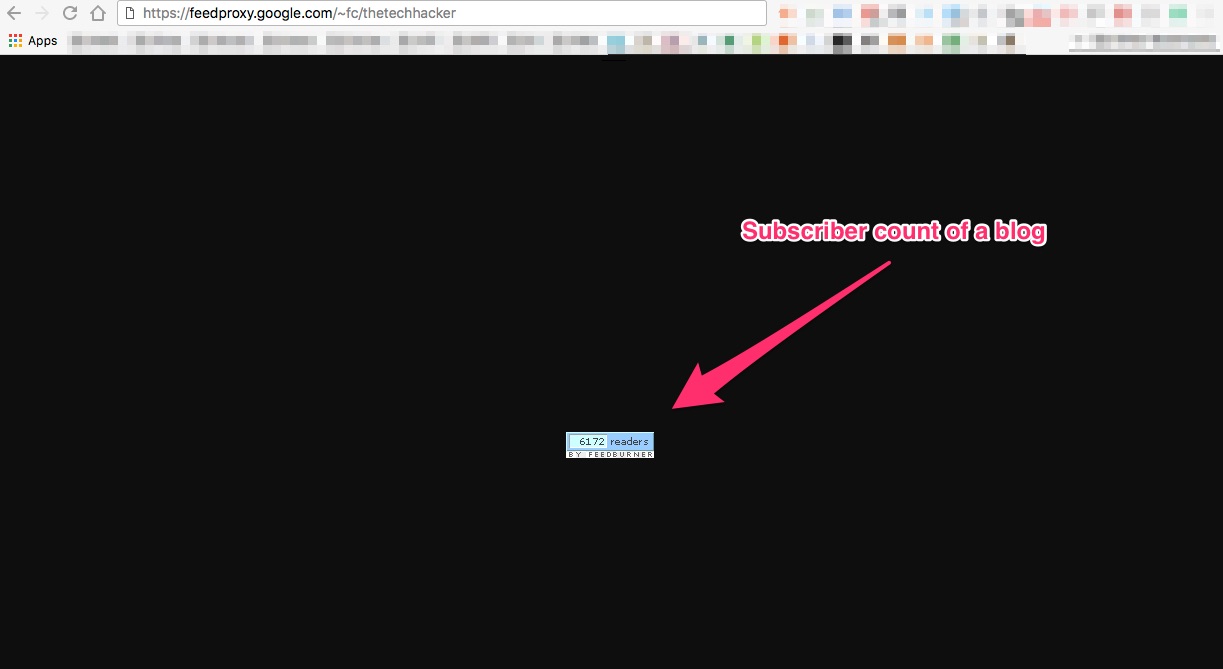
8.Now you get the subscriber count on the blog.
That’s it. Now you got the feedburner subscriber count on your desired website. This process is same for all websites and blogs.
That’s all for now. I hope you enjoyed the article. Please do share your views in the comment box below. Also, please share this article on social media platforms.
You might also like

WordPress Is Installed What Next
All major hosting providers offer WordPress, it is easy simple to use and most famous CMS in the world. We already posted a article about installing WordPress in Windows in simple steps. After lot of testing in private environment it is time to launch site to public. WordPress Is Installed Next: All major hosting services…

Alexa Web Analytics Review
When it comes to web analytics, Alexa does stand a chance. Millions of users selected it as a perfect partner to guide them through the way to the success. The actionable analytics provided by it helps to guide our website or blog to the top level of the search engine results. It always integrated to be…
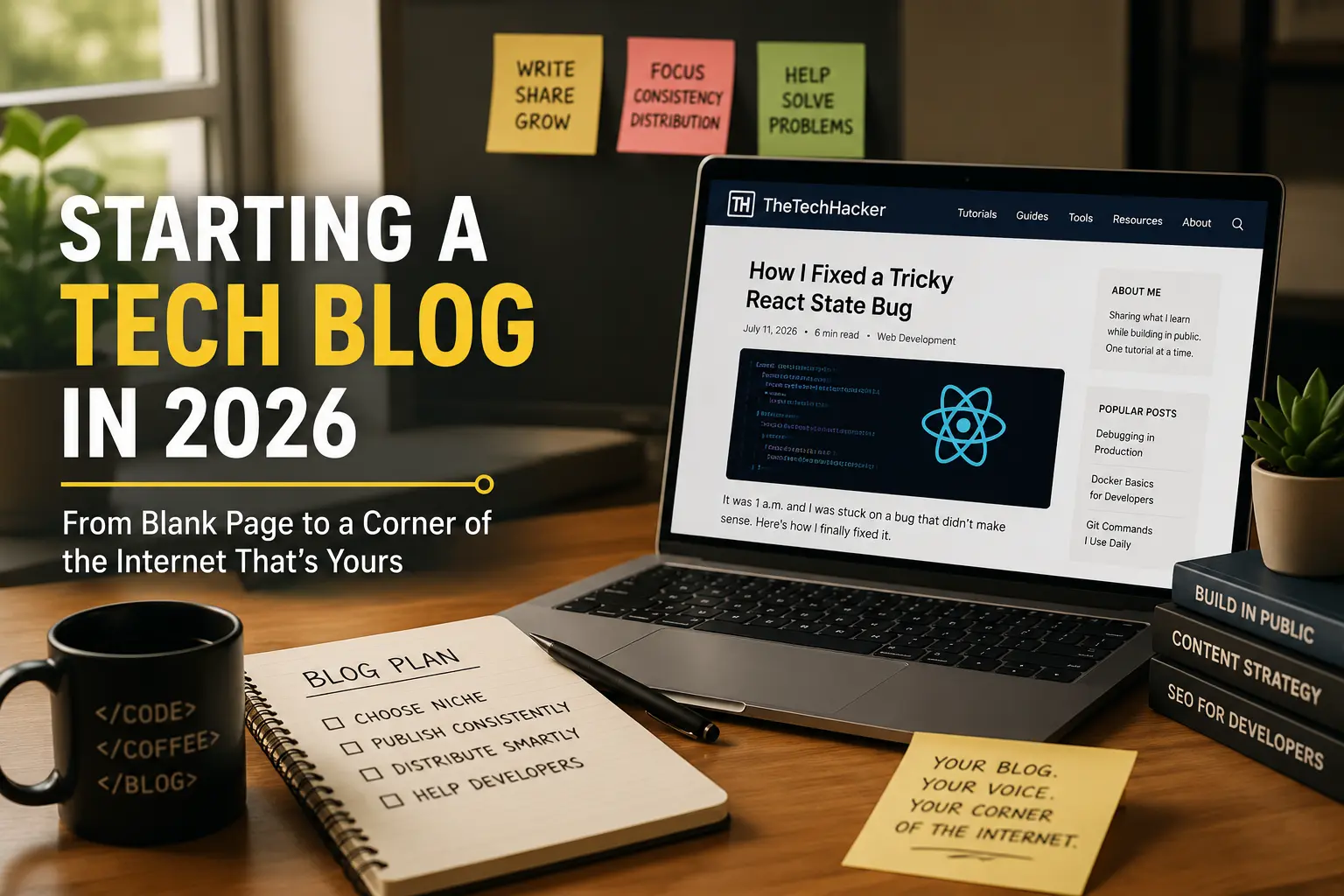
Starting a Tech Blog in 2026 — From Blank Page to a Corner of the Internet That’s Yours
Somewhere out there right now, a developer is staring at a blank editor, cursor blinking, trying to decide if the thing they just fixed at 1 a.m. is “blog-worthy.” It almost never feels like it in the moment. And yet those exact posts — small, specific, slightly embarrassing to admit you struggled with — are…
The week in tech, minus the noise.
New reviews, fixes and the stories that matter — once a week, straight to your inbox.
We only use your email to send the newsletter. Unsubscribe any time. See our privacy policy.
Comments