

How to send iMessage on Android
iMessage is an exclusive chat application available for Apple users designed by Apple. This service lets you share messages, images, videos and a lot more. Many people are stuck to iOS devices only for iMessage feature. This service work on Apple ecosystem only. This is the main disadvantage of iMessage. When you start using it,…

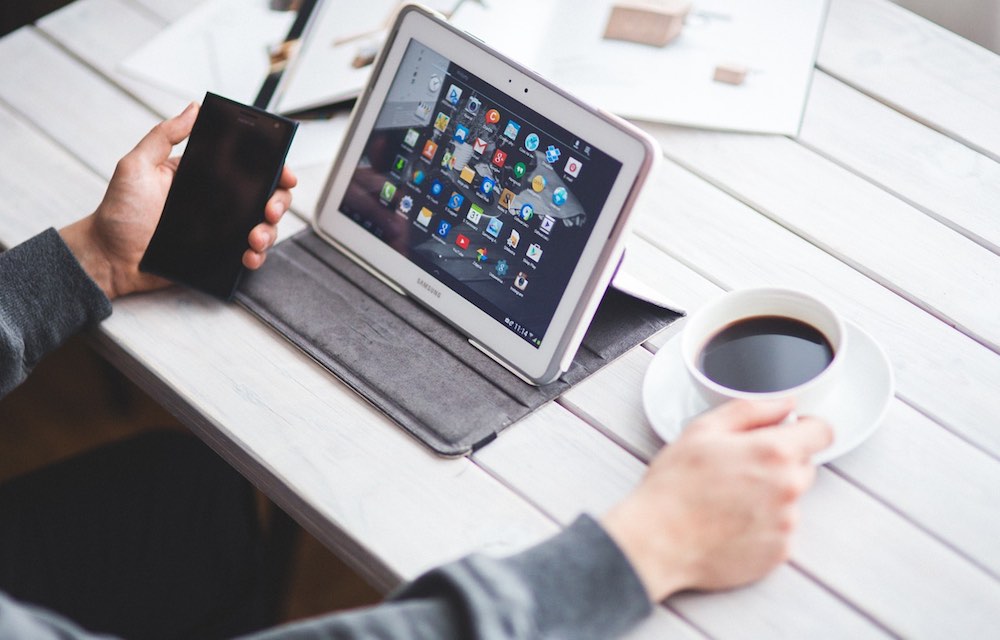
iMessage is an exclusive chat application available for Apple users designed by Apple. This service lets you share messages, images, videos and a lot more. Many people are stuck to iOS devices only for iMessage feature. This service work on Apple ecosystem only. This is the main disadvantage of iMessage. When you start using it, you can’t migrate to other platforms because of the service unavailability.
Once I have seen some options to access iMessage on Android, but all of them are fake and not working. There’s now an app in the Google Play store called weMessage which can send SMS, MMS and iMessage conversations with ease.
What is weMessage?
weMessage is a fully functional app for Android without any code exploit issue with the Apple. The only downside is you need a Mac weMessage to work.
This app handles one-on-one conversations, group chats, and special effects and even supports Read receipts on Android. weMessage create a server on your mac and show the conversations on Android with the help of the native app.
If you are afraid of the security this app it offers AES cryptography security which is a standard US Government supported encryption. Which means your conversations will not be intercepted in a Wifi or a cellular connection.
To simply start using weMessage you need a compatible Mac, one running macOS 10.10 or later, and port forwarding on your router so the service works when you’re not at home or native network.
How to use weMessage?
weMessage needs a some of your time to start working. Before going to install weMessage app on your Android device, you need to setup a server on your Mac. The server needs a Java SE Development kit and some Settings tweaks on your Mac.
Download the weServer and open the ZIP file. here you need to “run.command” file and double-click to launch the server. once the program opens, it asks your iMessage email.

After setting up the server on your Mac, now it is the time to install the weMessage app on your Android device. After installing the app now open it. In the first run, the app asks your iMessage email, password, and your Mac IP address. Once you enter all the correct details the app shows all the iMessages contacts on your Android device.
We tested the weMessage app and working like a charm. It is a known fact that Apple doesn’t want iMessages compatibility on Android, till then we can enjoy the iMessage on Android.
That’s all for now. I hope you enjoyed our article, please do share your views in the comment box below.
You might also like
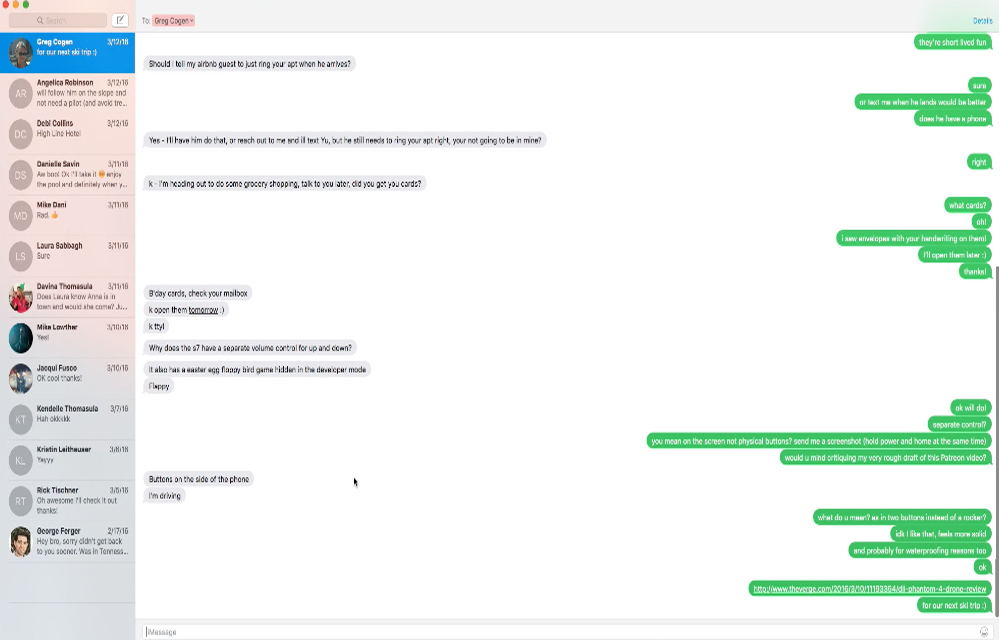
How to Text or Message from your Mac using iOS Devices (iPhone, iPad, etc.)
Even the domination of the touch screen had already happened, the 2 fingers can never beat the power of the 10 members in your hand. So, texting will be easier from your traditional Mac keyboard than the iPhone, iPad or iPod touch screens. If you ever wanted to find an easy solution for sending texts…
How To Make iMessages More Interesting
Apple launched iMessages feature in the year 2012. It is a dedicated messaging app for iOS devices by replacing iChat. When it comes to messaging, we have seen drastic development in texting apps over the years. Apps like WhatsApp, Telegram, Threema and much more are started making more attractive and feature rich.
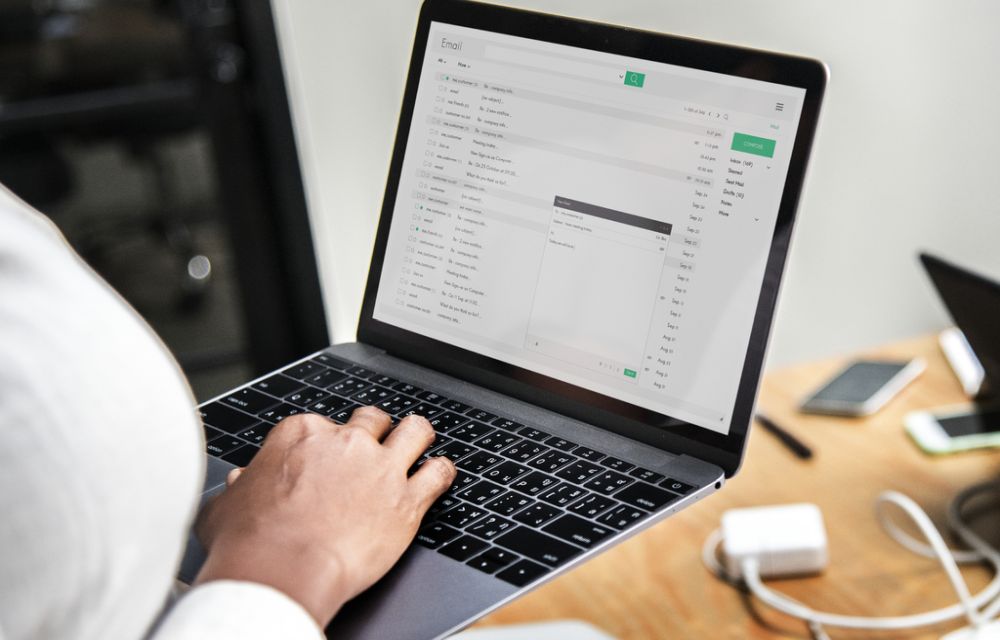
How to stop Email tracking activity- Detailed guide
The use of email tracking is increased in recent years. Companies and spammers want to know when you are exactly opening the email. Many people, corporates, marketers and even spammers using a tracking code inside the email which intimates when the receiver opens it. It is a quite annoying technique used by senders and not…
The week in tech, minus the noise.
New reviews, fixes and the stories that matter — once a week, straight to your inbox.
We only use your email to send the newsletter. Unsubscribe any time. See our privacy policy.
Comments