

How to Unlock the Hidden iPhone Emoji Keyboard
Sometimes a single emoji is enough to express our emotion more than a text message. That is why emojis gained more popularity in messaging. There is plenty of variety emojis available, apart from faces you can use animals, car, food and flag emojis. If you are using iPhone or any other iOS device, then you…
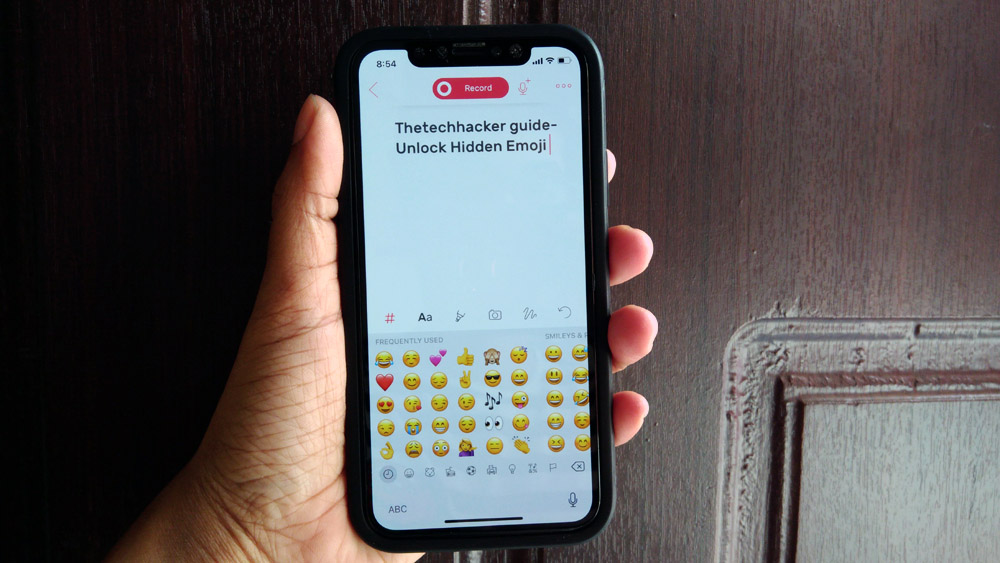
How to Unlock the Hidden iPhone Emoji Keyboard
Sometimes a single emoji is enough to express our emotion more than a text message. That is why emojis gained more popularity in messaging.
There is plenty of variety emojis available, apart from faces you can use animals, car, food and flag emojis.
If you are using iPhone or any other iOS device, then you don’t need to download any third-party keyboard app to use emoji. Follow the below steps to unlock hidden emoji keyboard on your iPhone/iPad.
- Go to Settings -> General -> Keyboard.
- Here, select Keyboards, then Add New Keyboard.
- Scroll through the list and look for Emoji icons, then tap it to select.
- When you tap on it, the Emoji keyboard adds your list of active keyboards.
Now the emoji keyboard is installed on your iPhone. How to test emoji working or not?
Open any texting app on your iPhone and start typing. Once you start typing the keyboard will pop up Here, tap on Globe icon, it will show the available keyboards installed on your phone. Now tap on Emoji keyboard to start using it.
Alternative Emoji Keyboards for iOS Devices
If you are not satisfied with default emoji keyboard on your iPhone/iPad you can try third-party emoji keyboards available on the App Store.
Kika Emoji Keyboard
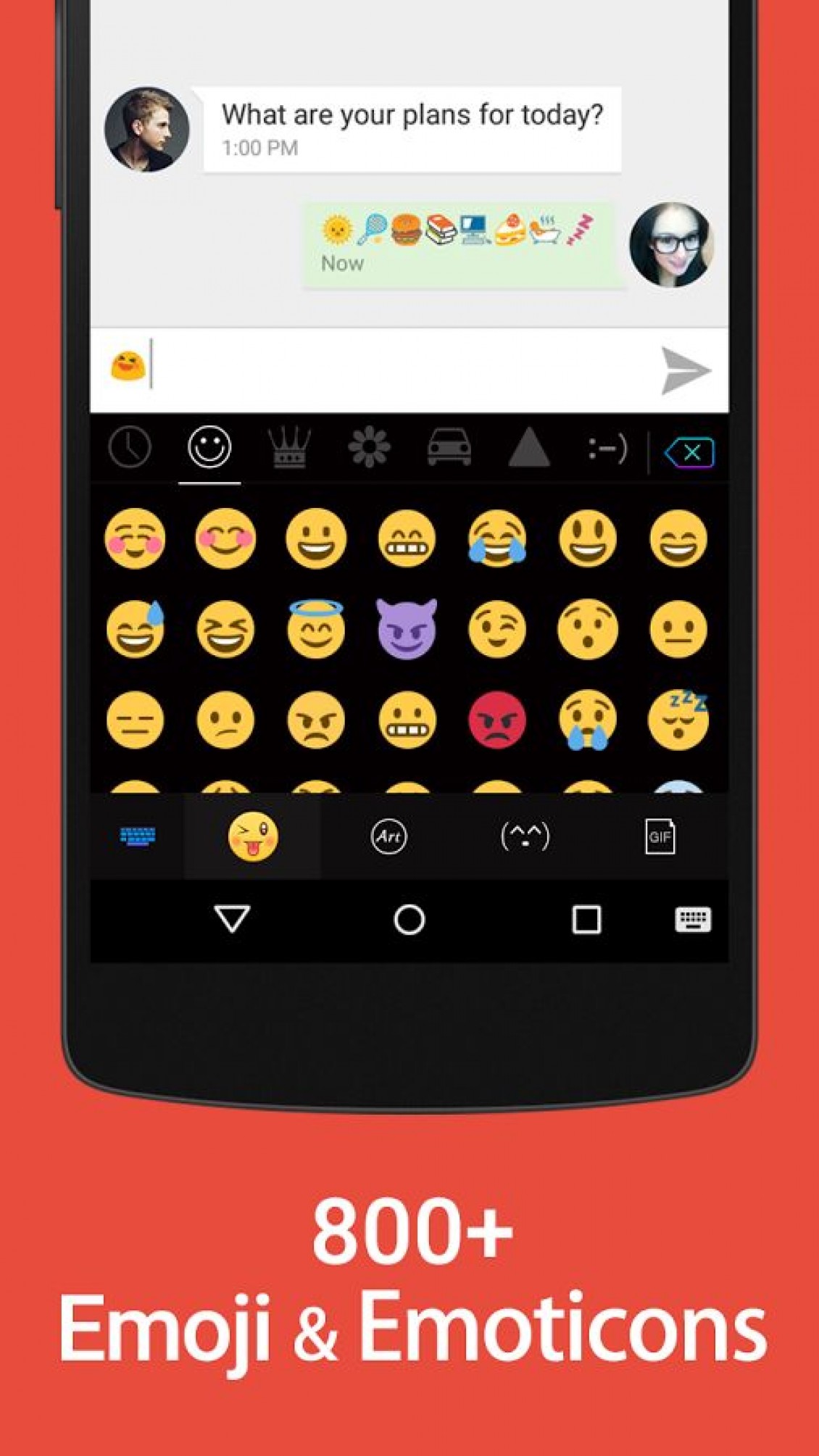
Kika Emoji Keyboard is one of the best default emoji keyboard alternatives for iOS. Packed with very powerful features like 1200+ emoji & emoticons, stickers, themes, funny GIF and smileys. Along with smart typing options, the app also supports various themes support to change the look of the keyboard.
Swiftkey Keyboard
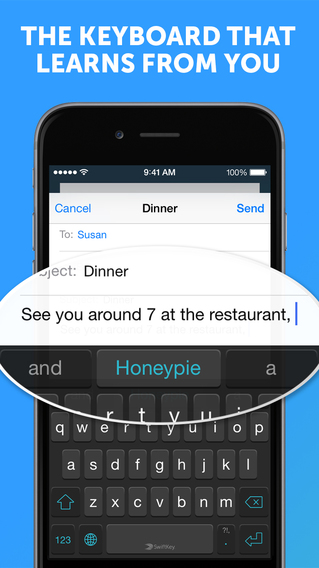
Another interesting keyboard for iOS users with emoji compatibility is SwiftKey Keyboard. The app has a wide variety of typing features along with emoji support. The app learns the typing skills from you using its AI. It supports more than 150 languages and enables up to two languages at a time.
That’s all for now. Please do share your views in the comment box below.
More in How-to

Protect Your Privacy: Easy Steps to Lock Your Secrets on WhatsApp
Handing over your unlocked phone to someone can be a tense experience. Will they respect your privacy or stumble upon those embarrassing messages you’d rather keep hidden? While many messaging apps leave you hanging, with its brand-new feature, aptly named “Chat Lock,” you can now lock away specific chats and shield them from prying eyes.…

How to Set Up VPN on iPhone
VPN’s are the finest way to anonymize your online identity from data thieves. There are plenty of VPN services available with many features, multi-platform support at affordable prices. These services can prevent accessing your personal browsing history by ISP’s, blocks the govt spying activities and can also unlock restricted services in specific geo-locations. The use…

How to Easily Add Header and Footer Code in WordPress
To make changes to your WordPress site, you need to insert code into the header and footer. However, what’s the use of all this technological skill? Imagine being able to access amazing abilities only by writing a few lines of script! Social media verification calls out your credibility, Google Analytics asks about your site visits,…
The week in tech, minus the noise.
New reviews, fixes and the stories that matter — once a week, straight to your inbox.
We only use your email to send the newsletter. Unsubscribe any time. See our privacy policy.
Comments