

Jumbo cleverly deletes unwanted Tweets and protects your data online
Protecting our privacy online became crucial these days and serval tools are introduced to secure online activity. We have tested several VPN services in the past to protect your online privacy by anonymizing your online activity. However, these won’t protect what you have done in the past, it secures your present online activity only. What…

Jumbo cleverly deletes unwanted Tweets and protects your data online
Protecting our privacy online became crucial these days and serval tools are introduced to secure online activity. We have tested several VPN services in the past to protect your online privacy by anonymizing your online activity. However, these won’t protect what you have done in the past, it secures your present online activity only.
What if you left a controversial tweet in your Twitter and forgot about it. This makes ugly when someone finds your tweet and starts discussing once again. Not only this example, but there are also several reasons to look back what we have done and left in social media accounts.
In this scenario, Jumbo comes as a life saver. Jumbo is an iOS app which is created to scrub the unwanted tweets and status updates on Twitter and Facebook. Jumbo is created by the Pierre Valade who is worked in Sunrise calendar app team. The main reason behind the Jumbo development was the Cambridge Analytica data privacy scandal which has dragged much attention across the globe. Pierre Valade and his six-person team based in New York began developed Jumbo app to manage social media settings on your behalf.
So, let’s check the usability and features in detail.
How does Jumbo work?
Jumbo works like simple digital assistance to manage your social media profiles. Currently, it works with Facebook, Twitter, Google search, Alexa. And in the near future, they will launch support for Instagram and Tinder.
- Download and install the app from the Apple App store.
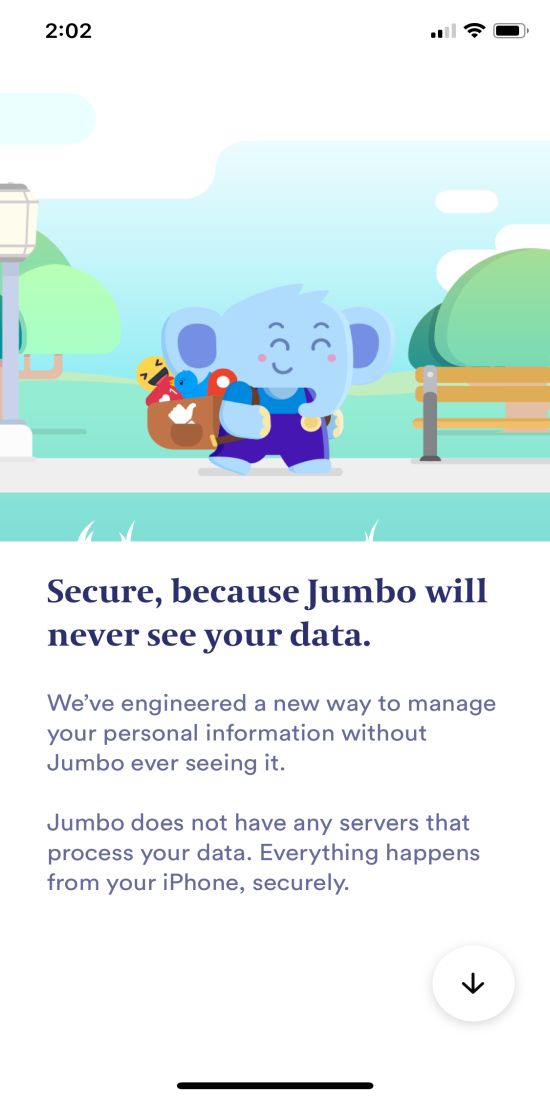
Jumbo Features - Once you open the app it starts with some info’s and asks you to enable the notifications.
- After enabling it all you need to set up your social media accounts supported by the Jumbo.
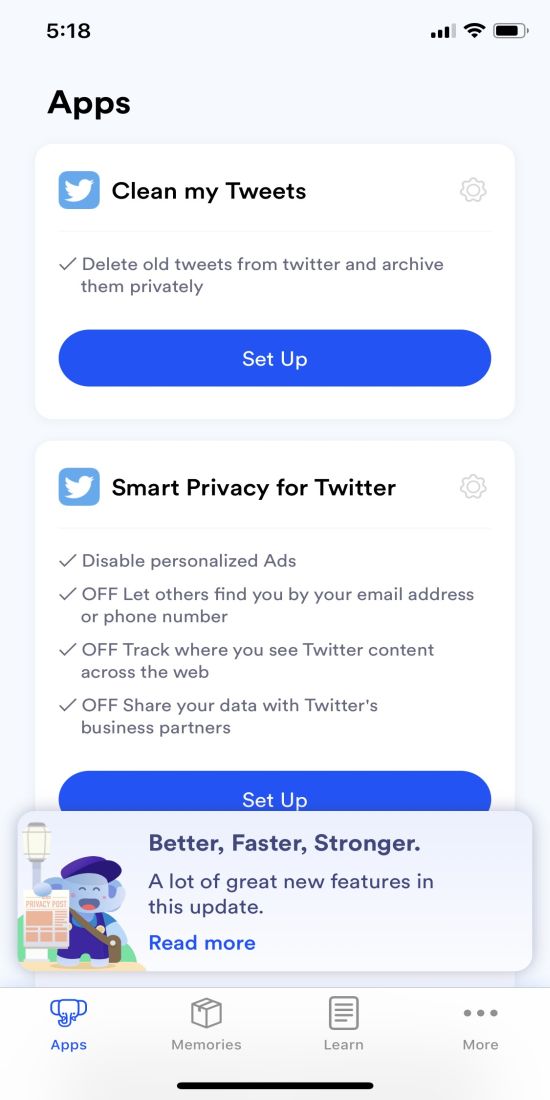
Social media connection in Jumbo - After that, each social media profile has its own options for deleting Tweets, Google Searches, Alexa Recordings, and smart privacy options for Facebook.
There is an option called Memories in the Jumbo to share all your data in the Dropbox.
Jumbo is one of its kind of app which truly cares about your privacy. It doesn’t need any email or other details to sign up the service. Also, the app doesn’t store any of your social media data. personal online activity in their servers. All the deleting activity is done within the app.
More in iOS
What Does “Low Disk Space” Mean on iPhone? (And How to Clear It)
You try to take a photo, and the camera refuses. You try to update iOS, and it says there’s not enough space. Somewhere in between, you see a warning about storage and start wondering: what does low disk space mean on iPhone, and how serious is it? Don’t worry, it is one of the most…

Apple Watch App on iPhone Crashing? Here’s How to Fix It
The Watch app on your iPhone keeps crashing? You tap it, it opens for a second, and then disappears. Sometimes it freezes instead. Either way, it’s annoying. This usually happens because of a software glitch, bad sync data, or a version mismatch between iPhone and Apple Watch. After iOS updates, the Watch app can get…

Top 8 File Manager Apps For iPhone To Manage Files On The Go
Recently purchased iPhone or any other iOS device? You may notice that it don’t have any file manager app to browse or manage your files. Apple iOS ecosystem not allows the users to access its internal file system. However, we have few File Manager apps for iPhone, iPad. Don’t worry you don’t need to Jailbreak…
The week in tech, minus the noise.
New reviews, fixes and the stories that matter — once a week, straight to your inbox.
We only use your email to send the newsletter. Unsubscribe any time. See our privacy policy.
Comments