

How to Stop Spam Calls on iPhone
Spam calls are the most common problem for every smartphone user. If your number mistakenly gets into the spammer’s hand, you will daily get a ton of spam calls. They bite your head off with unwanted stuff and it is so quite irritating. Combating spam is not a tough process if you have an iPhone. There…


How to Stop Spam Calls on iPhone
Spam calls are the most common problem for every smartphone user. If your number mistakenly gets into the spammer’s hand, you will daily get a ton of spam calls. They bite your head off with unwanted stuff and it is so quite irritating.
Combating spam is not a tough process if you have an iPhone. There are several ways to stop unwanted and spam calls on your iPhone.
To stop spam calls on iPhone follow the below steps.
How to Stop Spam Calls on iPhone?
Method 1: This method involves a small tweak in the settings. You don’t need ant third-party app to control the spammers.
- On your iPhone, open the “Settings” app.
- Here, go to “Phone” settings.

- Now scroll down to locate “Silence Unknown Callers” and toggle that feature to the On.
Once you turn on this feature, your phone won’t disturb you again with a ring or vibrate when an unwanted or spam call hits your phone. Another interesting thing is, you can always check the numbers you missed in the dialer. The phone dialer will show the list of rejected numbers on the screen. You can always check them on the Phone “Recents” option.
Method 2: In this method, we use the Truecaller app to put check on spammers.
1. Truecaller
Truecaller is free to use app for every iOS and Android user. It is one of the best caller ID apps available for iOS devices. The app comes in both free and paid versions. The free version is enough to control spam calls on your iPhone. Install and open the Truecaller app on your iPhone and activate using your phone number. Once you activate the app, it shows the list of spammers and you can block them upon request.
2. Nomorobo Robocall Blocking
Another interesting app which works like Truecaller with advanced spam protection. It doesn’t need your information like Truecaller but it requires a monthly subscription of $1.99 per month. Nomorobo checks the calls and allows the emergency numbers and pushes the unwanted calls to your voice mail.
More in How-to

How To Block A Phone Number To Avoid Unwanted Calls
Reasons are so many to avoid a phone call, it is very frustrating when you receive an unwanted phone call in the middle of a meeting, classroom or any other situation. In recent years there are so many spam calls are disturbing our privacy and time. Choosing a simple method to block a phone number…
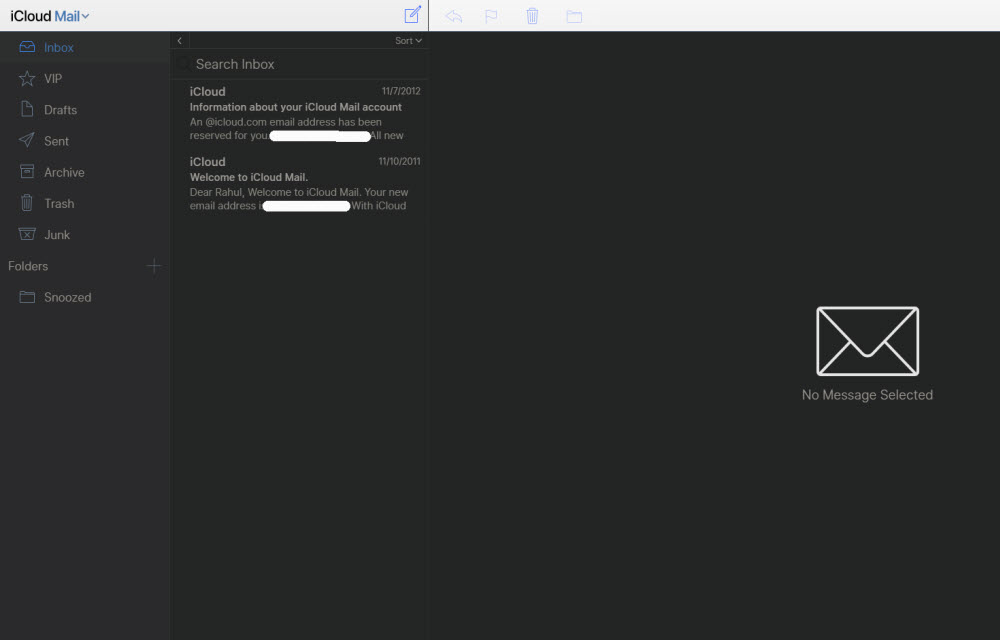
How to block emails on iCloud mail?
iCloud mail is a good emailing service from the very popular Apple. iCloud mail is one of the services comes with every Apple user. An Apple ID is essential for every Apple device user including Mac, iPhone, and iPad. The iCloud email is a feature-rich email service with a decent user-interface. No matter whether it…

How to Use Google for a Reverse Phone Lookup
To do a reverse phone lookup with Google, type the full phone number (with the area code) into the Google search box, in quotes, like “888-999-1212”. If the number belongs to a business, a public listing or a known scam, it usually shows up in the first few results. Google does not have a dedicated…
The week in tech, minus the noise.
New reviews, fixes and the stories that matter — once a week, straight to your inbox.
We only use your email to send the newsletter. Unsubscribe any time. See our privacy policy.
Comments