

How to Use ChatGPT Live Dictation on iPhone, Android and Desktop
ChatGPT’s dictation now types your words as you speak. OpenAI calls it Live Dictation, and its November 18, 2026 release notes say it’s “rolling out globally to all ChatGPT plans on iOS, Android, web, and the desktop app.” Before, you had to stop talking and wait for the whole recording to transcribe. OpenAI has also…


Image: OpenAI
ChatGPT’s dictation now types your words as you speak. OpenAI calls it Live Dictation, and its November 18, 2026 release notes say it’s “rolling out globally to all ChatGPT plans on iOS, Android, web, and the desktop app.” Before, you had to stop talking and wait for the whole recording to transcribe. OpenAI has also removed the old 10-minute recording limit. This guide shows how to use it on each device, how it differs from ChatGPT Voice, what happens to your audio, and what to do if the microphone doesn’t work.
Quick answer: To use ChatGPT Live Dictation, open a chat and tap or click the microphone icon in the message box, then start talking. Your words appear as text while you speak. Tap or click the waveform to show or hide the live text. When you’re done, stop the recording, edit the text if needed, and send it. It’s available on all plans, including Free, on iPhone, Android, the web and the desktop app, and there’s no longer a 10-minute limit. If it doesn’t appear yet, update the app, since it’s rolling out gradually.
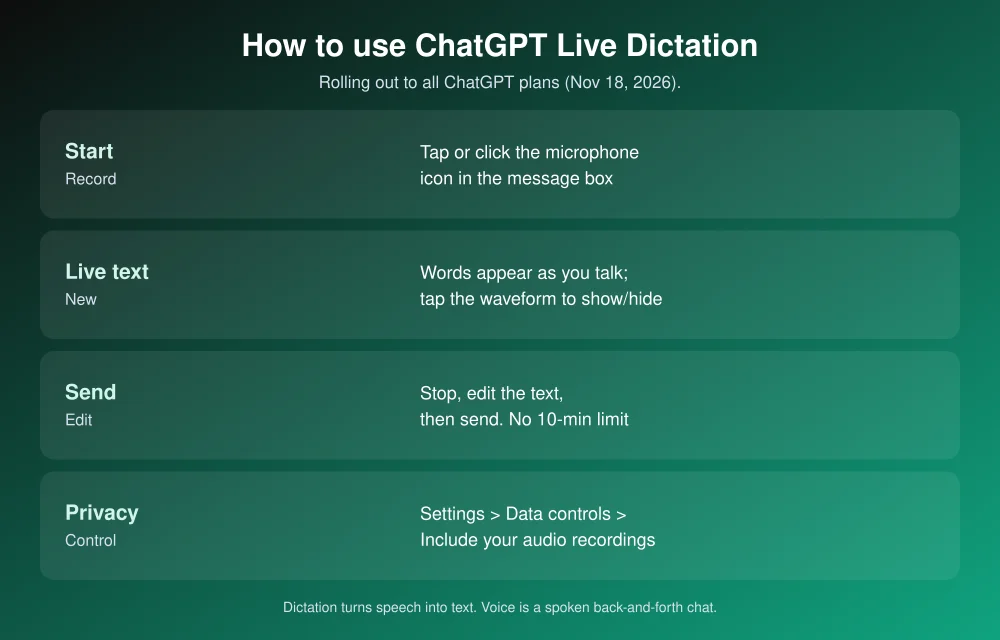
What’s new in Live Dictation
- Text as you talk: your speech turns into text in real time, so you don’t wait for transcription at the end.
- Show or hide the live text: tap or click the waveform while recording.
- No 10-minute cap: OpenAI removed the old recording limit. It hasn’t said whether there’s a new maximum.
- Everywhere: all ChatGPT plans, on iOS, Android, web and the Mac and Windows desktop apps.
How to use Live Dictation
On iPhone and Android
- Update the ChatGPT app from the App Store or Google Play.
- Open a new or existing chat.
- Tap the microphone icon in the message box. Allow microphone access the first time.
- Speak normally. Tap the waveform to see or hide your words as they appear.
- Stop the recording, fix any mistakes in the text box, then send.
On the web and the desktop app
- Go to chatgpt.com or open the ChatGPT app on Mac or Windows.
- Click the microphone icon in the message box. In a browser, allow microphone access if prompted.
- Talk, click the waveform to toggle the live text, then stop, edit and send.
OpenAI’s dictation FAQ confirms the transcription is returned as text “which you can edit before sending.”
Live Dictation vs ChatGPT Voice
| Live Dictation | Voice | |
|---|---|---|
| What it does | Turns your speech into a text message | A spoken, back-and-forth conversation |
| Button | Microphone icon | Voice icon |
| Can you edit first? | Yes | No, it’s live |
| ChatGPT replies | In text | Out loud |
Use dictation when you want to talk out a long prompt, email or note and then check it. Use Voice when you want to chat hands-free. OpenAI’s release notes also say the older Advanced and Standard Voice modes retire on December 11, 2026, replaced by GPT-Live.
What happens to your audio
From OpenAI’s dictation FAQ:
- Dictation audio is kept “for as long as the chat is part of your chat history.” Delete the chat and the audio is deleted within 30 days, with some exceptions for security or legal reasons.
- On personal accounts, if you’ve chosen to share audio, it may be used to train models. OpenAI says it doesn’t train on business users’ inputs by default.
- To stop sharing audio, go to Settings > Data controls and turn off Include your audio recordings, or turn off Improve the model for everyone. This applies to both dictation and Voice.
Live Dictation not working? Try this
- No microphone icon or old behavior: update the app. The feature is rolling out gradually.
- iPhone: go to Settings > ChatGPT and make sure Microphone is on.
- Android: go to Settings > Apps > ChatGPT > Permissions and allow Microphone.
- Browser: click the site settings icon next to the address bar and allow the microphone for chatgpt.com.
- Mac: go to System Settings > Privacy & Security > Microphone and turn on ChatGPT.
- Windows: go to Settings > Privacy & security > Microphone and allow desktop apps to use it.
If ChatGPT itself is acting up, check our fix for GPT-6.2 not showing in ChatGPT. Also new this week: how to use ChatGPT Space and ChatGPT Health on Android.
FAQs
Is ChatGPT Live Dictation free?
Yes. OpenAI says Live Dictation is rolling out to all ChatGPT plans, which includes Free, on iOS, Android, the web and the desktop app.
Is there a time limit on ChatGPT dictation?
OpenAI removed the old 10-minute recording limit with Live Dictation. It hasn’t published a new maximum length.
What’s the difference between ChatGPT dictation and Voice?
Dictation turns your speech into text you can edit and send. Voice is a spoken conversation where ChatGPT talks back.
Does ChatGPT keep my dictation audio?
Audio is kept as long as the chat is in your history and deleted within 30 days after you delete the chat. You can stop sharing audio for training in Settings > Data controls.
Featured image: OpenAI.
Disclosure: TheTechHacker has no paid relationship with OpenAI or any company mentioned here.
More in How-to
How to Fix GPT-6.2 Not Showing in ChatGPT (Astra and Sol Missing)
OpenAI released GPT-6.2 Astra and GPT-6.2 Sol on November 17, 2026, but many paying subscribers open ChatGPT and still see only the older models. In most cases nothing is broken: the new models live in a different part of ChatGPT than people expect, the rollout is gradual, or the app needs an update. Quick answer:…
What Is ChatGPT Space? How to Use It Now That It Replaced Library
If the Library button in ChatGPT has disappeared, you’ve probably got ChatGPT Space instead. OpenAI started rolling Space out to Plus subscribers on November 20, 2026. Space is where your pages, slides, images and uploaded files now live. It also lets ChatGPT build interactive pages and presentations you can edit and share. Pro, Business and…
How to Use Gemini on Apple CarPlay: Setup, Voice Tips and Limits
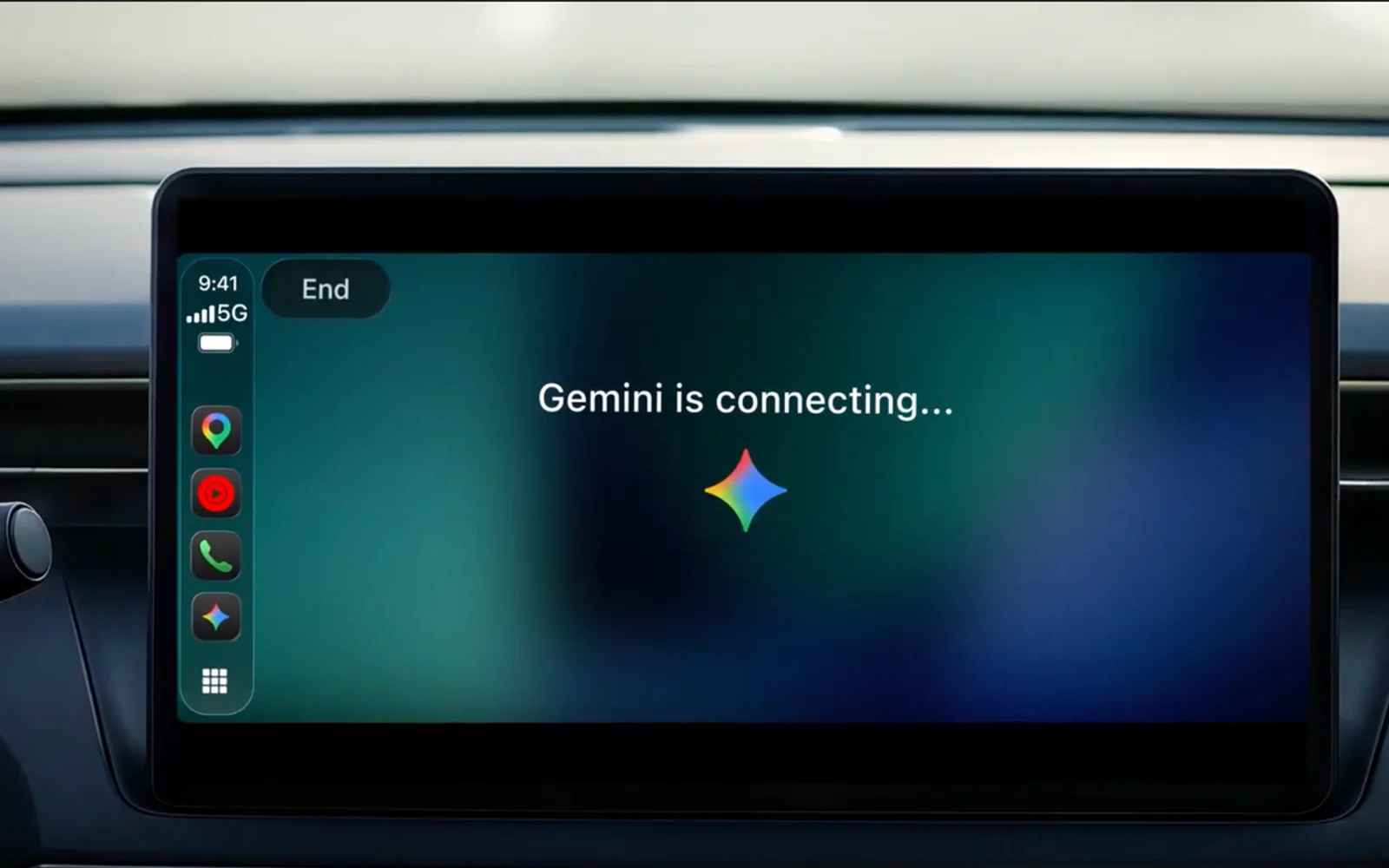
Google’s Gemini app now works on Apple CarPlay. Google announced it on November 11, 2026, rolling out “to all Gemini users on iOS,” and the App Store listing now shows a “Gemini is now on CarPlay” banner. Many people will be on the road for Thanksgiving this week, and Gemini can read out your calendar,…
The week in tech, minus the noise.
New reviews, fixes and the stories that matter — once a week, straight to your inbox.
We only use your email to send the newsletter. Unsubscribe any time. See our privacy policy.
Comments