

How to use Linktree to add custom links to Instagram
Have you ever tried to add links in your Instagram posts? The only way to add a link in Instagram is by adding a link in the bio. What if you want to add multiple links on your Instagram bio? It seems tough, right? No issues, Linktree service is here to clear links issue in…


How to use Linktree to add custom links to Instagram
Have you ever tried to add links in your Instagram posts? The only way to add a link in Instagram is by adding a link in the bio. What if you want to add multiple links on your Instagram bio? It seems tough, right? No issues, Linktree service is here to clear links issue in the Instagram bio.
What is Linktree?
Linktree is a very popular landing page service which is used to display a variety of links. The service is becoming very popular for adding custom links on Instagram. Linktree offers a hassle-free solution to display a variety of links on the Instagram profile visible to followers. Instead of adding a single link in the profile, you can add multiple links like your Facebook official page, Amazon store, and Twitter page altogether.
How to use Linktree?
Linkfree is completely free to use service. The free service offers an unlimited number of links insertion and you can also get free analytics feature which lets you get a report of a number of clicks you get on your links. However, the service also comes with a Pro plan which costs nearly $6 per month. Which includes options like, email opt-in integration, customization options etc.
Here are the detailed steps to use Linktree to add custom links to Instagram profile.
- Open Linktr.ee website on your browser and select Signup Free option on the screen.

- You can use an email to signup or you can alternatively use the Instagram profile directly to finish the signup process.

- After finishing the signup process, you’ll be asked to select either free or Pro plan. (Here depending on your need, select free or pro plan. In this tutorial, we are using a free plan to demonstrate the service use.)

- Once you signup, it will send a verification to your email. Verify the process by clicking on the verification link on the email.
- Now, on the Linktree website select add a new link to add your first link and then add a name for your link.

- Now click on the “Add New Link” to add your first link and then add a title for your link. Once you added the link and name you will see in the preview section on the right.
- Repeat the above step if you want to add more links to Instagram bio.

- You can also customize the Linktree page by using “Settings” from the menu at the top.
- Once you finish the adding links and tweaking the Linktree page looks, select “Copy Link” option to paste the link to your Instagram page.
That’s it. Adding links to the Instagram profile is a very easy job with the help of Linktree. Let us know your valuable feedback in the comment box below.
More in How-to
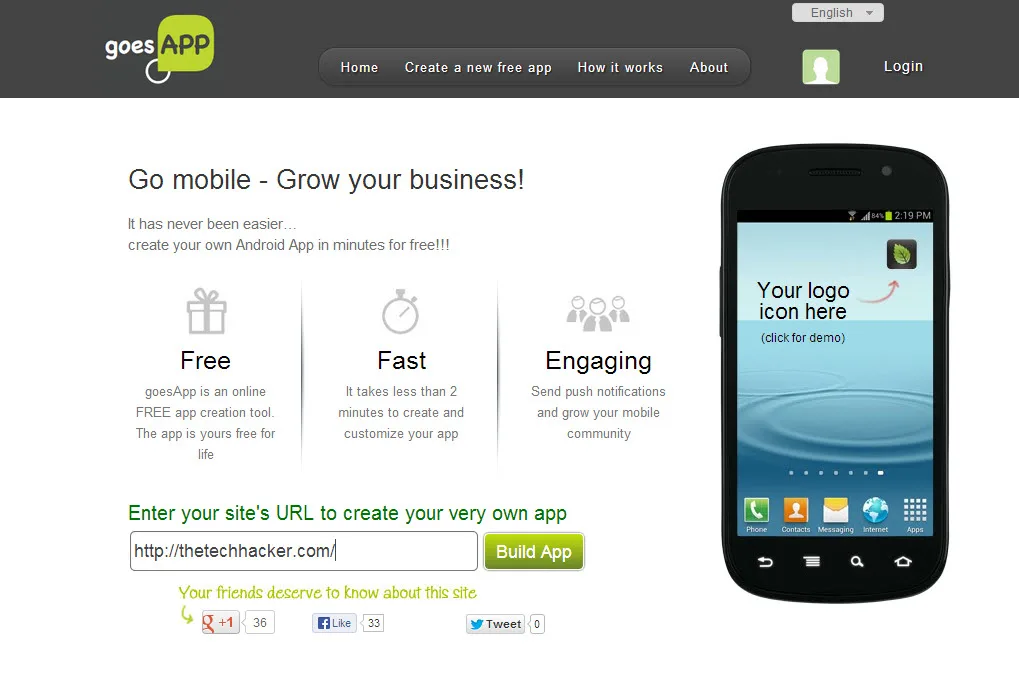
Easily Create Android App Using A Blog Or FB Pages With GoesApp
App creation is a tough task, it needs lot of programming skills and time. Without any programming knowledge any one create a Android app with goesapp, it is a web service which lets you create a Android app from website URL, blog or a Facebook page. How to create a Android app using Goesapp: To…

Real Estate Branding: A Step-by-Step Global Guide to Building Trust and Generating Online Leads Through Meta, Google AdWords, and LinkedIn
Real estate is an evergreen business model whether you’re dealing with apartments in New York, villas in Spain, or condos in Singapore. In this new age of digital-first decision-making, buyers want properties they can trust and agencies that promise transparency, reliability, and a seamless experience. How does one create a real estate brand that stands…
How to easily collect payments on Google Forms?
Google Forms, a free and user-friendly tool from Google, has become a useful service for businesses, making tasks such as data collection, surveys, and feedback acquisition a breeze. With its intuitive interface, it’s an acceptable choice for many, allowing users to create customized forms with ease. Lately, my client encountered a challenge in India while…
The week in tech, minus the noise.
New reviews, fixes and the stories that matter — once a week, straight to your inbox.
We only use your email to send the newsletter. Unsubscribe any time. See our privacy policy.
Comments